Sentence Analyzer

· 4 min read
Kanjiverse
Kanjiverse

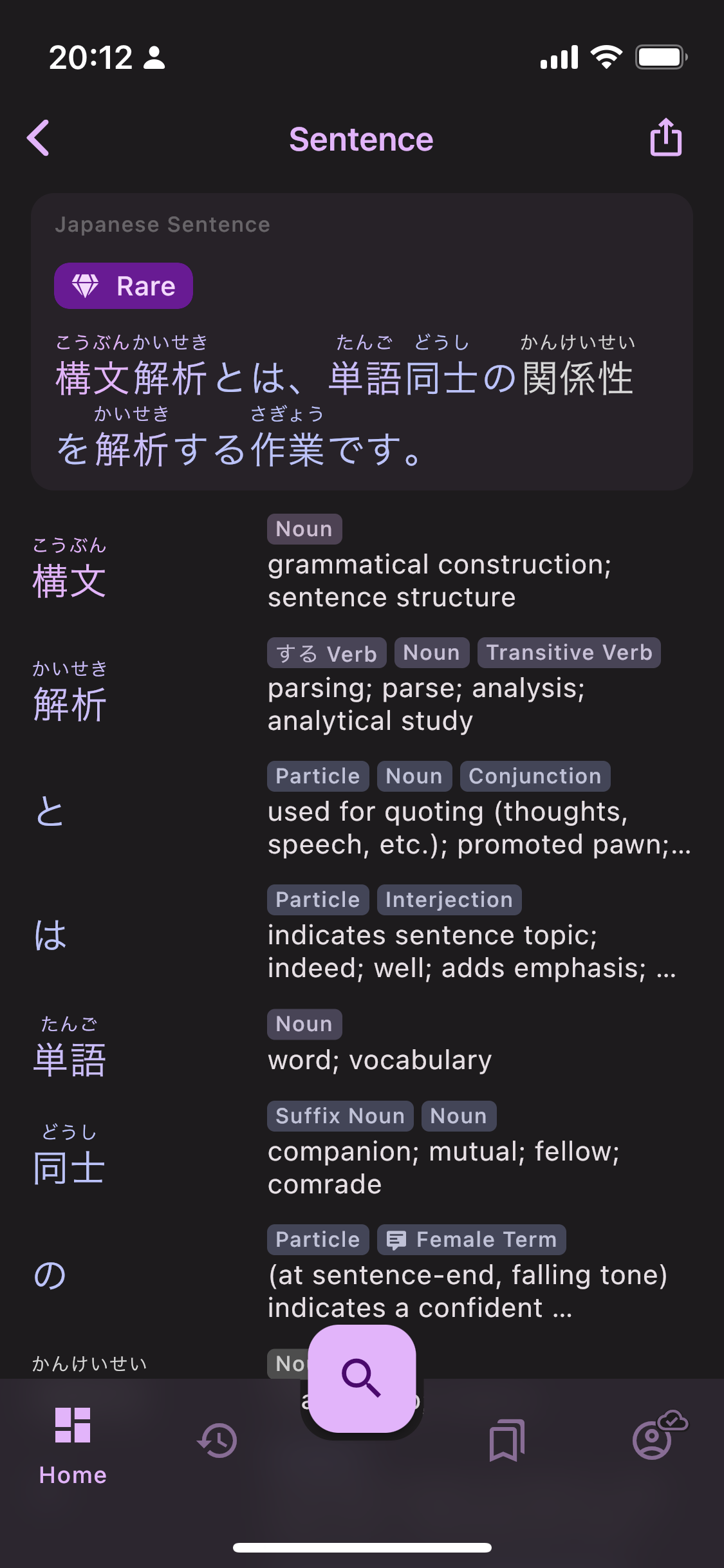
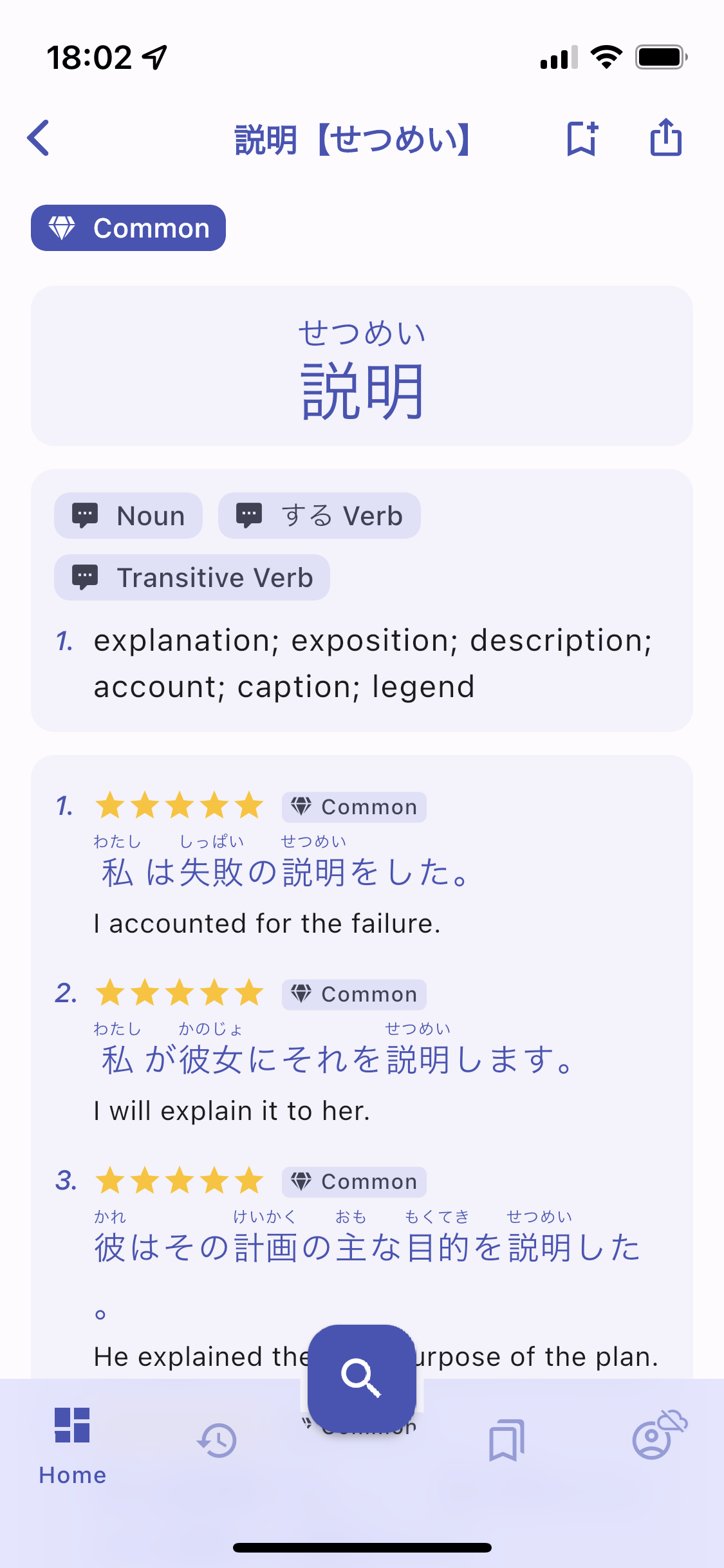
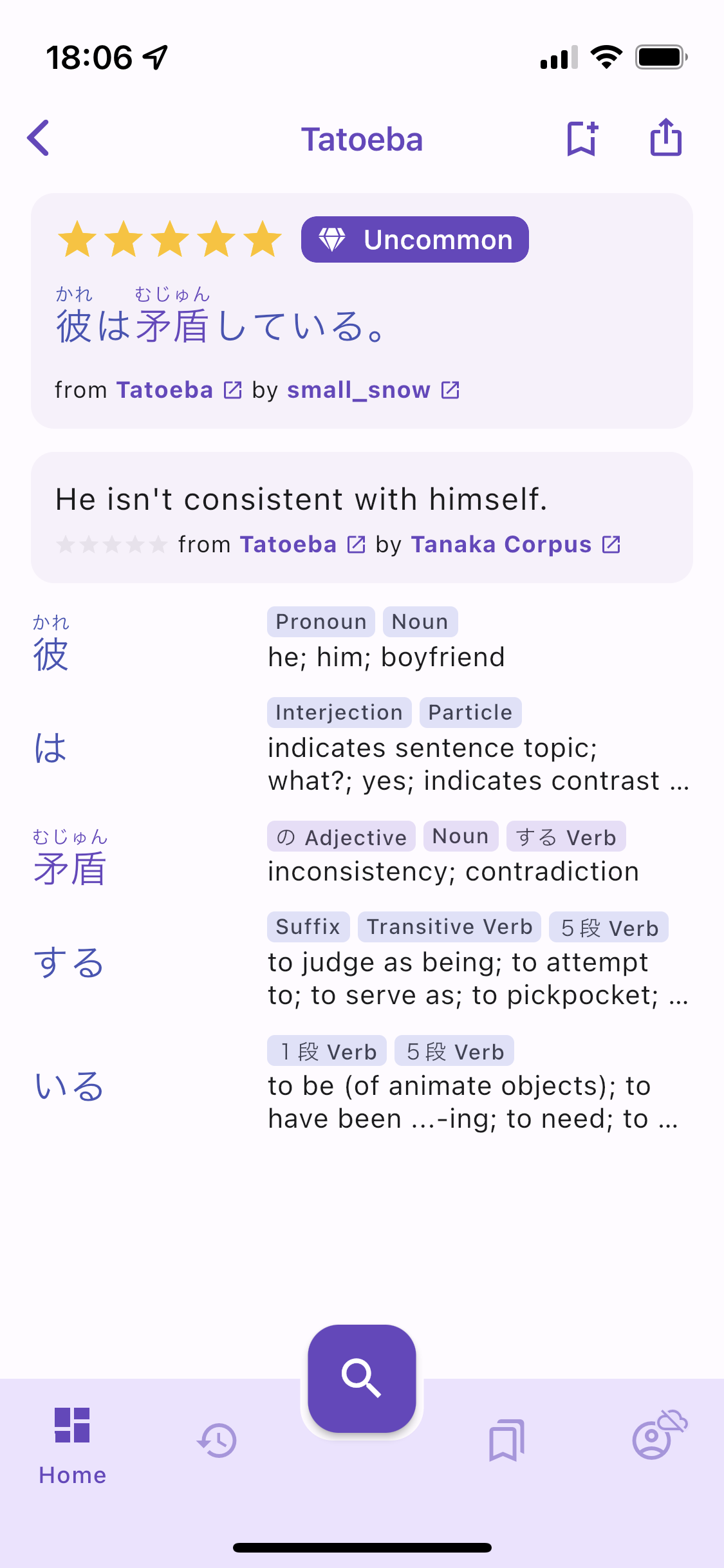
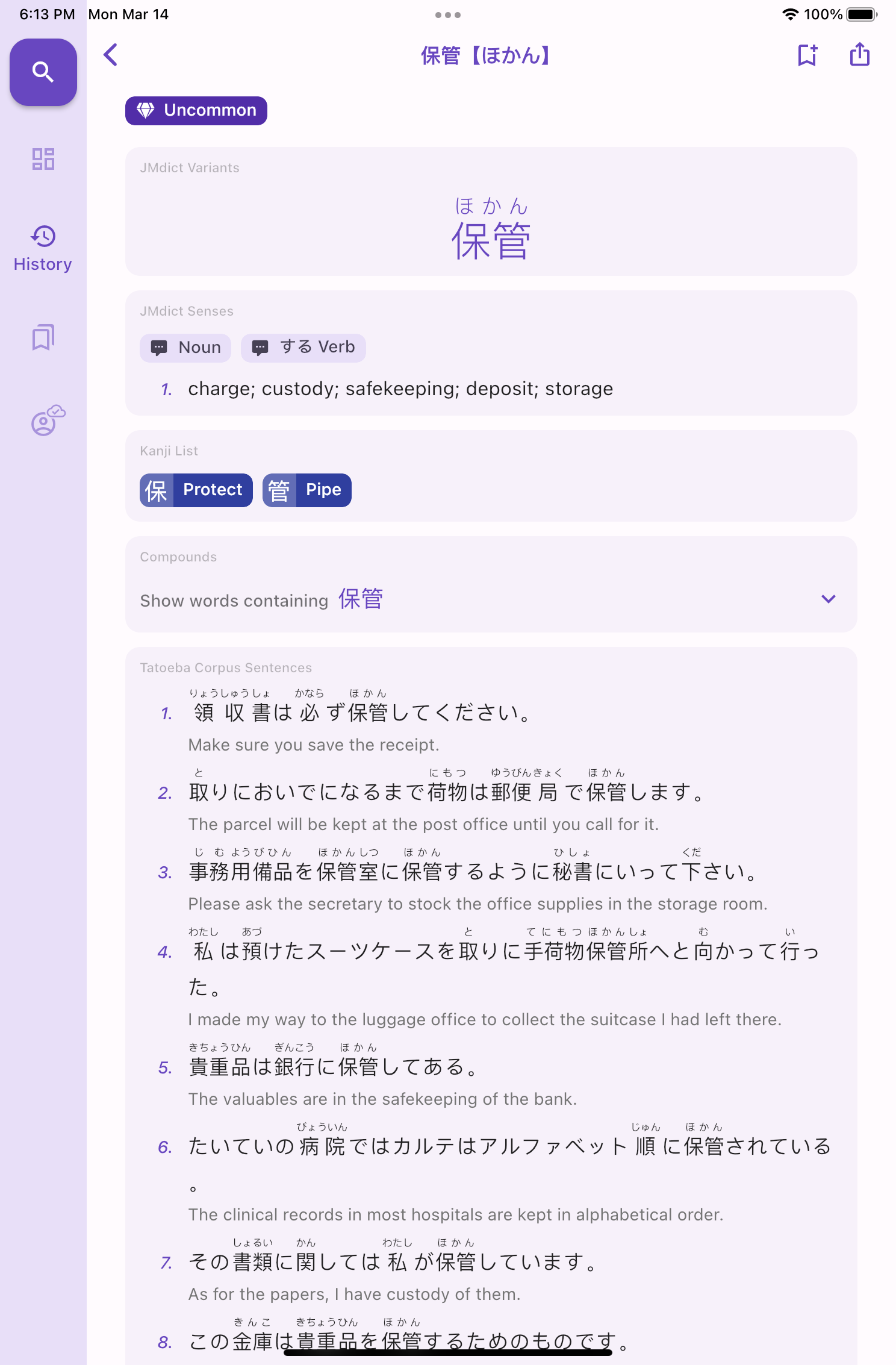
Excited to announce the release of the Sentence Analyzer to Kanjiverse! This powerful tool allows users to search for whole sentences at once, providing detailed information about the vocabulary used in the sentence. The standout feature of the Sentence Analyzer is its ability to display a list of the vocabulary used in the sentence with links to the word page in the dictionary. This makes it easy to look up the meanings of unfamiliar words and expand your Japanese vocabulary. Furthermore, all searched sentences will be saved in your history for future reference.
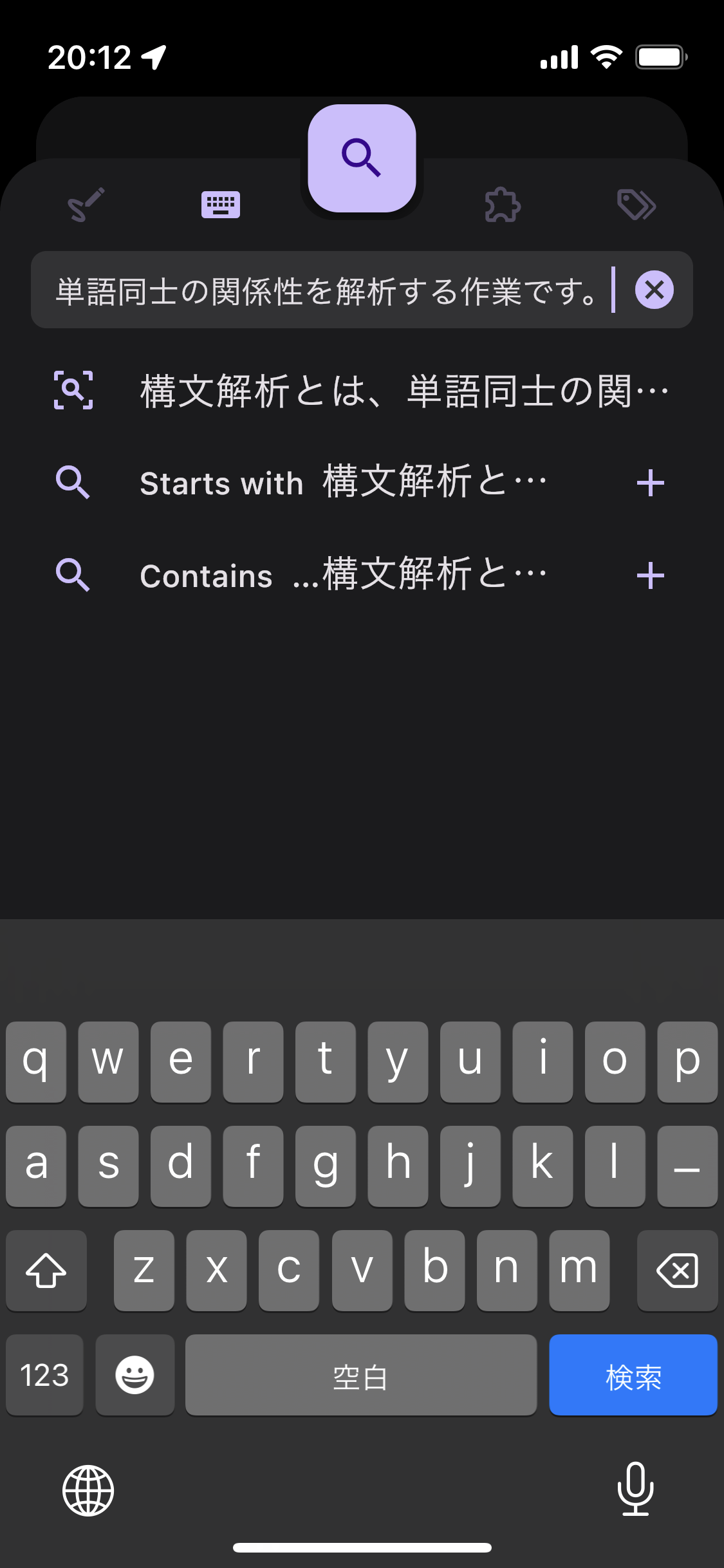
In addition, the Sentence Analyzer color-codes words based on their frequency of usage, helping users to identify the most important words in the sentence. This can be especially helpful for learners of Japanese, who may be trying to focus on the most common vocabulary.

But that's not all! The Sentence Analyzer also assigns a difficulty rating to the sentence based on its vocabulary, making it easy to gauge the level of difficulty of a given sentence.

And if you want to share a particularly interesting or challenging sentence with friends or study partners, it can be done via the share button as a dynamic or deep link. Such link can also be used in your anki deck to link back to Kanjiverse! Stay tuned for the next blog article to learn about how to harness the power of deep linking to integrate Kanjiverse with other apps.

Hope you will enjoy this first iteration of the Sentence Analyzer, more features will be added in the coming week such as automatic translation, etc.

Changelog for v0.11​

  • fixed pasting from clipboard not trimming invisible characters
  • fixed interactive selection in Search Bar
  • fixed Sentence Page word list flickering
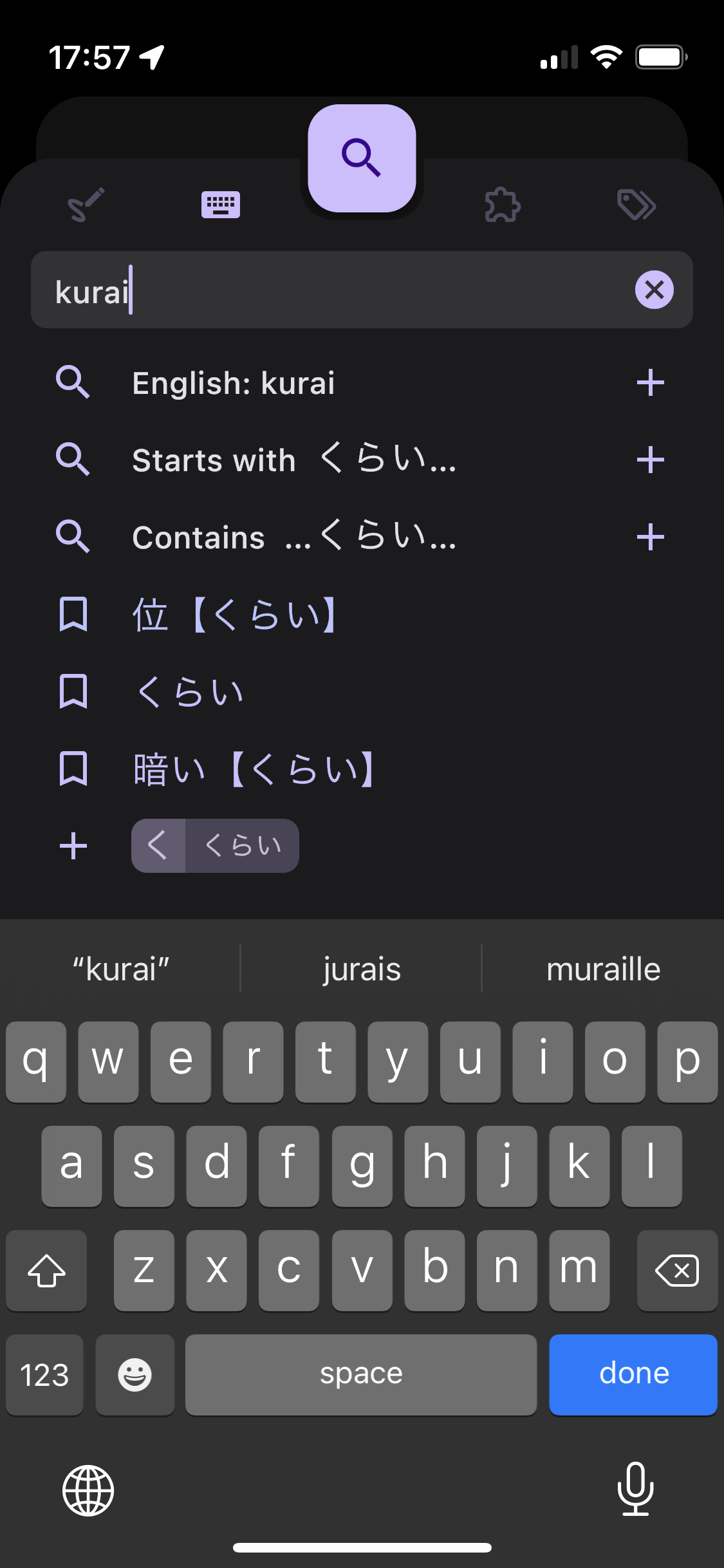
  • adds sentence analysis support in the search bar
  • adds user generated sentence page, history entry, and share link
  • analyzes user generated sentences words, deinflect verbs, assign frequency and color
  • assigns difficulty rating to user generated sentences (as a frequency tag)
  • improves deinflection algorithm in the search suggestion list
  • reroute /kotoba/<word> to /search if <word> has kanji but no reading in the format word:reading</word></word>
  • adds action "Share dynamic link" long format URL
  • adds action "Share deep link" with kanjiverse:// scheme format
  • fixed downloaded dictionary word lookup with uppercase (e.g. "Italy" was not recognized)
  • fixed undisplayed misc jmdict tags on JMDict Sense card
  • [iOS] fixed parsing of /search/?q= deep link
  • [Android] fixed bottom padding in small title app bar

Changelog since latest v0.10​

0.10.6​

  • adds deep linking "kanjiverse://" scheme
  • loosen up matching rules on /kanji and /kotoba routes to allow both url encoded (with %) and non encoded string
  • [Android] adds Android 12 splash screen

0.10.5​

  • [Android] fixed app freeze after updating the app when Tatoeba dictionary was downloaded

0.10.4​

  • Kanji Dictionary and Book References (like RTK or wani-kani index) can be selected individually
    from Settings > Kanji Tags (scroll down)
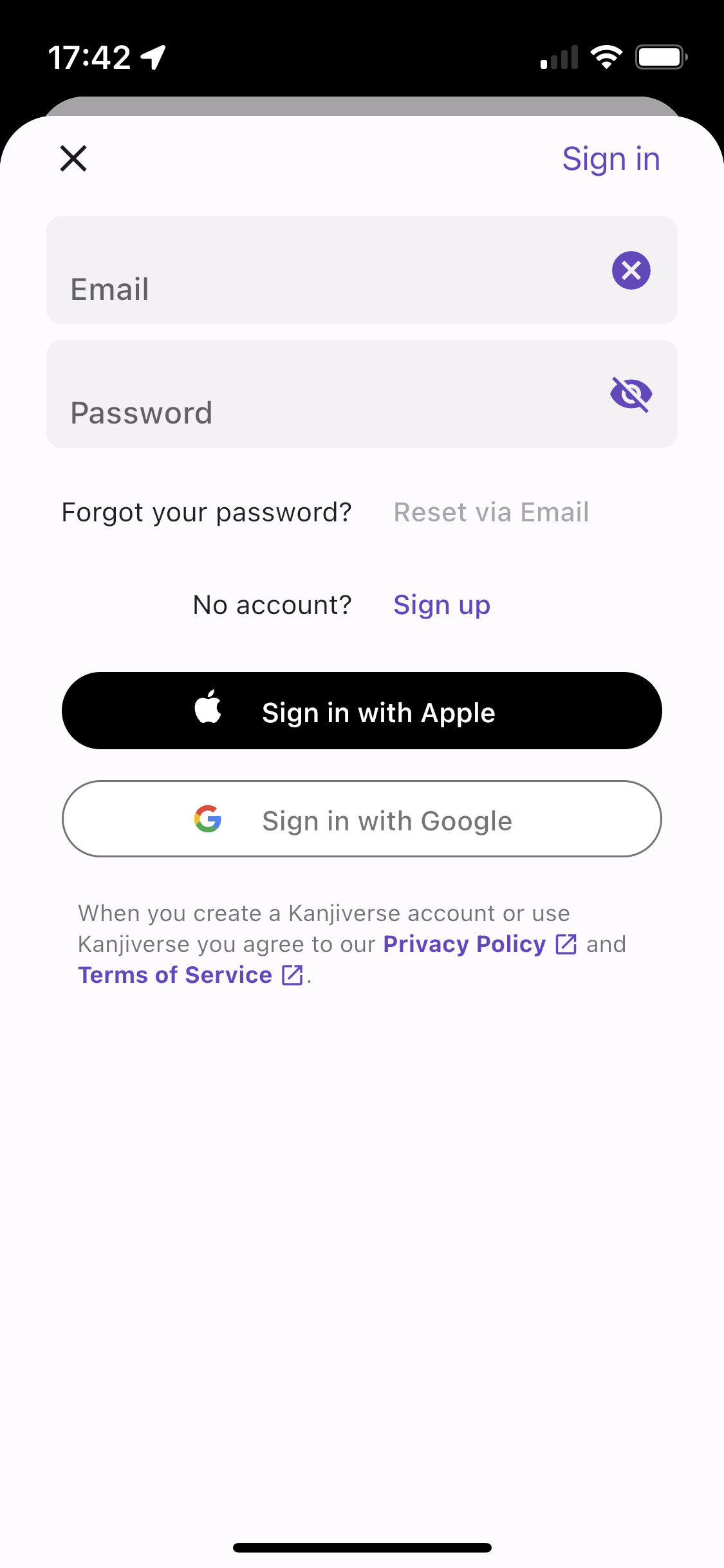
  • Email field clear button also clears the Password field(s)
  • [Web iOS] fixed keyboard Next button focus behavior

0.10.3​

  • Sign In Form can autofill email/password on mobile app and Chrome web app, see below for details
  • Sign Up Form can generate strong passwords on iOS, see below for details
  • Text Selection does not include button texts and icon labels
  • Search Sheet keyboard's action button directly triggers the search (same behavior as the big
    Search button) instead of submitting a tag
  • [iOS] autofills email/password from keychain or third party password managers
  • [iOS] asks to save/update password when signing in
  • [iOS] generates strong password when signing up
  • [iOS] fixed keyboard Next button focus behavior in Sign In Form
  • [iOS] tapping the status bar will scroll the current view to the top as expected on a native iOS
    app
  • [Android] autofills email/password already saved in your google account
  • [Web iOS] Passwords button above keyboard allows to fill in password from keychain or third party
    password managers (only works with Chrome, not Safari)
  • [Web Android] key icon above keyboard shows options to paste email and password saved in your
    google account
  • [Web Desktop] fixed mouse cursor shape on clickable buttons
  • [Web Mobile] fixed Open in App banner colors and shapes

0.10.2​

  • [Mobile] optimized Tatoeba donwloadable dictionary and index
  • [Mobile] fixed Export as CSV/JSON wrong Japanese characters encoding to UTF-8
  • [Web] fixed Export as CSV/JSON not downloading the file (works on Chrome, Edge, Safari, but not on
    Firebox, Brave)
Full-fledged Offline Dictionary

· 4 min read
Kanjiverse
Kanjiverse

Sayonara loading time, latency, and "server is unreachable" errors, all dictionaries can now be searched offline! Go to Account > Downloads & Caches, press* Download All* and enjoy a frictionless experience :)

See it in action here... oh, and yes, this is my first youtube upload! subscribe to the channel, video tutorials are coming soon... Search all dictionaries without an internet connection. It is recommended to download all dictionaries with wifi (it's about 100Mb zipped). Note that once installed, it will take more than 500Mb on your device.

Other noteworthy features in this version​

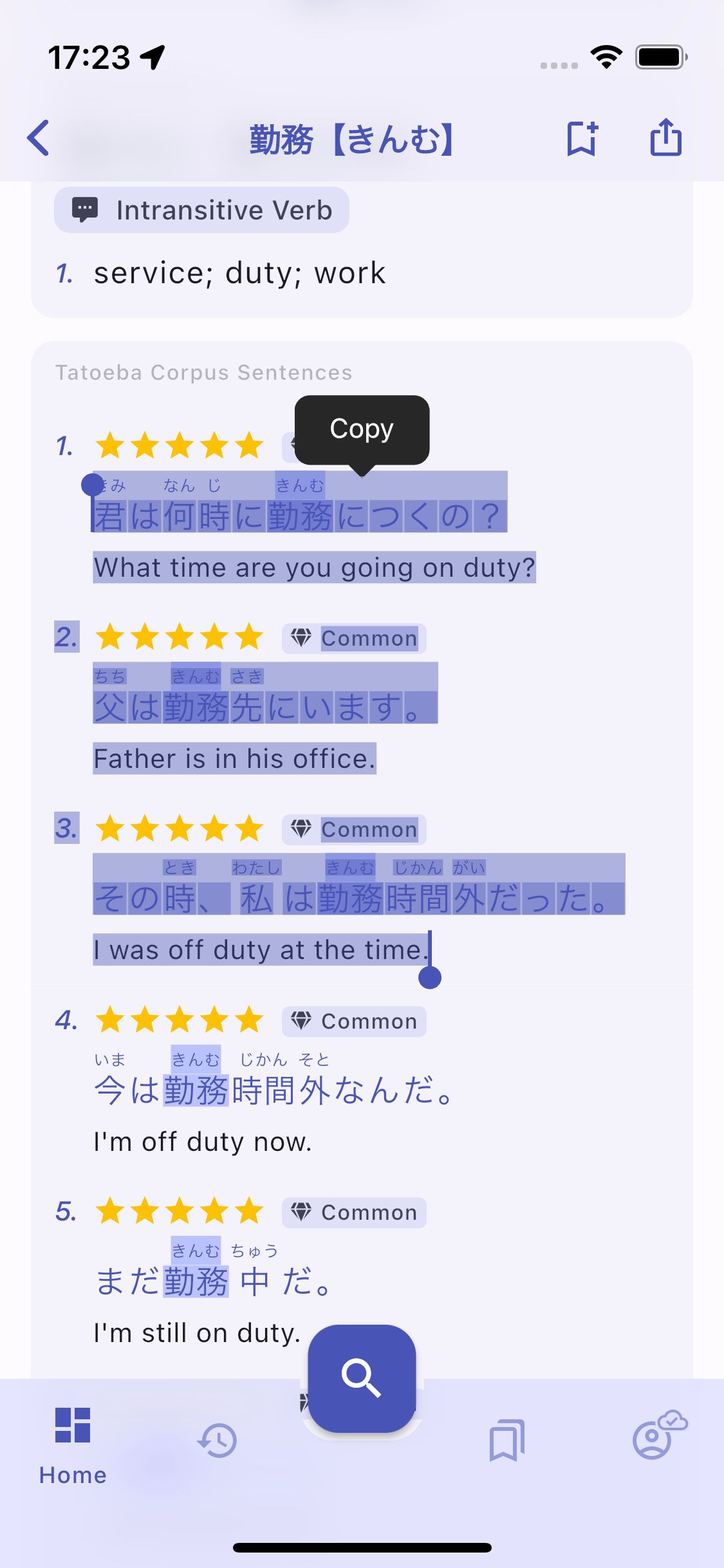
  • Text selection finally behave as expected! Long press to select any English or Japanese text, even across different cards. Note that furigana will be ignored. Text selection with native behavior.
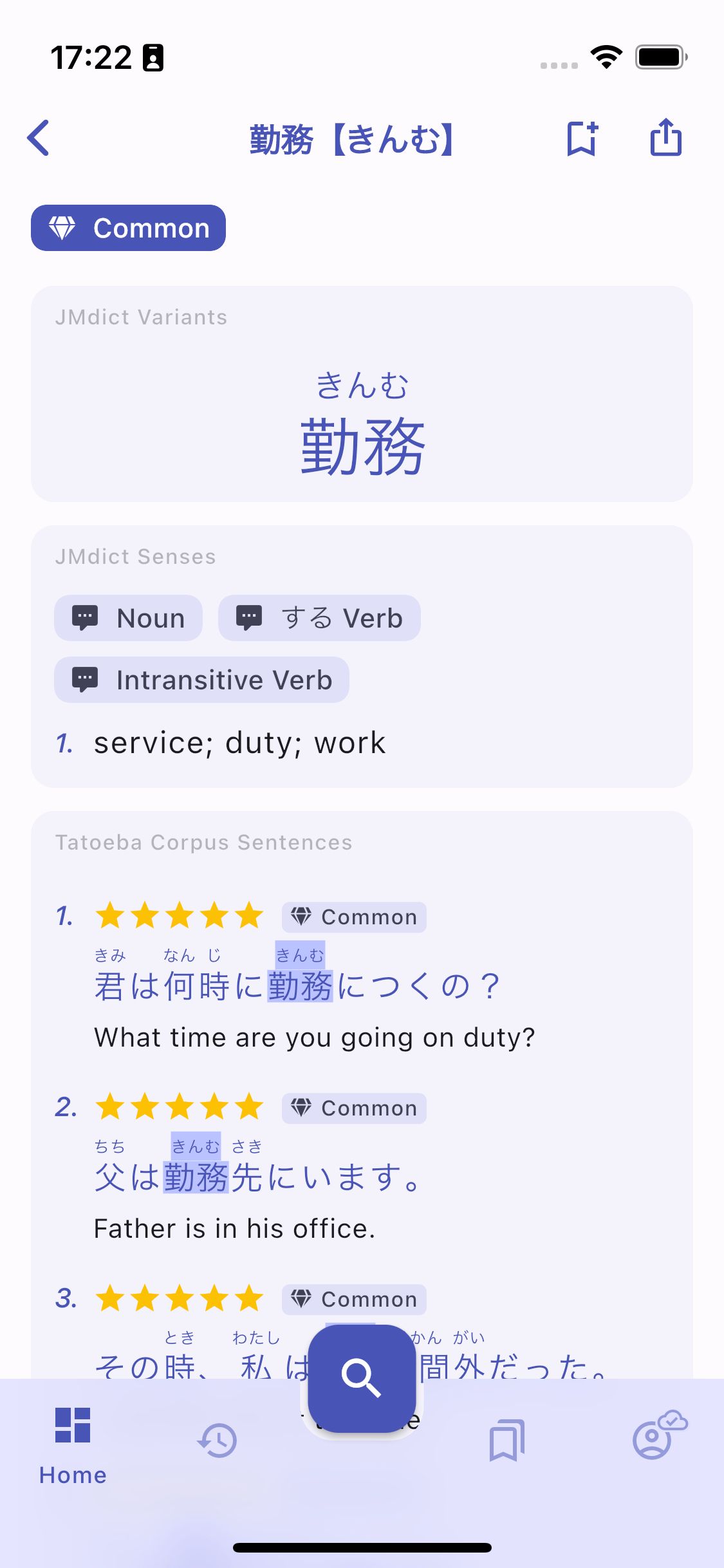
  • The current page's Japanese word is highlighted in all sample sentences. This has been a requested by a community member, do not hesitate to comment on the social media posts or join us on Discord to share your feedback. Searched word is highlighted in sentences.
What features work offline?​

If a dictionary is downloaded, all that can be done online will also work offline, that includes:

  • Loading any of its page, from links, your History, and Lists.
  • Loading the content of Kanji Readings and Compounds cards.
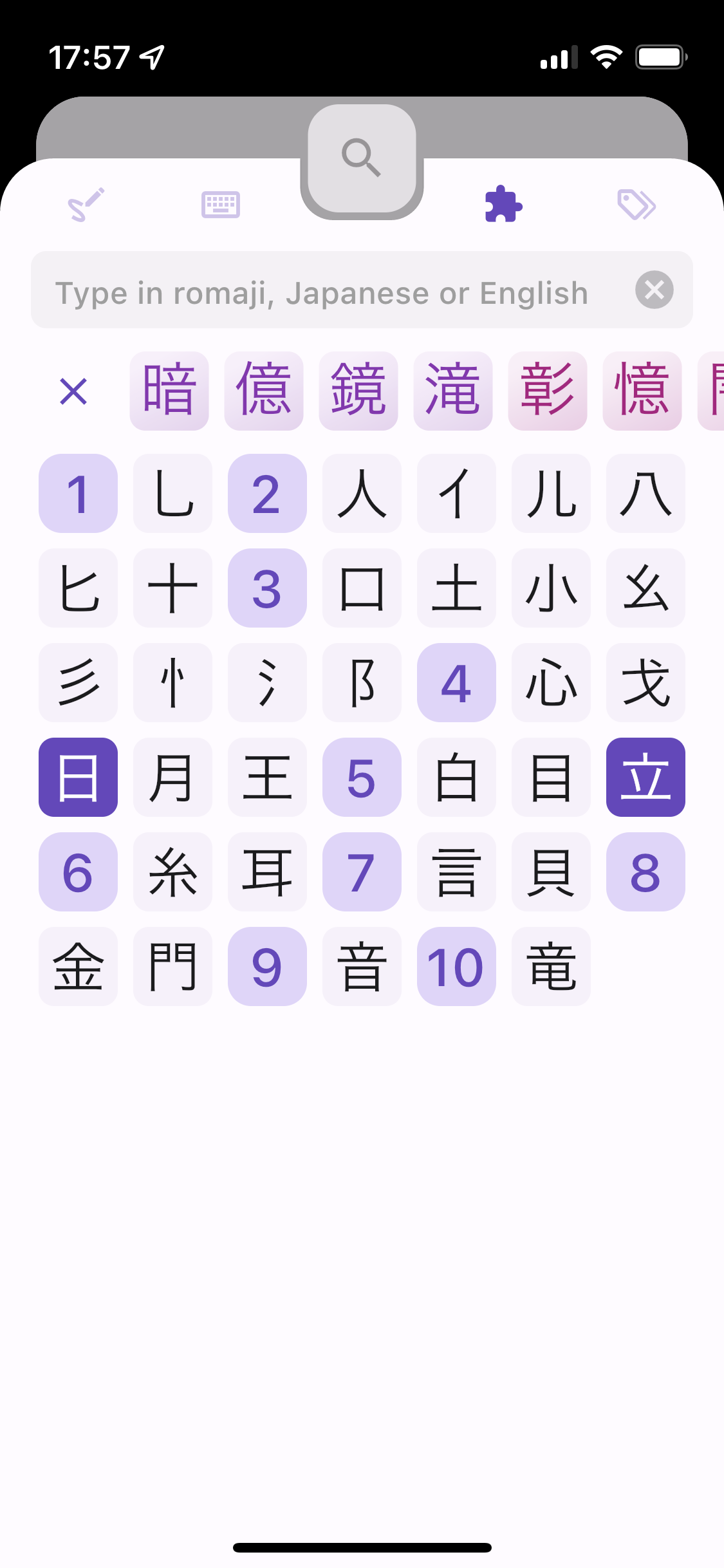
  • Searching in English, Japanese, romaji, kana, by kanji components, or any combination of tags like JLPT level, etc.
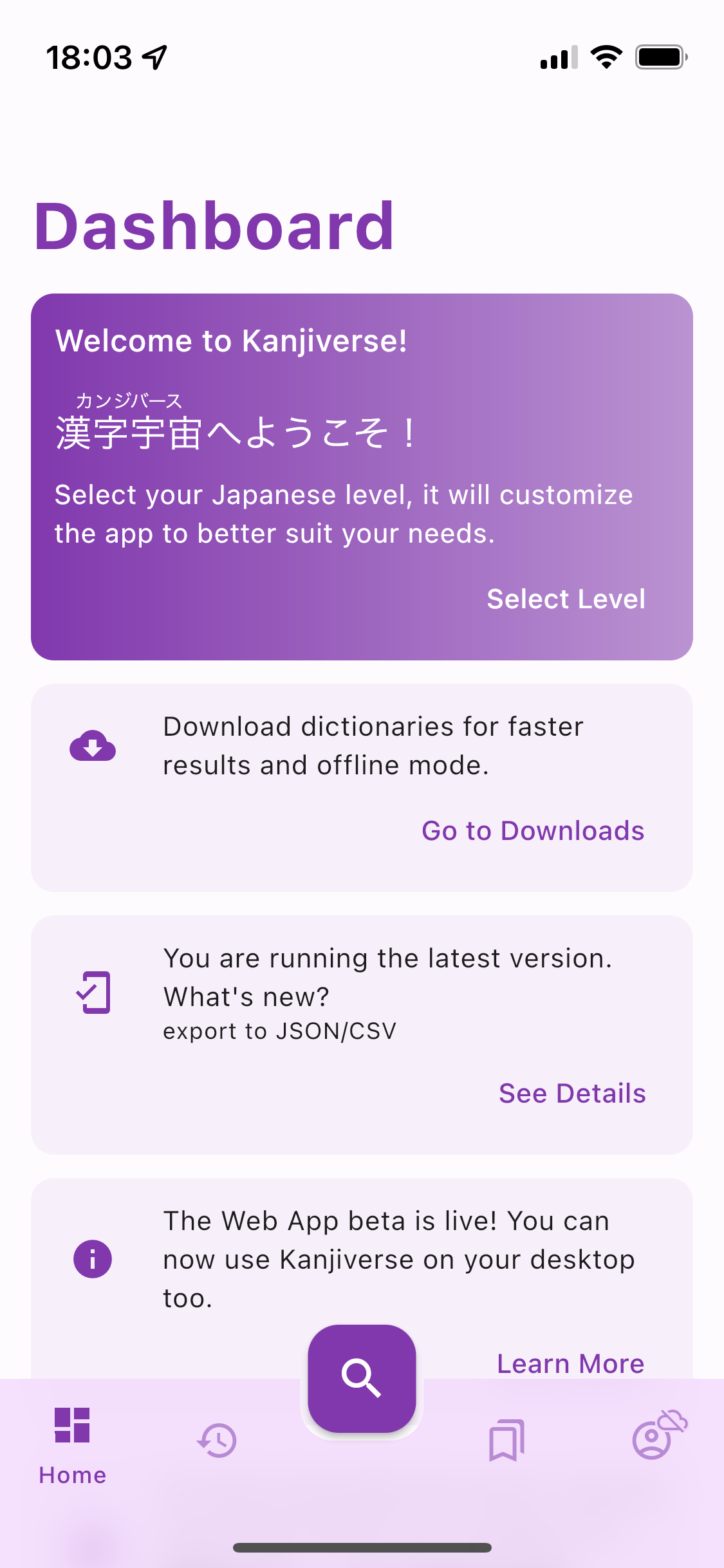
  • Refreshing the random word and sentence on the Dashboard.
  • Bookmarking the page in one of your Lists.
  • Loading and editing your Lists.
  • Loading shared Lists from your History.

What still needs internet access​

  • Creating a new List needs internet access once (if there is no internet, the + button will be greyed out). Already created Lists can be edited and items bookmarked even while offline, the changes will be sync with the cloud when internet is available.
  • My Lists feature is only unlocked after signing in, therefore internet access is required during the first sign in but won't be necessary after.
  • Searching content shared by other users (currently only Lists can be shared). Content viewed once is saved in the cache and can still be displayed offline.
  • Synchronizing History, Lists, and settings with the cloud.
  • Downloading the dictionaries.

Changelog for v0.10.0​

  • all dictionary are downloadable including Tatoeba sentences
  • Search bar is fully functional offline (including tag queries) if the corresponding dictionary has been downloaded
  • Kanji Readings, Word Compounds, Random Word and Sentence work offline if the corresponding dictionary has been downloaded
  • any text can be selected, even across different cards, furigana are not included in the selection
  • long press to copy is replaced by standard text selection
  • optimized loading time, do not show loading shimmer if data is in cache
  • Downloads Page show the size of the files to download (zipped) and the size on the device (unzipped) when installed
  • current page's Japanese word is highlighted in all sample sentences
  • online search by English word will also search for similar word (e.g. skillful also search for skillfuly)
  • fix server error message displayed at every page change when offline
  • fix access to deleted Lists
  • fix deleted lists still shown in Bookmark Sheet
  • fix ruby text height spacing
  • fix page scrolling being stalled while sentences are loading
  • fix numbers formats
  • fix ? and * wildcard in search queries
  • fix Search by Radical missing kanji
  • fix Search by Frequency missing some results
  • [Android] fix splash ripple color
  • [Android] system navigation bar color change according to theme and phone orientation
  • [IOS] fix ios navigation bar text size when OS font size is different than default

Dark Mode Is Here

· 2 min read
Kanjiverse
Kanjiverse

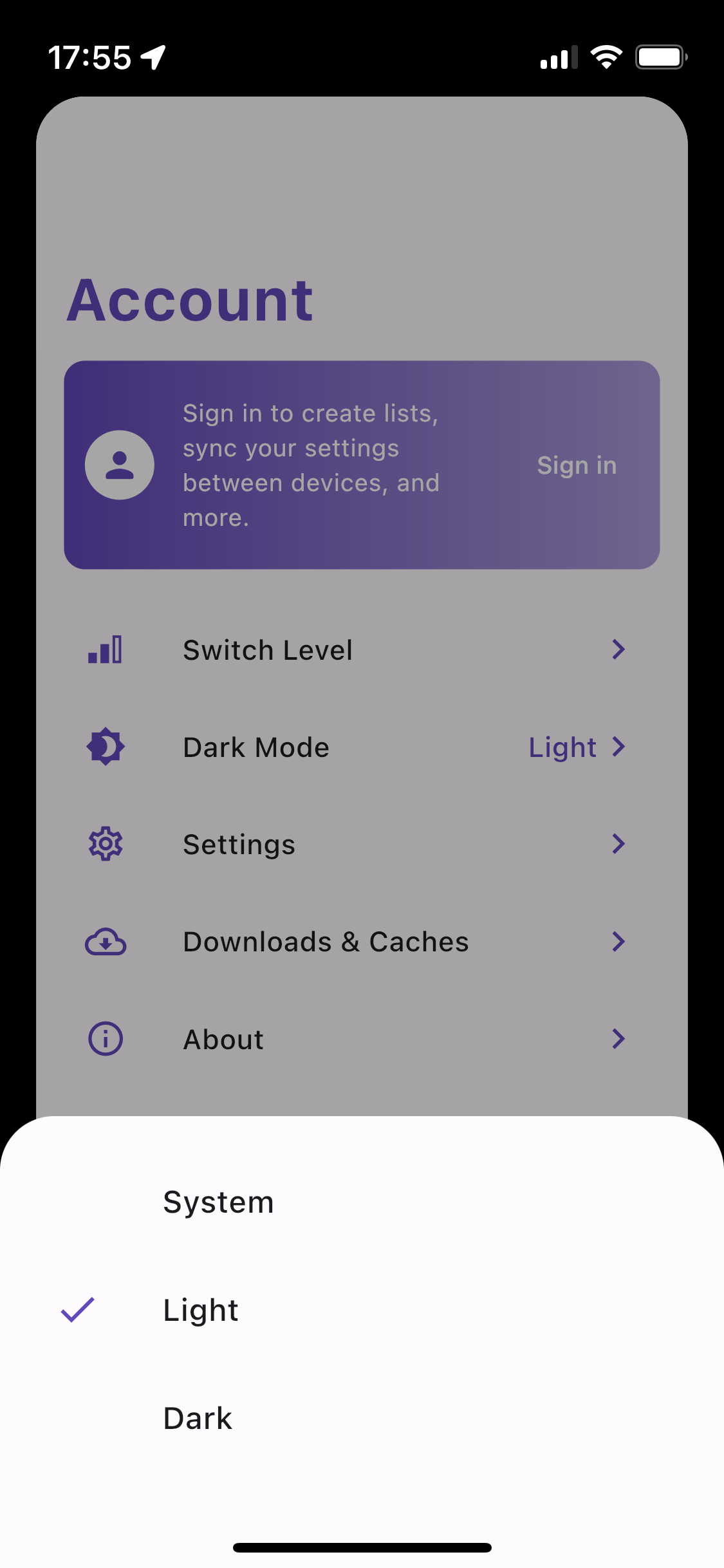
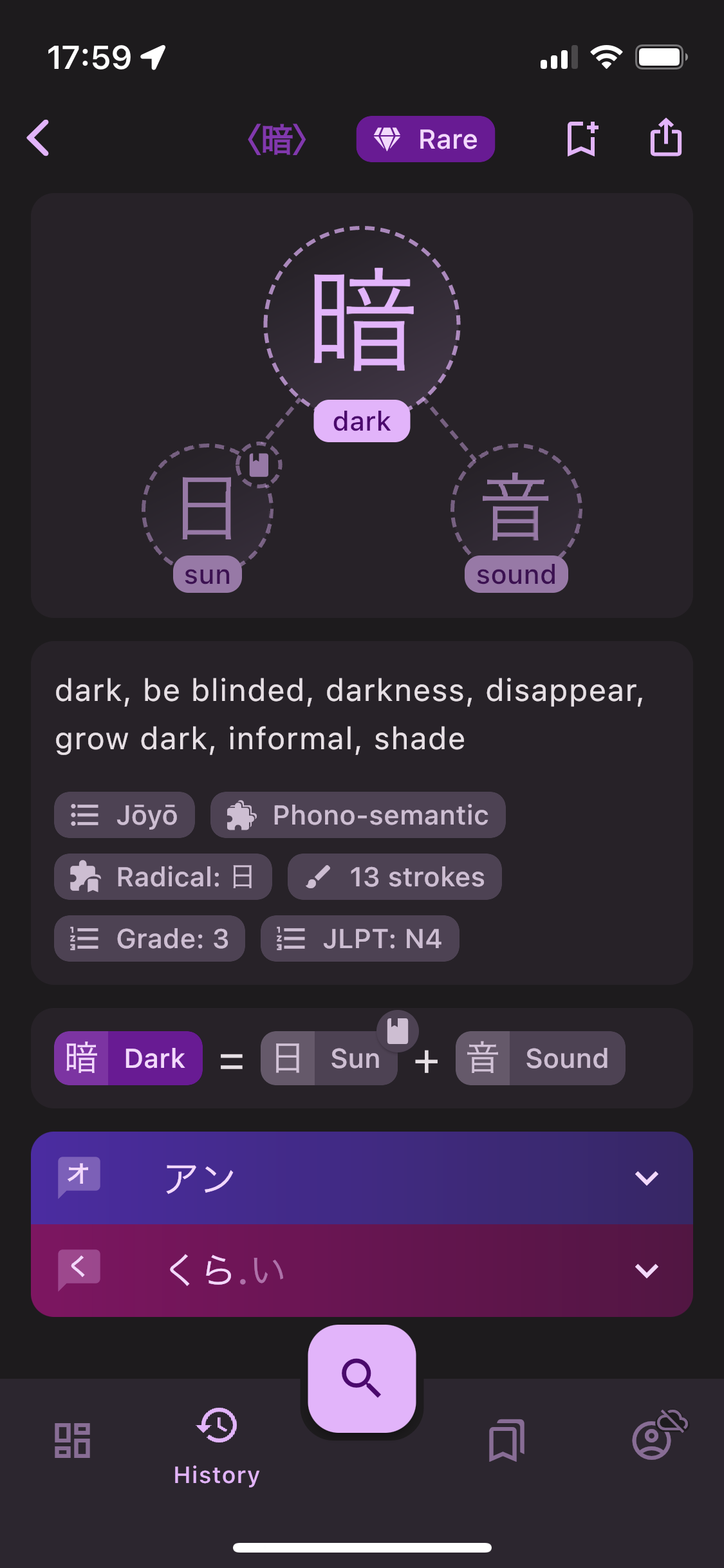
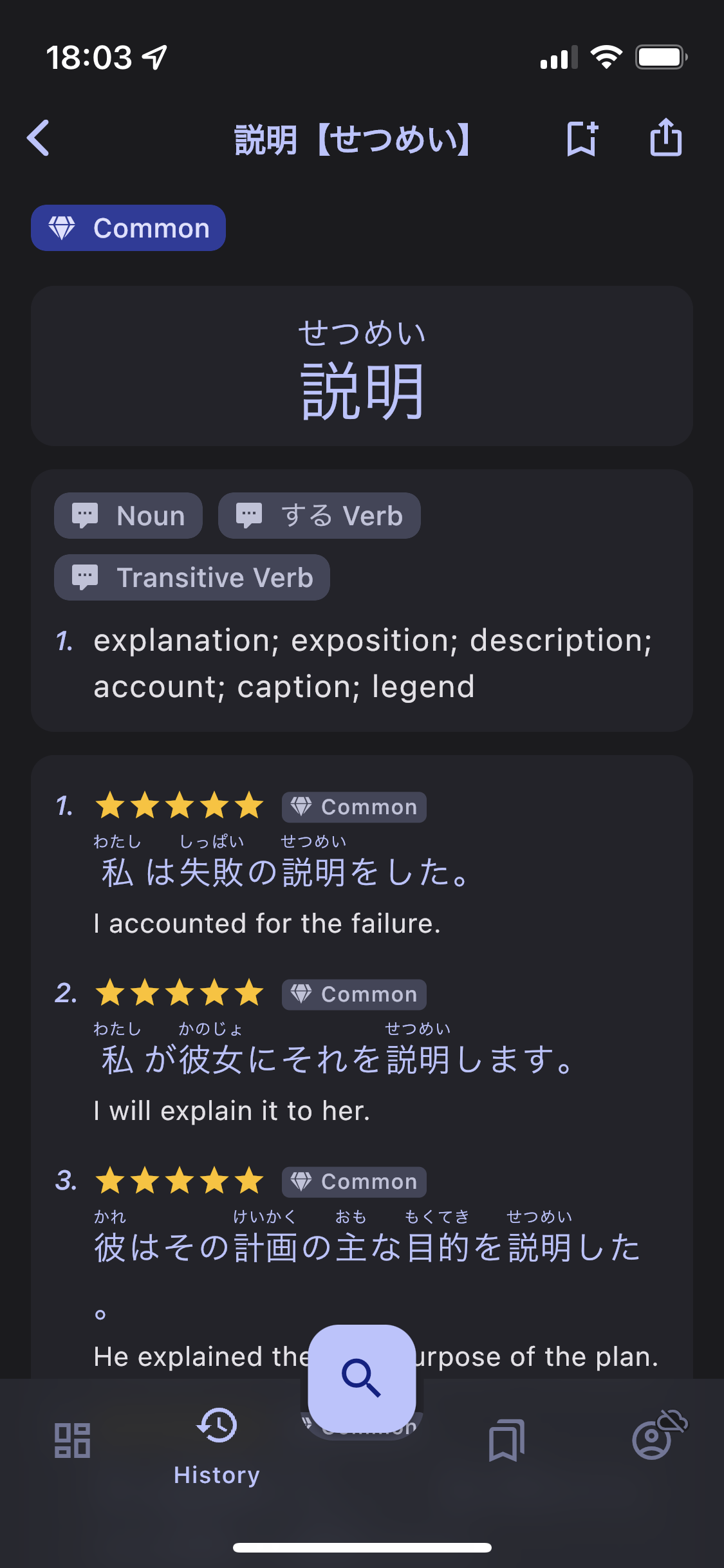
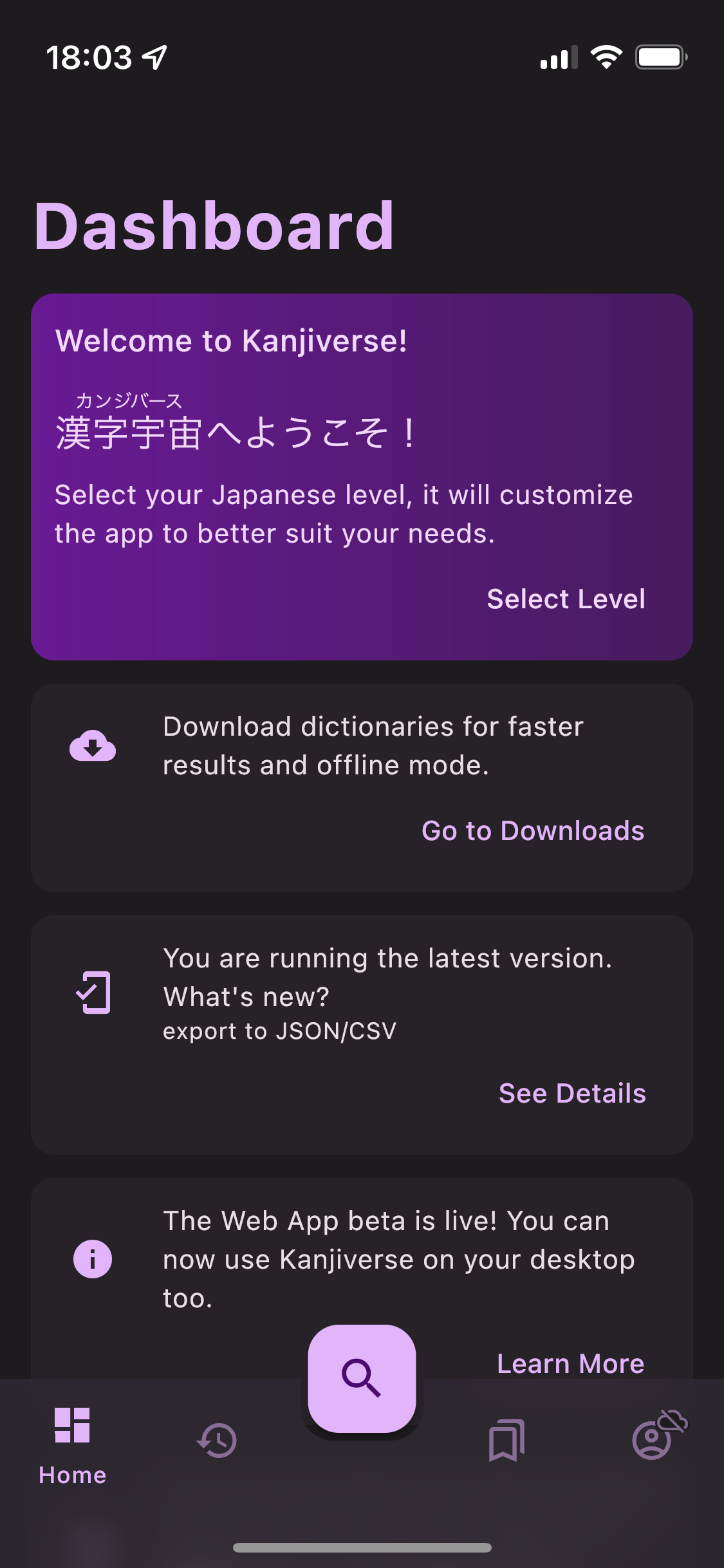
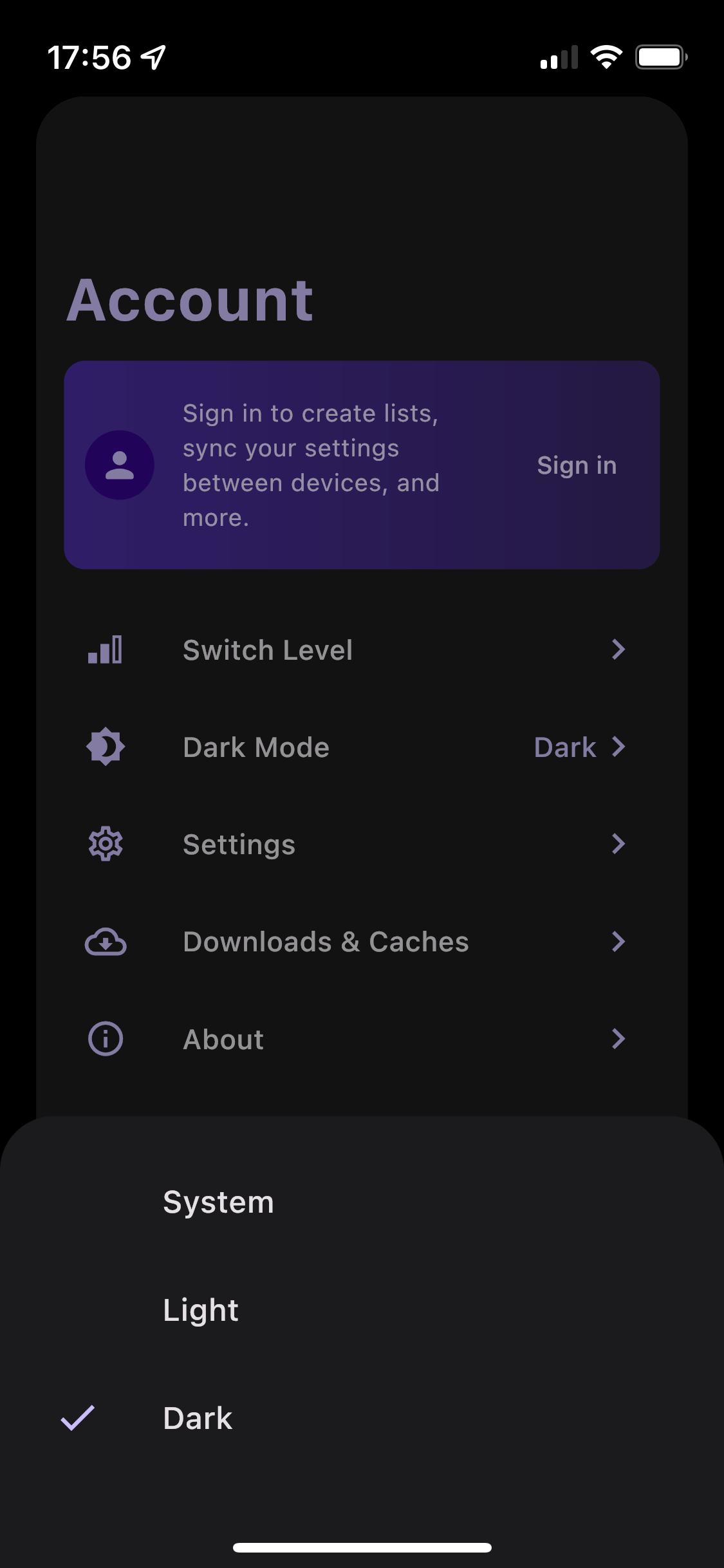
Dark Mode is coming to Kanjiverse in v0.9.3. By default it will follow your OS settings but you can force it to Light or Dark in Account > Dark Mode. Comparing Light and Dark theme for Kanji, Word and Tatoeba screens.Dashboard and Search Sheet screen comparaison of Dark and Light theme.Dark Mode Settings.
Changelog 0.9.3​

  • added Dark Mode support and themes
  • fixed color for chips, app bar, unclassified scheme, etc. in light mode
  • [IOS] added glass background to app bar when scrolling under

Basic Export Features

· 2 min read
Kanjiverse
Kanjiverse

You can now export your lists of kanji, words, and sentences as CSV files to feed your favorite flashcard app! Anki deck export and sync is on the roadmap, stay tuned for coming updates.

Changelog 0.9.1 - 0.9.2​

  • [WEB] fixed large dialogs' shape and color
  • [WEB] fixed missing icons
  • [WEB] fixed X button overlay location on mouse hover
  • [WEB] constrained bottom sheet width
  • [WEB] enlarged font size of extended navigation rail (left menu)
  • [WEB] replaced bottom sheet selection setting with dropdown menu
  • fixed skeleton loading animation color on cards
  • fixed overline tag chips' frequency color
  • fixed Tatoeba sentence index jumping during transition animation
  • fixed Tatoeba sentence index alignment when sentences has no overline tags
  • fixed Tatoeba skeleton animation discrepencies
  • added overline tag chip for user level and license when Tatoeba attribution is shown as text
  • hide Tatoeba sentence's license and user level by default

Changelog 0.9.0​

  • replaced Share button by Export button that opens a menu to share link or export content as JSON/CSV
  • added "Export as JSON" on kanji, word, sentence, and list pages
  • added "Export Kanji/Vocabulary as CSV"
  • [Android] fixed Share Link on devices without Google Services
  • [Android] replaced app bar with a MD3 style that shows a large title and shrink when scrolling but not disappear
  • [IOS] fixed notifications not being fetched by FirebaseRemoteConfig
  • fixed UI icon padding, button outline, icon button press feedback, textfield cursor color, etc.
  • fixed List Page's app bar transition animation
  • fixed card color during transition animation
  • upgraded flutter to beta 3.3.0

Changelog 0.8.2 - 0.8.10​

  • [Android] fixed crash on 32-bits chipsets (armeabi-v7a)
  • [Android] removed feedback-on-shake gesture, replaced with feedback button
  • [Android] removed support for x86 devices and android sdk older than version 21
  • fixed quick search not searching for katakana words when word index is downloaded
  • fixed Default font not being selectable

Can you trust Tatoeba sentences?

· 7 min read
Kanjiverse
Kanjiverse

If you are using any of the free dictionary apps or websites out there, chances are, the sample sentences all come from the same source: Tatoeba Project. Unfortunately they usually forget to show an important disclaimer about how those sentences were compiled.

Here is the catch, anyone can freely contribute to Tatoeba, therefore the quality of the sentences and translations can vary widely according to their author's fluency and the source of those sentences.

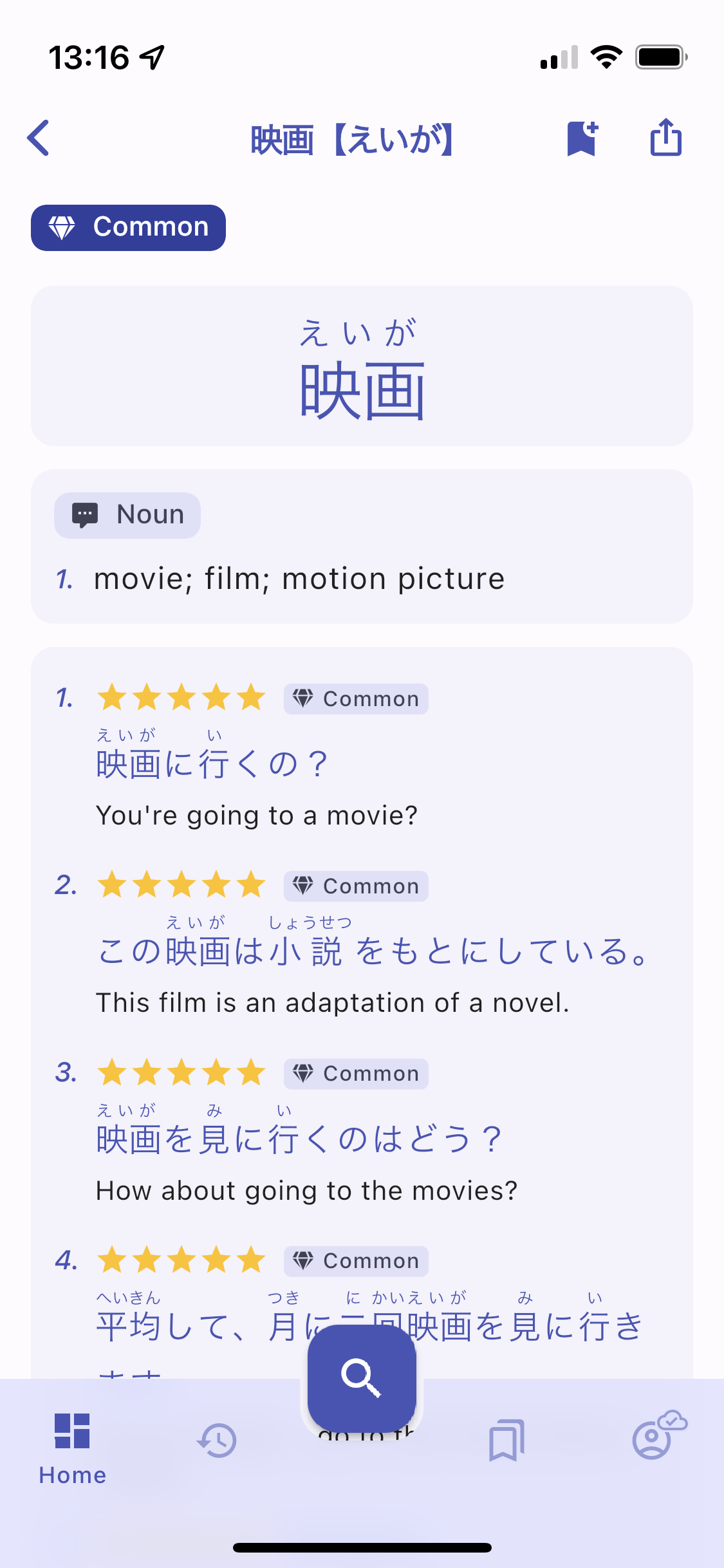
To remedy this issue, Kanjiverse is introducing a new 5-star rating system to help you find out how trustworthy a sentence is! Check it out now in the app or read on to learn more about what to be aware of when learning Japanese with Tatoeba sentences.

Who is using Tatoeba sentences?​

I am not going to single out any one app, I have tried a dozen of the most popular and they are all using Tatoeba as their source. If you are not paying $20~40 for a brand dictionary, it is almost certain that it is using the trifecta: KANJIDIC for the kanji, JMdict for the definitions, and Tatoeba for the sentences. Kanjiverse is no exception... for now ;)

How are Tatoeba sentences compiled?​

Tatoeba is a collection of sentences and translations contributed by volunteers under free to reuse licenses (CC BY 2.0 FR or CC0 1.0). The corpus was built and is constantly updated as follow:

  • Anyone is free to submit new sentences or provide translations to existing sentences.
  • Each contributor has a profile page where they can list the languages they know and how fluent they are on a scale from 0 to 5.
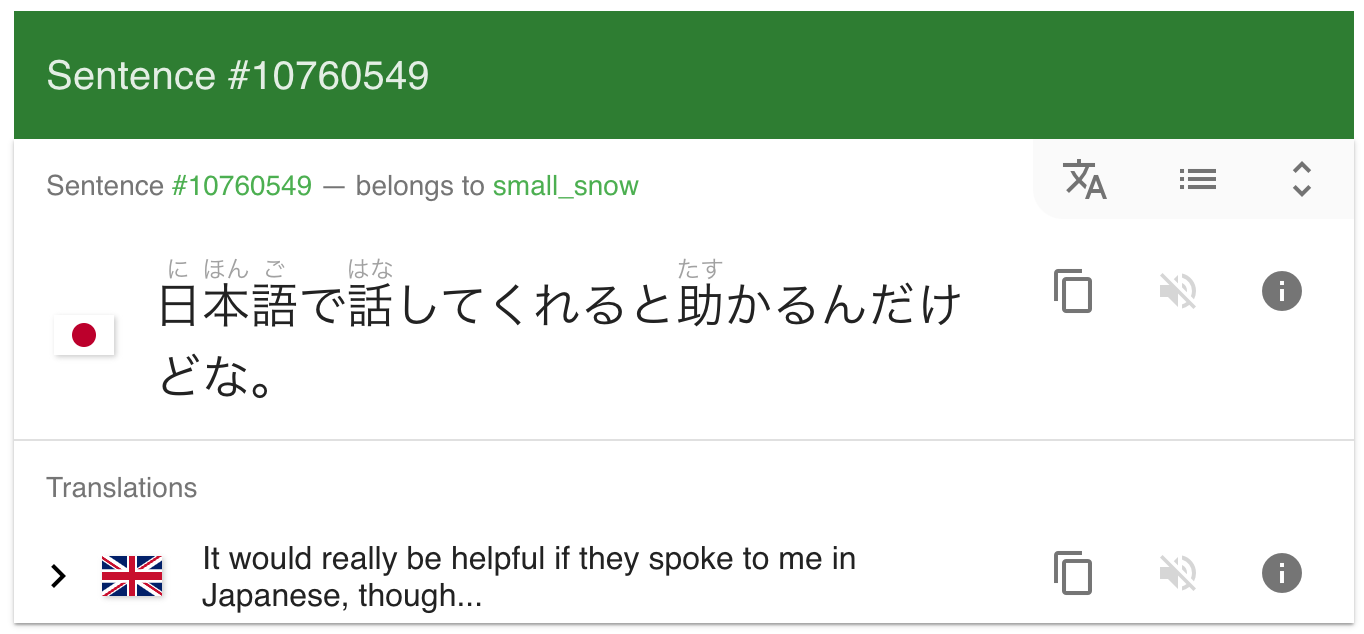
  • Members can review, tag, and comment on any sentence. Source: https://tatoeba.org/en/sentences/show/10760549

What are the caveats of the Tatoeba corpus?​

While Tatoeba can be a great source of free learning material, there are many pitfalls one should be aware of:

  • Anyone can submit a sentence even if they are not a native speaker of that language, they might have made up the sentence themselves or copied it from an unreliable source without knowing if the sentence sounds natural to a true native.
  • Anyone can translate a sentence even if their skills are limited in either or both the source and target languages.
  • Translations can be indirect – they are translations of other translations – increasing the odds of drifting further away from its original sense.
  • Contributors self-assess their language skills and might overestimate their abilities or not even specify their level.
  • Most of the Japanese sentences came from the Tanaka Corpus and owing to the way it was compiled – by students translating textbook sentences – it contains a large number of unnatural sentences and unreliable translations, see this article for more details about the issue.

Can we assess the trustworthiness of a sentence?​

Although most apps do not include any of those informations, the Tatoeba website does provide us with some ways to alleviate the shortcomings listed above:

  • Sentences have a link to their author's profile where we can see if they are native (5 stars) or fluent (4 stars) in that language.
  • Indirect translations are marked as such.
  • Anonymously published sentences can be adopted by a contributor who can proofread them and confirm if they are natural-sounding.
  • Sentences can be marked with an "OK" tag to indicate that they have been reviewed.

What is the current state of the corpus?​

Here are some statistics I have collected from a recent snapshot (August 6, 2022):

  • Number of Japanese sentences: 227,532
  • Tanaka Corpus sentences: 148,983 (65% of all sentences!)
  • Sentences with non anonymous author: 122,152
  • Sentences with self-assessed user level: 114,456
  • Sentences whose author is fluent or native: 108,816
  • Sentences whose author is native: 105,396
  • Sentences marked as OK: 1,666
  • All English translations: 250,252
  • Direct English translations: 163,902
  • Translations with non anonymous author: 62,166
  • Translator is fluent in English: 52,176
  • Translator is at least intermediate in English and Japanese: 10,246
  • Translator is at least advanced in English and Japanese: 8,349
  • Translator is fluent in English and Japanese: 4,177 🤯Out of 250,252 pairs of Japanese/English sentences, **only 3,705 (1.6%) **have both author and translator fluent in Japanese and English.

How is Kanjiverse's trustworthiness score calculated?​

Each sentence and translation in Kanjiverse is attributed a 5-star rating based on the following criteria:

  • The self-reported fluency of the author.
  • The self-reported fluency of the translator in both the source and target languages.
  • The **difficulty of the sentence – **inferred from the rarity of its vocabulary – so that translating an easy sentence would not require the translator to be fluent.
  • Other factors such as whether the sentence was reviewed or not, is original or a translation of another sentence, the translation is direct or indirect, etc.

Want to see it in action?​

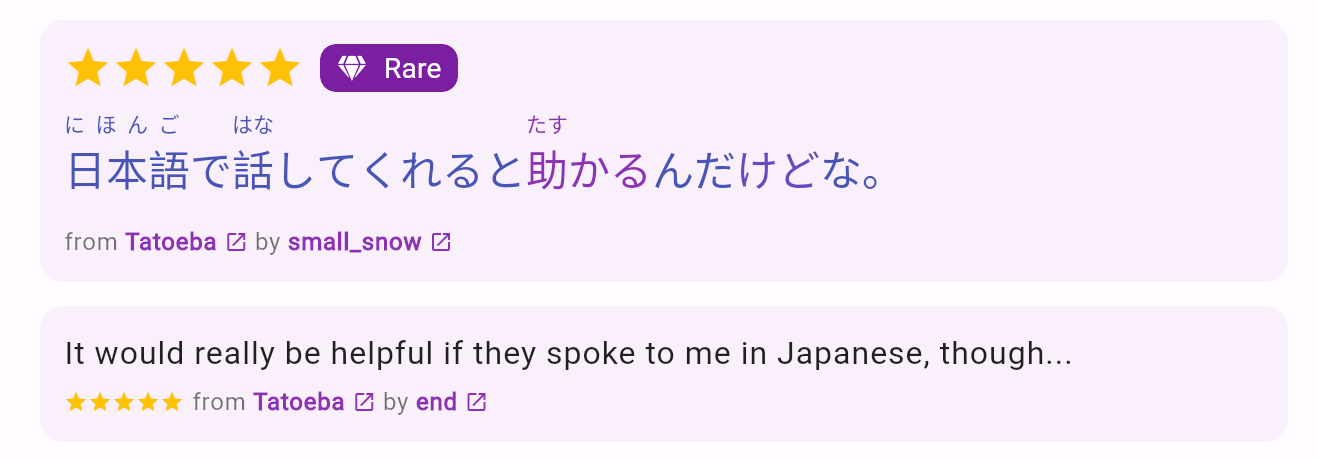
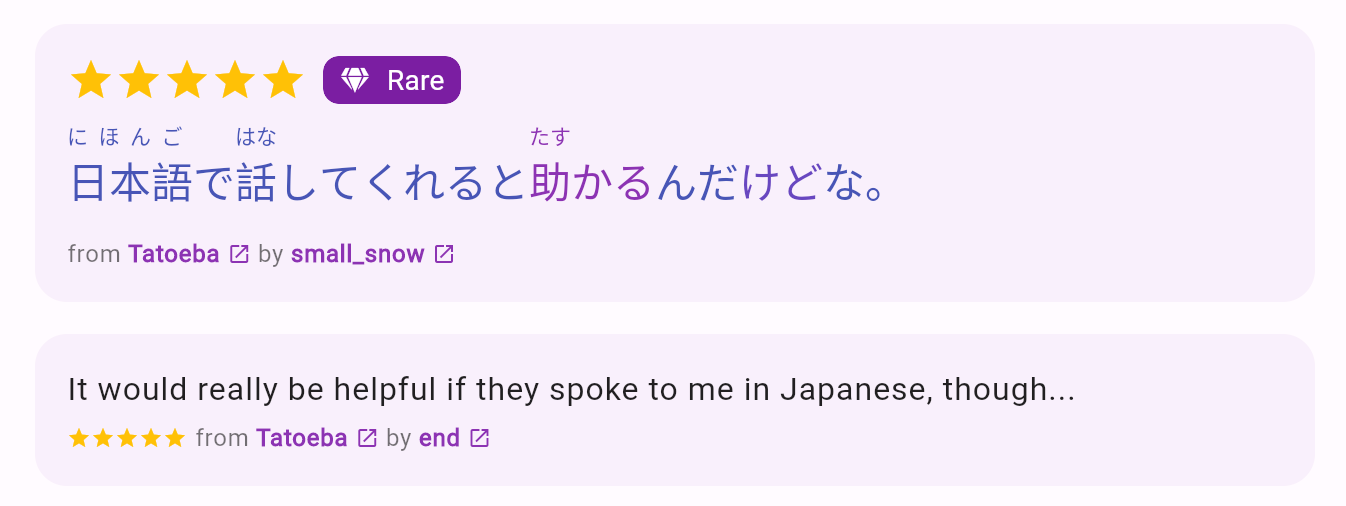
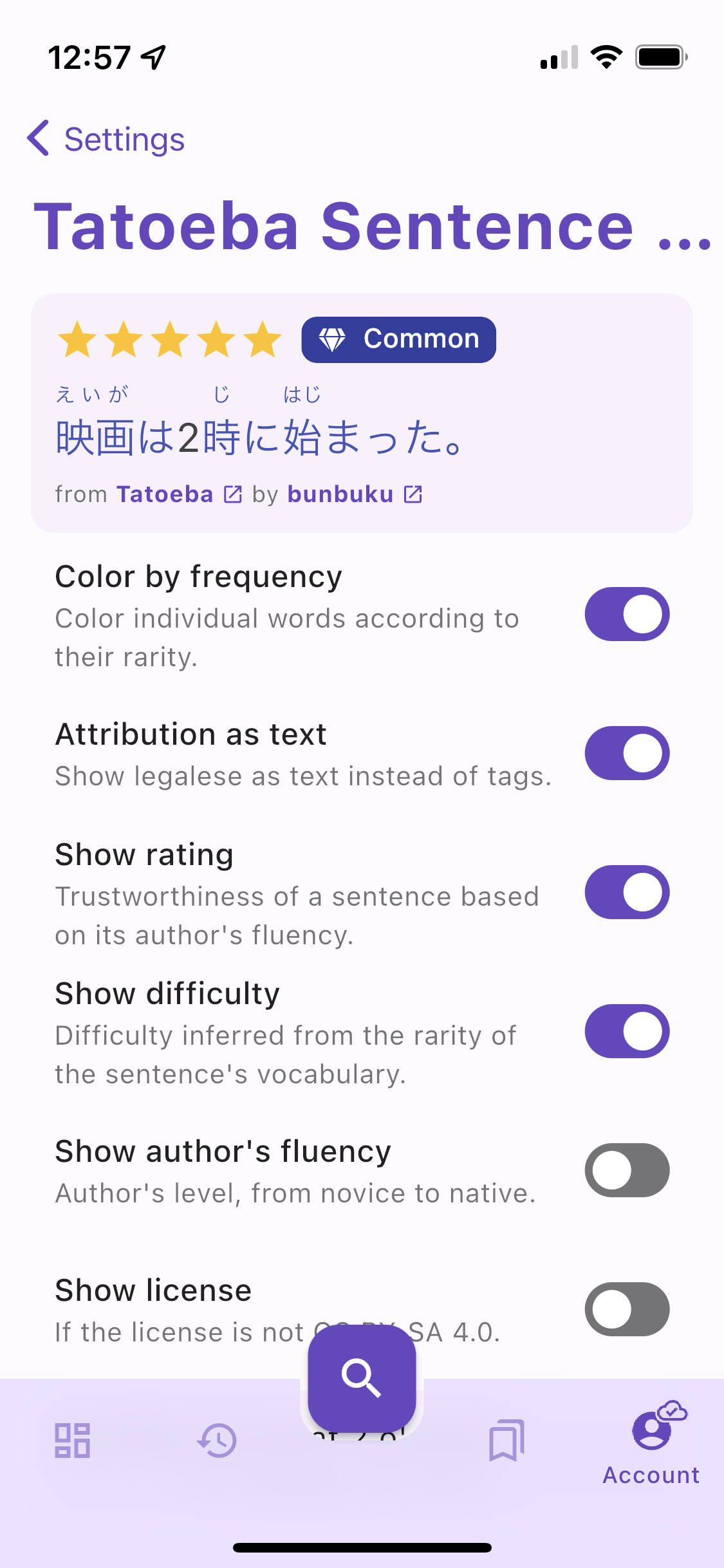
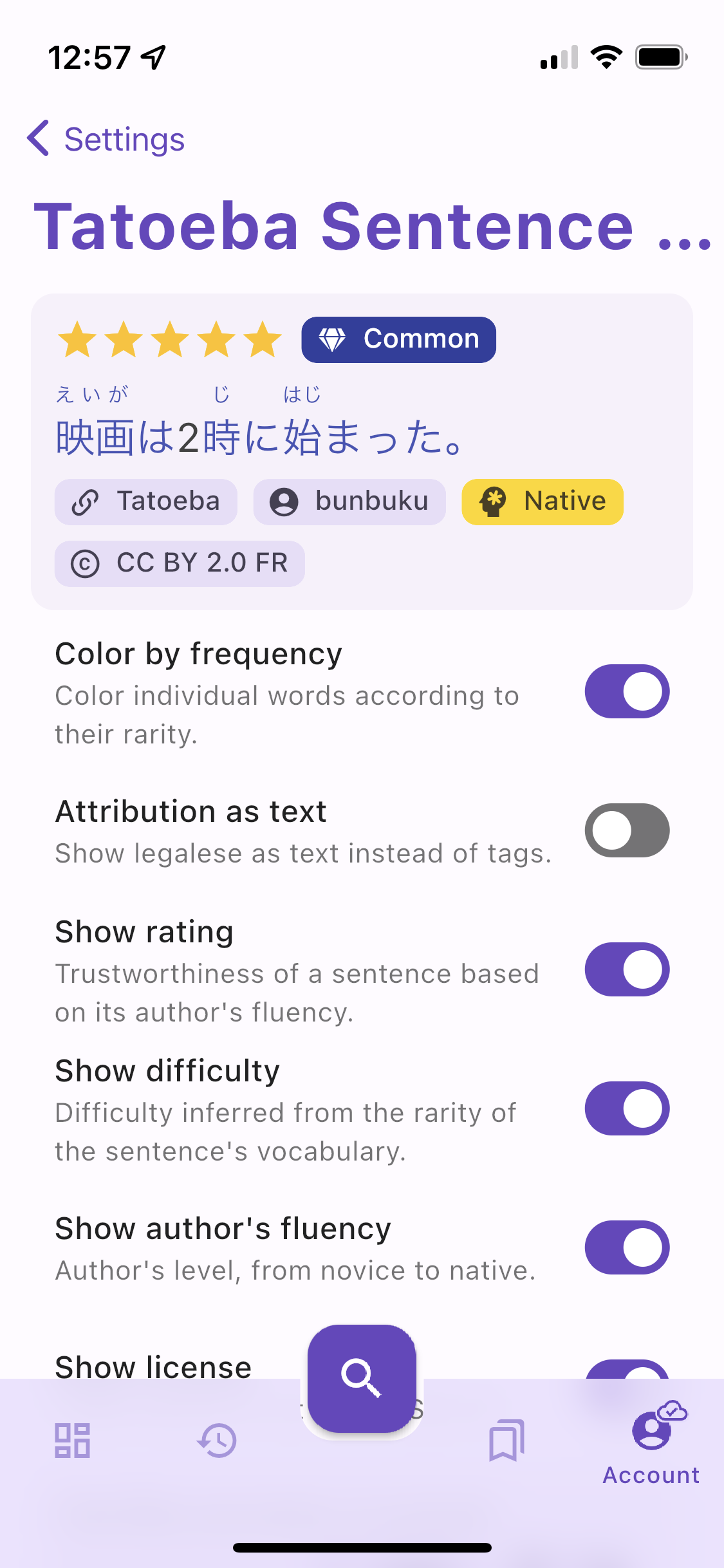
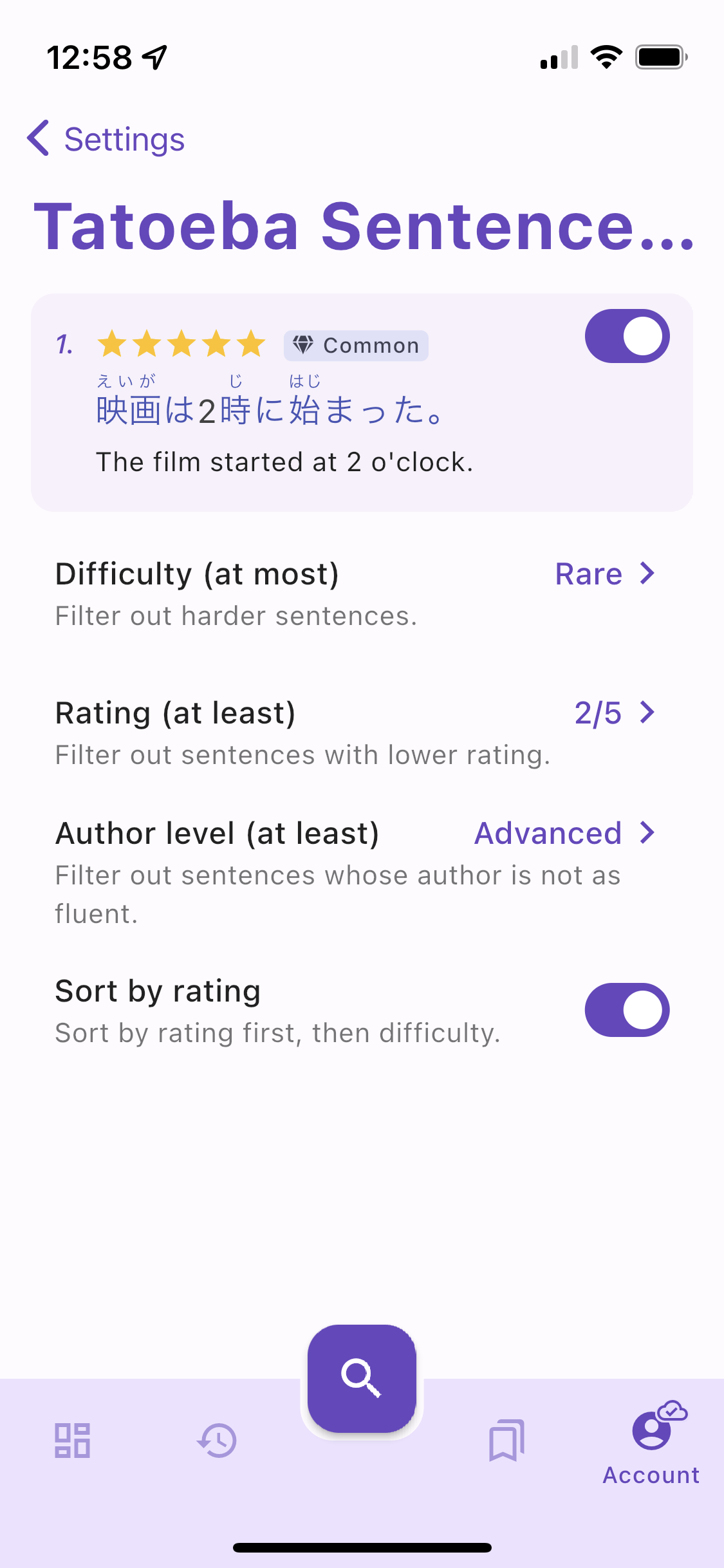
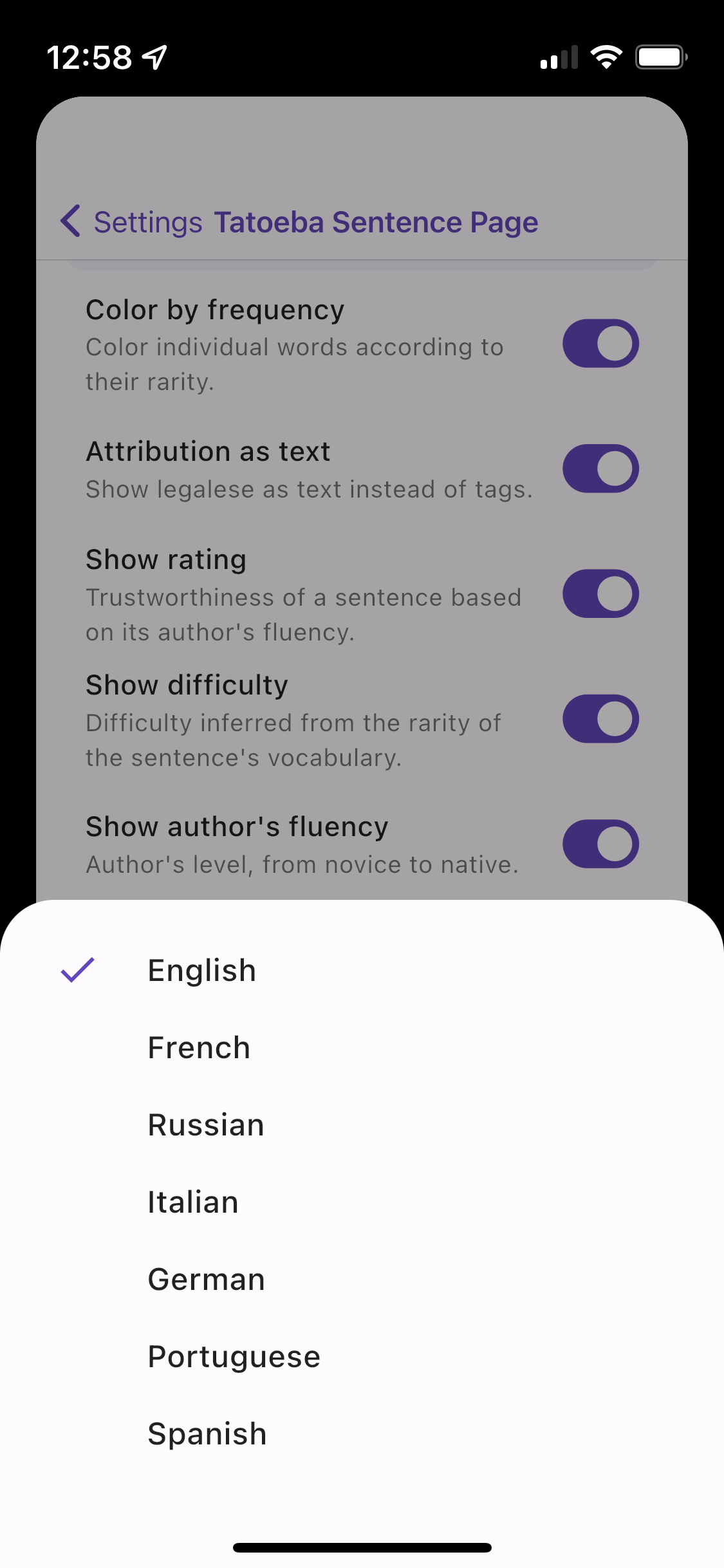
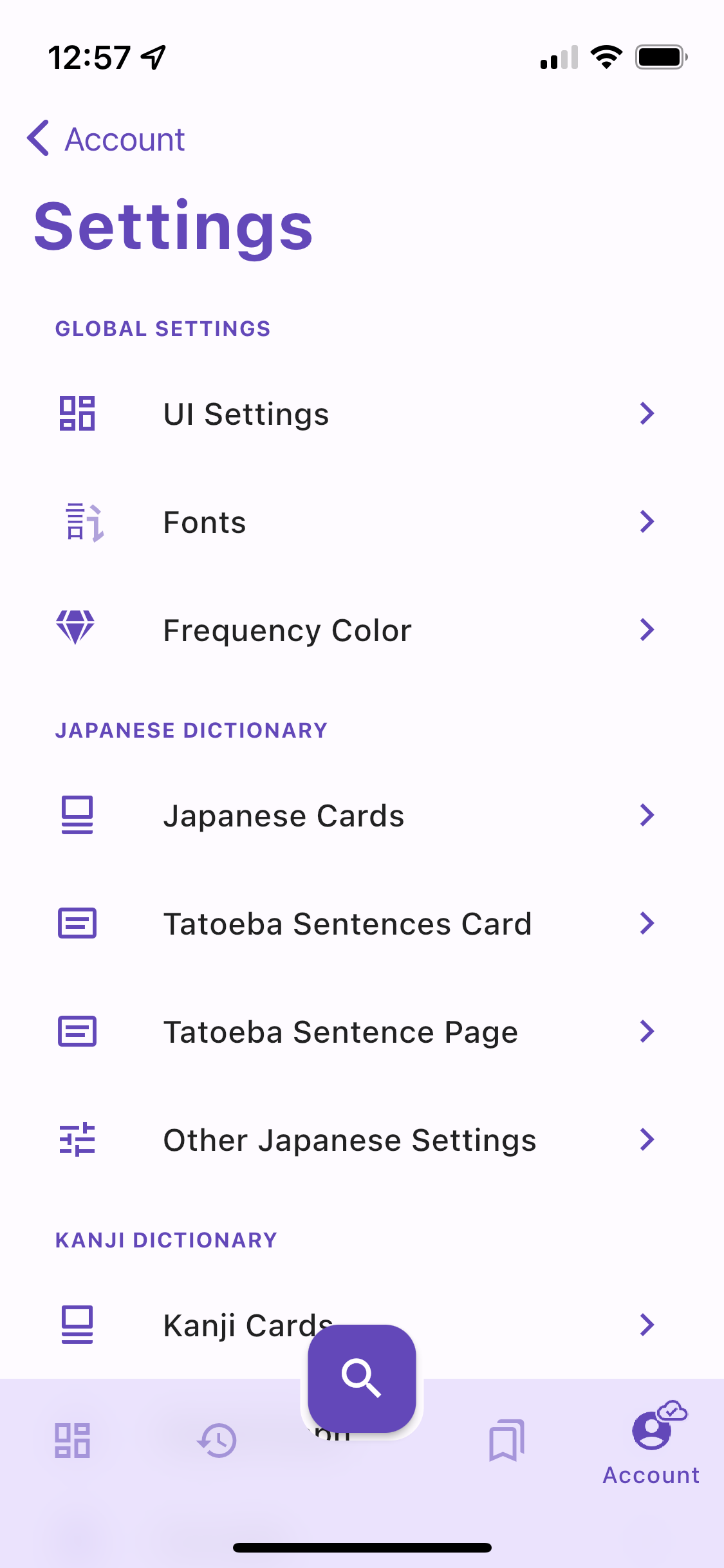
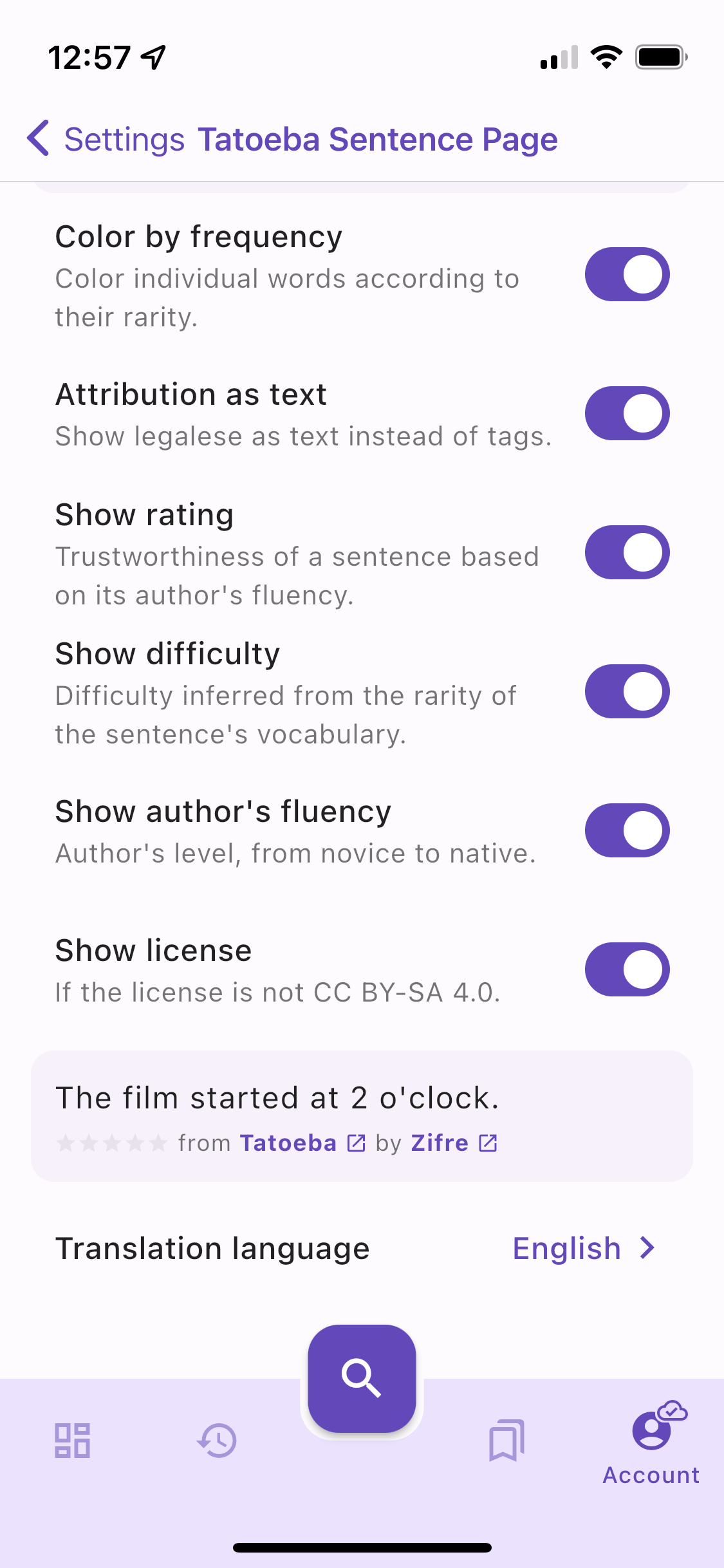
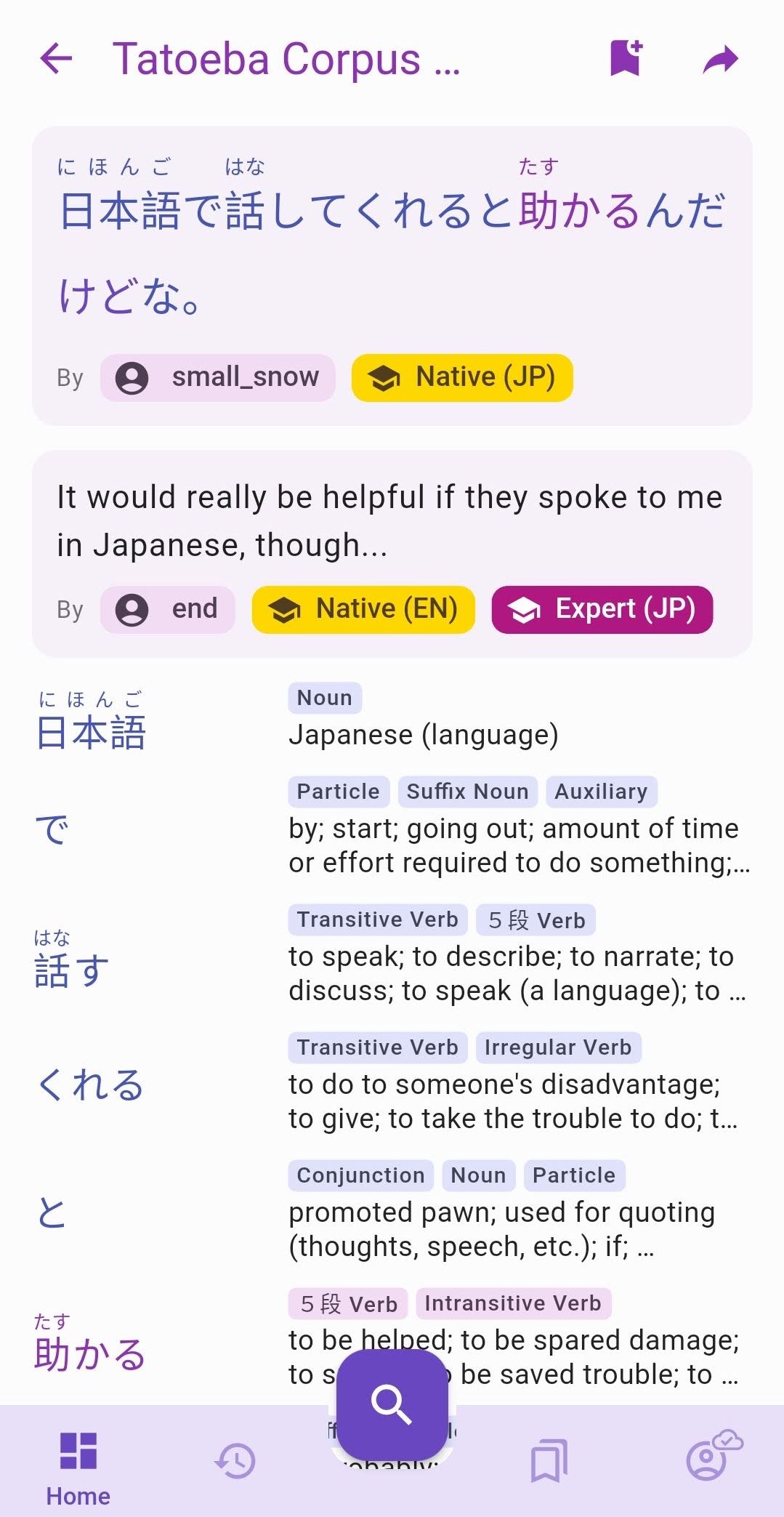
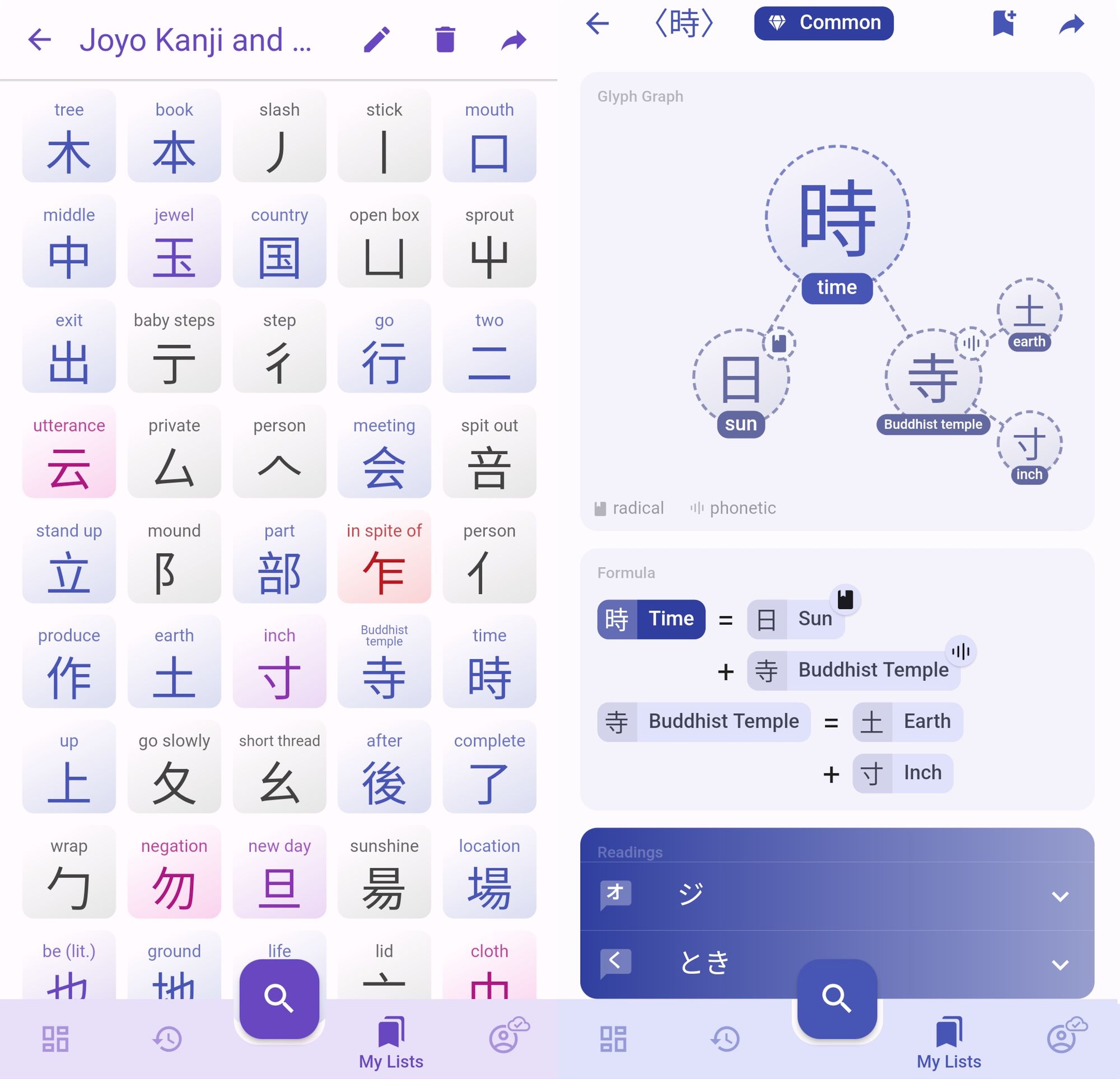
All sentences and translations in Kanjiverse are now tagged with this 5-star rating so you can instantly assess the quality of a sentence like this one: Further details, such as the author's level, can be enabled in Tatoeba Sentence Page Settings: Customize Tatoeba card to reveal more informations about the author. The selection of sample sentences displayed under the definition of a Japanese word like this one can be customized in Tatoeba Sentences Card Settings where you can filter them out by difficulty, rating, and author's fluency: Filter out sample sentences by difficulty, rating, and author's fluency. It is also possible to choose another language than English for the translations: Support for 6 new translation languages.
One last disclaimer...​

Please be reminded that Kanjiverse is still in beta and so is this rating system, it might overestimate or underestimate the quality of a sentence. Ratings were not reviewed individually by a human and only attributed by the algorithm based on the informations available.

I hope I did not offend any of the Tatoeba contributors with unwarranted bad ratings ^^; If you think your sentence has been unfairly attributed a low rating, please contact me so I can rectify it. I also encourage contributors that have not specify their language levels on their Tatoeba profile to do so ;)

I hope you find this rating system useful in your Japanese studies, if so please share a link to the beta to your fellow Japanese learners and join us on Discord!

Changelog v0.8.1​

  • fixed level selection not working
  • fixed back button on Android popping the screen behind modals
  • added 5 stars ratings to all Tatoeba cards
  • sorts sentences by rating on Tatoeba Corpus Sentences card
  • added extra languages to Tatoeba Translations: French, Russian, Italian, German, Portuguese,
    Spanish
  • added Tatoeba Sentences Card settings screen to control the search criteria: max difficulty, min
    rating, min author level, sort by rating
  • added Tatoeba Sentence Page settings screen to enable/disable color, rating, difficulty, author
    level, license, translation language
  • added Random Sentence card on the Dashboard
  • added license tag to Tatoeba card
  • added Feedback button on Android
  • replaced radio selections in Settings with bottom sheet menus
  • removed indices in front of sentences in My List
  • removed X button on bottom sheet with handle
  • increased Tatoeba sentences limit to 100
  • added hidden Dev Mode

Tatoeba, by Kanjiverse

· 3 min read
Kanjiverse
Kanjiverse

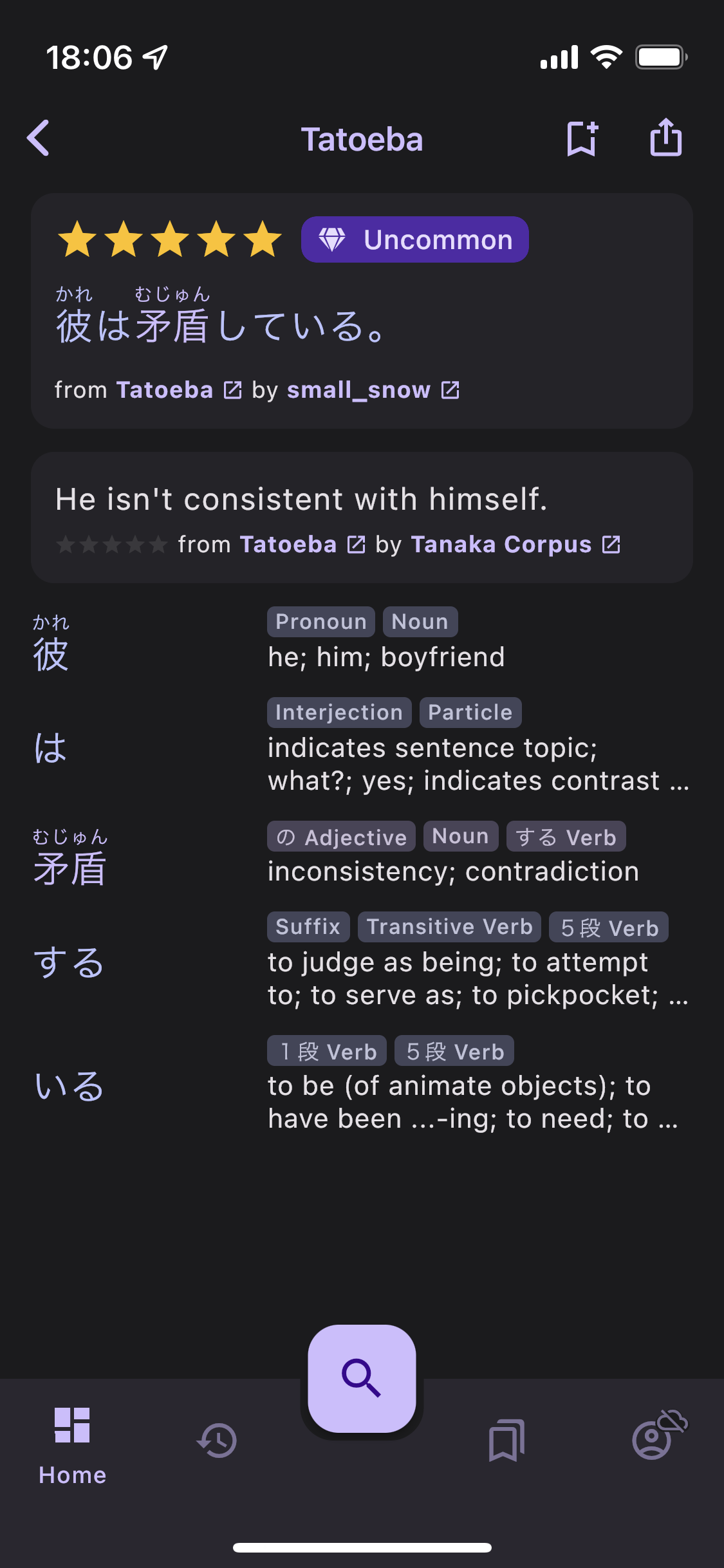
The latest version brings long awaited features to an aspect of the app that has been left aside for too long. Each of the **220,000 sentences **now has its own dedicated page with the following features:

  • Can be shared and bookmarked to My Lists, just like Kanji and words.
  • All words are color-coded by frequency and hyperlinked to their own page. They are also displayed as a list of tiles below the sentence.
  • Attributed to its author when known, with a link to their Tatoeba profile page, and their level of fluency in the corresponding language. Same is done for translations.
  • List of sentences are sorted by difficulty which is indicated by the same kind of frequency tag and color used for kanji, words and readings.
  • Saved to History and can be filtered by Sentences.

Check it out on the web too: https://app.kanjiverse.com/tatoeba/10760549

Changelog v0.8.0​

  • kanji in words on JMdict Variants Card can be tapped to open their page
  • other variants in JMdict Variants Card can be tapped to switch to their page
  • fixed app first open showing a 404/unkown page
  • fixed card transition not animating the shadow and color change
  • fixed particle and punctuation frequency
  • fixed multiple identical routes that can be pushed on top of each other
  • app bar shows Japanese word's kana/romaji too
  • words in sentences are colored by frequency
  • sentences in lists are sorted by their difficulty (the ones with most common words first)
  • sentences in lists can be tapped to open their page
  • sentences have their own page, url and can be shared
  • sentences can be bookmarked and added to My Lists
  • each sentence page has a Japanese card, zero, one or multiple translation cards (for each available language) and a list of Word Cards for each word in the sentence
  • Japanese and Translation cards displays the author's name and fluency level when available
  • author's tag can be tapped to open their tatoeba profile page
  • author's fluency levels are the same as learner's levels, from novice to expert, plus an extra "Native" level (gold colored)
  • words can be tapped to open their page
  • sentences are saved to user's history
  • History screen has a new "Sentence" filter
  • fixed text height when there are no furigana in a sentence
  • a list's summary shows its number of sentences along with the usual kanji and word count

Meet the New Kanji Keywords

· 6 min read
Kanjiverse
Kanjiverse

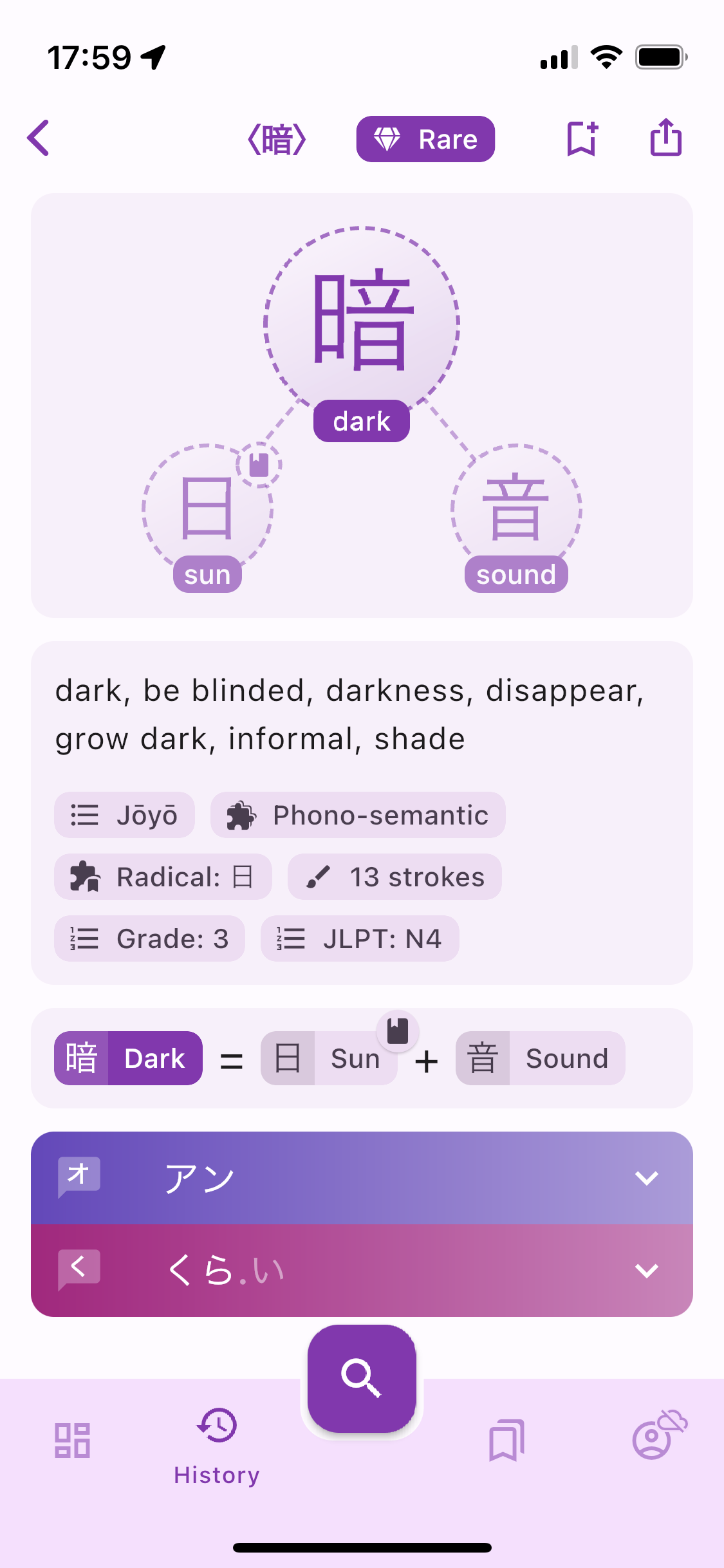
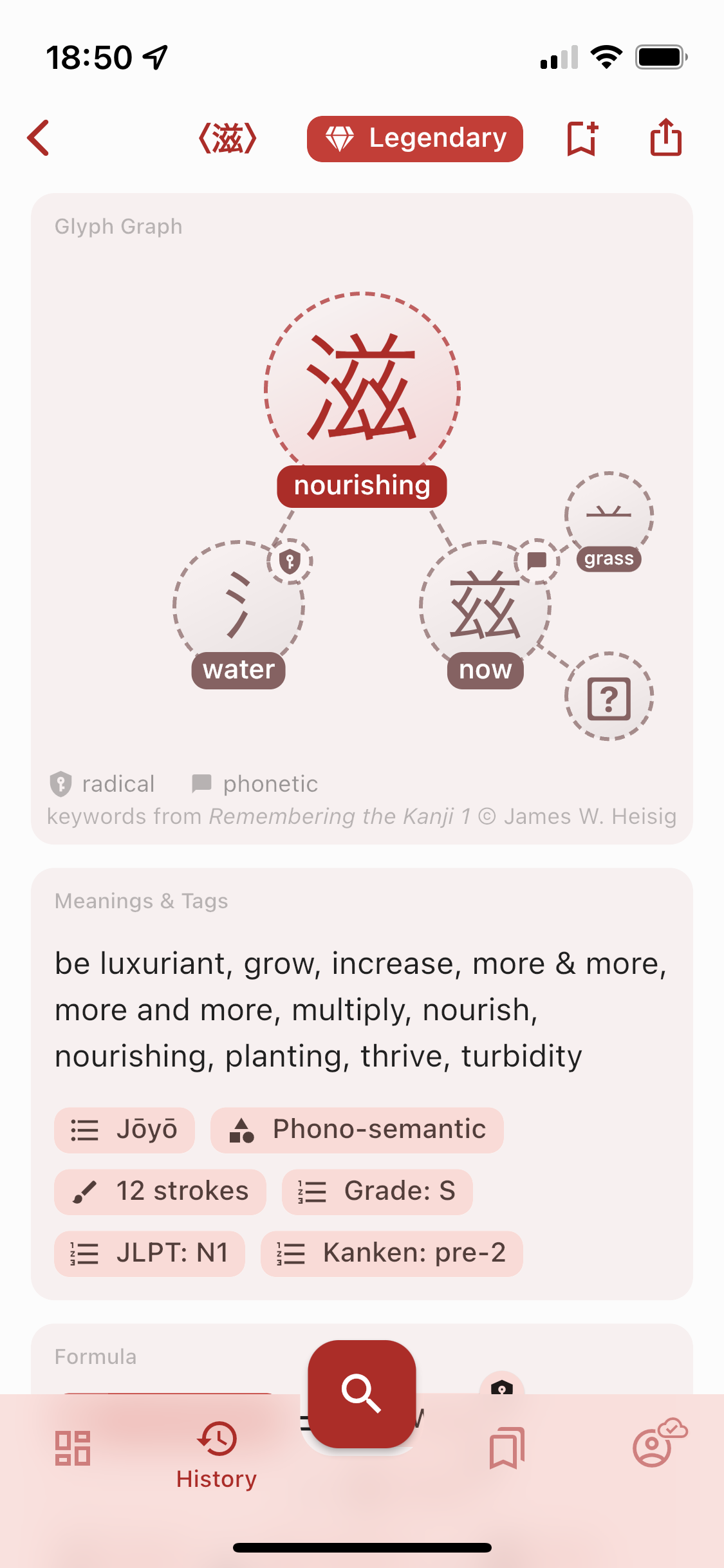
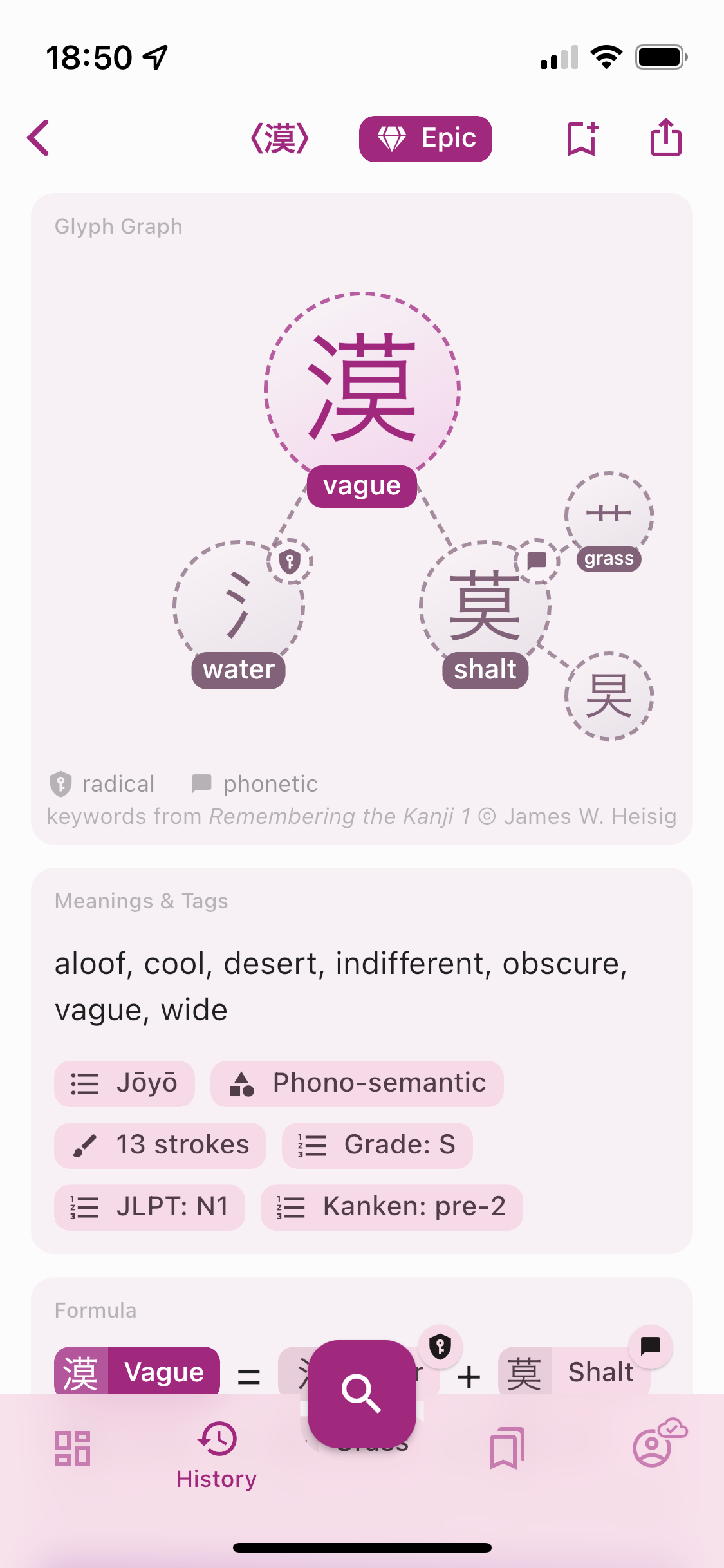
In Kanjiverse, all kanji are annotated with a word (or short phrase) everywhere they appear, in the kanji grid, chip tags, Glyph Graph, Formula cards, etc. Those keywords are here to help you quickly identify the sense of a kanji and discriminate between similar looking characters. Read on to find out more about the methodology used to select those keywords.

Methodology​

The following methodology was painstakingly applied to assign a keyword to each of the 2136  jōyō kanji, 863 jinmeiyō kanji (used in personal names), and 998 supplementary characters that appear as components of those kanji. Each character goes through the following steps in order, its keyword is assigned as soon as the condition is met.

  1. If a character is one of the 214 official Kangxi radicals (and their variants), its radical name is used as keyword, with a preference for the Japanese name when it differs from the standard Kangxi name.

釆 is called distinguish in the Kangxi dictionary but のごめへん topped rice in Japanese, therefore the keyword topped rice is preferred.

  1. All variants of a character are assigned the same keyword.

𧘇 and 衤are radical variants of 衣 and therefore all share the same keyword clothes.

  1. If a character is not a radical but one of the 2136 official Jōyō Kanji, its keyword is selected from public sources such as wiktionary or kanjidic. In case of multiple meanings, only one is assigned, based on its most frequent usage found in Japanese words.

治 can mean rule as well as cure, but since it appears more frequently in words such as 政治 government or 治める govern, rather than 治療 (medical) treatment, the keyword subdue is assigned.

  1. If a character is included in the Jinmeiyō Kanji list (863 extra kanji that can legally by used in names in Japan), the same methodology as 3. is applied first. But if this kanji appears exclusively in personal names in modern Japanese, its etymology or current Chinese usage is preferred if it provides a more memorable keyword.

Since 娃 is not used in common words in Japanese but means baby girl or doll in Chinese, the keyword baby doll is coined.

  1. Sometimes a character is the traditional form variant (旧字体 kyūjitai) of a kanji that already exists in a simplified form (新字体 shinjitai), they are both assigned the same keyword.

黑 is the traditional form of 黒, therefore they both have the keyword black.

  1. If a character does not exist as a standalone kanji (表外字 hyōgaiji, kanji that are not in the jōyō or jinmeiyō lists) but only as a component of more complex kanji, the same methodology as 4. is applied, but more often than not, the keyword is inferred from its Chinese origins.

哥 is not used by itself in Japanese but only as the left component of 歌 song, although it is a very common 漢字 in Chinese, in words such as 哥哥 (elder) brother, therefore its meaning of elder brother is assigned to the keyword.

  1. If a component is a pictogram (stylized drawing of an object) or ideogram (symbol of an abstract idea), this etymology is used.

㞢 is a pictogram of a cattle head. 上 and 下 are ideograms of arrows pointing up and down.

  1. If a component is a standard simplified 漢字 in China (their simplified characters are different than Japan's, often going even further in the simplification), this contemporary meaning is assigned. If it is also a variant of a standard Japanese kanji, they will share the same keyword.

乡 is used in China in place of 郷, and even though it is only found as a component in Japanese kanji, 乡 is assigned the same keyword hometown as 郷 since they are both simplifications of the traditional character 鄕.

  1. If a component is an archaic form (not even used in modern Chinese as a standalone character), this older meaning is kept.

亖 is an archaic form of 四 therefore they both have the keyword four.

Limitations​

Unfortunately this system has its limits and the following trade-offs had to be kept into consideration when applying the above methodology:

  • A kanji can have multiple meanings. For the sake of conciseness, the chosen keyword only covers one of them*:*

高 is assigned the keyword tall even though *depending on the context it can also mean expensive *.

  • Multiple kanji can have similar meanings. Unless they are true variants of each other, different keywords with similar meanings had to be assigned*:*

自 and 己 both mean (one)*self*, but to distinguish them from each other, oneself is assigned to the former, and self to the latter. Note that often such cognates appear together in a word of the same meaning like 自己 (one)*self*.

  • The current (Japanese) usage does not always match the etymology. Not only the characters' shape and meaning have evolved naturally over the centuries, but Japan's postwar reform to simplify the traditional characters (旧字体 kyūjitai) has resulted in simplifications (新字体 shinjitai) that can obfuscate the etymology of the character, for instance by swapping a component with a simpler one that looked (or sounded) similar but has nothing to do with its original meaning.

靑 blue was simplified into its current form 青 by replacing 円 circle with 月 moon.

脂 fat was simplified into 脂, although they might look exactly the same on your screen (that's a font issue due to unicode han unification) the left component was originally ⺼ flesh and not 月 moon.
⺼ is actually the radical form of 肉 meat which is why it appears as the semantic component in all kanji related to body parts such as 腕 arm, 胸 breast, 肩 shoulder, 肺 lungs, etc.

Conclusion​

I hope this provided some clarification as to why a particular keyword was assigned to a character. You can access below different lists of kanji and their keyword ordered by frequency of usage. They are distributed under CC-BY-SA 4.0 so feel free to use them in your own projects by mentioning Kanjiverse as the source, with a link to the corresponding list:

Please note that those keyword lists are not in their definitive version and haven't been reviewed by a native speaker yet. There might still be typos, misinterpretations, or other inaccuracies. If you spot any, please report them to me using the social links below so we can improve the lists for everyone :)

New kanji keywords and dictionary updates

· 4 min read
Kanjiverse
Kanjiverse

The main change in Kanjiverse Beta 0.7.7 is that all copyrighted keywords from RTK (Remembering The Kanji) have been replaced with new cherry picked keywords from public sources, based on their etymology or most common usage** **in Japanese.

Therefore in addition to the official 2136 jōyō kanji and 863 jinmeiyō kanji (extra kanji that can legally be used in personal names in Japan), 998 components (radicals or non official kanji) have been assigned a keyword, for a total of 3997 characters that should cover more than you'll ever need in your Japanese studies :) This list is distributed under the license CC-BY-SA 4.0 so feel free to use it in your own projects by mentioning Kanjiverse as the source, along with a link to the list, either https://link.kanjiverse.com/up5s or https://app.kanjiverse.com/lexicon/625c55eb61e9ae002d331dd9
Note that the list is not in its definitive version, there might still be typos, misinterpretations, or other inaccuracies. If you spot any, please report them to me so we can improve the list for everyone :)

v0.7.7 has also updated JMdict dictionary (for the first time in more than a year!), fixed many of the kanji decompositions, removed irrelevant Chinese meanings, along with bug fixes and performances improvements, especially for the web app. See the following for details of all changes since v0.7.0 which was the previous mobile app version.

v0.7.6 Changelog​

  • pre warm shaders on mobile app
  • [Android] fixed too sensitive shake gesture (to send feedback)
  • fixes many Glyph Graph compositions with data from Wiktionary
  • updated kanjidic and JMdict dictionaries to latest version
  • fixed search by References:number, Official Kanji List, and JMdict tags
  • fixed crash for /kanji/<radical> pages</radical>
  • added Kanji Radical and Phonetic tags to Kanji Tags & Meanings card
  • redesigned some icons: radical, phonetic, component, composition
  • fixed height of Show More/Less button in Kanji Meanings & Tags card
  • filters out special characters in keywords in Glyph Graph and Glyph Tiles
  • adds full keyword to Kanji Meanings card
  • denser layout for list indices of definitions and sentences

v0.7.5 Changelog​

  • fixed transition animation when opening a page with a direct link
  • [WEB] updates html meta and title with the current page

v0.7.4 Changelog​

  • [WEB] greatly optimized first load speed by splitting app bundle in half instead of hundreds of
    small files

v0.7.3 Changelog​

  • fixed notification cards not being fetched on opening/refreshing
  • [WEB] adds /search?q=<text> to open the a page directly with a quick search of English, Japanese,
    kanji</text>
  • [WEB] fixed browser dynamic title add "| Kanjiverse" after the page name
  • [WEB] optimizes rendering for google search robots

v0.7.2 Changelog​

  • fixed token being refreshed concurrently when multiple queries are sent simultaneously
  • fixed "Go to Downloads" button link
  • fixed sliders width on large screen
  • makes text selectable for Japanese text and definitions
  • shows social media links in Beta Testing card
  • [WEB] fixed /account/about route
  • [WEB] fixed infinite loading when loading page in /kanji, /kotoba, or /lexicon
  • [WEB] fixed mouse hover/focus/pressed color
  • [WEB] fixed Google Sign In on iOS
  • [WEB] shows X button on mouse hover dismissible cards
  • [WEB] add meta tags and new thumbnail image for web app and dynamic links
  • [WEB] replaced splash screen with animated svg

v0.7.1 Changelog​

  • fixed Settings Cards becoming opaque black when disabled
  • redesigned switches with a flat design common on all platforms
  • [WEB] removed unused assets/icons
  • [WEB] optimized first load by splitting app in hundreds of small js files and loading firebase in
    parallel

The Web App is in Open Beta!

· 4 min read
Kanjiverse
Kanjiverse

You can now access Kanjiverse in your browser for a desktop-like experience. Try it for yourself with the link below or keep reading to learn more about the differences with the mobile app and some FAQ. Kanjiverse: Japanese Learner’s DictionaryMulti-platform ecosystem for Japanese learners. Learn kanji, build your vocabulary, read real Japanese.Kanjiverse

Why a web app when there is already a mobile app?​

One of the main goals of Kanjiverse is to be multi-platform to provide a seamless experience whether you prefer to use it on mobile, on desktop, or both. Some benefits of the web app compared to the mobile version:

  • Try it out before installing it (especially convenient on iOS where you need to install Testflight first during the beta).
  • Use it as a desktop app with mouse and keyboard, it will be easier for creating vocabulary lists, etc. It's a PWA so it can even be installed on your computer (the install icon should appear in the address bar on Chrome browser).
  • Updates automatically to the latest version and is will receive more frequent updates than the mobile app.
  • Will be searchable with Google (still working on this).

What are the differences with the mobile app?​

They are almost the same in terms of look and features, except some changes required to adapt to a browser:

  • Navigation: use the browser's back button instead of gesture, share pages by directly copying the URL instead of the Share button, mouse support should work as expected.
  • Layout: depending on the size of your window it will look like the phone app or the tablet app. Bottom sheets are replaced with fullscreen dialog on phone and floating dialog on desktop.
  • Animation: when running on a phone, transition animations are disabled to improve speed and battery life.
  • Fonts: system fonts are used by default so depending on the platform, texts might look different.

Are there any limitations compared to the mobile app?​

Dictionaries cannot be pre-downloaded, but previously seen data are cached and can still be seen offline.

Why does the web app feel different on a desktop browser?​

The app is using a different renderer (how things are drawn on the screen) optimized to your device performance and internet connection, here are the tradeoffs of each version:

  • Size: 1.3Mb on mobile, 5.5Mb on desktop.
  • First loading time: ~3s on mobile, ~10s on desktop.
  • Subsequent loading time: ~1s on both.
  • Fidelity: on desktop it looks and behaves just like the native app, while on mobile it feels less reactive, texts might be misaligned, no transparency, no shadow, no transition animations.
  • Renderer: html on mobile, canvaskit (skia) on desktop.

How to speed up the loading time?​

Loading time can range from 0.5s to 10s depending on the following factors:

  • First time access: loading the app will take longer the first time but subsequent access will be much faster since the app will be already cached in your browser and even update in the background when you use it!
  • Phone or desktop: the app detects if you are using a phone or desktop and serves a different version: the phone version is much lighter (1.3Mb) than the desktop version (5.5Mb), so depending on your internet connection it might be faster on phone or desktop.
  • First user in your area: the app is distributed worldwide through a CDN but might only be cached in your nearest server if someone has already accessed it.

Can I sign in with the same account on the mobile and web app?​

Yes! You can sign in with Apple, Google or email on the web app too. As long as the linked email address is the same, you will access to the same account on both platforms.

I'm signed in with the same account on web and mobile but the changes I made in one place aren't reflected in the other.​

Syncing between devices/platforms isn't automatic for now so you need to refresh the app manually if you make changes somewhere else by reloading the page in the browser, or doing a pull-to-refresh gesture in the mobile app.

Some characters are missing or replaced with "?".​

  • On mobile the app uses your browser's default font so some rare characters might not be available. It can be fixed by selecting a custom font in Account > Settings > Fonts.
  • On desktop the app will try to download the missing fonts but this will not be instantaneous, wait a bit or reload the page.

How can I submit a bug report on the web app?​

Shaking gesture (Android) and Screenshot (iOS) doesn't work in the browser but you can send me a message via all social media channels listed in Account > About.

Now available on iPad and Android tablets

· 5 min read
Kanjiverse
Kanjiverse

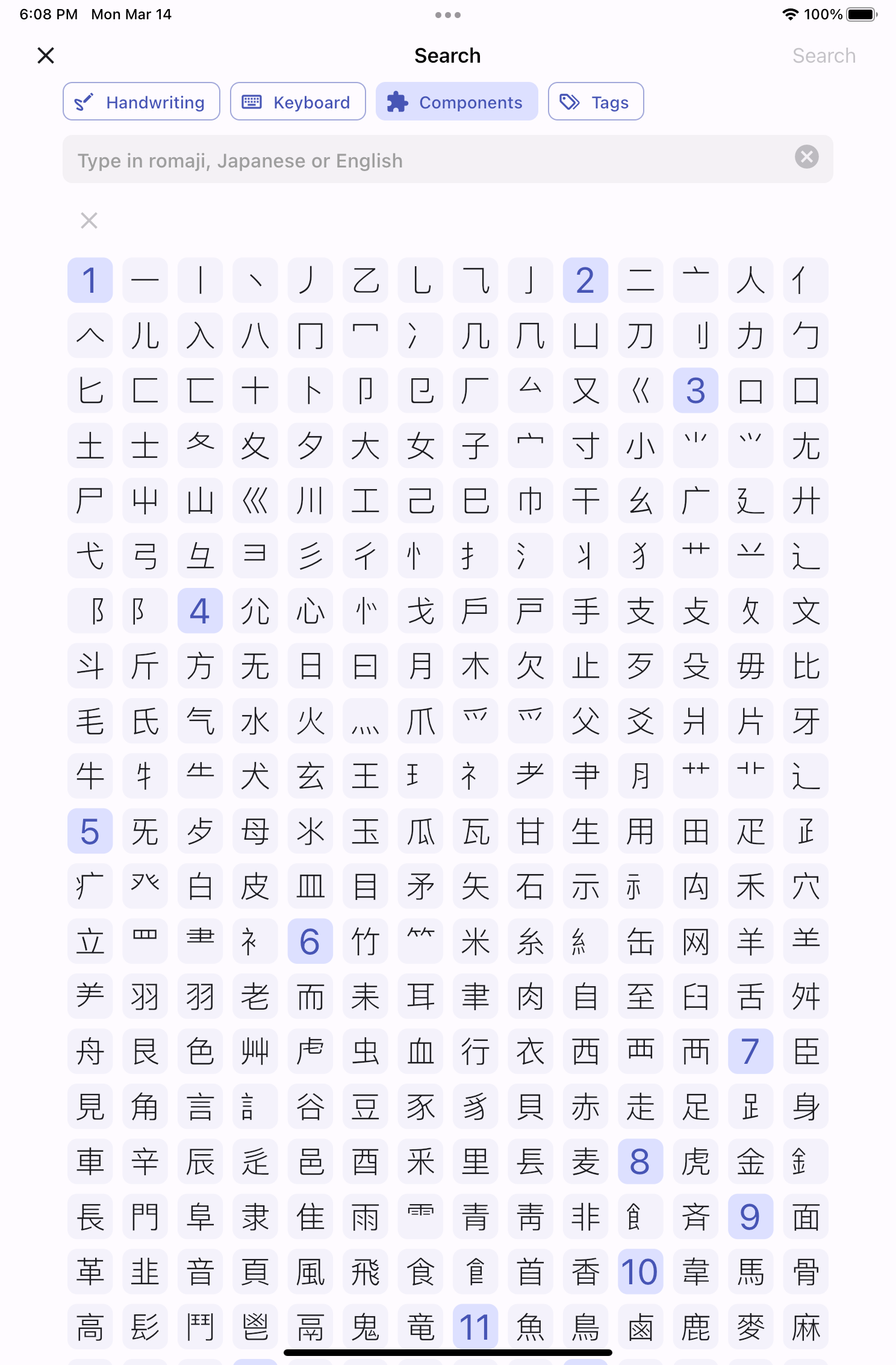
New UX/UI for tablets​

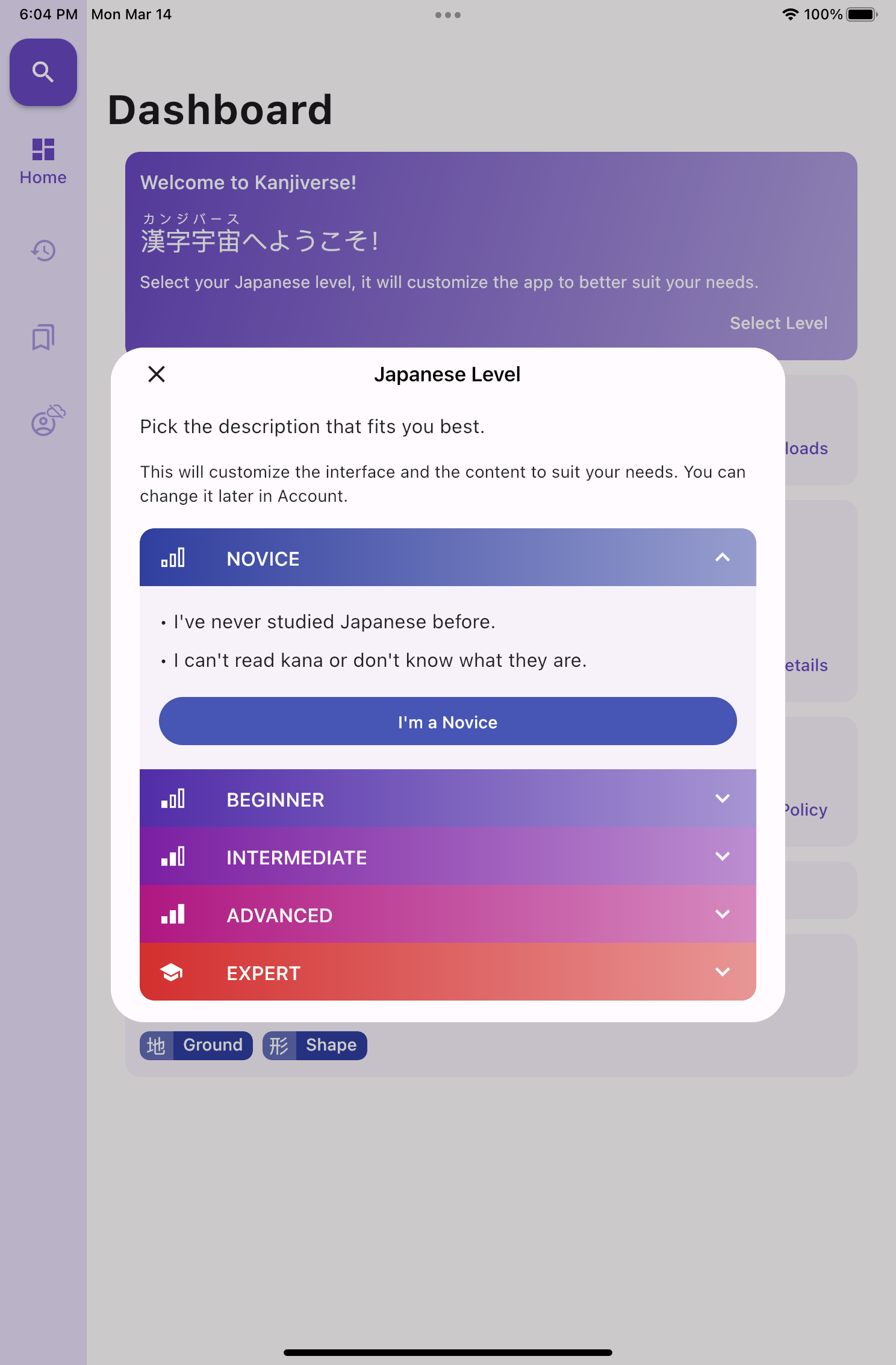
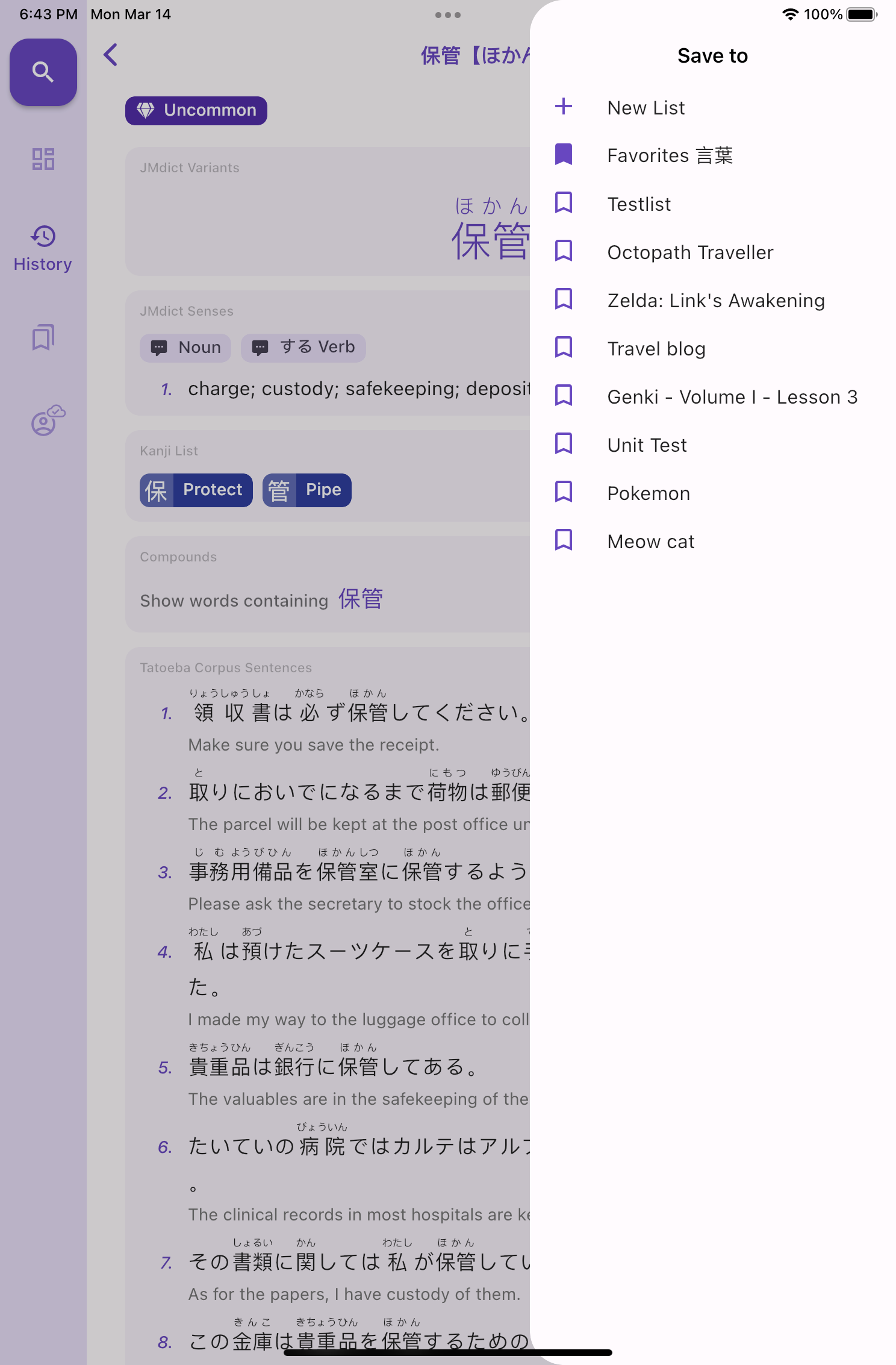
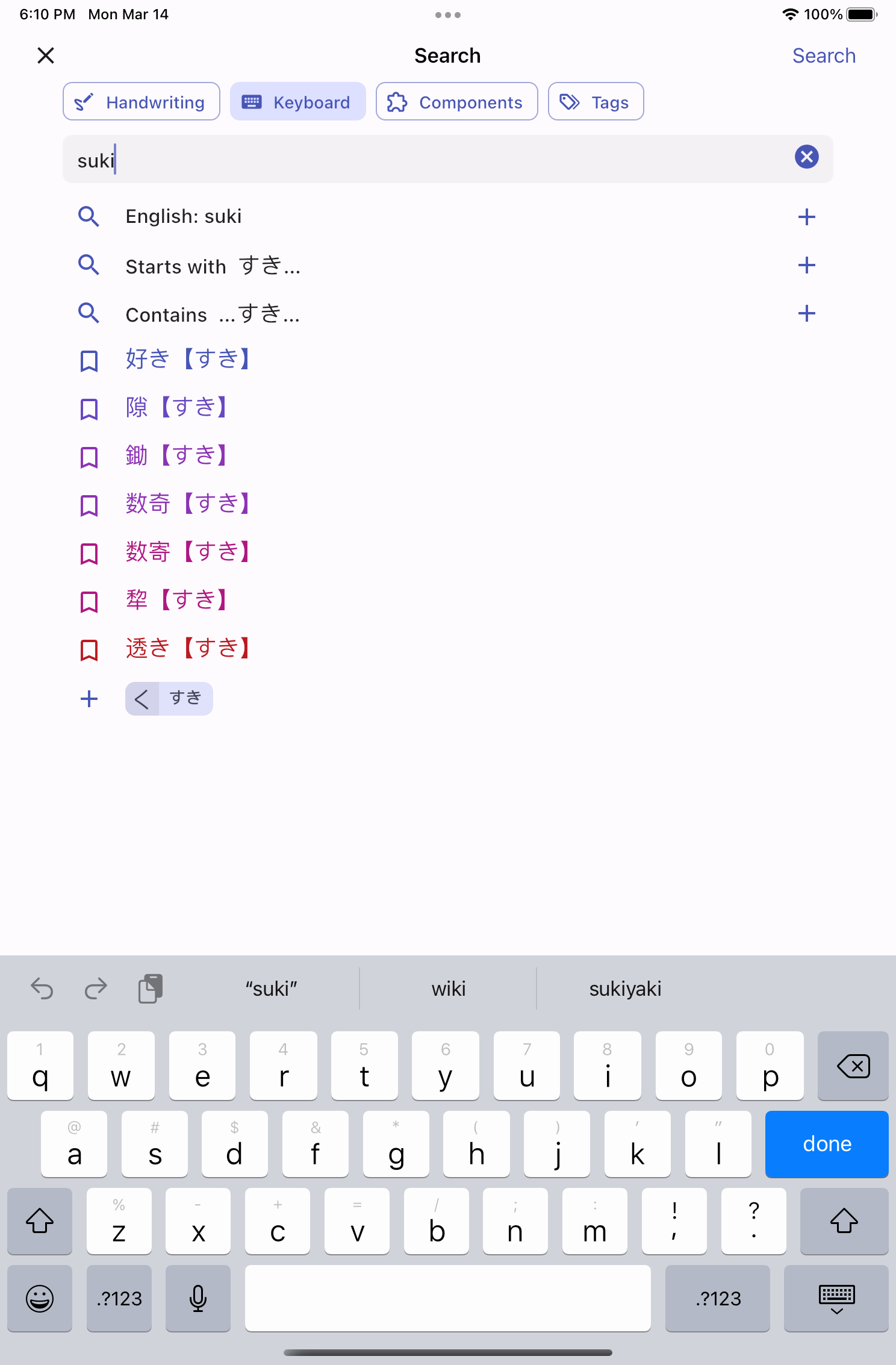
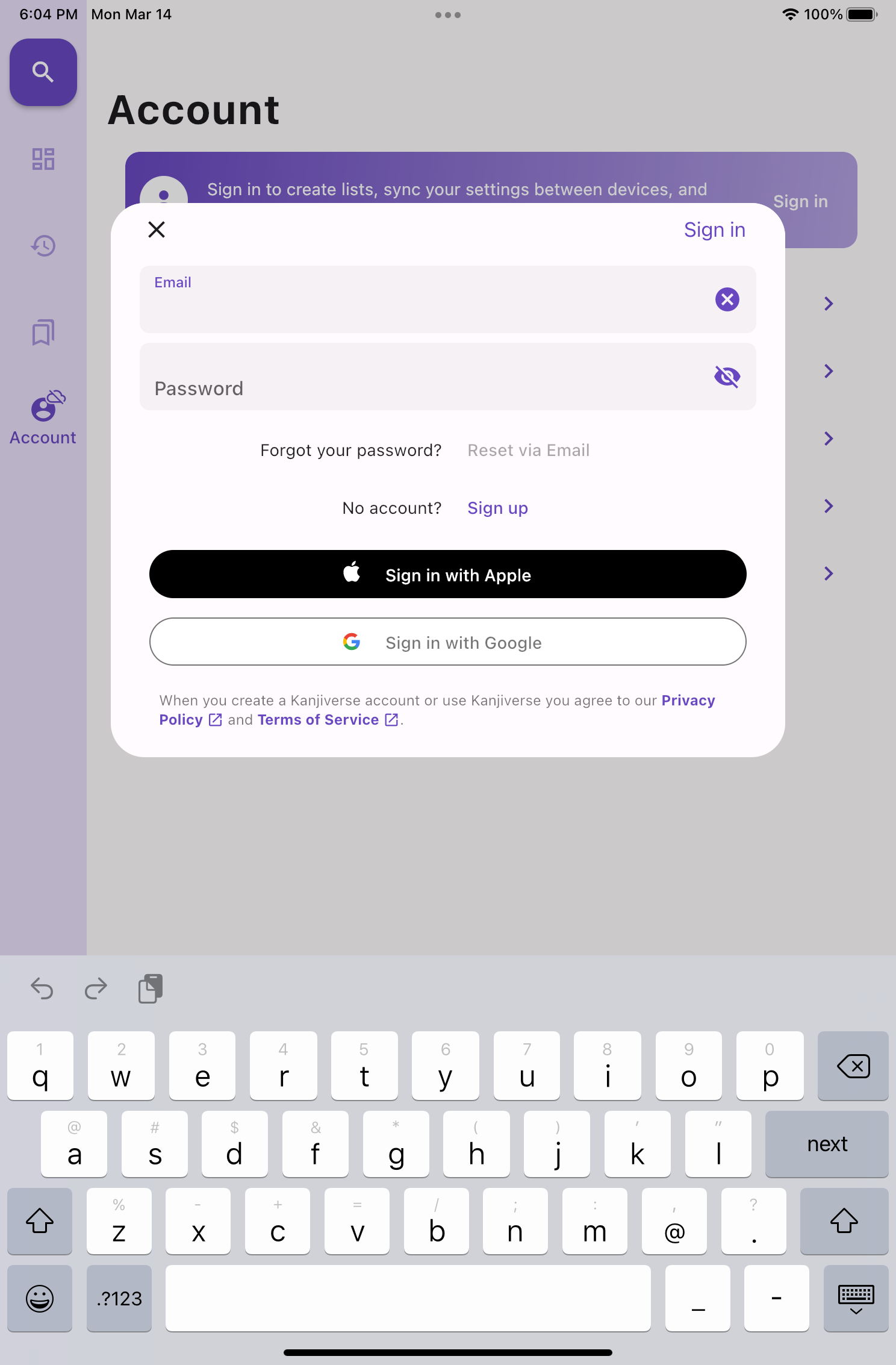
The bottom navigation bar is replaced by a vertical rail navigation.Fullscreen dialogs are replaced by modals while the Bookmark bottom sheet is replaced by a drawer.The Search bottom sheet is replaced by a fullscreen page with tabs shown has button chips.
Other UX/UI Improvements​

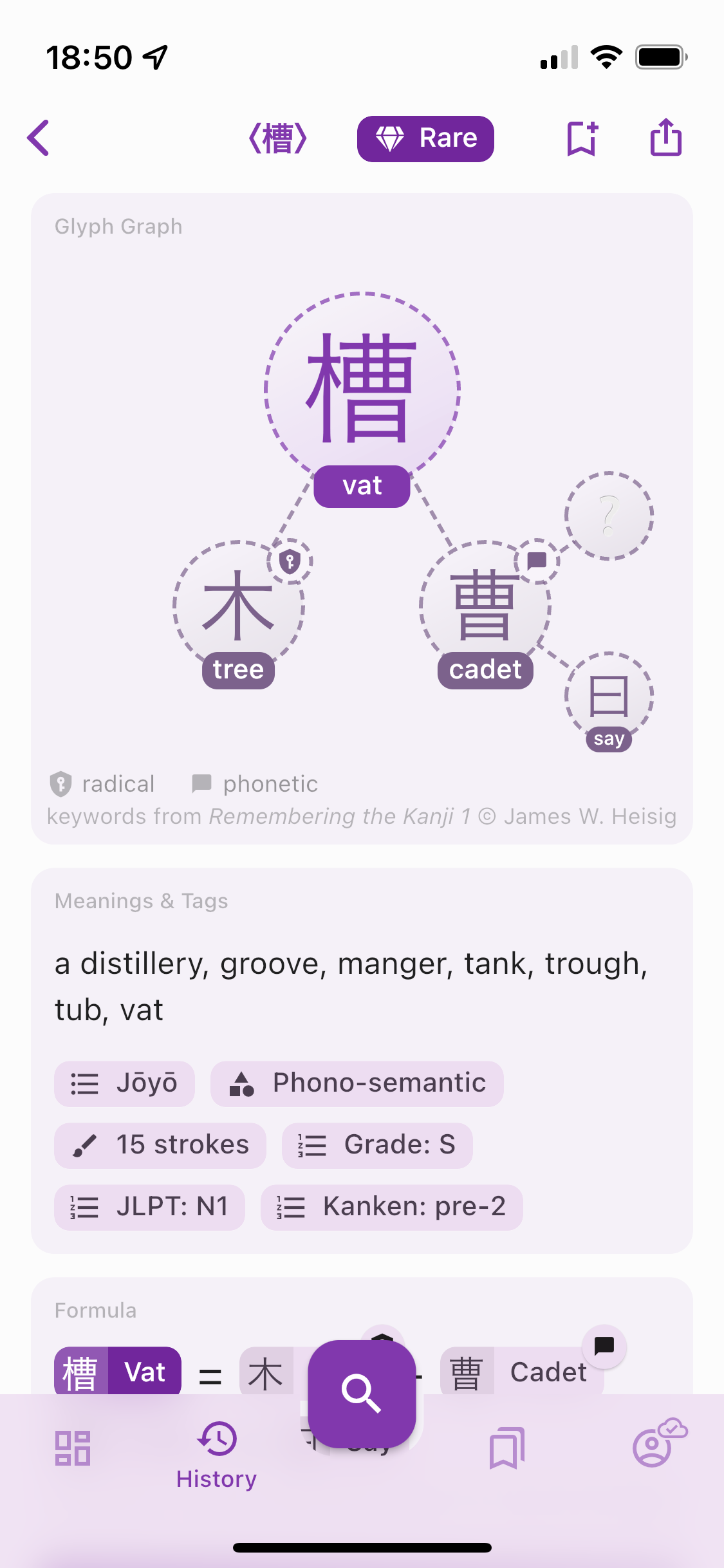
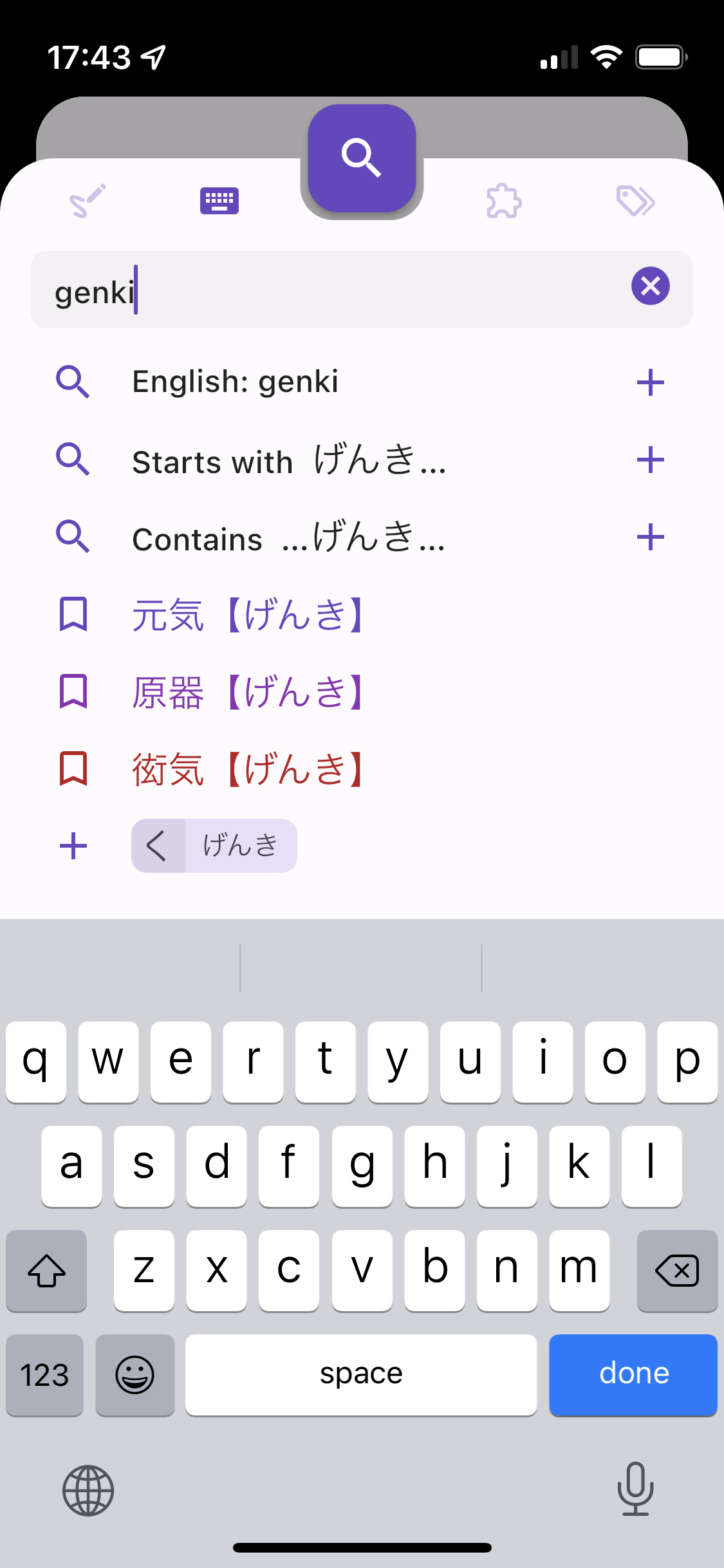
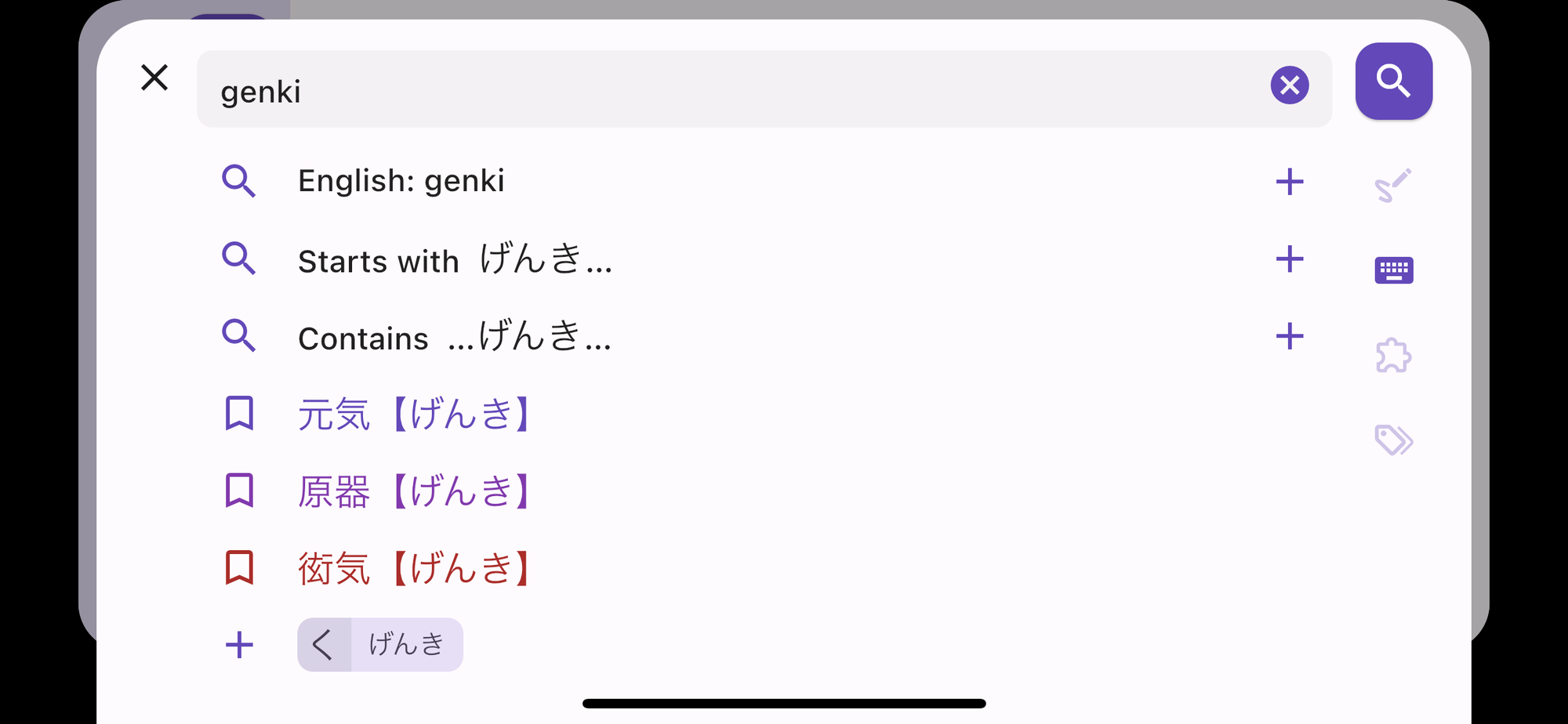
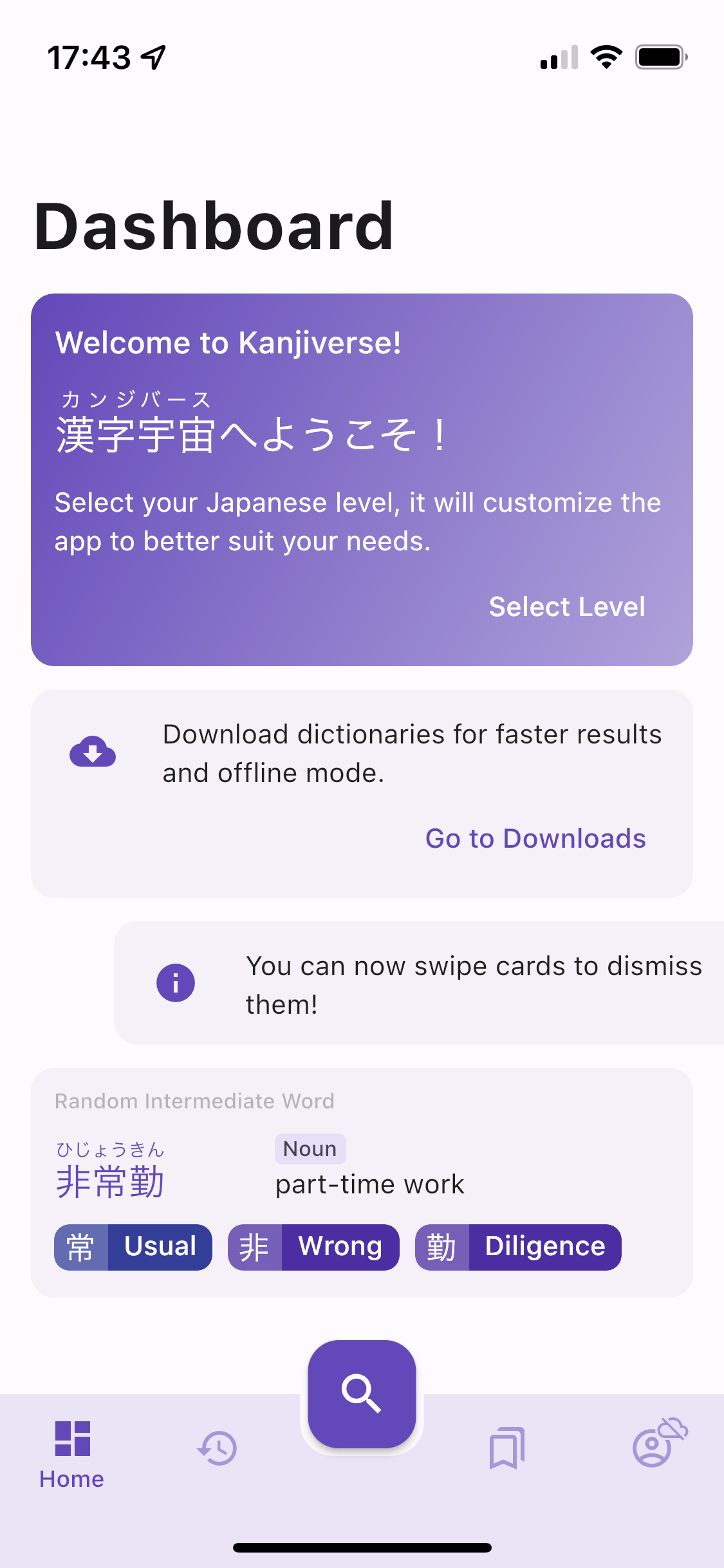
The color palette has been adjusted to improve readability so that bright colors have enough contrast.Fullscreen dialogs on iPhone look more native with the previous screen being pushed behind.The search sheet in landscape mode has all tabs and search button vertically aligned on the right side.Notification cards can be dismissed by swiping them.
Details of all changes and bug fixes in v0.7.0​

  • fixed cloud sync stopping to work without notifying the user when the refresh token expires: the refresh token is now also updated everytime the access token is refreshed (every 24 hours) and valid for 90 days, therefore the user will remain signed in as long as they open the app once during the 90 days period, each daily access will renew the refresh token for 90 days
  • displays dismissible error message card at the top of the screen when there is a critical issue with user data sync
  • sends report of non critical errors to crashlytics to detect "silent errors"
  • History Word cards are denser with definition on 1 line instead of 2
  • Vocabulary List cards are denser and show the number of kanji and word has standard overline chips
  • Bookmark Bottom Sheet becomes an end drawer on landscape mode
  • Search button is disabled when the search text field is empty or invalid
  • Sample Vocabulary List Card is removed from Dashboard and replaced by "Browse all vocabulary lists" suggestion to the search sheet and My Lists tab
  • Sign In card and button in My Lists / Account are replaced by the same gradient card
  • Sign In large button is moved to the app bar action
  • fixed color palette readability by making "epic" and "legendary" colors darker and "unclassified" as black, sub components in the Glyph Graph as a darker and saturated version of the primary color
  • dialogs are shown as fullscreen on phone and floating on tablet, same for the Search bottom sheet
  • fixed navigation rail Account icon's Sync Status badge
  • improved layout of Search sheet in landscape with a Search button on the right and all tab icons vertically below it
  • improved the UI with an MD3 inspired style with a square Seach Floating Action Button, scrim/barrier color, shadowless dialog, faster horizontal transition for pages and z-axis transition for dialogs
  • fixed History Filter chips to react like buttons
  • fixed keyboard hiding when rotating phone and not being to regain focus by taping in the search bar
  • clears Search bar tags and text when opening the Search sheet
  • fixed Japanese word not being searched in Vocab List titles
  • iOS fullscreen dialogs have a native iOS 15 3d look
  • fixed kanji and word cards moving around when transitioning between pages where the same kanji/word appear on both pages
  • fixed bottom sheets / fullscreen dialogs not being draggable from anywhere on their content
  • uses the same style of thicker icons on both Android and iOS
  • fixed loading shimmer animation colors
  • adds new notification cards in the Dashboard and makes them all dismissible by swiping them
  • replaced random kanji and word by one single card that combine a word and its list of kanji
  • persists in the cloud the state of all dimissed cards and hints
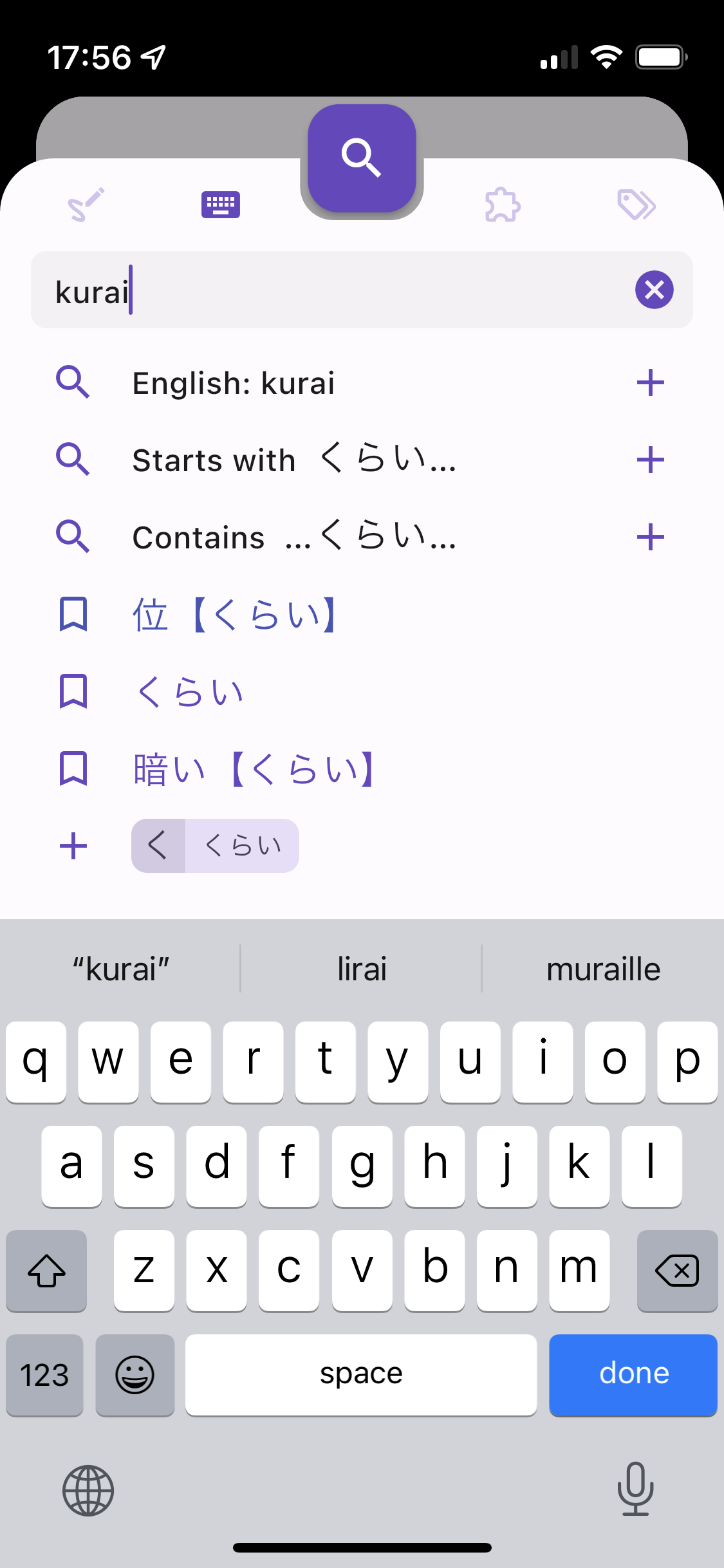
  • clarifies the search suggestion "English: xxx" and "Paste: xxx", displays "Type in romaji, Japanese or English" when the Search Bar is empty
  • fixed Search by Components ignoring the frequency limit when kanji index is not downloaded