Cloud Sync and Custom Fonts
New beta version 0.3.2 provides full support to save your Preferences, Lists and History to the cloud and sync between your devices. It also let you customize the Japanese fonts.
Cloud Sync and (Semi) Offline Cache
If you are signed-in, all your Preferences are synced to the cloud, along with My Lists and History. Syncing is currently only performed when the app starts up, when you sign in, when internet connection is restored after being offline, or when you manually do a "pull-to-refresh". If you haven't signed in yet but made some changes, they will be preserved when you sign in the first time.
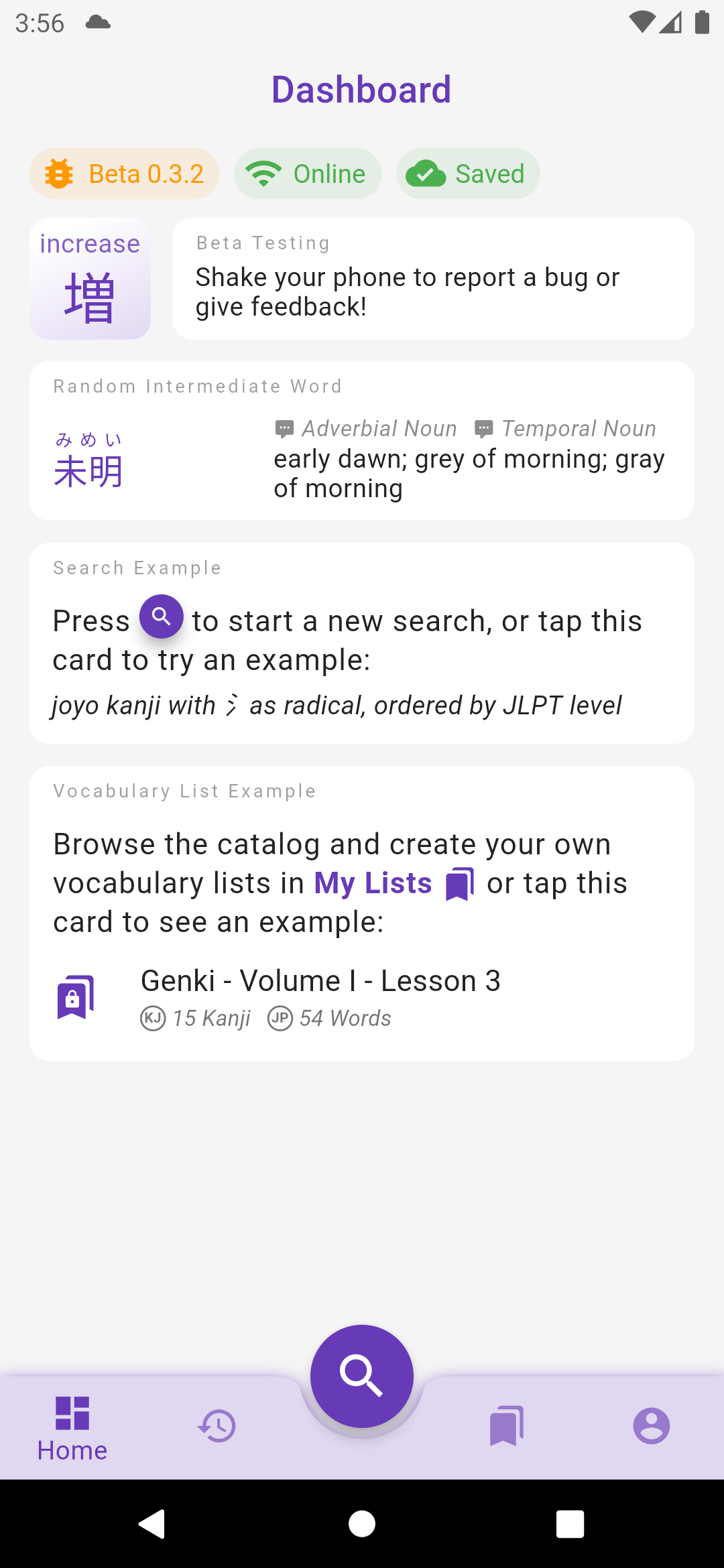
The sync status is displayed at the top of the Dashboard screen:
- Signed out: you are not signed in, therefore your data are not saved to the cloud.
- Syncing: your settings/lists are being synced to the cloud.
- Saved: all your local changes to settings/lists have been saved to the cloud (it doesn't mean that the app is up to date if you have made changes on a different device since syncing is not periodically ran, do a pull-to-refresh manually).
- Not saved: your local changes to settings/lists have not been saved to the cloud yet, probably because your device is offline.
- Sync failed: an error occurred when saving local changes to the cloud, long press on the chip to display the reason and error message.
The app can also handle internet disconnections, and changes made to Preferences and Lists while offline are preserved locally (even if the app is restarted) and synced when the app goes back online. Note that the syncing strategy is "last update wins" so for instance if you edit the same List on an offline device A and online device B, the change from B will be saved to the cloud right away but when device A goes back online, it will send its change to the server and override the change from device B.
Custom Japanese Fonts
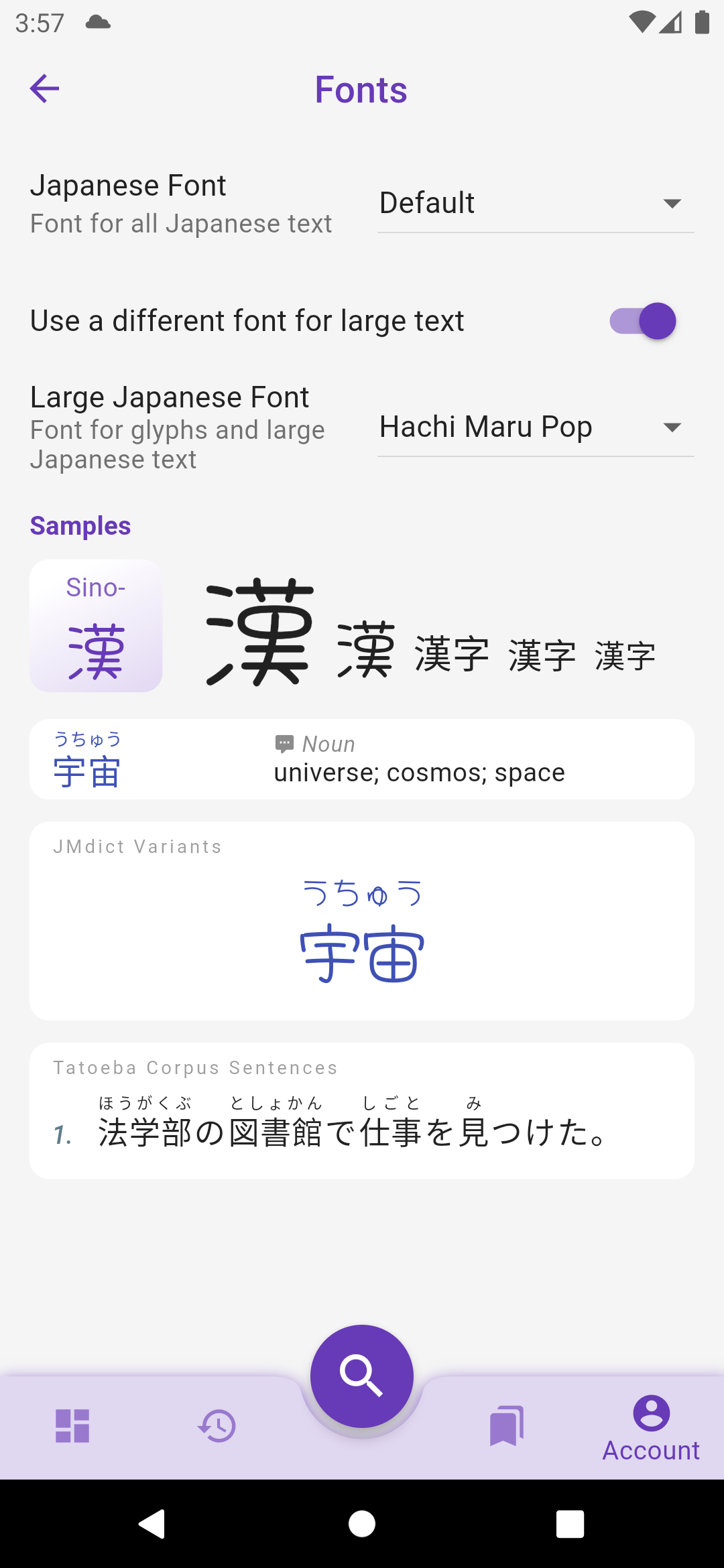
Fonts are not prepackaged within the app anymore (reduced the bundle size by 3!) and will instead be downloaded on demand. They can be changed in Account > Preferences > Fonts. It is possible to use a different font for large and small texts.
The default Serif font in previous versions has been removed from Preferences > Japanese > Serif Font for Large Characters, but the same effect can be obtain by checking Preferences > Fonts > Use a different font for large text and choosing Sawarabi Mincho in the dropdown list.
What's Next?
The biggest changes in these releases were internal, some work I had to do now to facilitate the development of future features:
- Grouped all design elements into a central Theme to prepare for the implementation of dark mode.
- Developed an offline-first syncing cache system to enable full sync of user data between devices and with the coming web and desktop apps.
- The offline-first cache also enables the app to work even without an internet connection. Currently only Preferences and Lists are cached but the next release should also cache all pages (kanji and words) so they can be consulted offline or without fetching them from the server. The next step will be the option to download the whole dictionaries in advance, and with the implementation of a local search feature, the app will be fully operational offline.
Happy testing :)
Other changes to version 0.3.0 to 0.3.2
Fonts
- removed fonts from the app file to reduce its size from 54mb to 22mb
- uses OS default font (Roboto on Android, San Francisco on iOS) instead of Noto fonts
- fixed "wiggling" Japanese text on iOS where kanji without furigana were not aligned with kanji with furigana
- sets font weight according to their size to be a bit thiner and more readable
Preferences
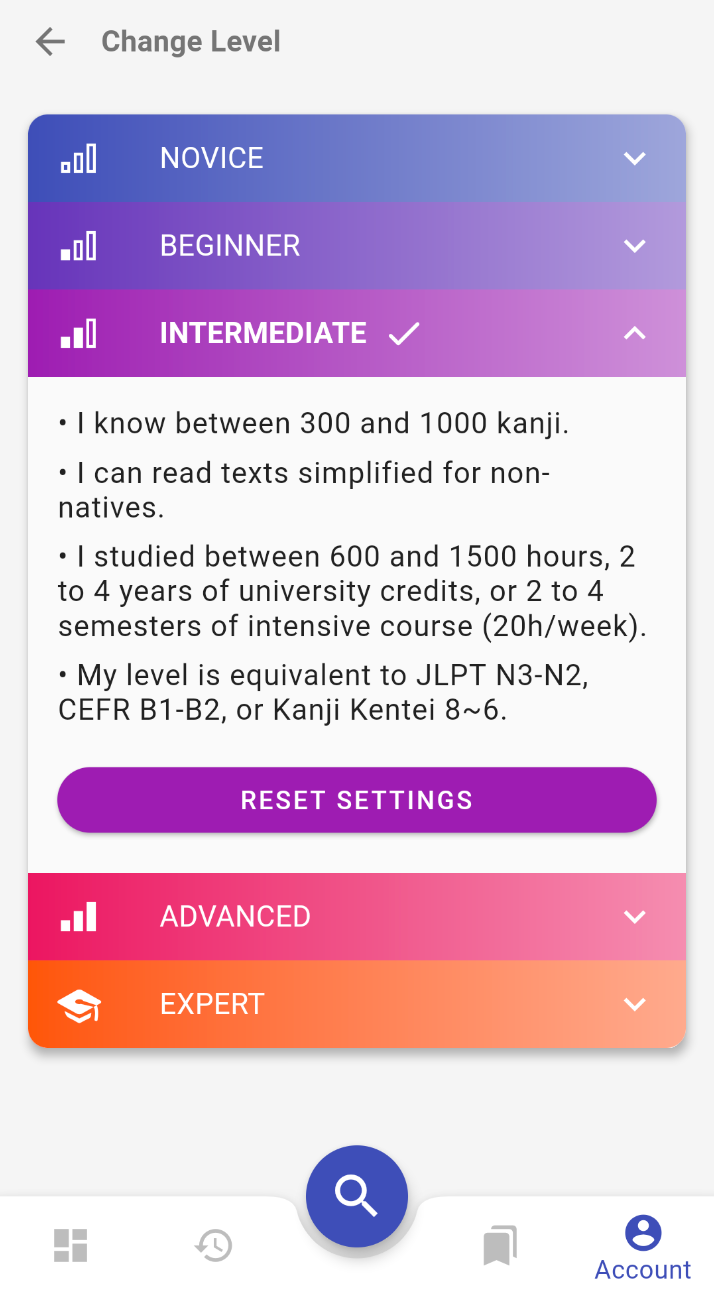
- Switch Level screen has a checkbox to let the user decide if preferences must be wiped out or if manually edited changes must be preserved
- all settings are synced to the cloud if user is signed in
- all settings and history are saved to the cloud the first time a user signs in
- when the user signs out, all settings, lists, etc. are cleared from the local app
My Lists
- lists stays visible even with no internet connection
- lists can be updated, kanji/word added to them, even with no internet connection
- internet connection is still required to create a new list
- preferences and list changes made without internet connection are preserved even if the app is restarted
- preferences and list changes are synced to the cloud when the app goes back online
Dashboard
- replaced welcome header by "Dashboard"
- displays status chips at the top: app version, online state, data sync status (signed-out/syncing/saved/not-saved/error)
- kanji/word of the day are reloaded when the level is changed (if the dashboard is displayed)
- kanji/word of the day are now selected from all entries in the user's level (instead of just the first 500 entries)
- word of the day is now only selected among verbs, nouns, adjectives and adverbs (exclude particles, etc.)
UI
- bottom navigation bar has a shadow on Android
- better fits the keyword on kanji small card, makes it smaller or splits it over two lines
- missing kanji keyword displays ??? instead of being empty and making the kanji bigger
- denser word card with reduced vertical padding and vertically centered content
- History app bar's filter buttons resize to fit in the screen width
- prettier loading animation that looks like a shimmer
- removed 'feedback-on-shake' gesture on iOS, use the standard 'feedback-on-screenshot' instead
- moved all switches in Preferences to the right
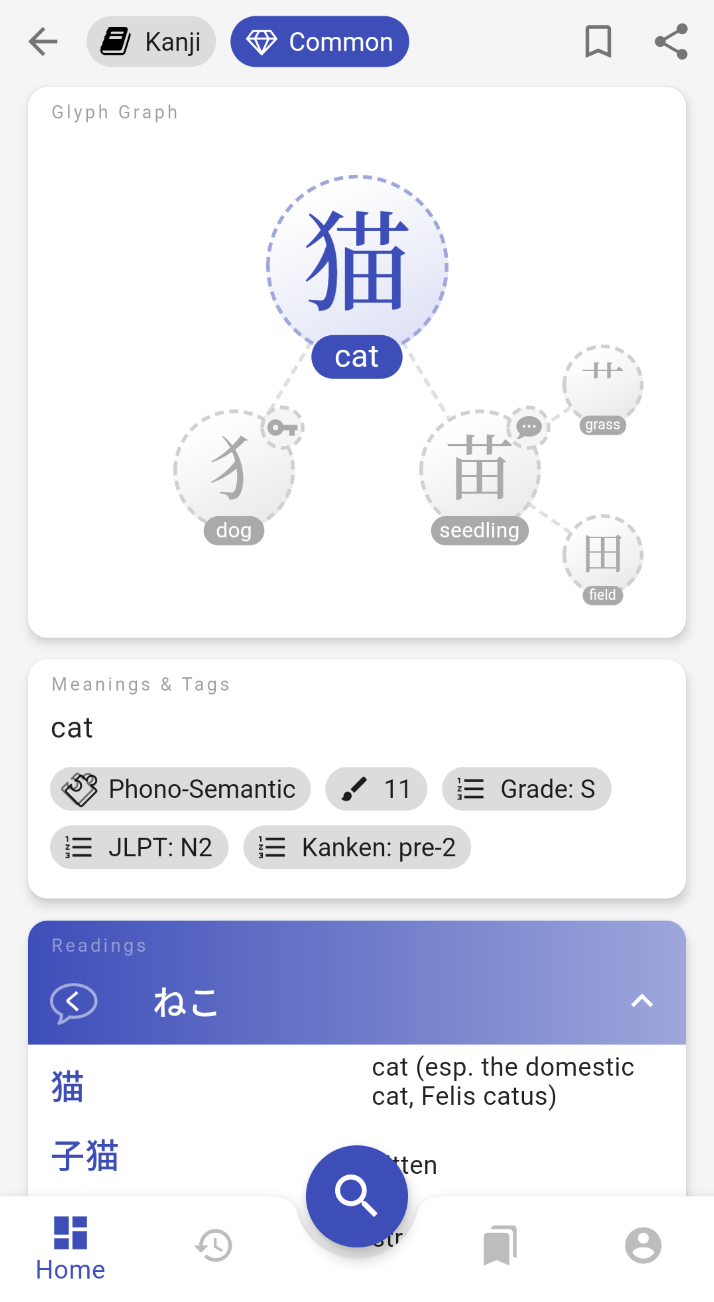
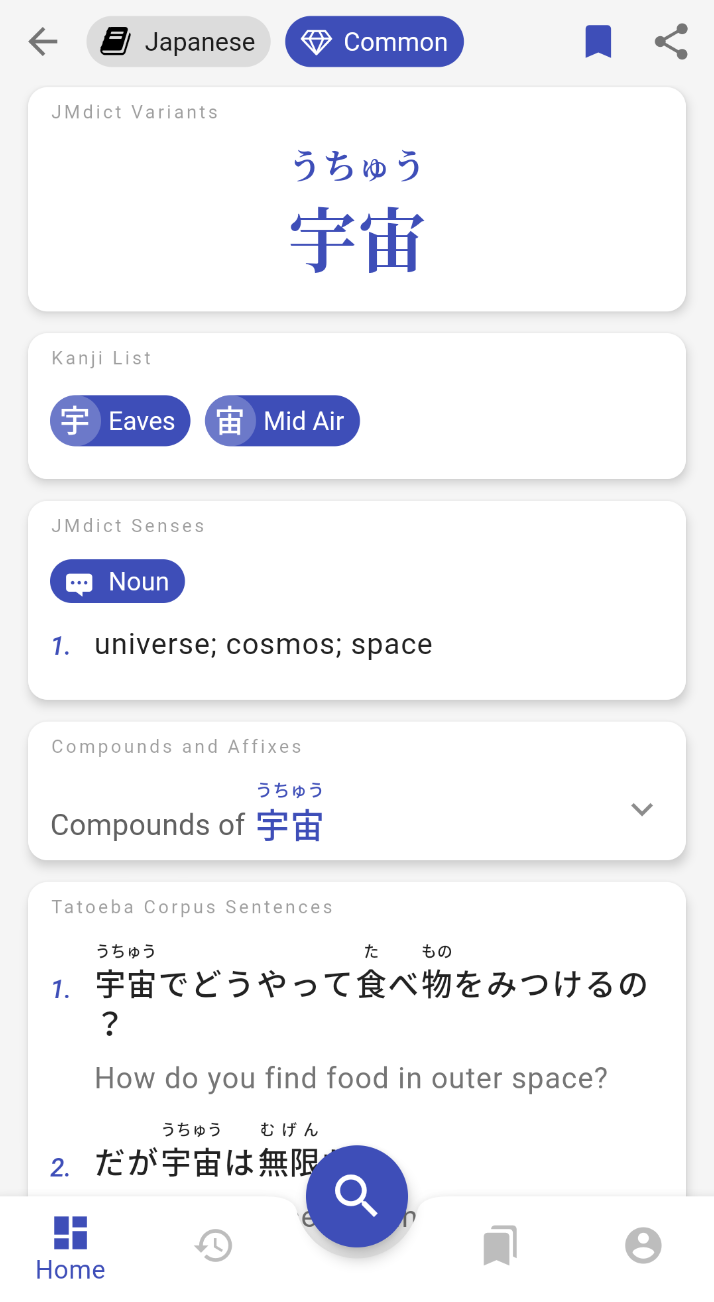
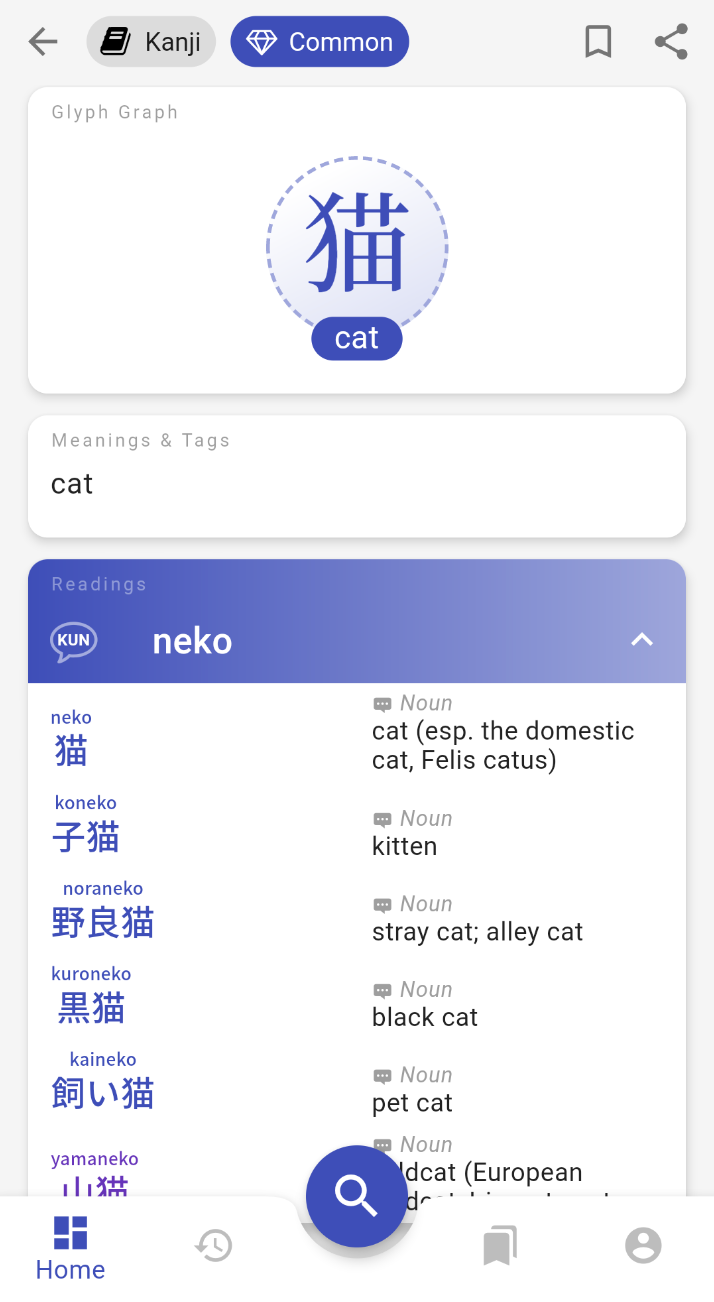
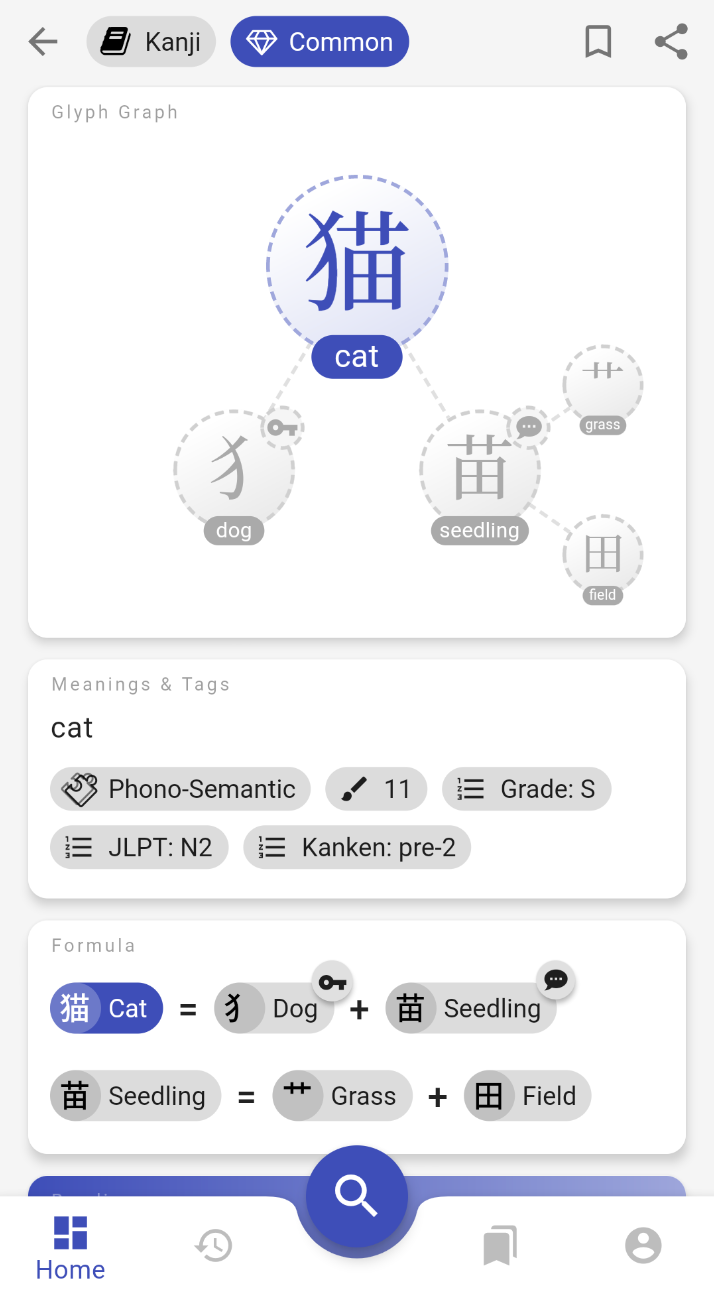
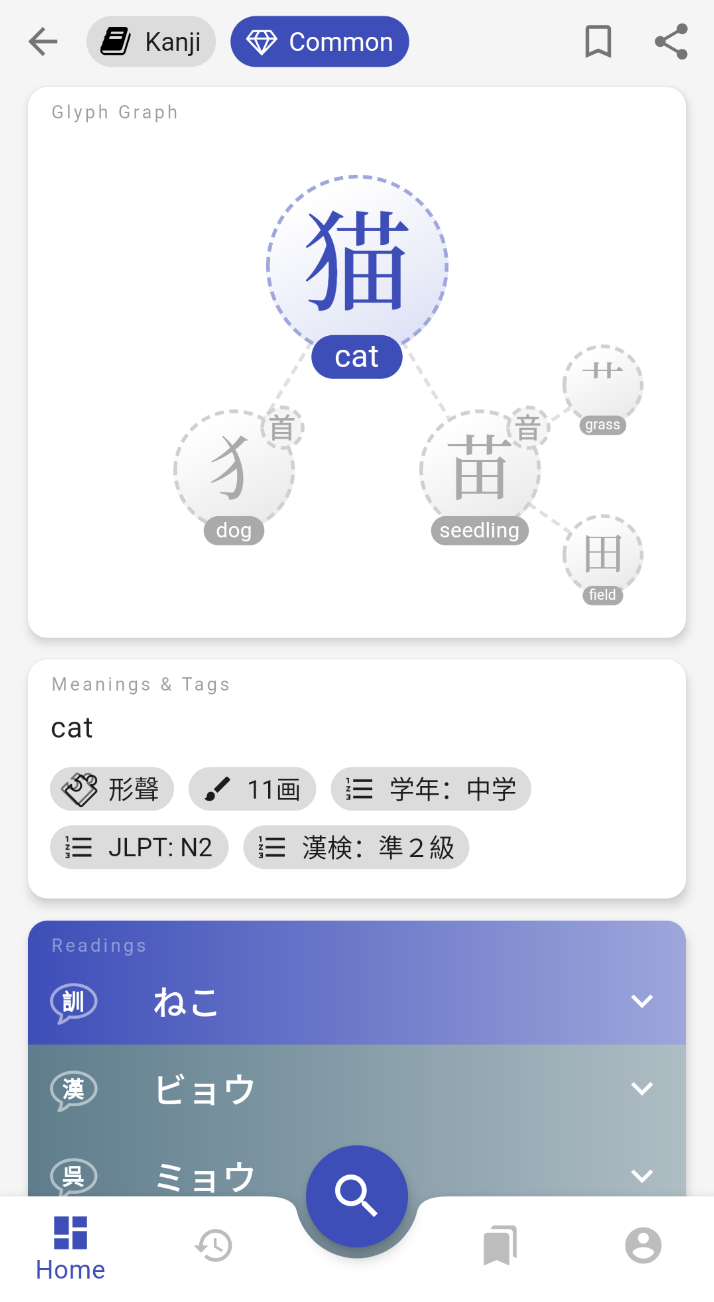 The same page displayed for Novice, Intermediate, and Expert levels.
All the settings used in these default profiles can also be fine tuned individually:
The same page displayed for Novice, Intermediate, and Expert levels.
All the settings used in these default profiles can also be fine tuned individually:
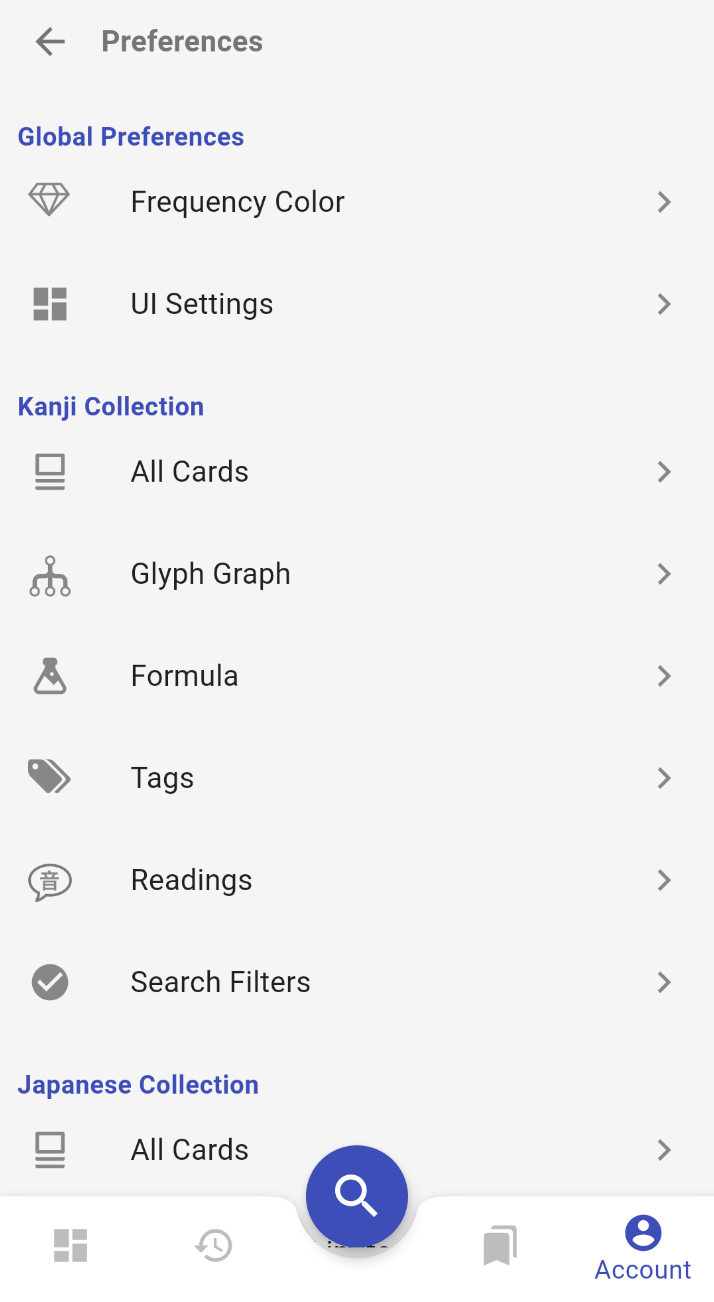
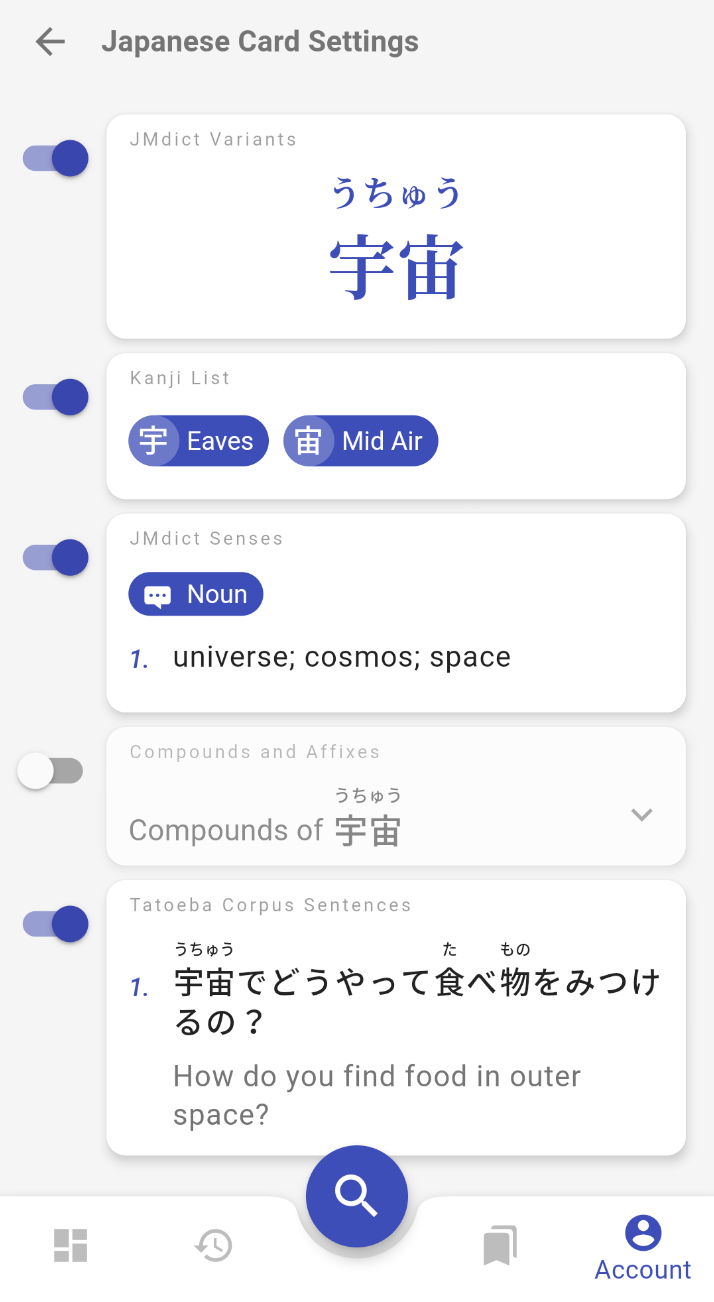
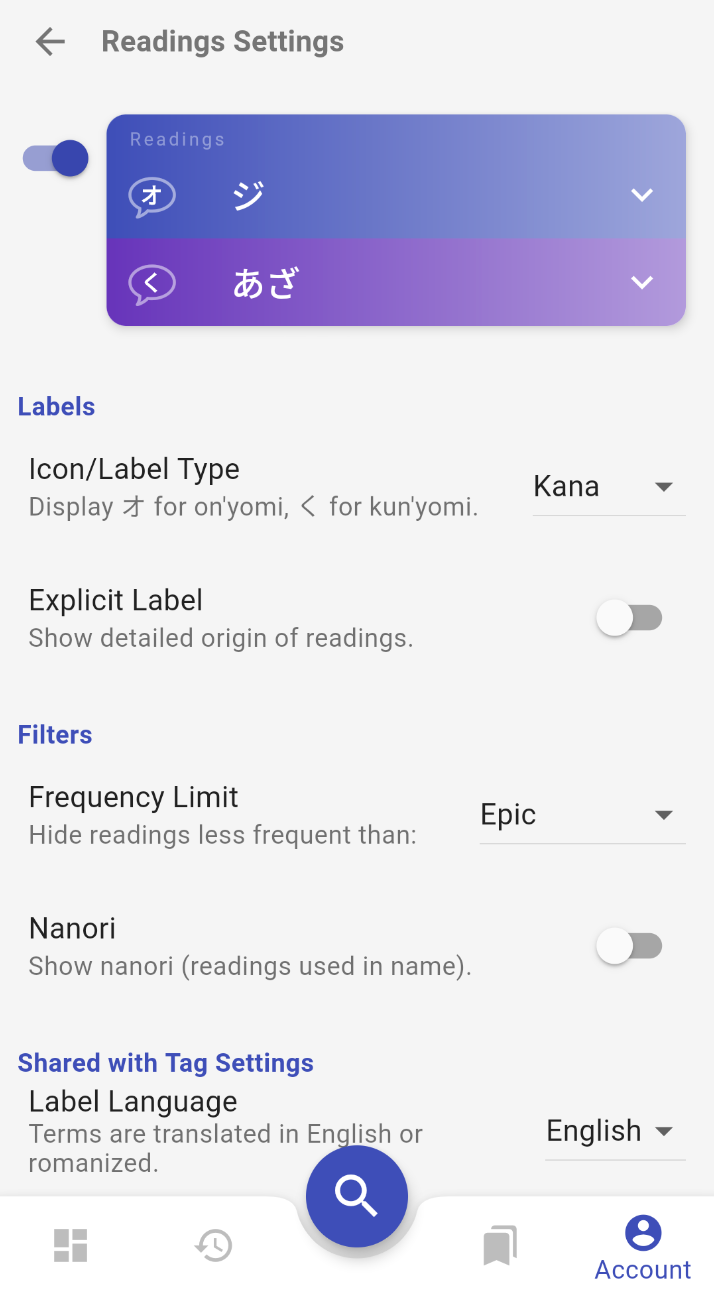 Some of the Preference screens.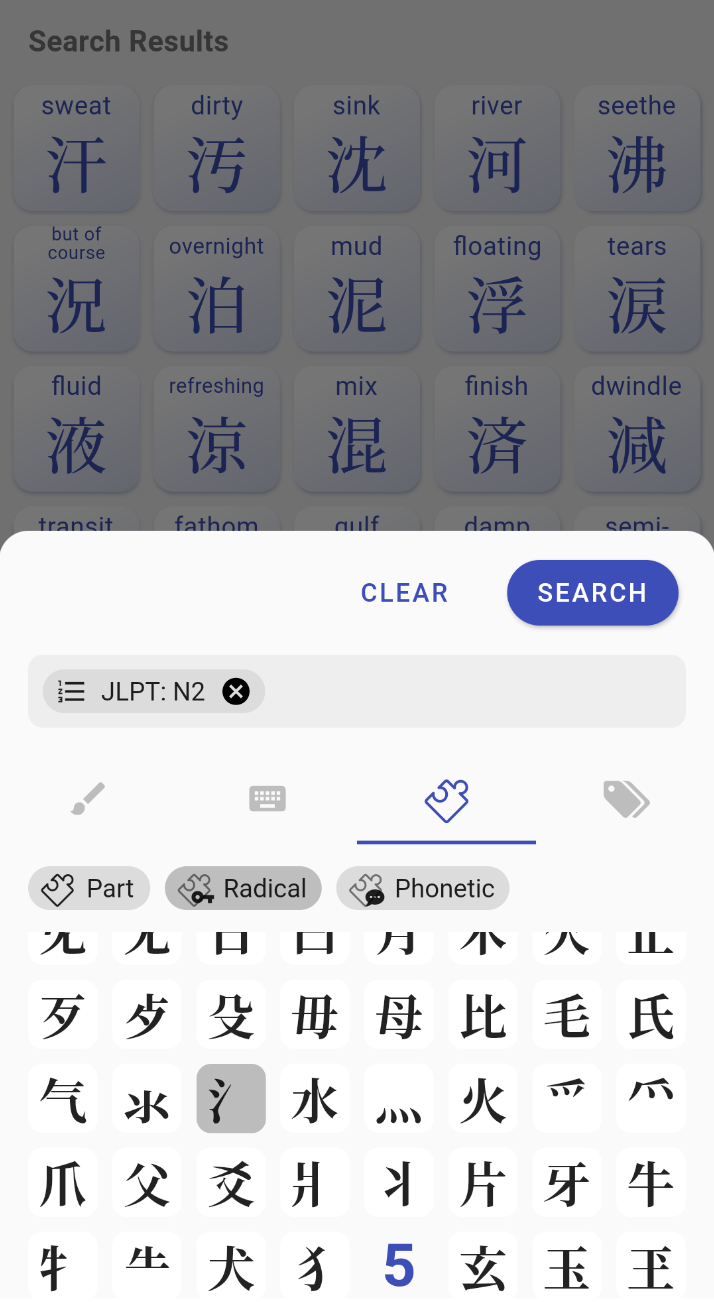
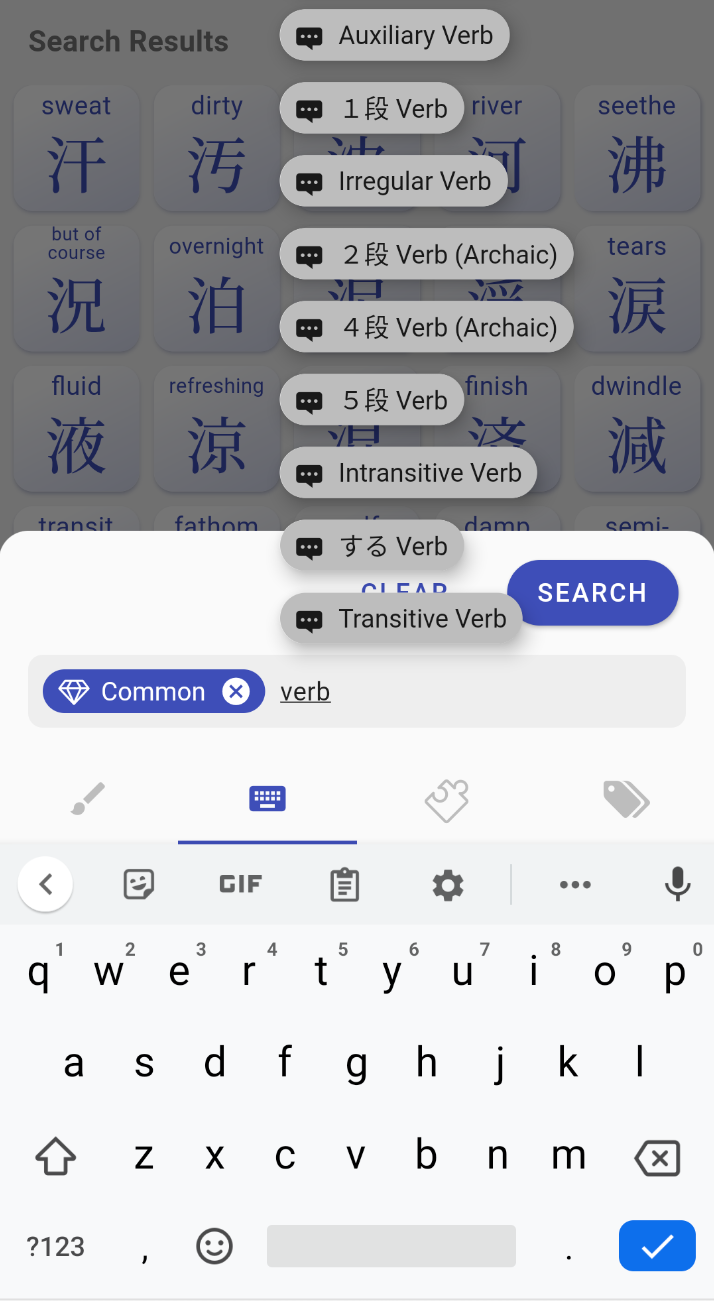
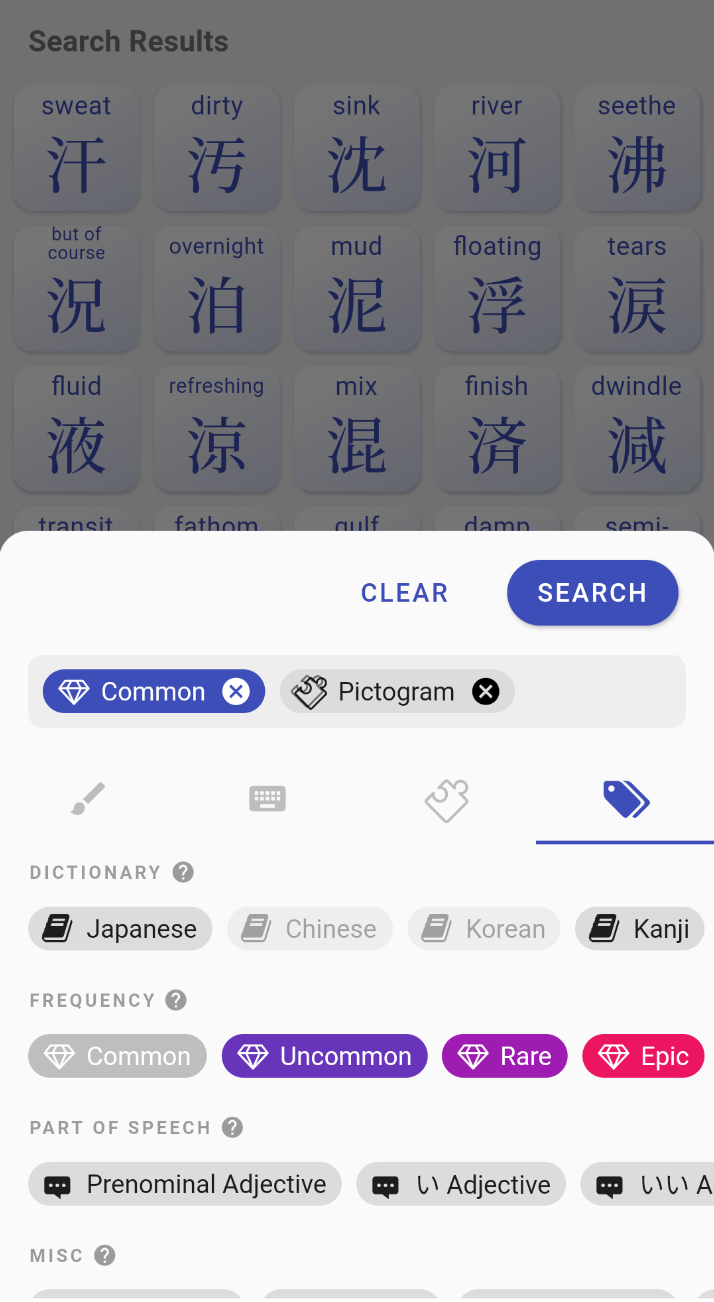 Search with different Input Methods.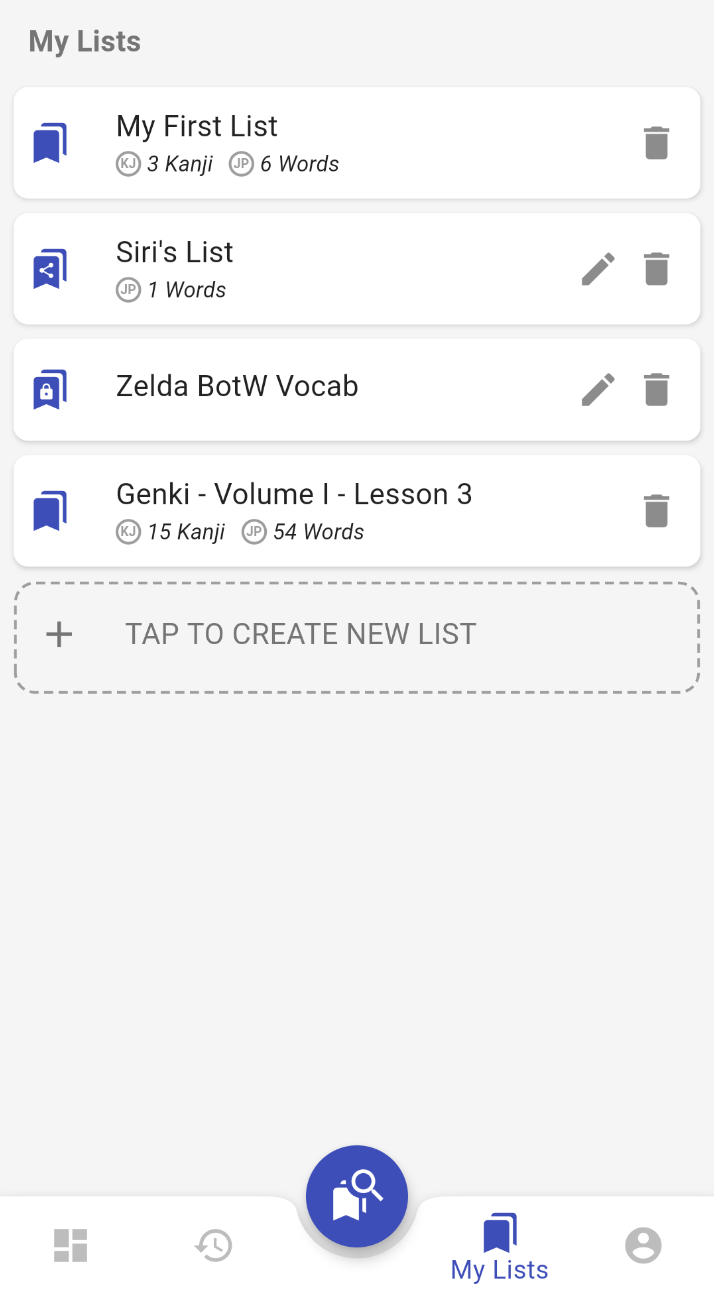
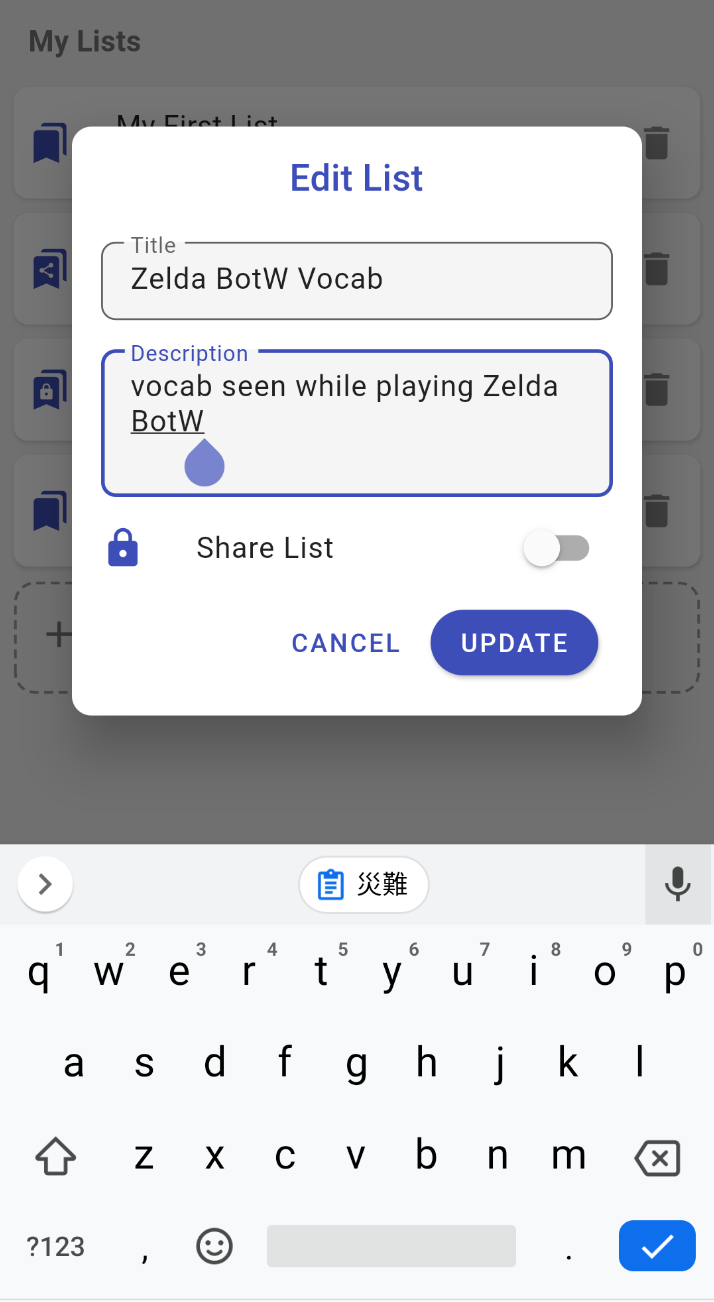
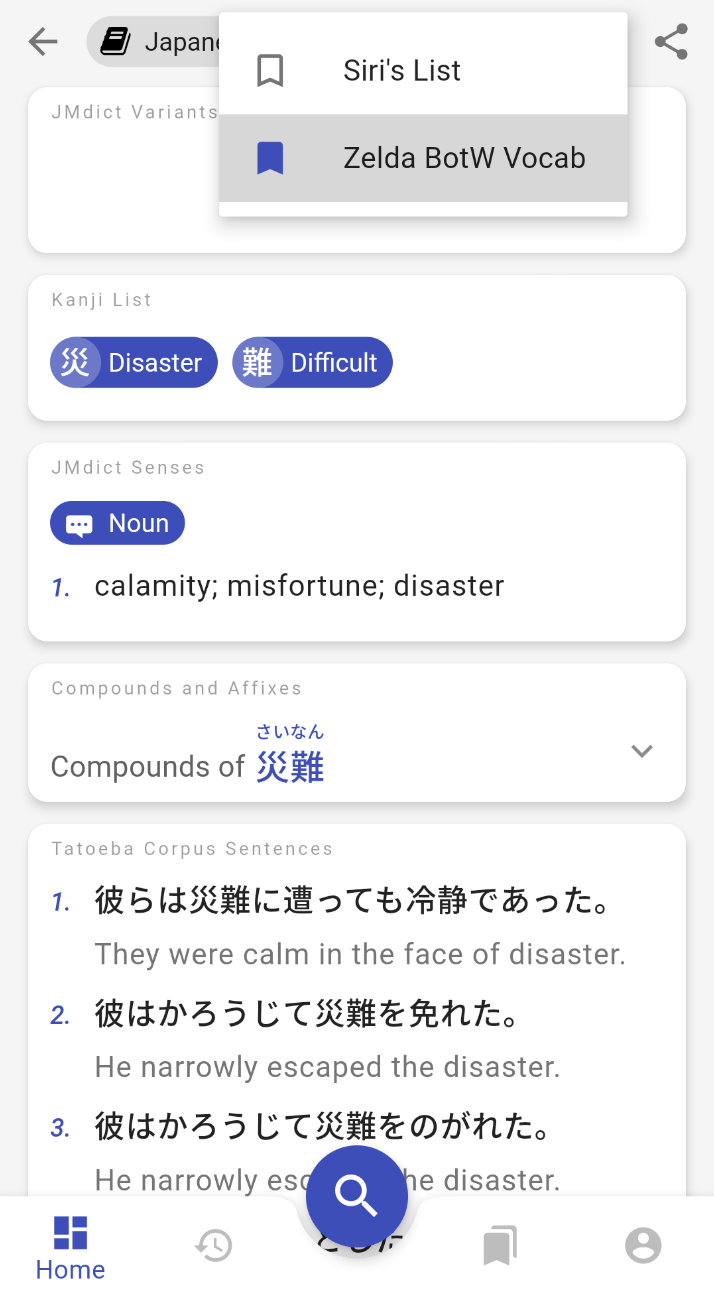 Steps to create a custom list and bookmark pages.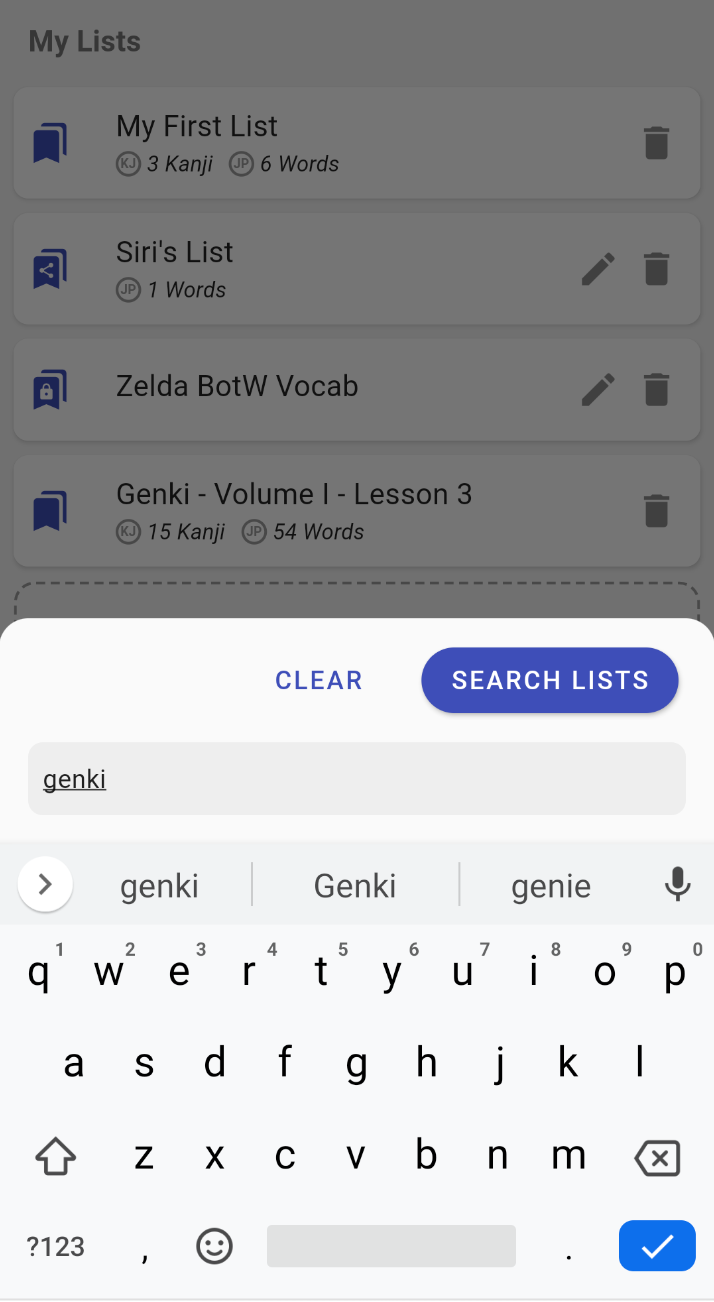
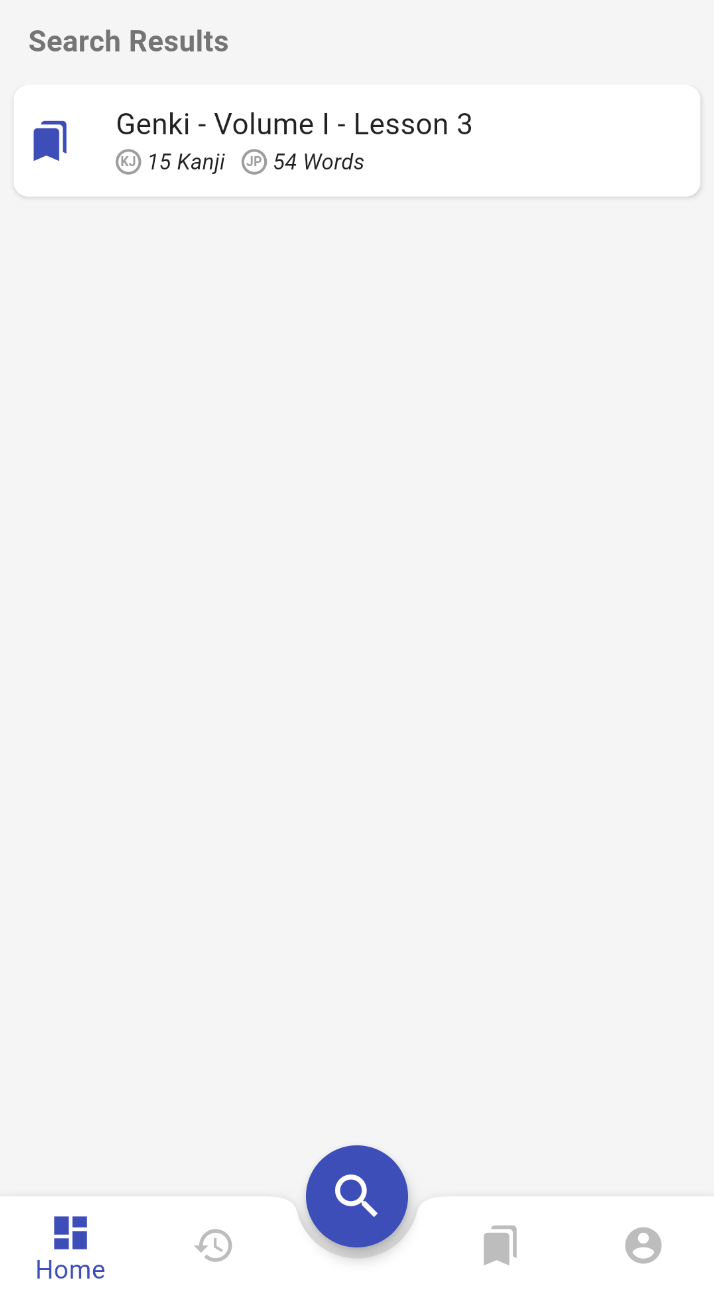
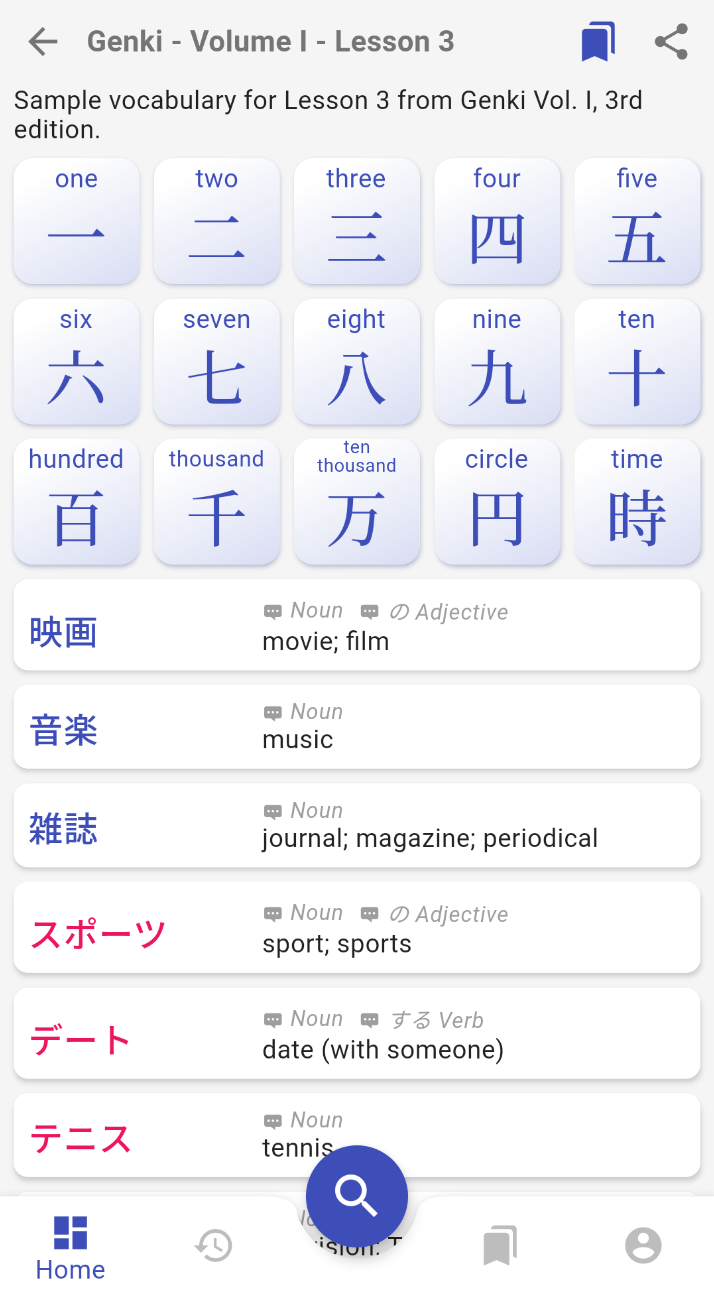 Steps to search the catalog of vocabulary lists.