14 posts tagged with "ios"

View All Tags

Kanjiverse: Your Modern Japanese Learner's Dictionary!

· 3 min read
Gloria Kristiani
Kanjiverse

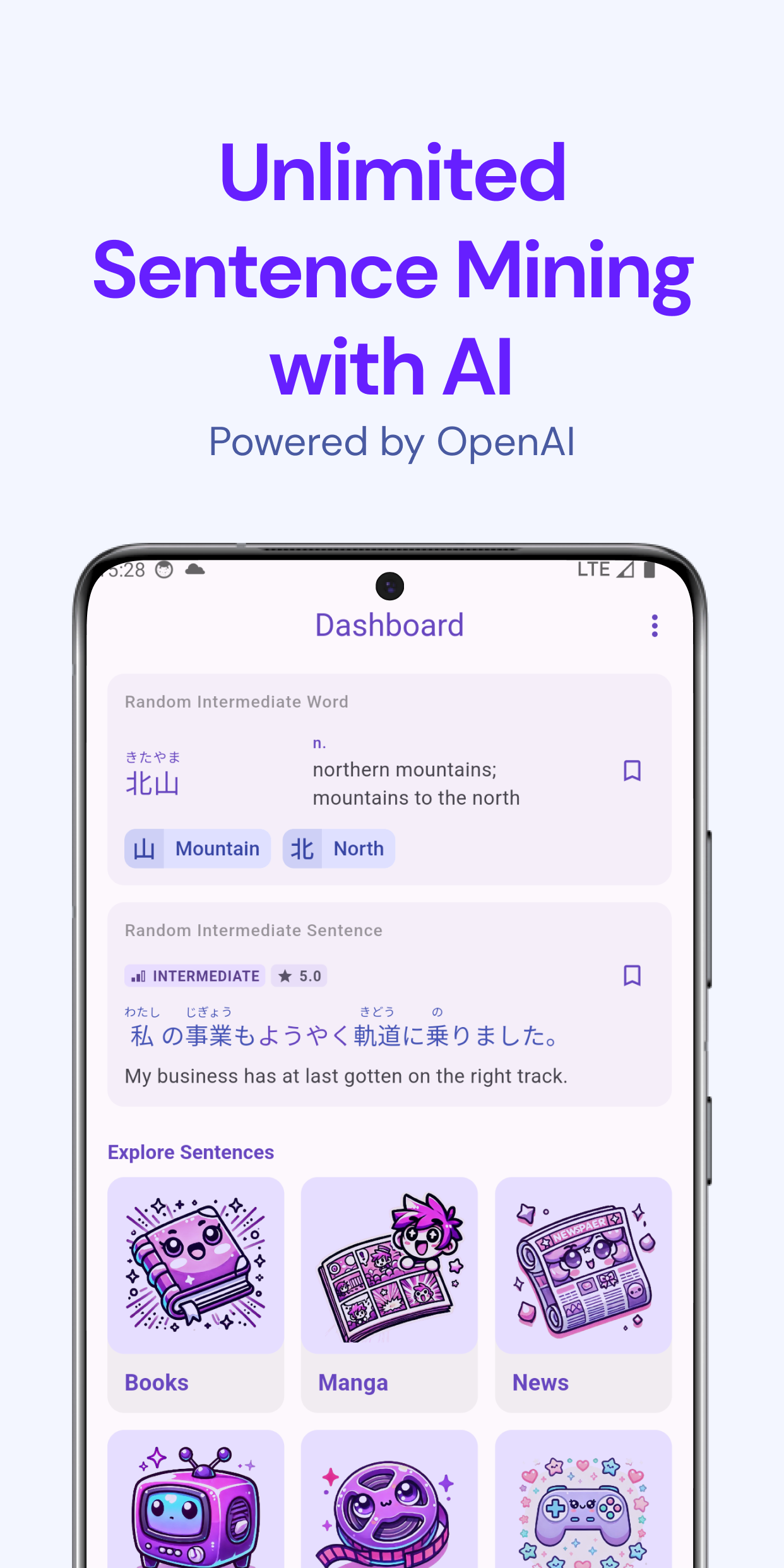
We are thrilled to announce the official release of Kanjiverse, a free app designed to modernize the way you learn Japanese. After rigorous beta testing and invaluable feedback from our early users, we’re finally ready to bring Kanjiverse to the world—starting with Japan and Asia Pacific, then gradually expanding to more countries across the globe.
Key Features of Kanjiverse:​
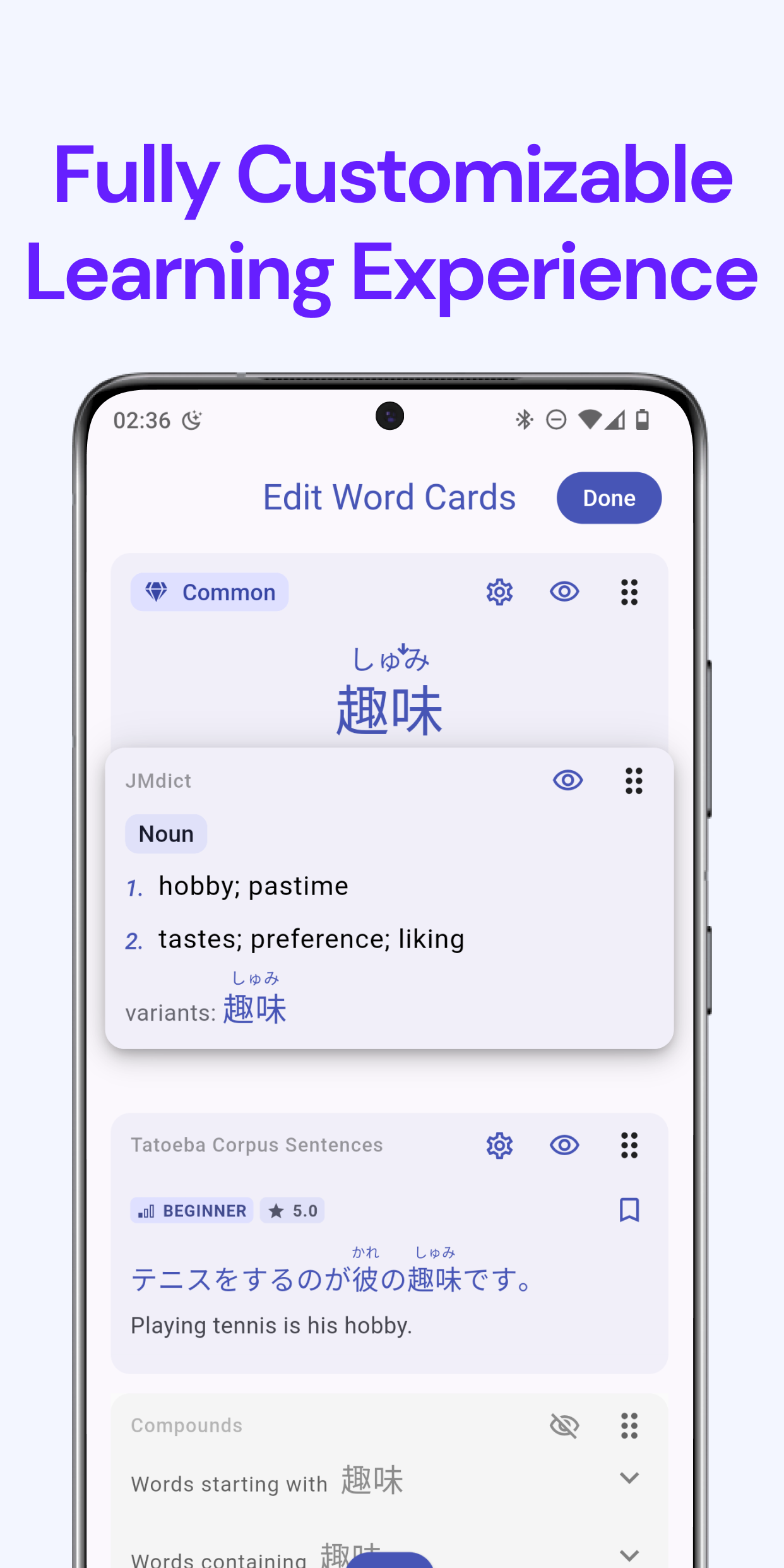
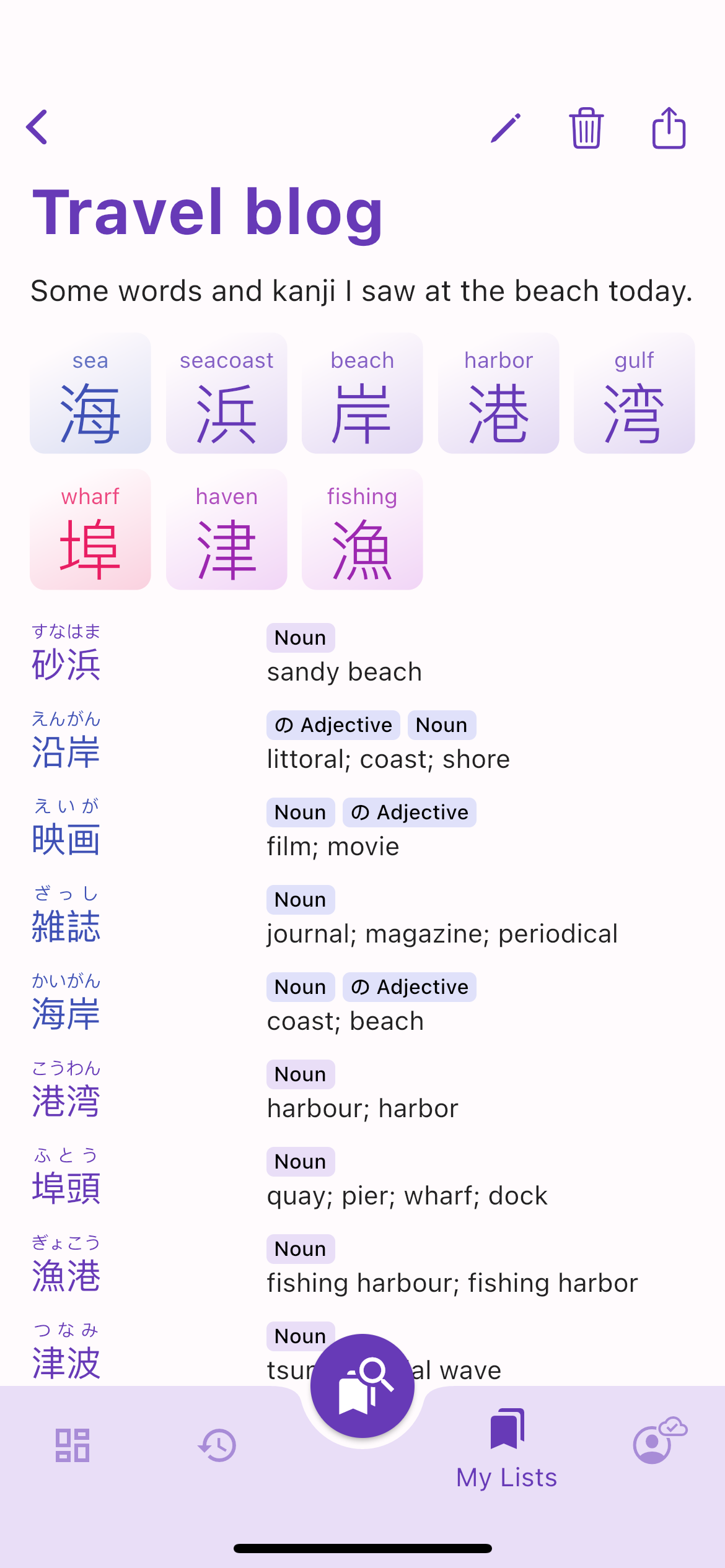
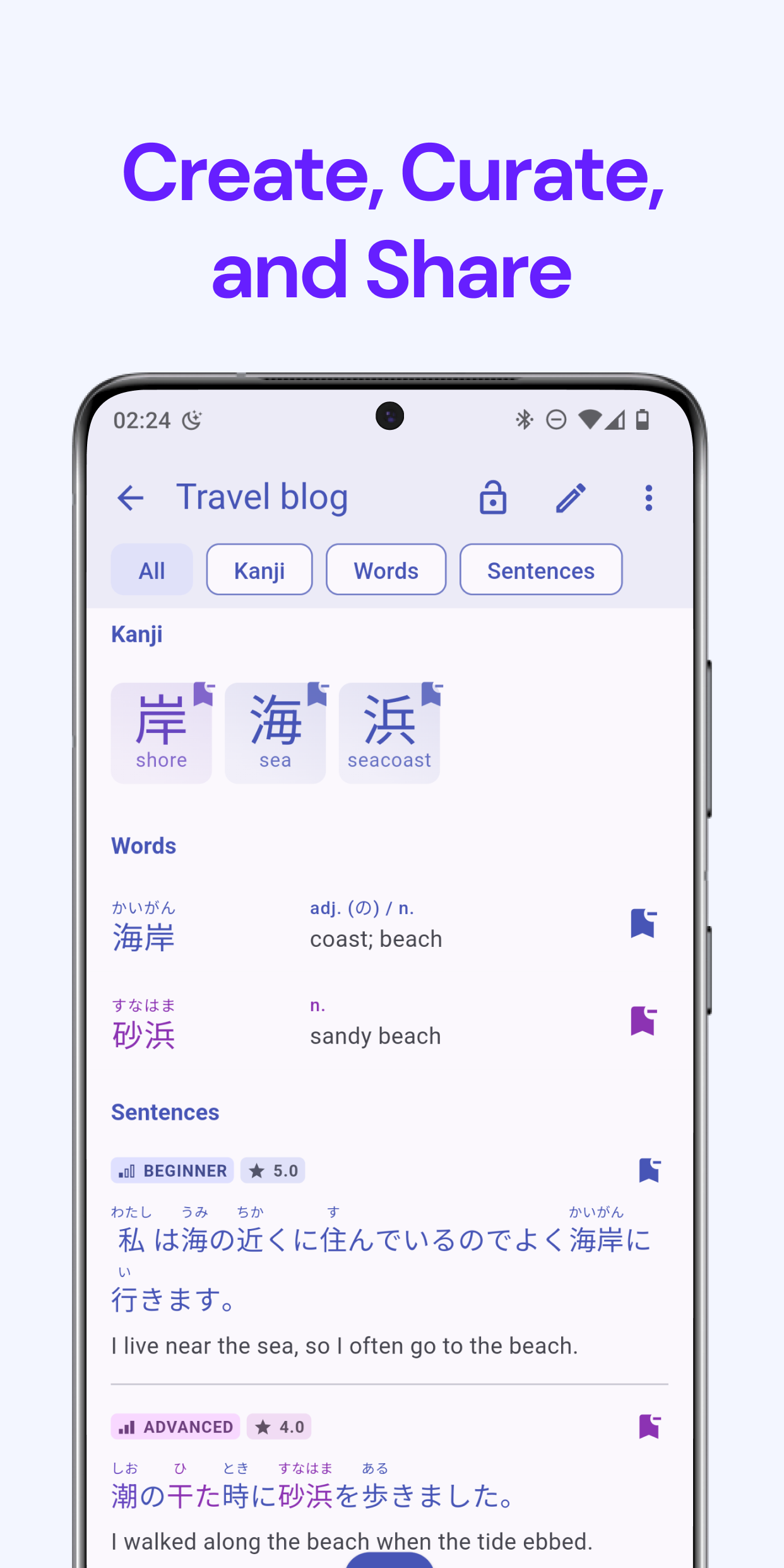
  • Japanese Learner's Dictionary: At the heart of Kanjiverse is our comprehensive learner's dictionary. It's designed to be more than just a reference tool—it’s an interactive learning experience. With features like kanji decomposition, example sentences, and customizable flashcards, this dictionary is built to help you master Japanese in context.
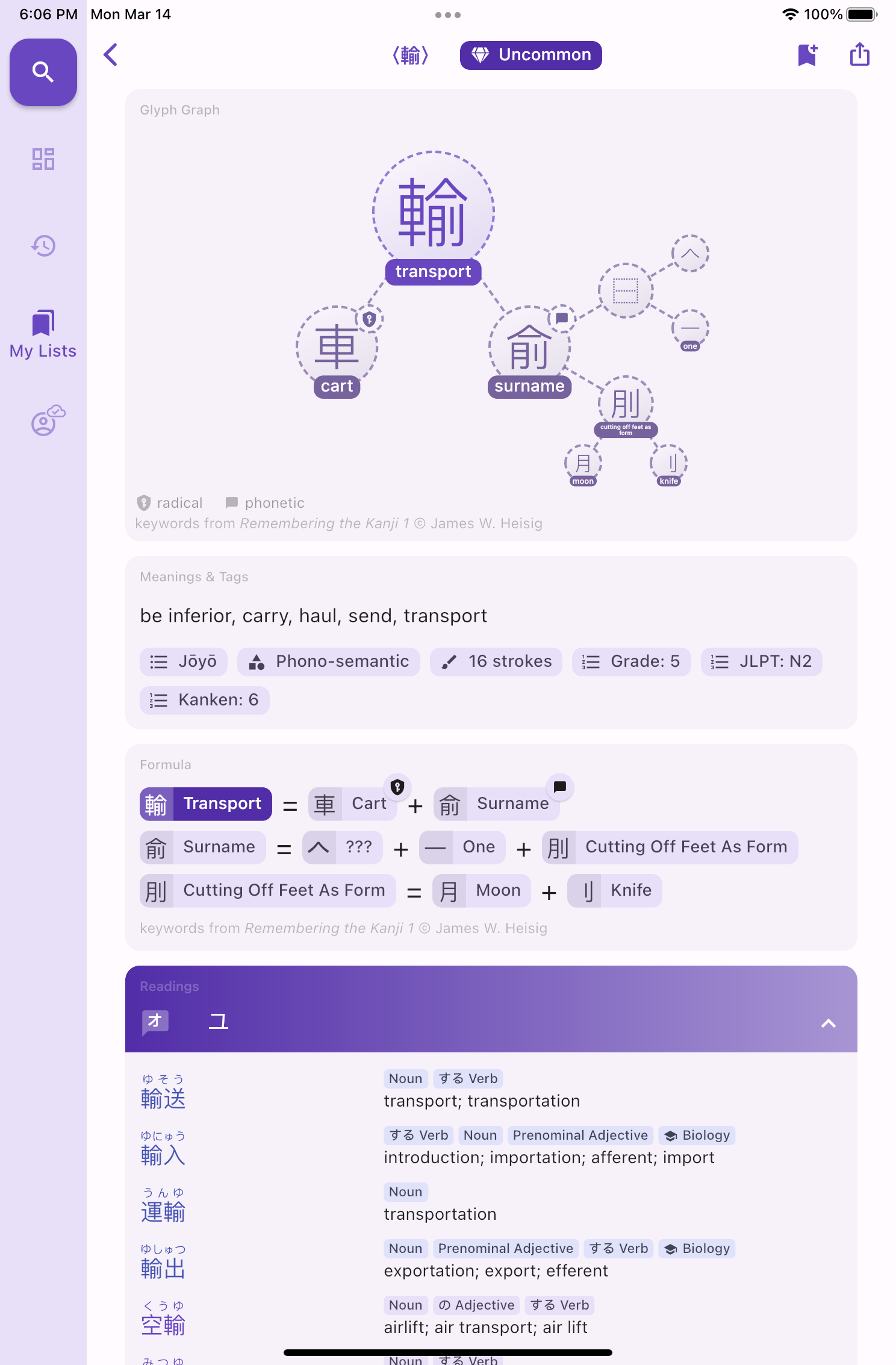
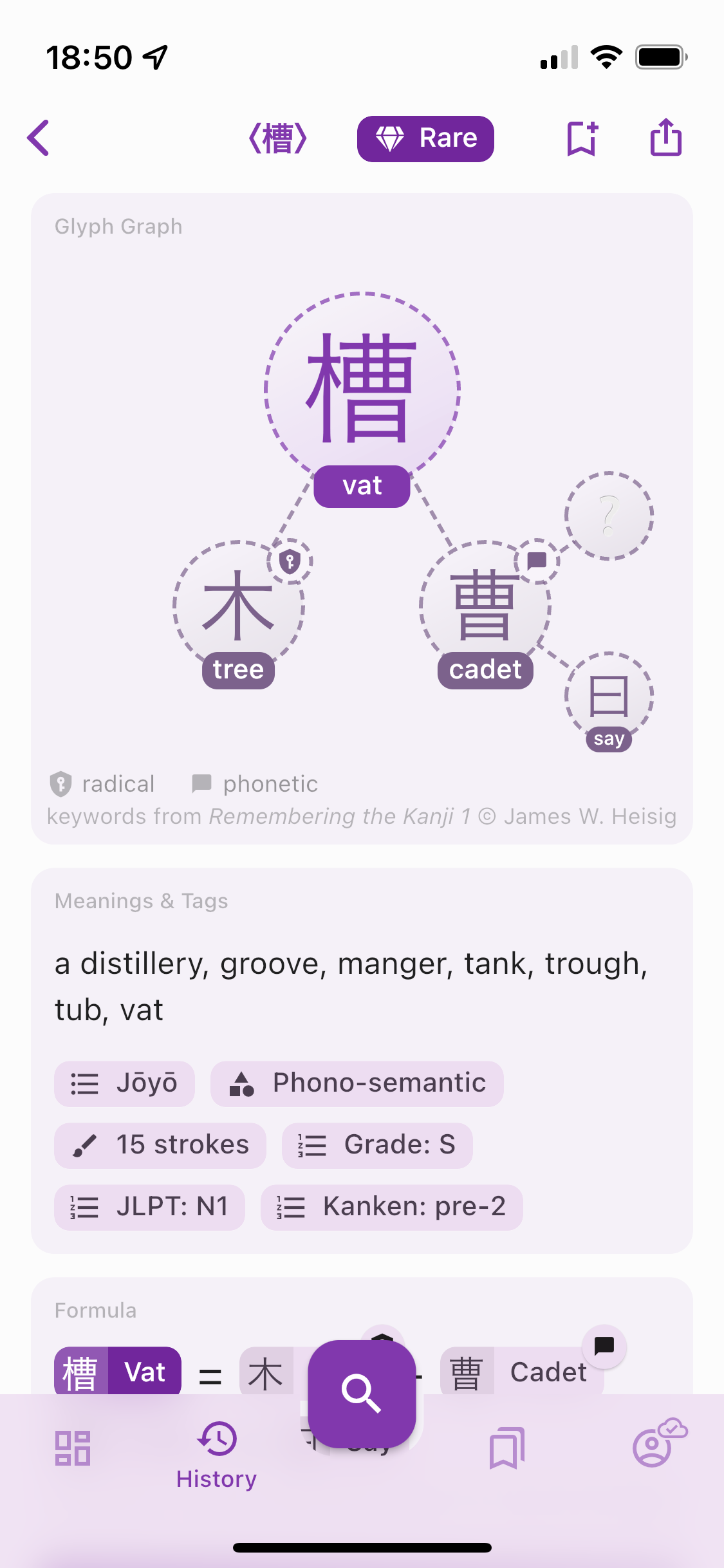
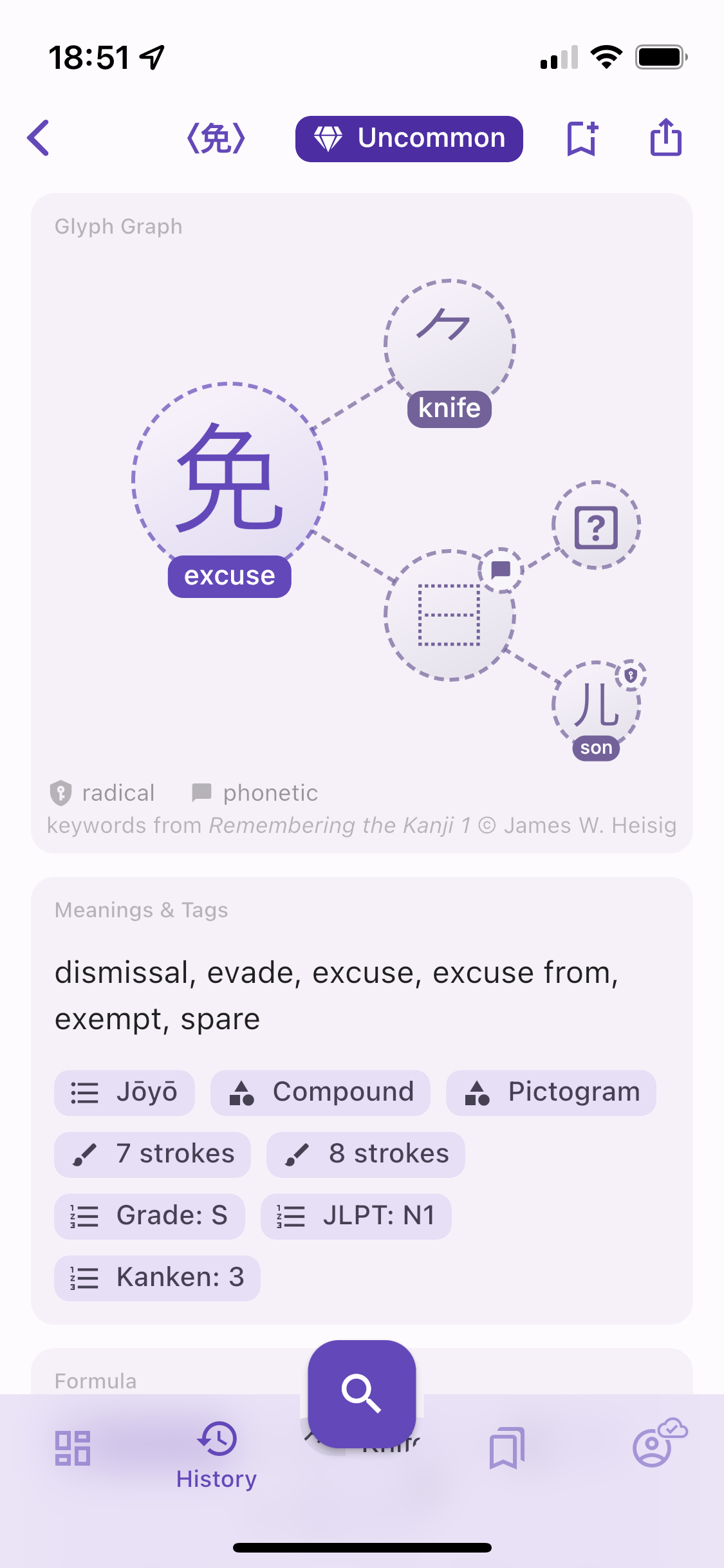
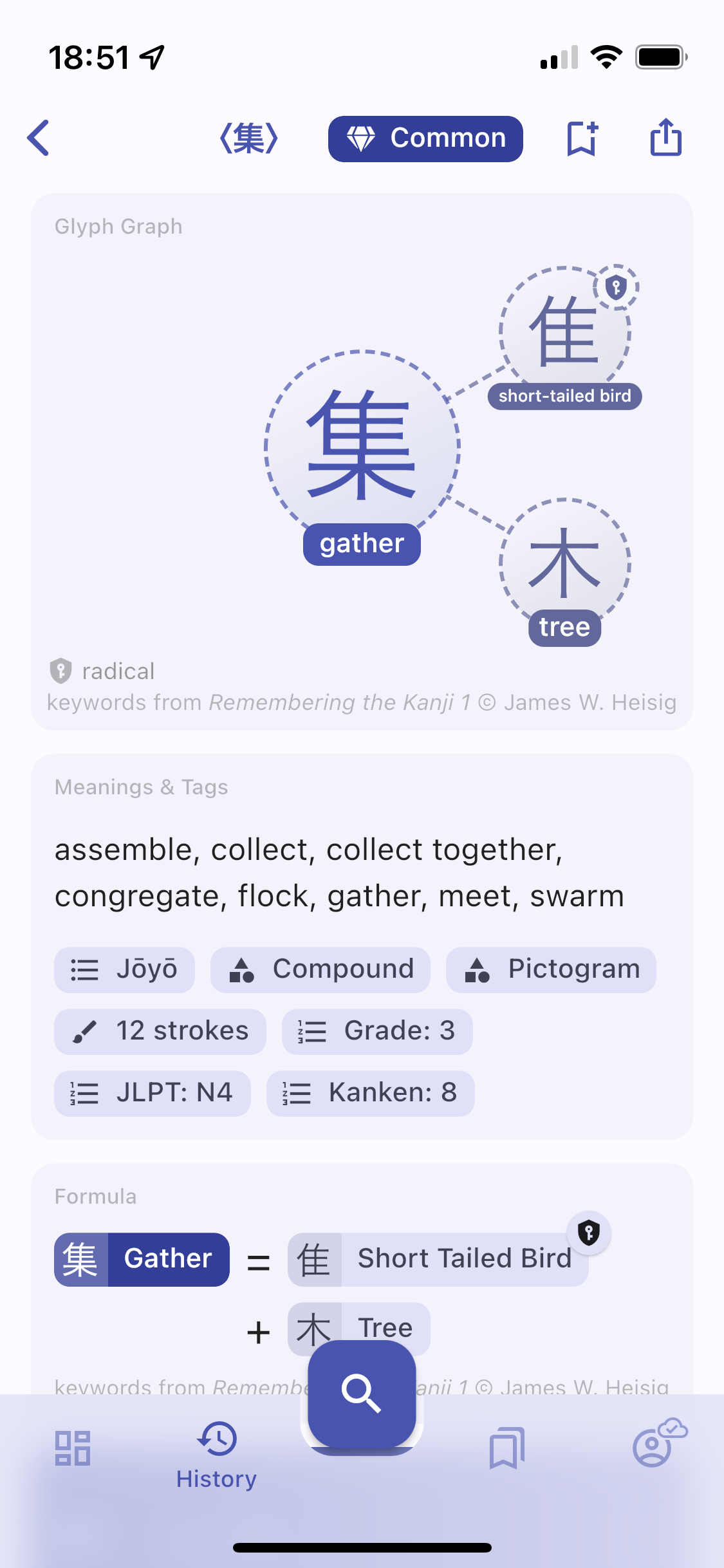
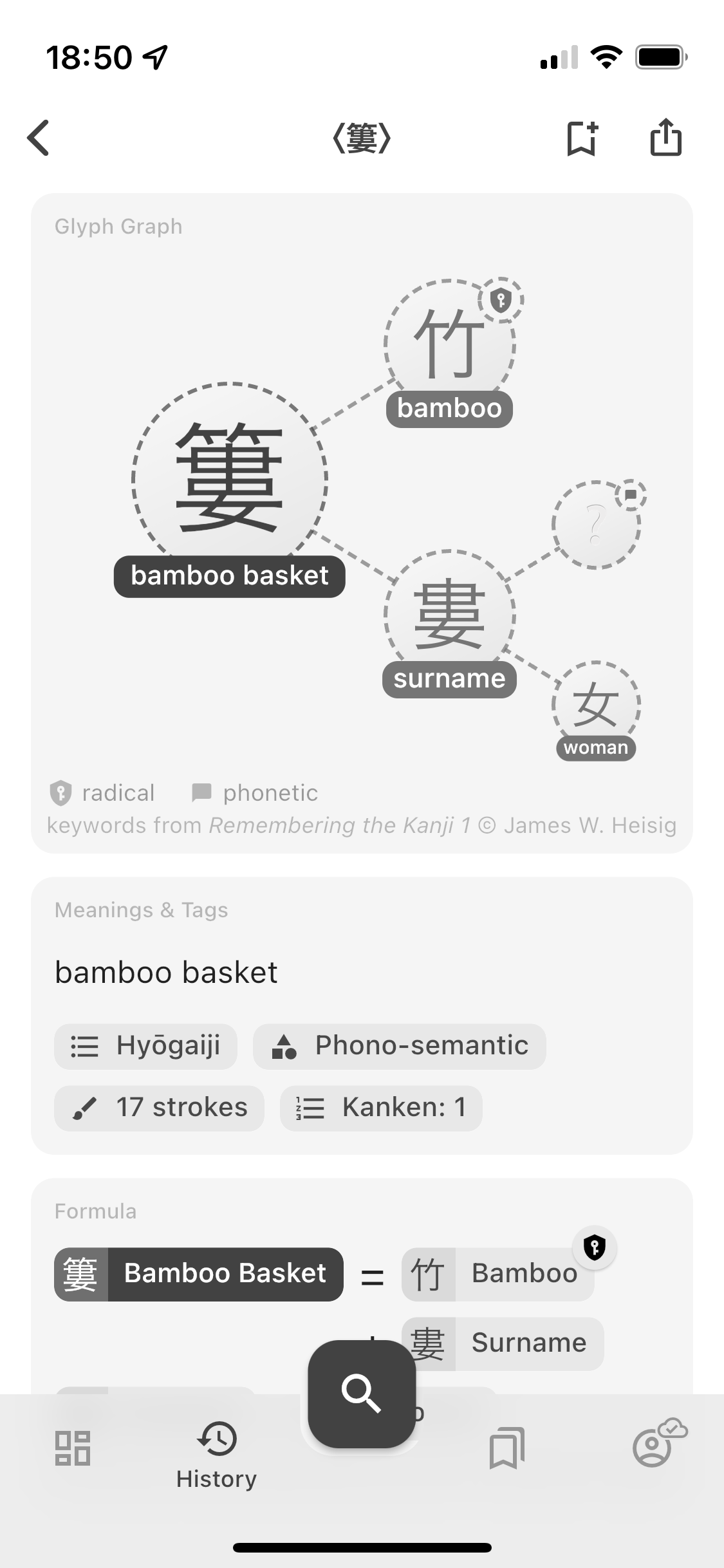
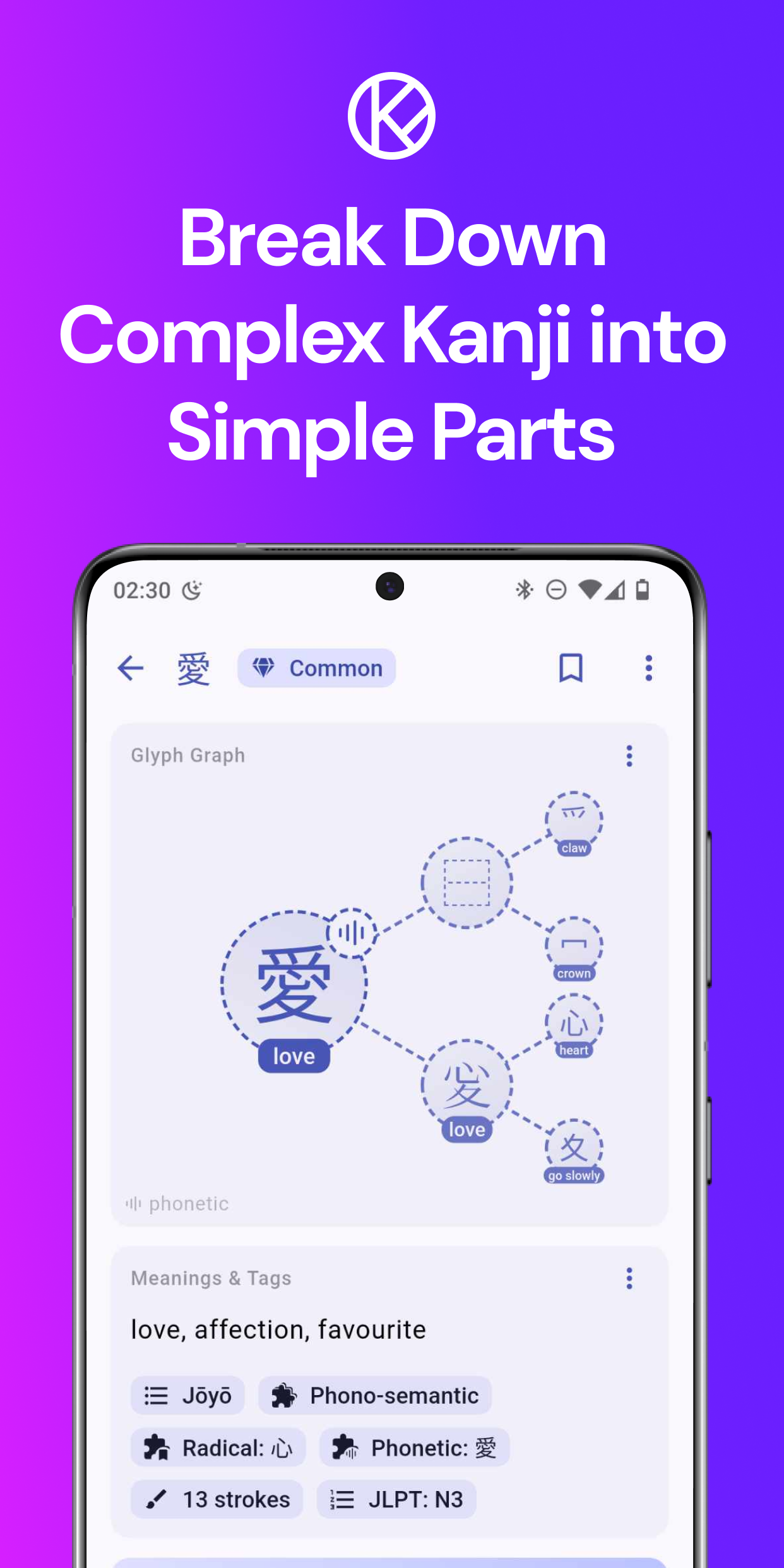
  • Kanji Decomposition: Break down complex kanji into their basic components and understand their meanings at a granular level. This feature is perfect for learners who want to dive deep into the intricacies of the Japanese writing system.
  • AI-Powered Sentence Generator: One of our most exciting features! Generate endless example sentences based on the context you choose—whether it's from anime, drama, or games. This feature ensures you’re not just learning isolated words, but seeing them in action.
  • Customization Options: Tailor your learning experience with customizable cards. With Kanjiverse, you can focus on what matters most to you and progress at your own pace.
  • Offline Access: Learning doesn’t stop when you’re offline. Kanjiverse’s robust offline dictionary allows you to continue studying even without an internet connection.
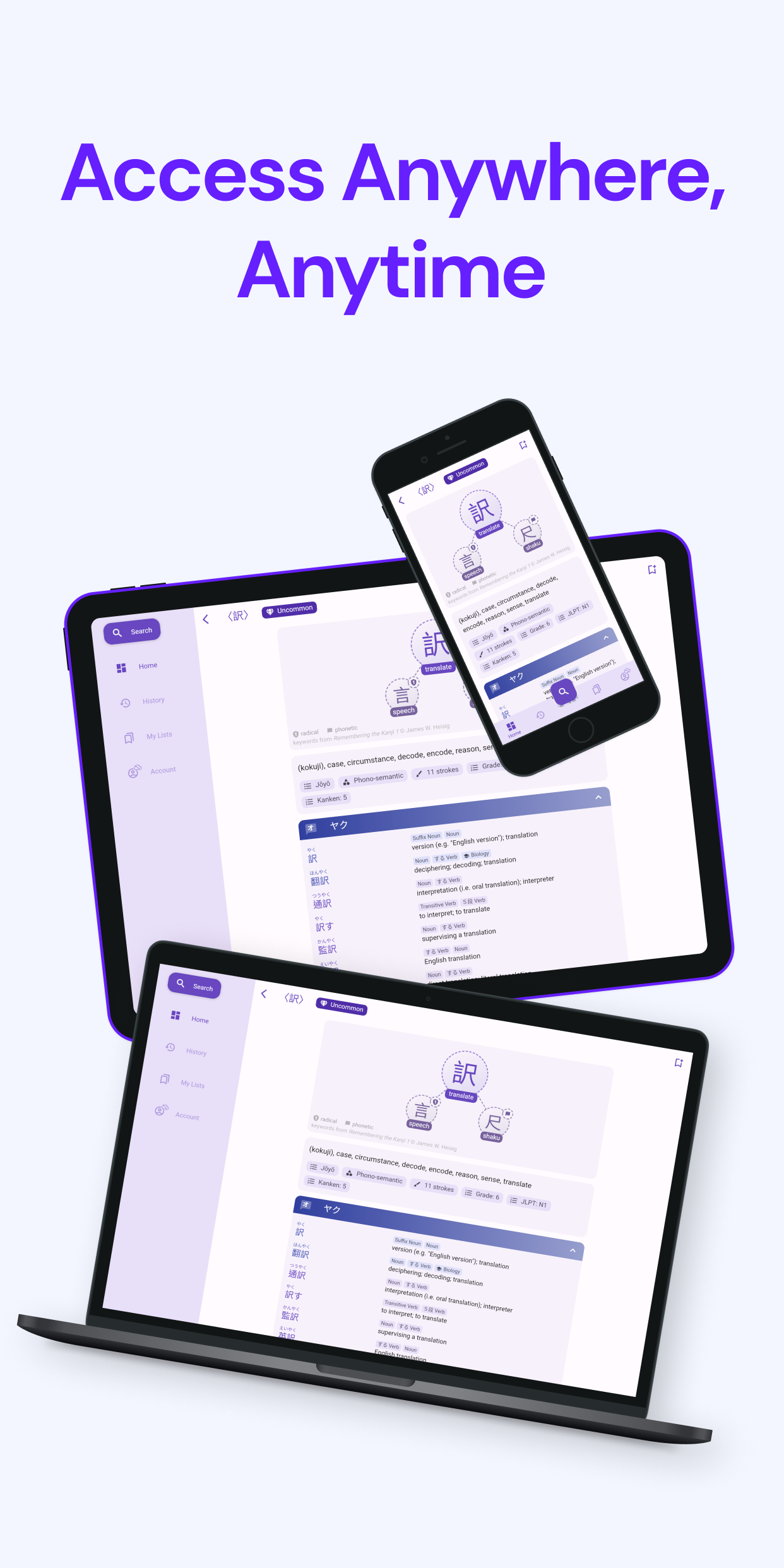
  • Seamless Sync Across Devices: Whether you’re using Kanjiverse on your phone, tablet, or web browser, your progress is always synced, ensuring a smooth learning experience across all your devices.
From Beta to Launch: Our Journey​

Our journey began with a vision to create a truly user-centric Japanese learning platform. During our beta phase, we invited learners from all walks of life to test Kanjiverse, and their feedback was instrumental in refining our features and improving the overall user experience. We’re deeply grateful to our beta users for their insights, and we’re proud to say that Kanjiverse is stronger and more effective because of them.

Rolling Out Globally​

As we launch in Asia Pacific, we’re excited to bring Kanjiverse to a broader audience. These regions have vibrant communities of Japanese learners, and we can’t wait to see how Kanjiverse will help them achieve their language goals.

What’s Next?​

This is just the beginning. We have big plans for Kanjiverse, including continuous updates, new features, and expansions to more regions. We’re committed to making Kanjiverse the ultimate tool for Japanese learners worldwide.
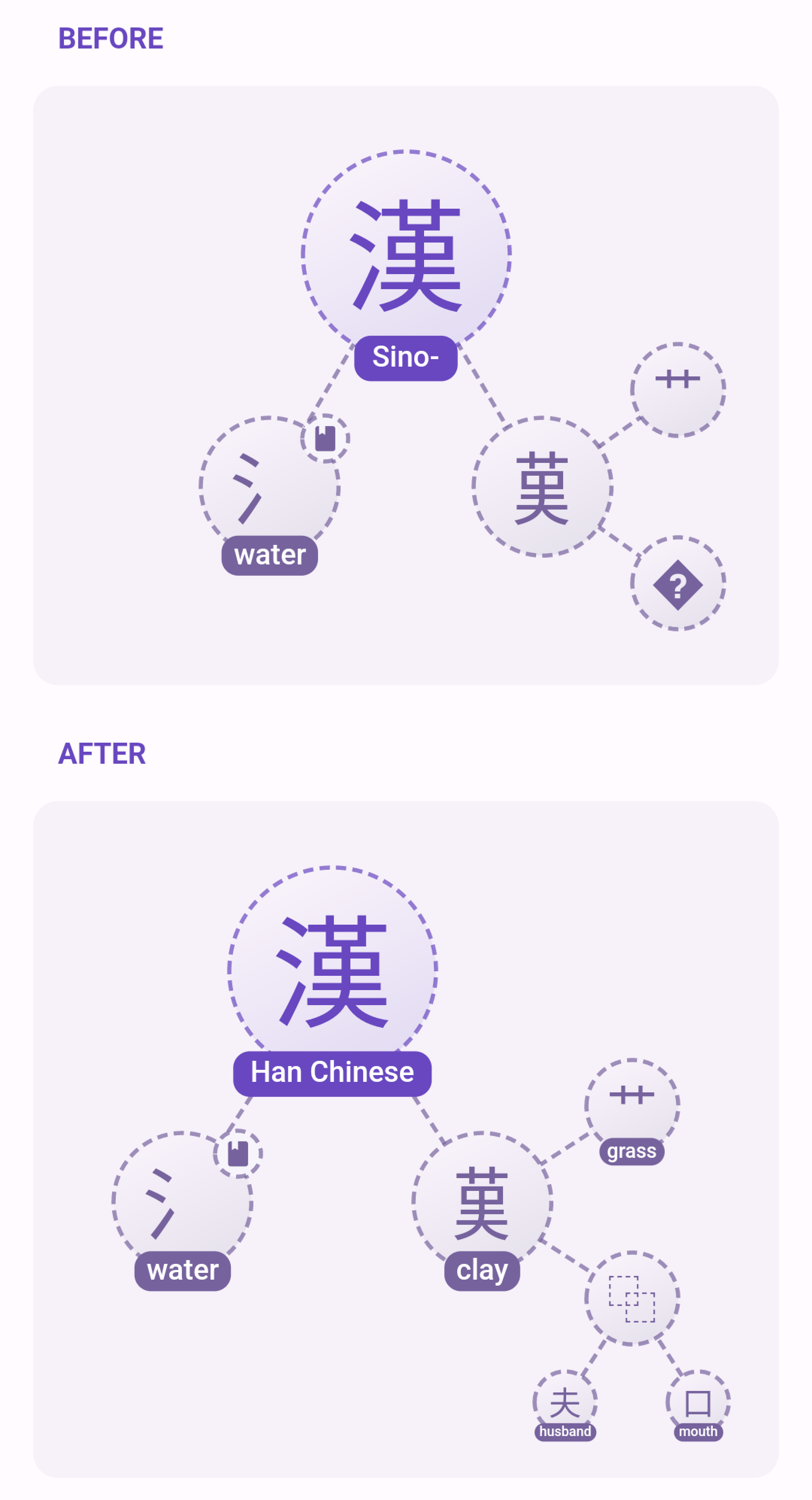
New kanji keywords and dictionary updates

· 4 min read
Kanjiverse
Kanjiverse

The main change in Kanjiverse Beta 0.7.7 is that all copyrighted keywords from RTK (Remembering The Kanji) have been replaced with new cherry picked keywords from public sources, based on their etymology or most common usage** **in Japanese.

Therefore in addition to the official 2136 jōyō kanji and 863 jinmeiyō kanji (extra kanji that can legally be used in personal names in Japan), 998 components (radicals or non official kanji) have been assigned a keyword, for a total of 3997 characters that should cover more than you'll ever need in your Japanese studies :) This list is distributed under the license CC-BY-SA 4.0 so feel free to use it in your own projects by mentioning Kanjiverse as the source, along with a link to the list, either https://link.kanjiverse.com/up5s or https://app.kanjiverse.com/lexicon/625c55eb61e9ae002d331dd9
Note that the list is not in its definitive version, there might still be typos, misinterpretations, or other inaccuracies. If you spot any, please report them to me so we can improve the list for everyone :)

v0.7.7 has also updated JMdict dictionary (for the first time in more than a year!), fixed many of the kanji decompositions, removed irrelevant Chinese meanings, along with bug fixes and performances improvements, especially for the web app. See the following for details of all changes since v0.7.0 which was the previous mobile app version.

v0.7.6 Changelog​

  • pre warm shaders on mobile app
  • [Android] fixed too sensitive shake gesture (to send feedback)
  • fixes many Glyph Graph compositions with data from Wiktionary
  • updated kanjidic and JMdict dictionaries to latest version
  • fixed search by References:number, Official Kanji List, and JMdict tags
  • fixed crash for /kanji/<radical> pages</radical>
  • added Kanji Radical and Phonetic tags to Kanji Tags & Meanings card
  • redesigned some icons: radical, phonetic, component, composition
  • fixed height of Show More/Less button in Kanji Meanings & Tags card
  • filters out special characters in keywords in Glyph Graph and Glyph Tiles
  • adds full keyword to Kanji Meanings card
  • denser layout for list indices of definitions and sentences

v0.7.5 Changelog​

  • fixed transition animation when opening a page with a direct link
  • [WEB] updates html meta and title with the current page

v0.7.4 Changelog​

  • [WEB] greatly optimized first load speed by splitting app bundle in half instead of hundreds of
    small files

v0.7.3 Changelog​

  • fixed notification cards not being fetched on opening/refreshing
  • [WEB] adds /search?q=<text> to open the a page directly with a quick search of English, Japanese,
    kanji</text>
  • [WEB] fixed browser dynamic title add "| Kanjiverse" after the page name
  • [WEB] optimizes rendering for google search robots

v0.7.2 Changelog​

  • fixed token being refreshed concurrently when multiple queries are sent simultaneously
  • fixed "Go to Downloads" button link
  • fixed sliders width on large screen
  • makes text selectable for Japanese text and definitions
  • shows social media links in Beta Testing card
  • [WEB] fixed /account/about route
  • [WEB] fixed infinite loading when loading page in /kanji, /kotoba, or /lexicon
  • [WEB] fixed mouse hover/focus/pressed color
  • [WEB] fixed Google Sign In on iOS
  • [WEB] shows X button on mouse hover dismissible cards
  • [WEB] add meta tags and new thumbnail image for web app and dynamic links
  • [WEB] replaced splash screen with animated svg

v0.7.1 Changelog​

  • fixed Settings Cards becoming opaque black when disabled
  • redesigned switches with a flat design common on all platforms
  • [WEB] removed unused assets/icons
  • [WEB] optimized first load by splitting app in hundreds of small js files and loading firebase in
    parallel

Now available on iPad and Android tablets

· 5 min read
Kanjiverse
Kanjiverse

New UX/UI for tablets​

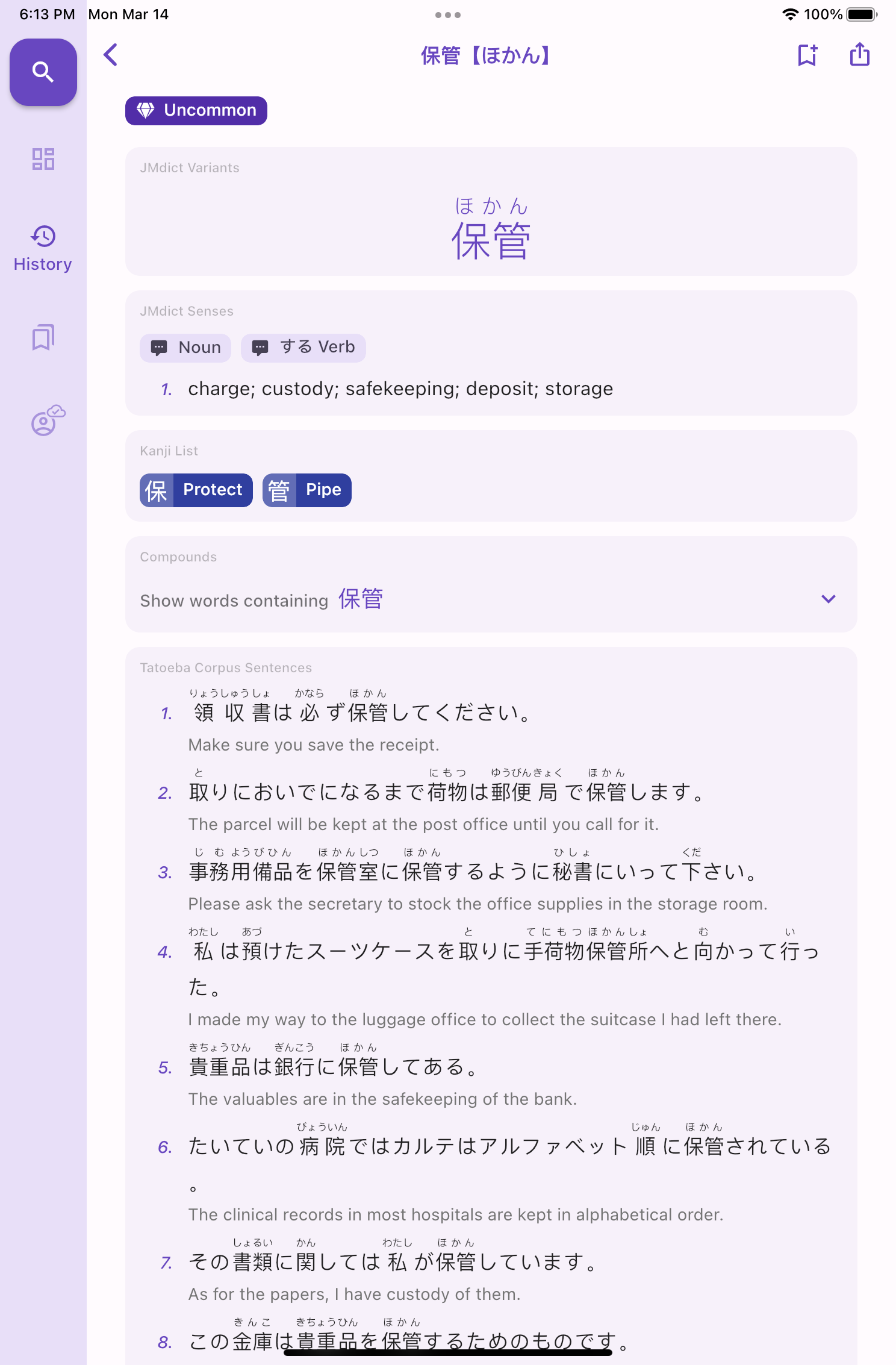
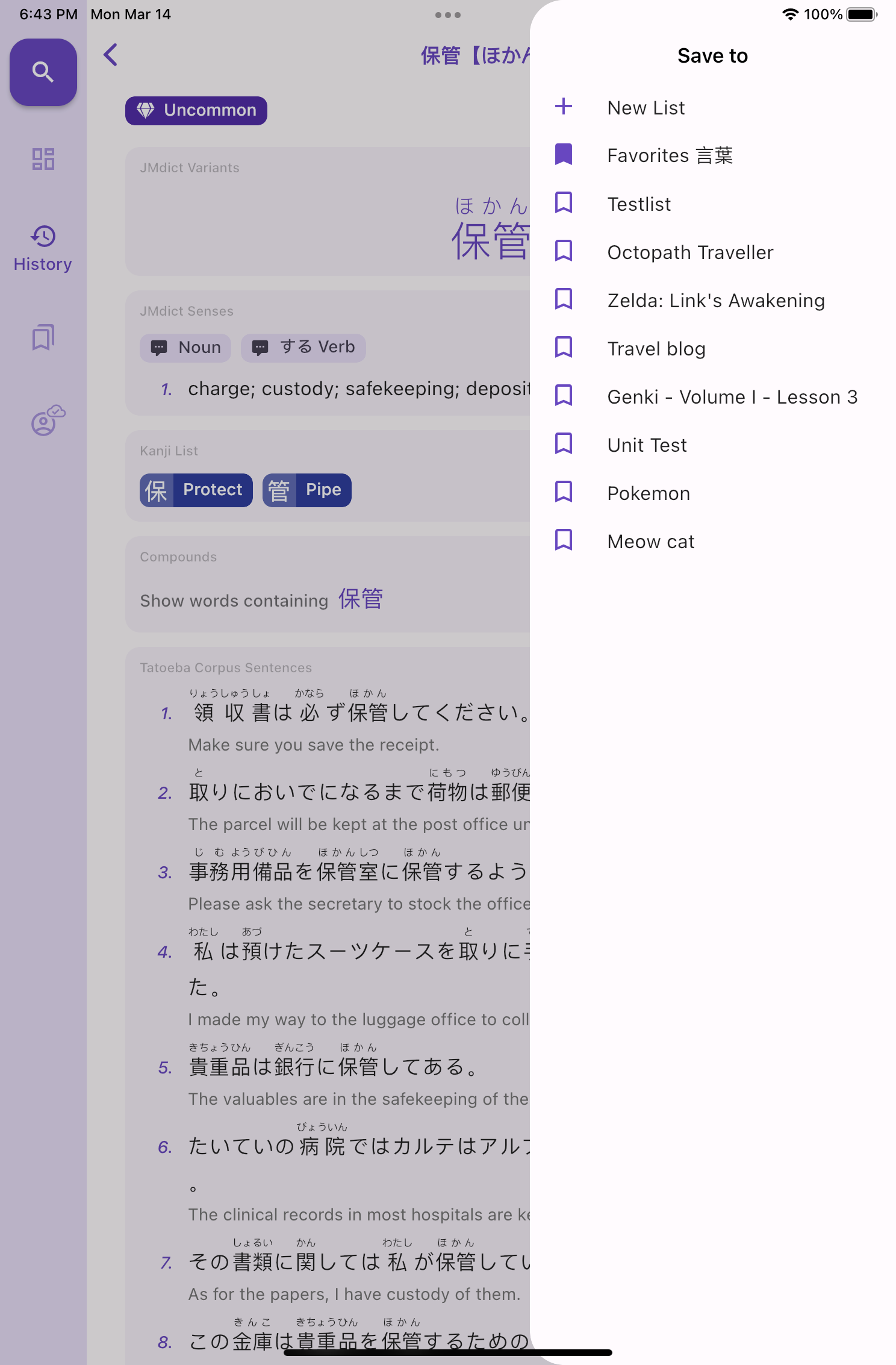
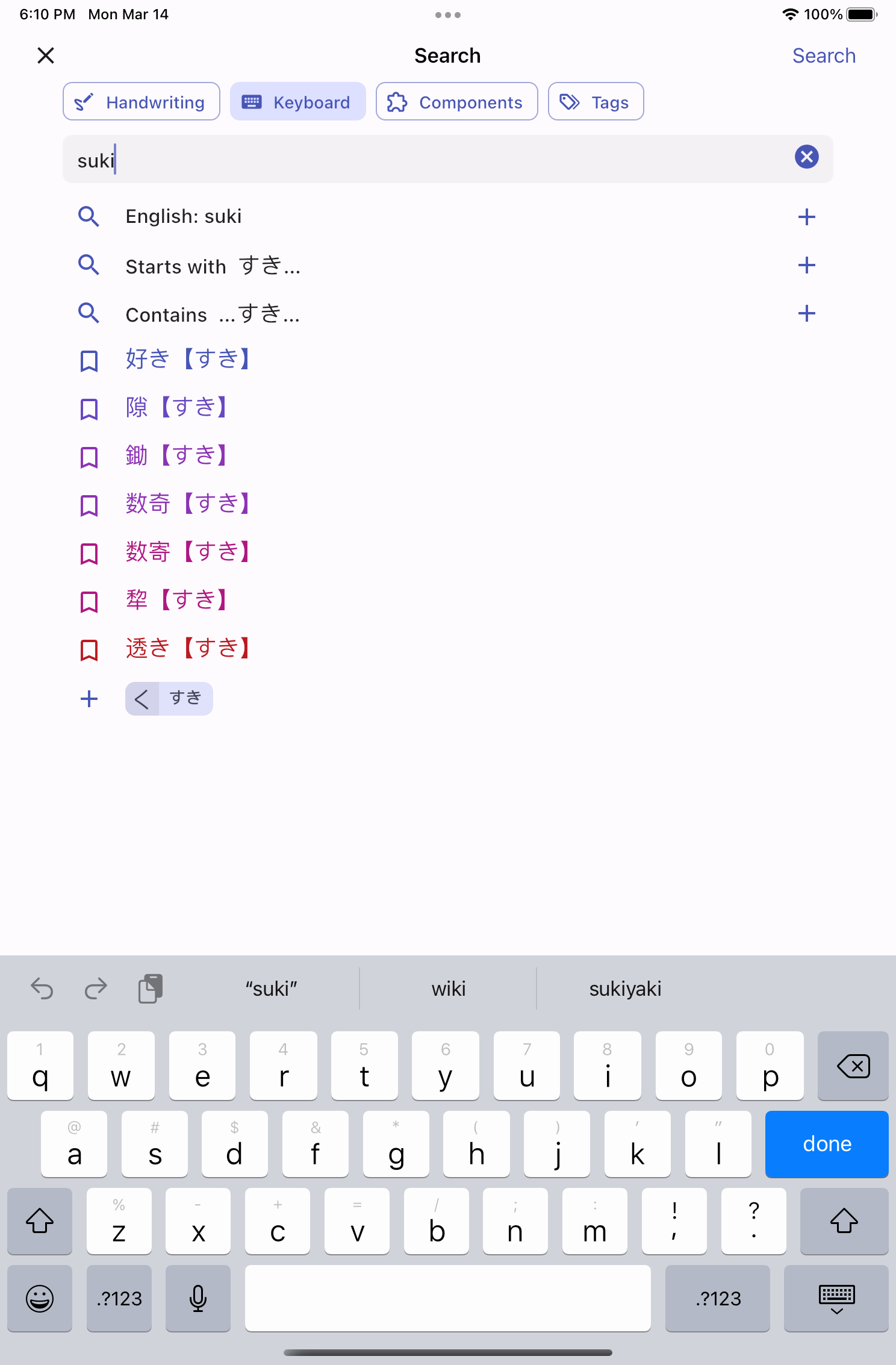
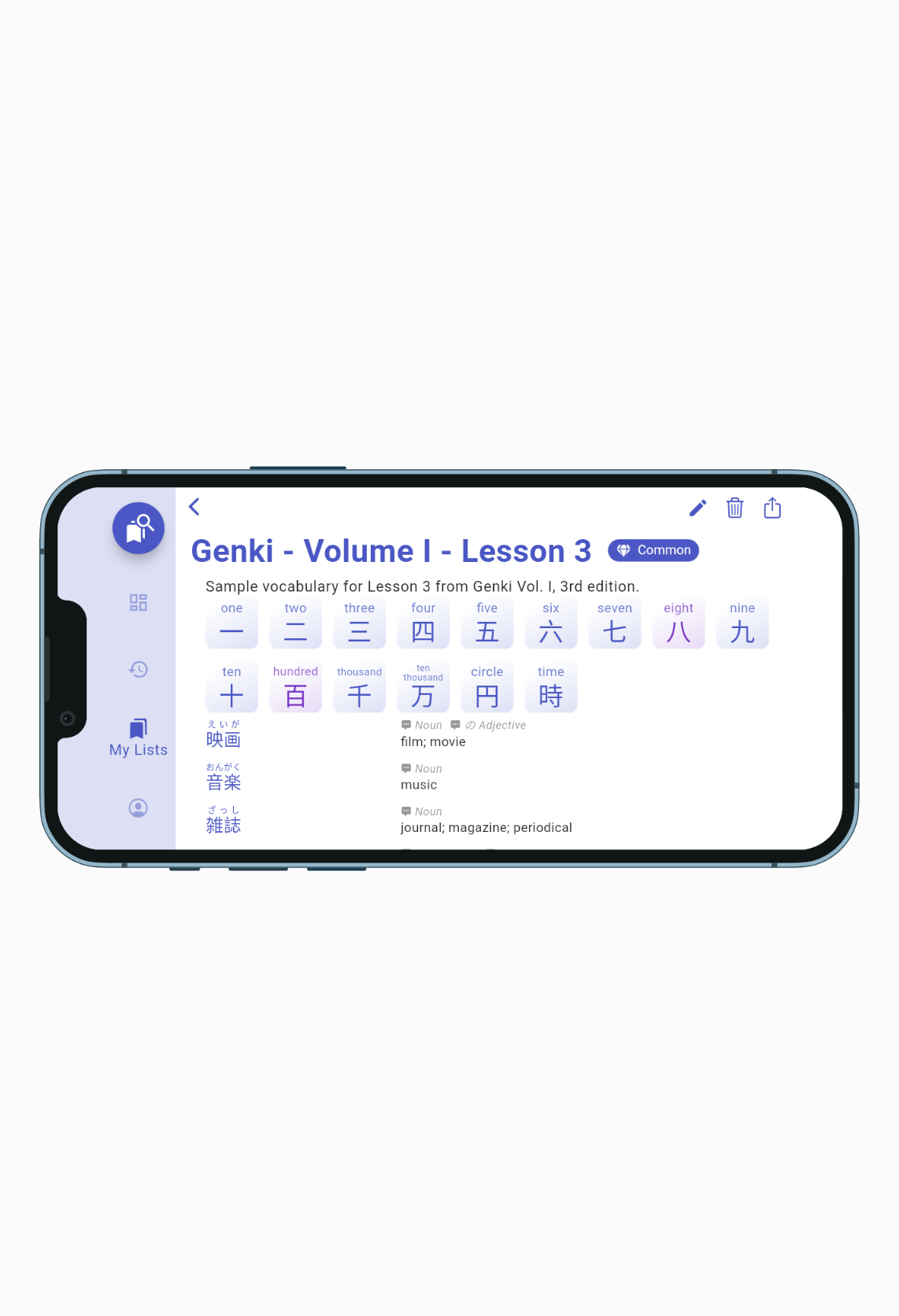
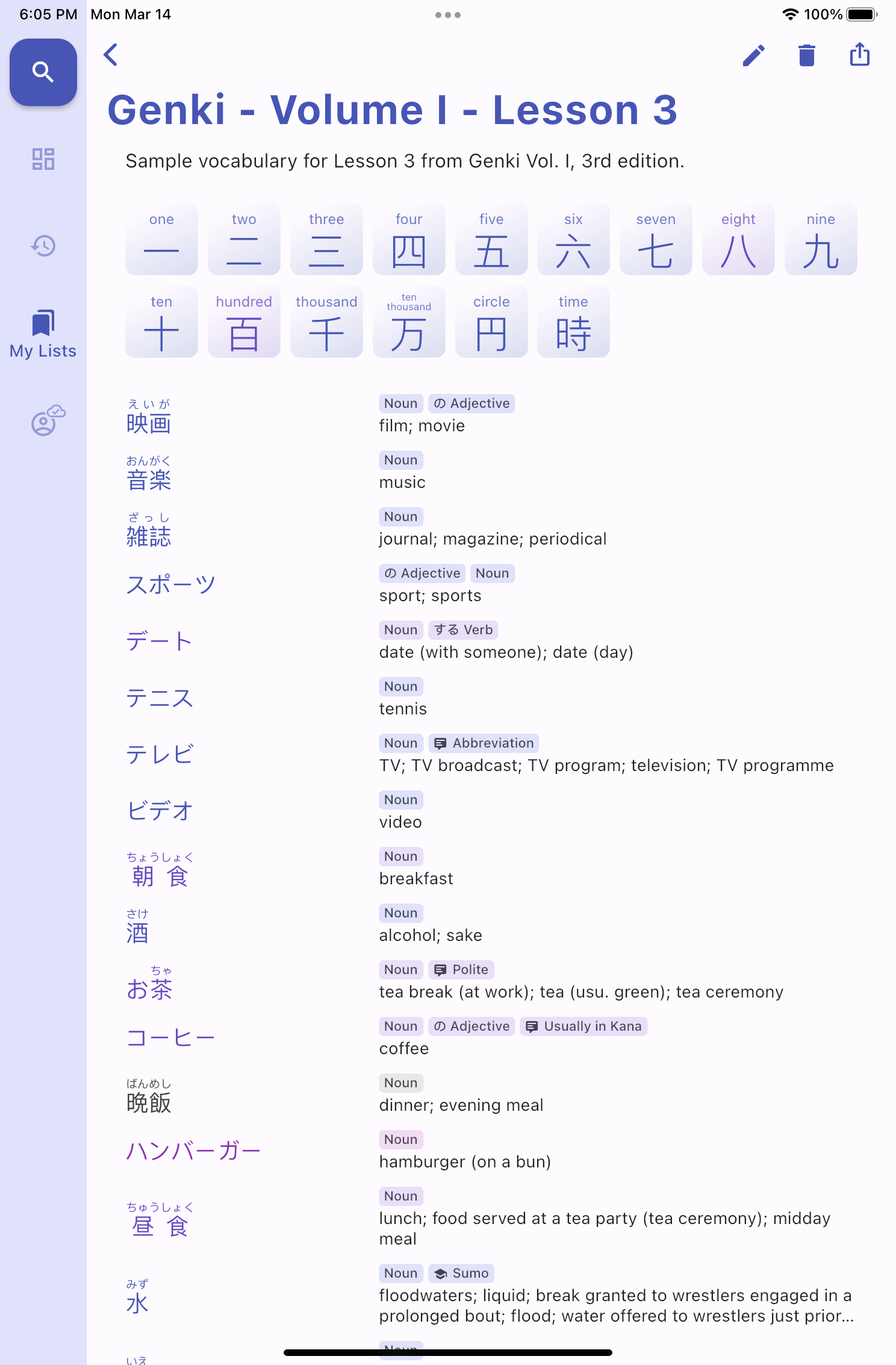
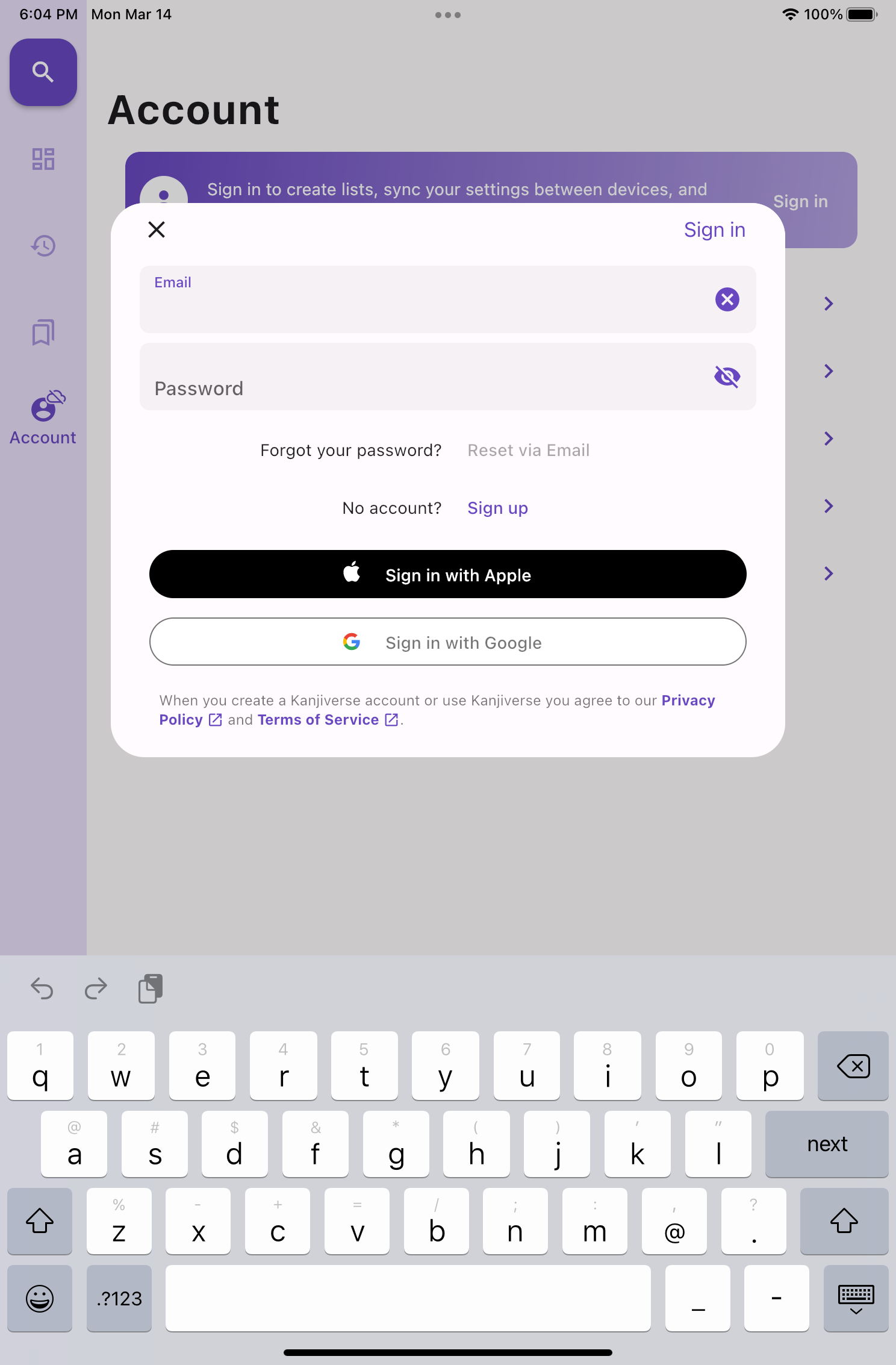
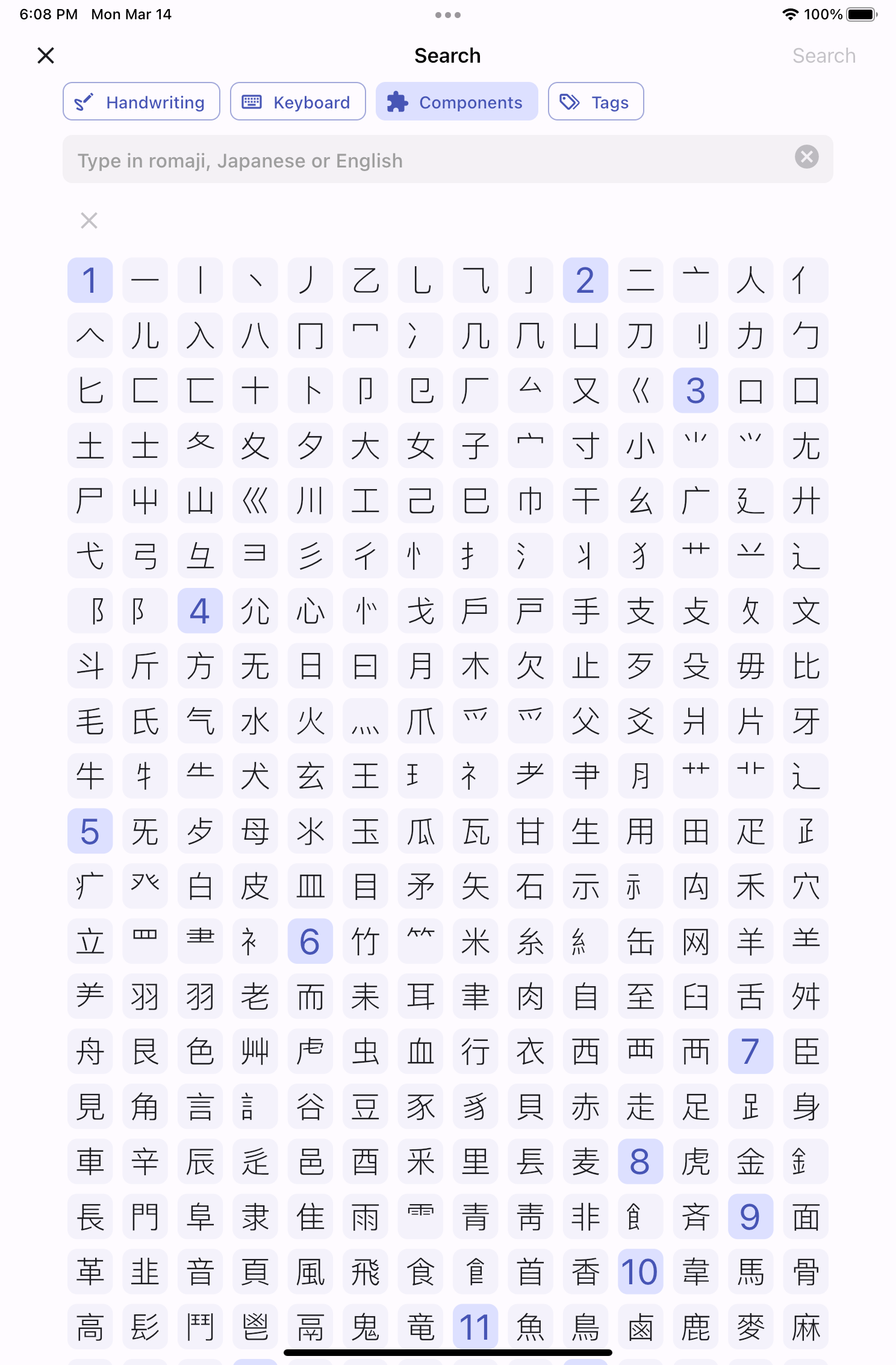
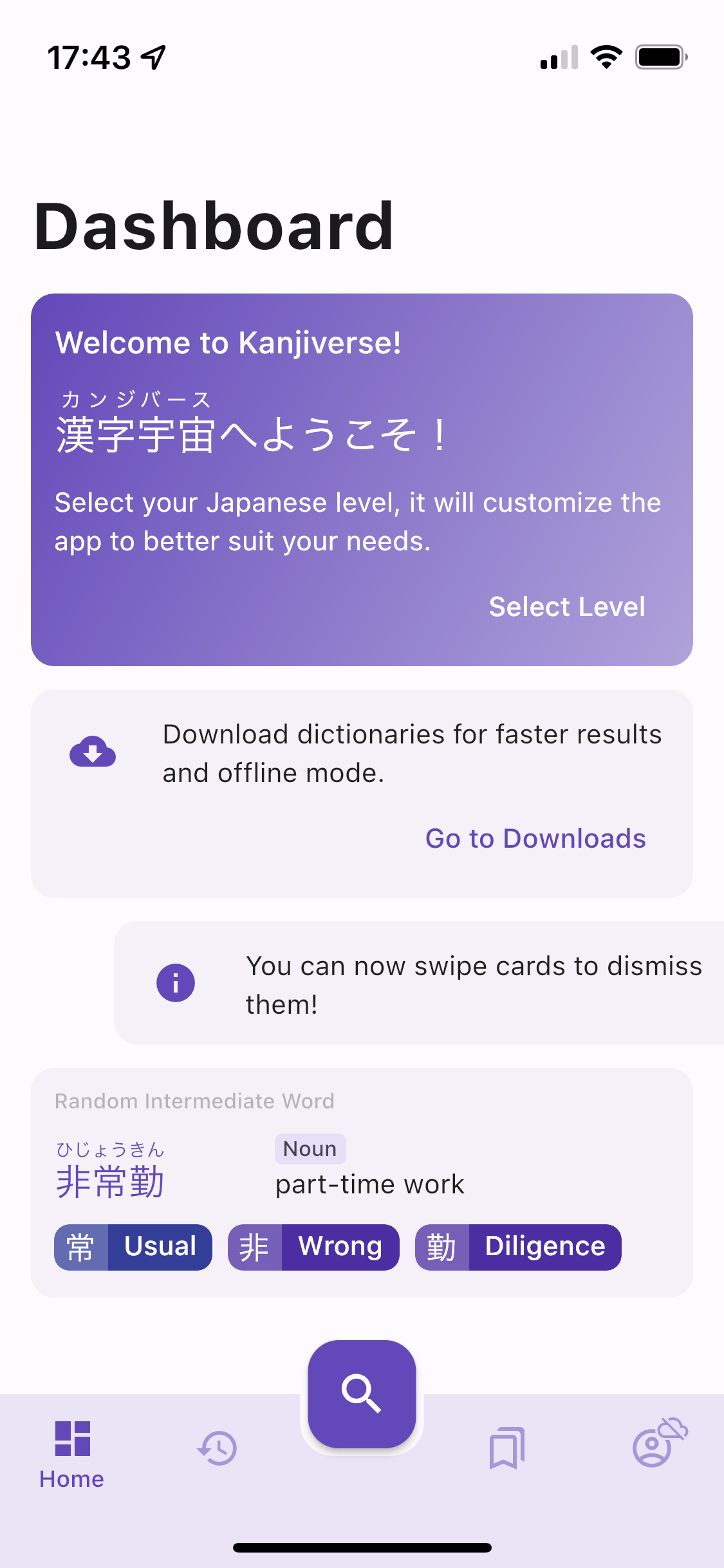
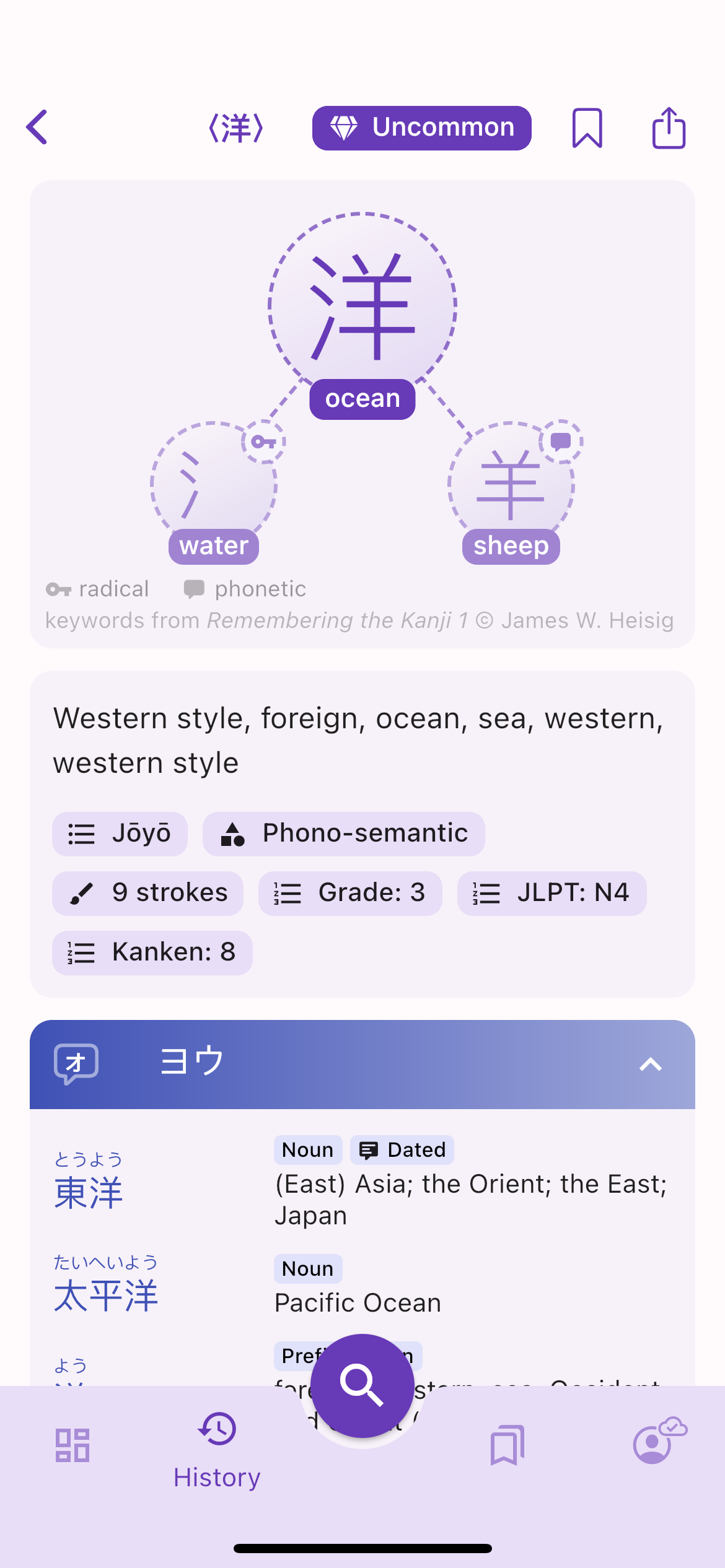
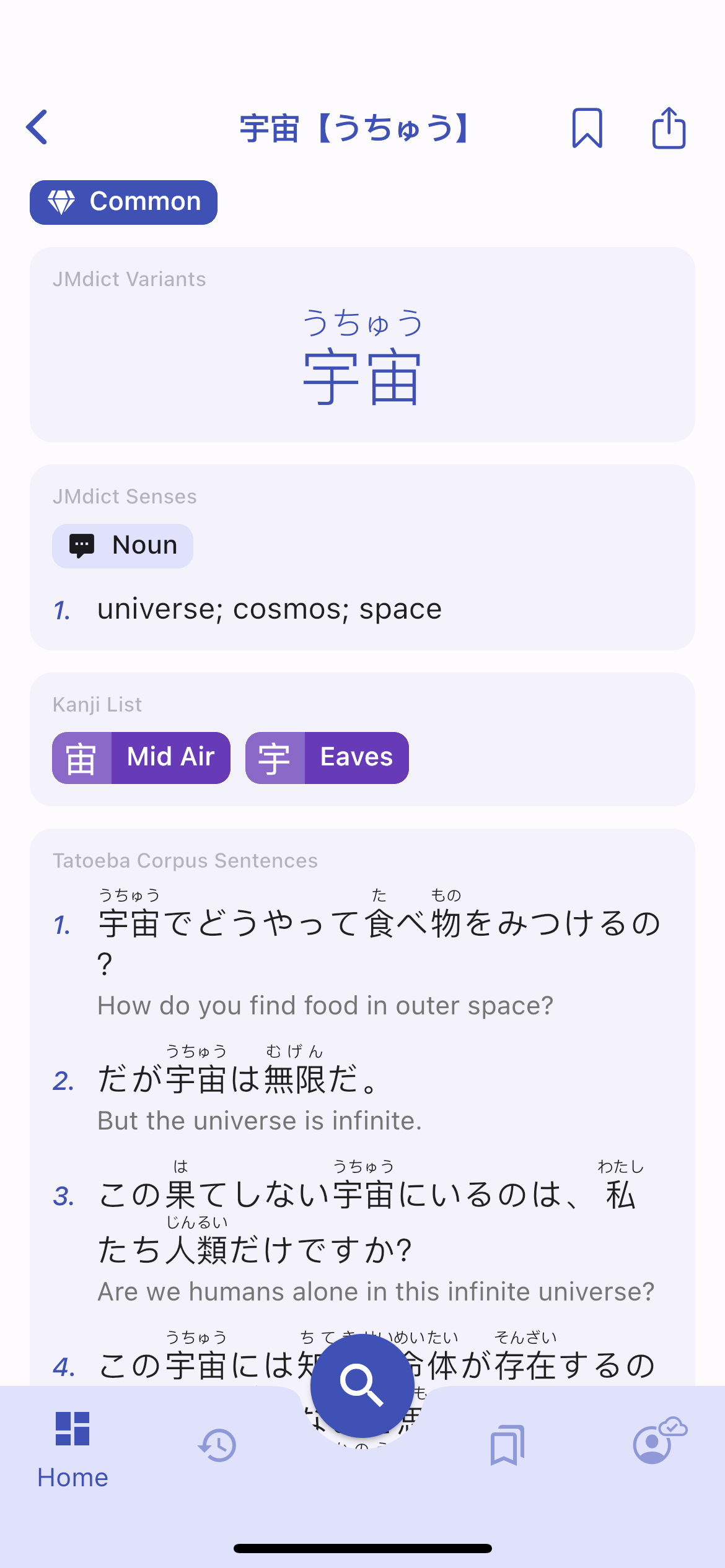
The bottom navigation bar is replaced by a vertical rail navigation.Fullscreen dialogs are replaced by modals while the Bookmark bottom sheet is replaced by a drawer.The Search bottom sheet is replaced by a fullscreen page with tabs shown has button chips.
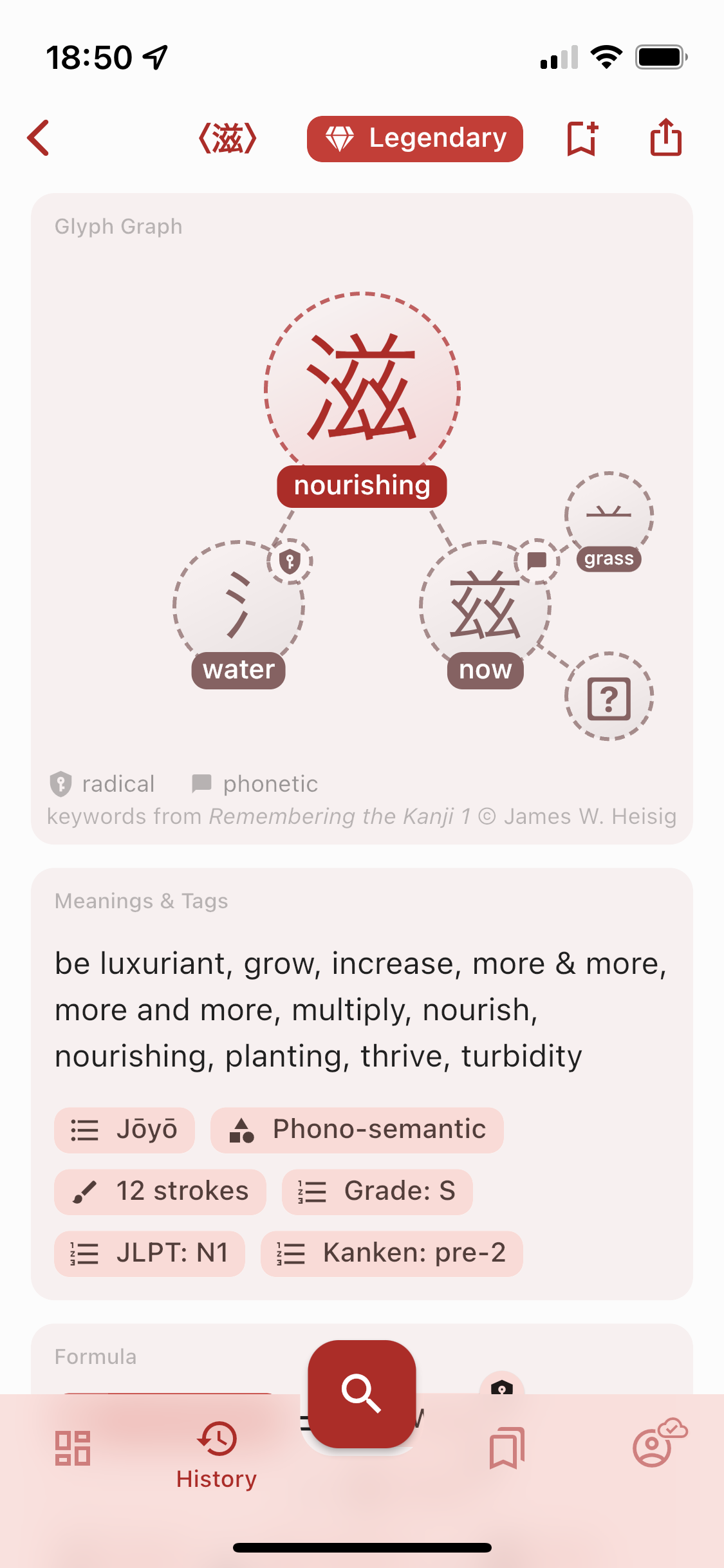
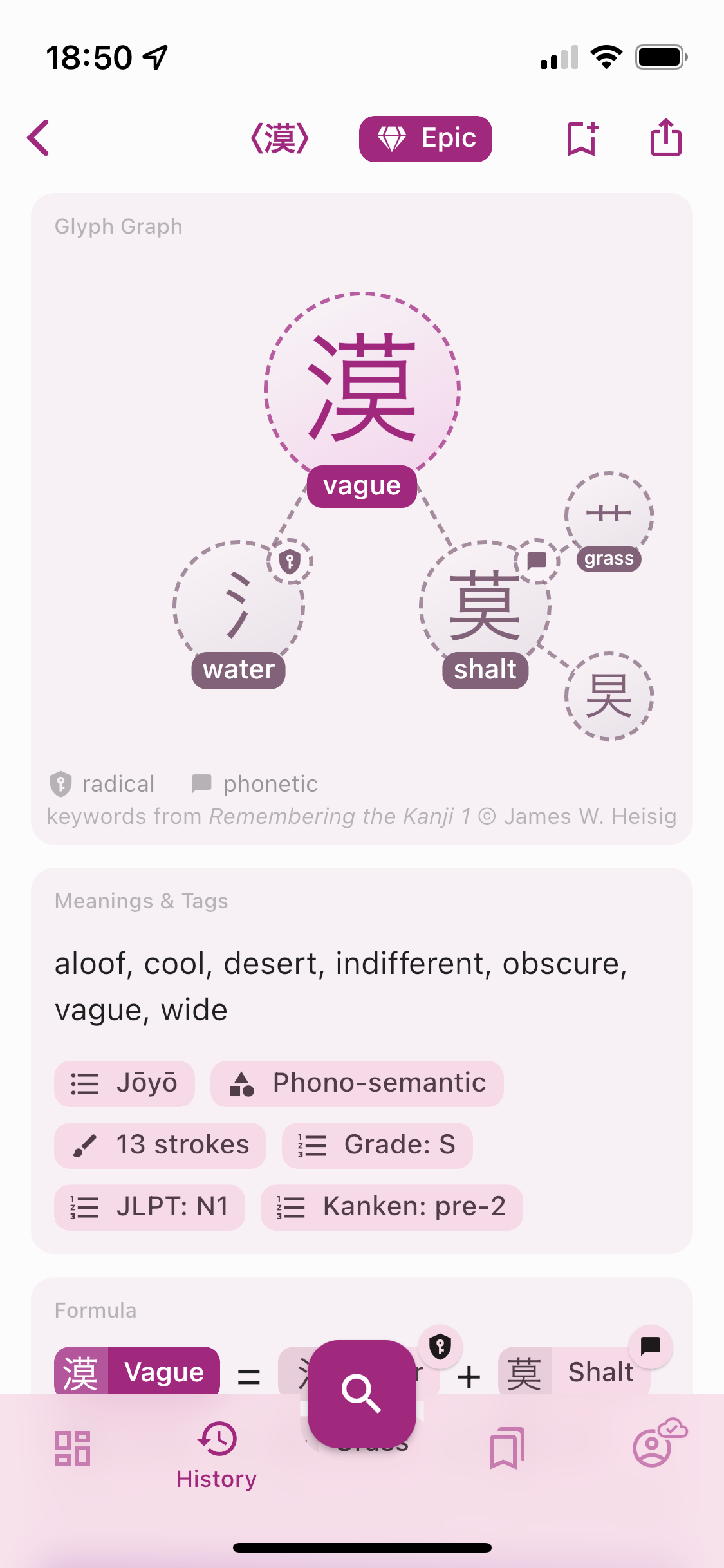
Other UX/UI Improvements​

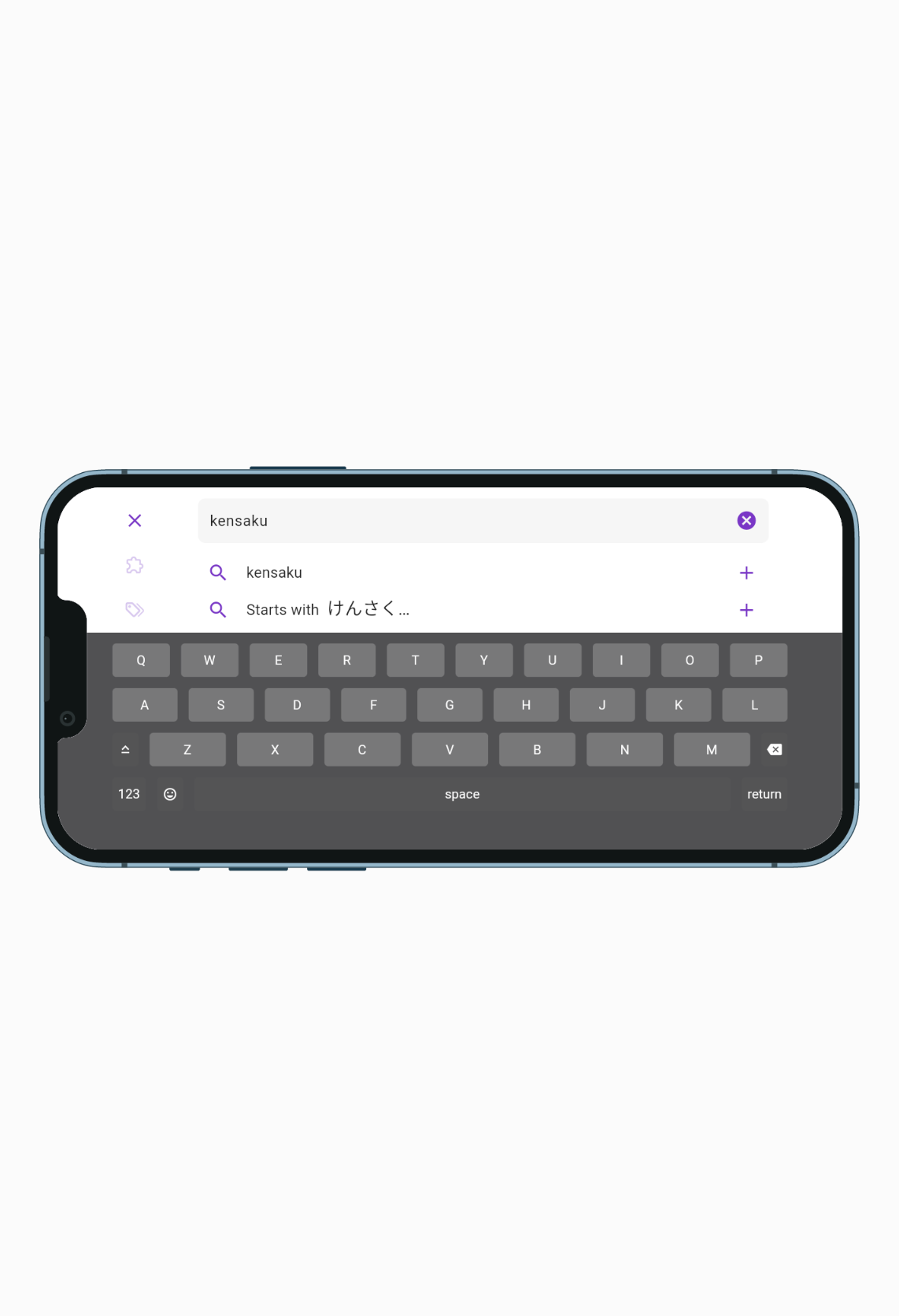
The color palette has been adjusted to improve readability so that bright colors have enough contrast.Fullscreen dialogs on iPhone look more native with the previous screen being pushed behind.The search sheet in landscape mode has all tabs and search button vertically aligned on the right side.Notification cards can be dismissed by swiping them.
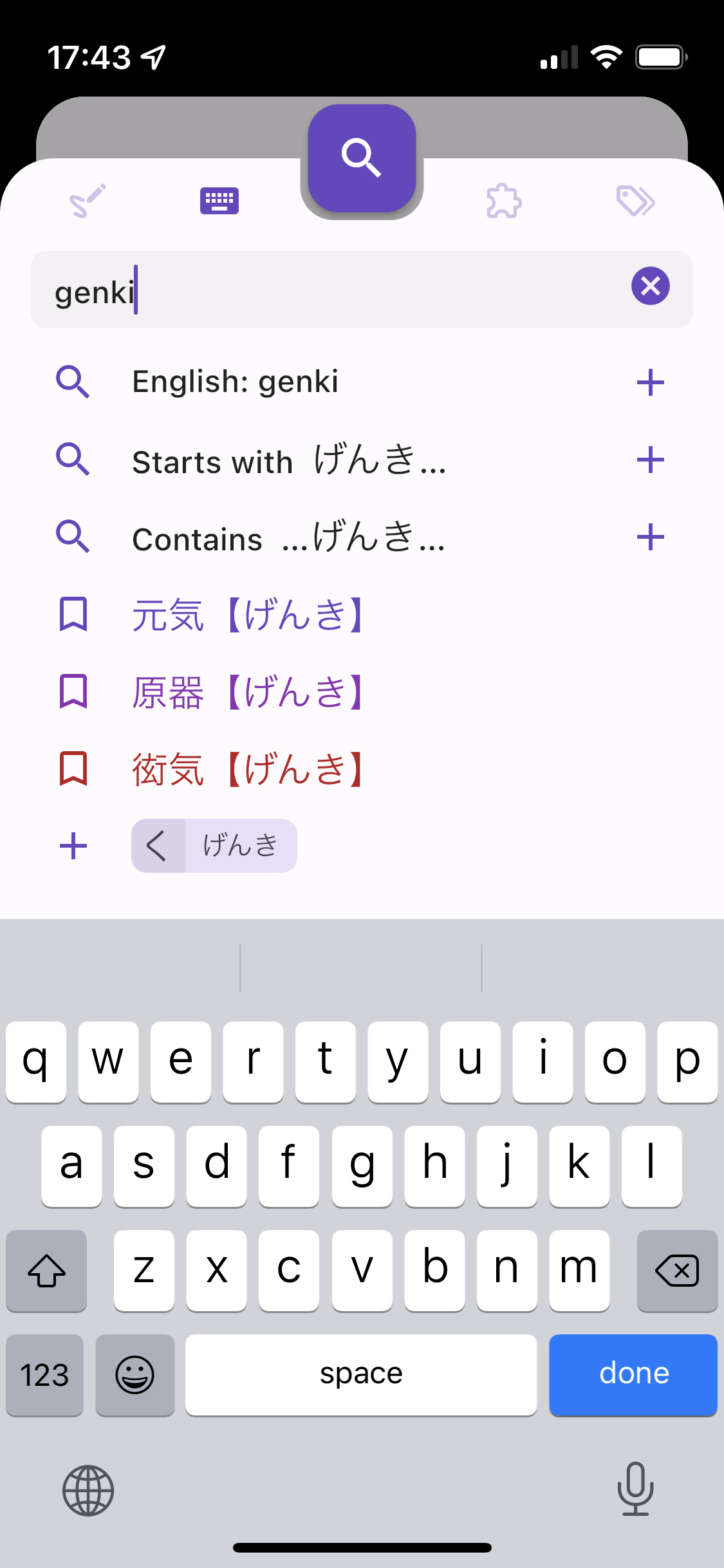
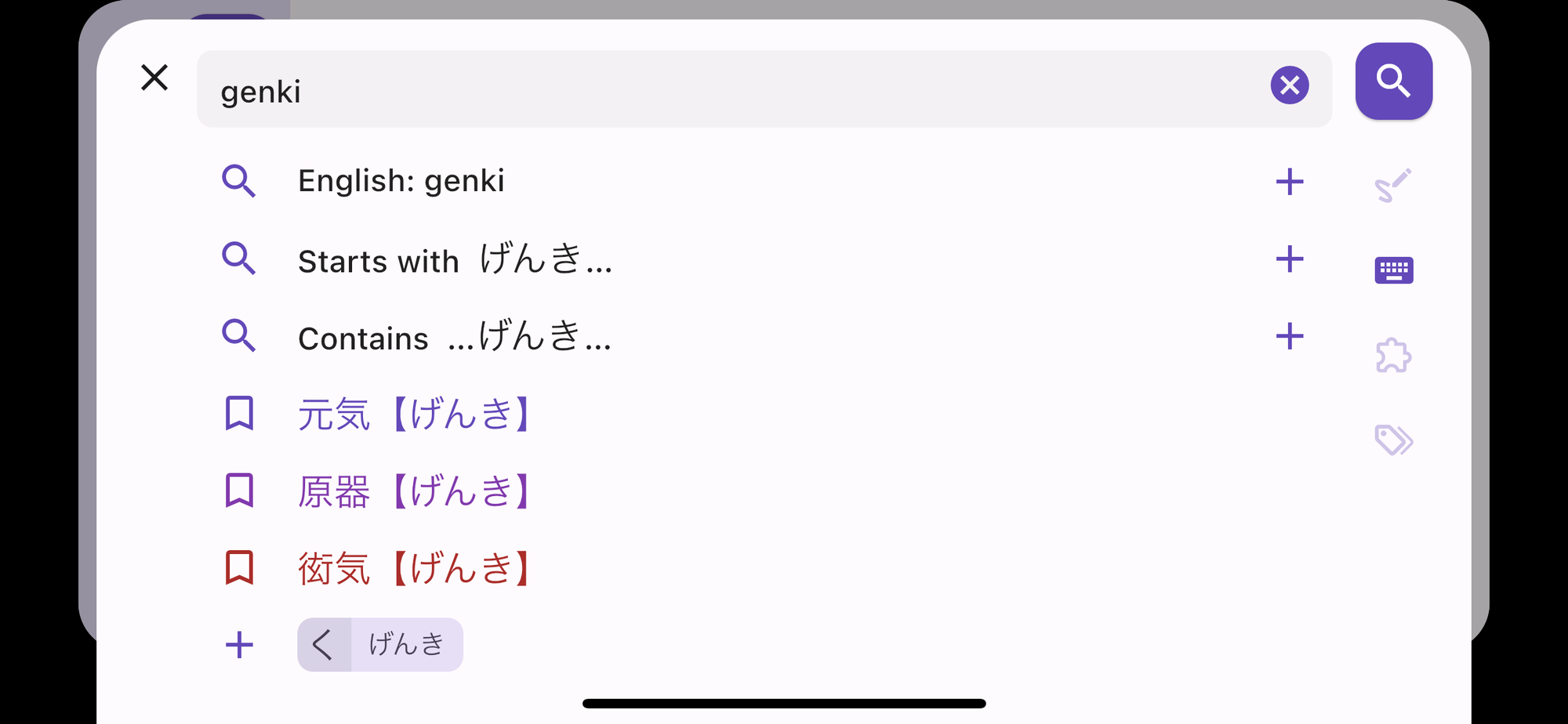
Details of all changes and bug fixes in v0.7.0​

  • fixed cloud sync stopping to work without notifying the user when the refresh token expires: the refresh token is now also updated everytime the access token is refreshed (every 24 hours) and valid for 90 days, therefore the user will remain signed in as long as they open the app once during the 90 days period, each daily access will renew the refresh token for 90 days
  • displays dismissible error message card at the top of the screen when there is a critical issue with user data sync
  • sends report of non critical errors to crashlytics to detect "silent errors"
  • History Word cards are denser with definition on 1 line instead of 2
  • Vocabulary List cards are denser and show the number of kanji and word has standard overline chips
  • Bookmark Bottom Sheet becomes an end drawer on landscape mode
  • Search button is disabled when the search text field is empty or invalid
  • Sample Vocabulary List Card is removed from Dashboard and replaced by "Browse all vocabulary lists" suggestion to the search sheet and My Lists tab
  • Sign In card and button in My Lists / Account are replaced by the same gradient card
  • Sign In large button is moved to the app bar action
  • fixed color palette readability by making "epic" and "legendary" colors darker and "unclassified" as black, sub components in the Glyph Graph as a darker and saturated version of the primary color
  • dialogs are shown as fullscreen on phone and floating on tablet, same for the Search bottom sheet
  • fixed navigation rail Account icon's Sync Status badge
  • improved layout of Search sheet in landscape with a Search button on the right and all tab icons vertically below it
  • improved the UI with an MD3 inspired style with a square Seach Floating Action Button, scrim/barrier color, shadowless dialog, faster horizontal transition for pages and z-axis transition for dialogs
  • fixed History Filter chips to react like buttons
  • fixed keyboard hiding when rotating phone and not being to regain focus by taping in the search bar
  • clears Search bar tags and text when opening the Search sheet
  • fixed Japanese word not being searched in Vocab List titles
  • iOS fullscreen dialogs have a native iOS 15 3d look
  • fixed kanji and word cards moving around when transitioning between pages where the same kanji/word appear on both pages
  • fixed bottom sheets / fullscreen dialogs not being draggable from anywhere on their content
  • uses the same style of thicker icons on both Android and iOS
  • fixed loading shimmer animation colors
  • adds new notification cards in the Dashboard and makes them all dismissible by swiping them
  • replaced random kanji and word by one single card that combine a word and its list of kanji
  • persists in the cloud the state of all dimissed cards and hints
  • clarifies the search suggestion "English: xxx" and "Paste: xxx", displays "Type in romaji, Japanese or English" when the Search Bar is empty
  • fixed Search by Components ignoring the frequency limit when kanji index is not downloaded

Terms Update and Profile Page

· 3 min read
Kanjiverse
Kanjiverse

The Privacy Policy and Terms of Service have been updated to cover the usage of Kanjiverse on both mobile and web, clarify how user-generated content is licensed, and give more control to the user over their data. In v0.6.1, users are now able to download all their data or delete their account from their Profile page.

Privacy Policy and Terms of Service Updates​

Please review the updated Privacy Policy and Terms of Service. By continuing to use the Kanjiverse app or website you agree to those terms. Here is a summary of the main changes:

  • transferred copyright from myself to App Brewing Company Ltd
  • updated wording to cover the Kanjiverse mobile app and Kanjiverse website usage under the same terms, and specific terms for Apple App Store and Google Play Store
  • added detailed Cookie Policy and GDPR compliance with option to opt out from analytics cookies
  • added Acceptable Use Policy to the Terms of Service
  • listed information collected by analytic tools
  • clarified the use of user-generated content and that by default they are licensed under CC BY-SA 4.0 (same as Wikipedia)

Profile Page​

v0.6.1 provides more details and control over your personal data (only applies to signed in users), go to Account and tap on the Profile card to open the Profile page, where you can do the following:

  • see your name, email address and linked accounts if you have signed in with different social accounts (Apple, Google, etc.) that share the same email address
  • Download Data returns a human readable JSON file that contains all your data stored on our servers
  • Sign Out
  • Clear History deletes your search history on our server but preserves it on your device (only newer entries will be sent to the server)
  • Delete Account will permanently delete from our servers all information about you, including published content, settings, profile info and all linked accounts

Detailed Changes & Fixes in v0.6.1​

  • moved Sign Out button from Account to Profile page
    - moved Clear Caches button from Settings to Downloads & Caches page, also clears local History
    - moved Delete Search History button from Settings to Profile page
    - fixed Sign In/Out not "resetting" the app and leaving on previously visited pages
    - fixed BookmarkSheet + button not creating the list
    - fixed settings reverting to previous value when the user makes changes too fast (less than a few seconds)
    - fixed Glyph Graph and Formula Settings's depth sliders jumpy behavior by adding fixed divisions on them
    - fixed shimmer animation color
    - fixed Sign Out crash
    - fixed navigating to unknown route (like a deleted vocabulary list) popping out the current page
    - fixed missing alert when trying to sign in with unexisting email
    - [Android] fixed app bar fading transition animation

New Material You Design

· 2 min read
Kanjiverse
Kanjiverse

v0.6.0 improves the look & feel of the app, adds a detailed About page, and fixes a few bugs.

Detailed changes for v0.6.0​

  • [iOS] fixed dynamic link on app opening
    - [Android] fixed back button disappearing during page transition
    - [Android] fixed Kanji to Kanji page transition fading animation
    - [Android] fixed app icon rounded corners
    - [WEB] fixed ruby text issues
    - [WEB] fixed Sign in with Apple
    - [WEB] fixed default font to system sans serif
    - [WEB] fixed app name and browser title
    - [WEB] added Smart Banner at the top with a link to open the page in the app (or redirect to the store if not installed)
    - [WEB] added feedback icon, fix screenshot file upload
    - [WEB] disabled clipboard suggestion in search sheet
    - [WEB] disabled fading animation between tabs
    - [WEB] disabled shimmer animation on mobile
    - [WEB] removed FontAwesome dependency
    - [WEB] removed overscroll stretch effect on Android
    - added app splash screen
    - added About page in Account with legalease, social media links, complete list of licenses, and data sources with proper attributions
    - replaced app bar's Sync Status icon with badge above navigation bar's Account icon
    - redesigned chips, popup and fullscreen dialogs/sheets with Material You style
    - replaced text tags in Word cards with overline dense chip tags
    - harmonized Glyph card gradient
    - redesigned Glyph Graph leaves to be a lighter variant of the main glyph
    - merged Sign in and Email Sign in sheets into one
    - improved shimmer colors to match the background colors
    - pinned X button on Search-by-Components tab
    - fixed JMdict card shrinking when card titles are disabled
    - fixed Japanese word suggestions sort order
    - added Tatoeba card enable/disable switch in Settings
    - on Kanji page, moved the frequency tag from Meanings & Tags card to the app bar
    - added Heisig keywords legalease to the Glyph Graph and Formula cards

Landscape Mode, New Design and Improved Performances

· 5 min read
Kanjiverse
Kanjiverse

Version 0.5.0 adds a proper landscape mode, bug fixes and speed improvements from startup time to animations.

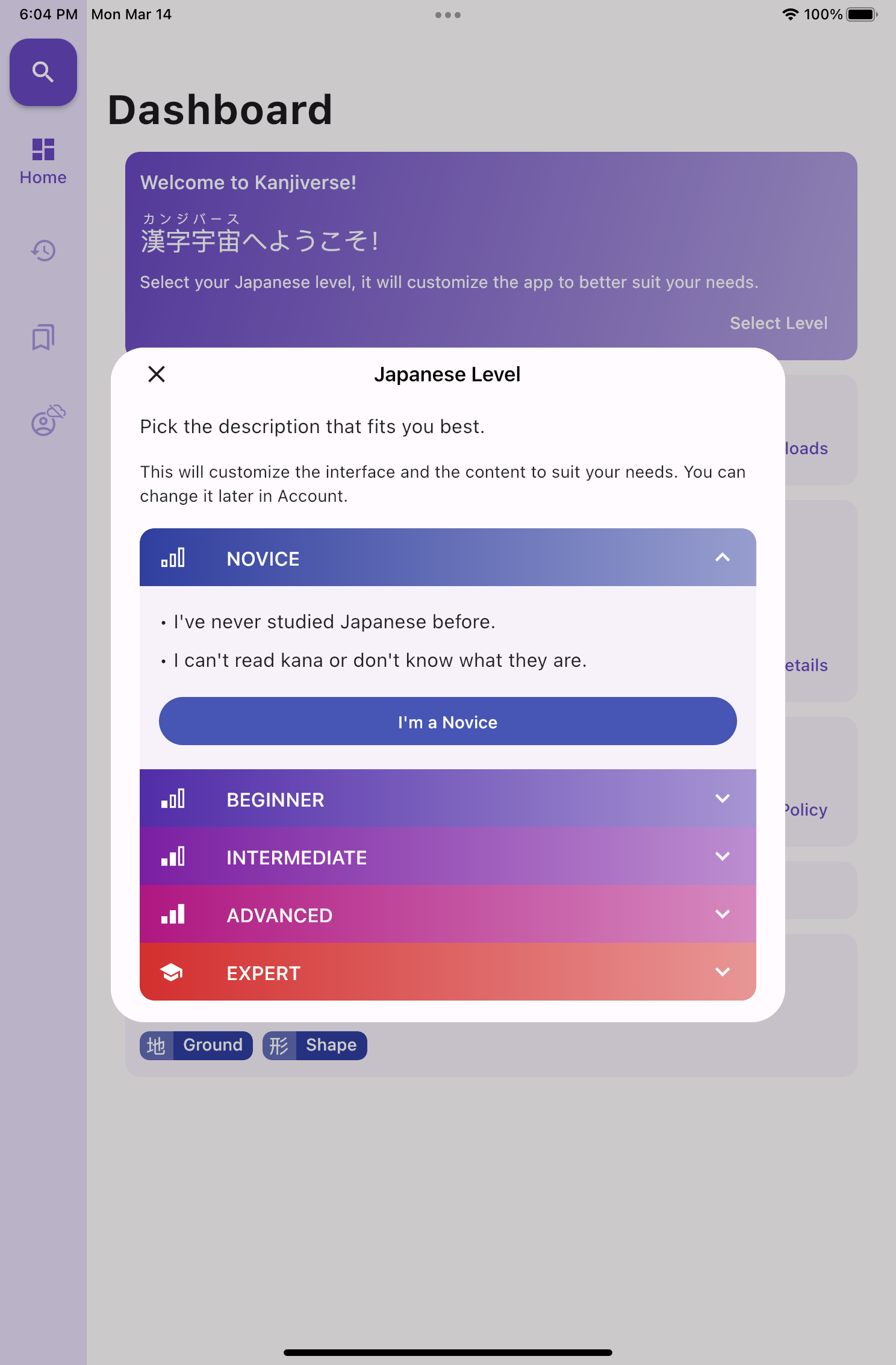
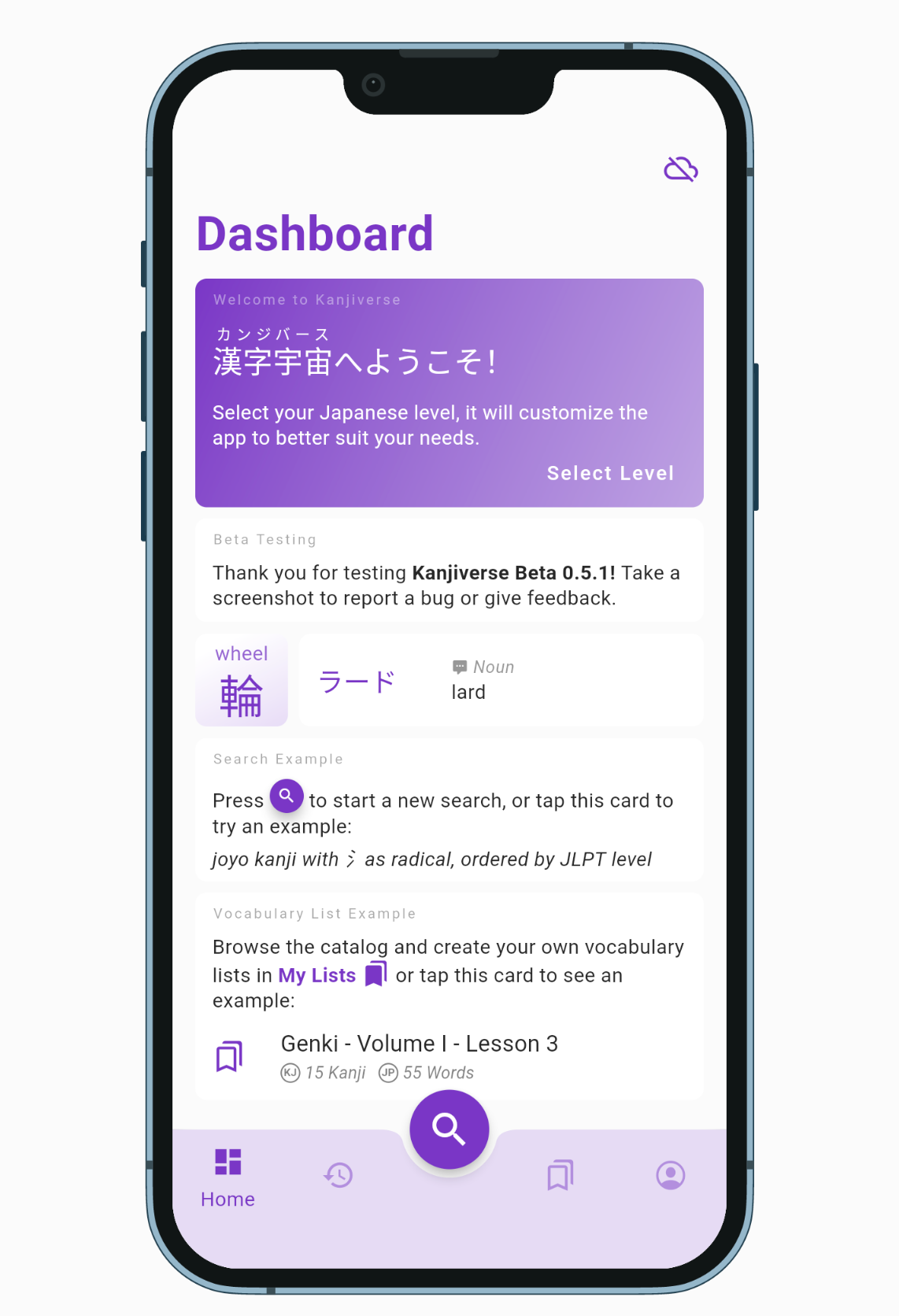
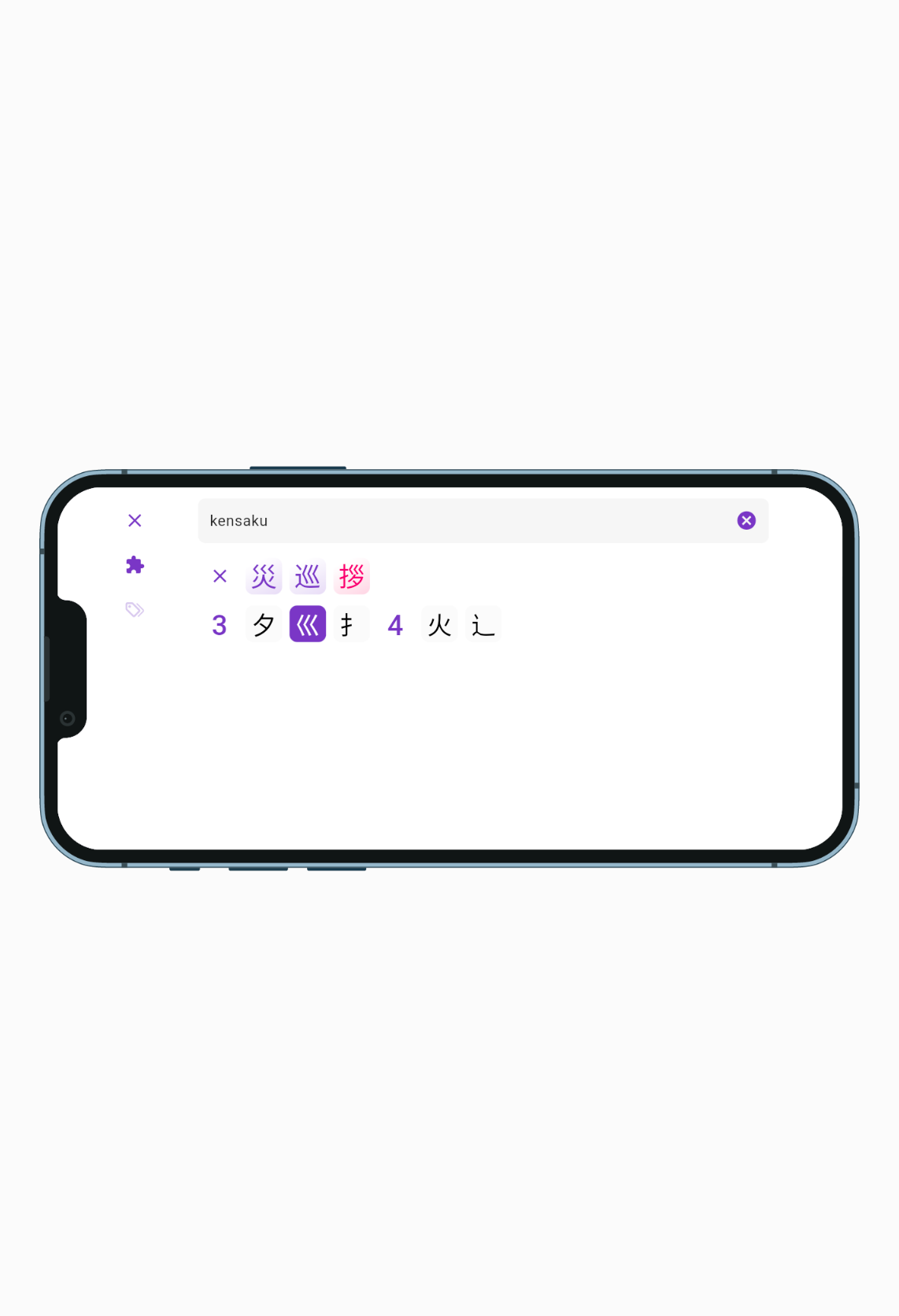
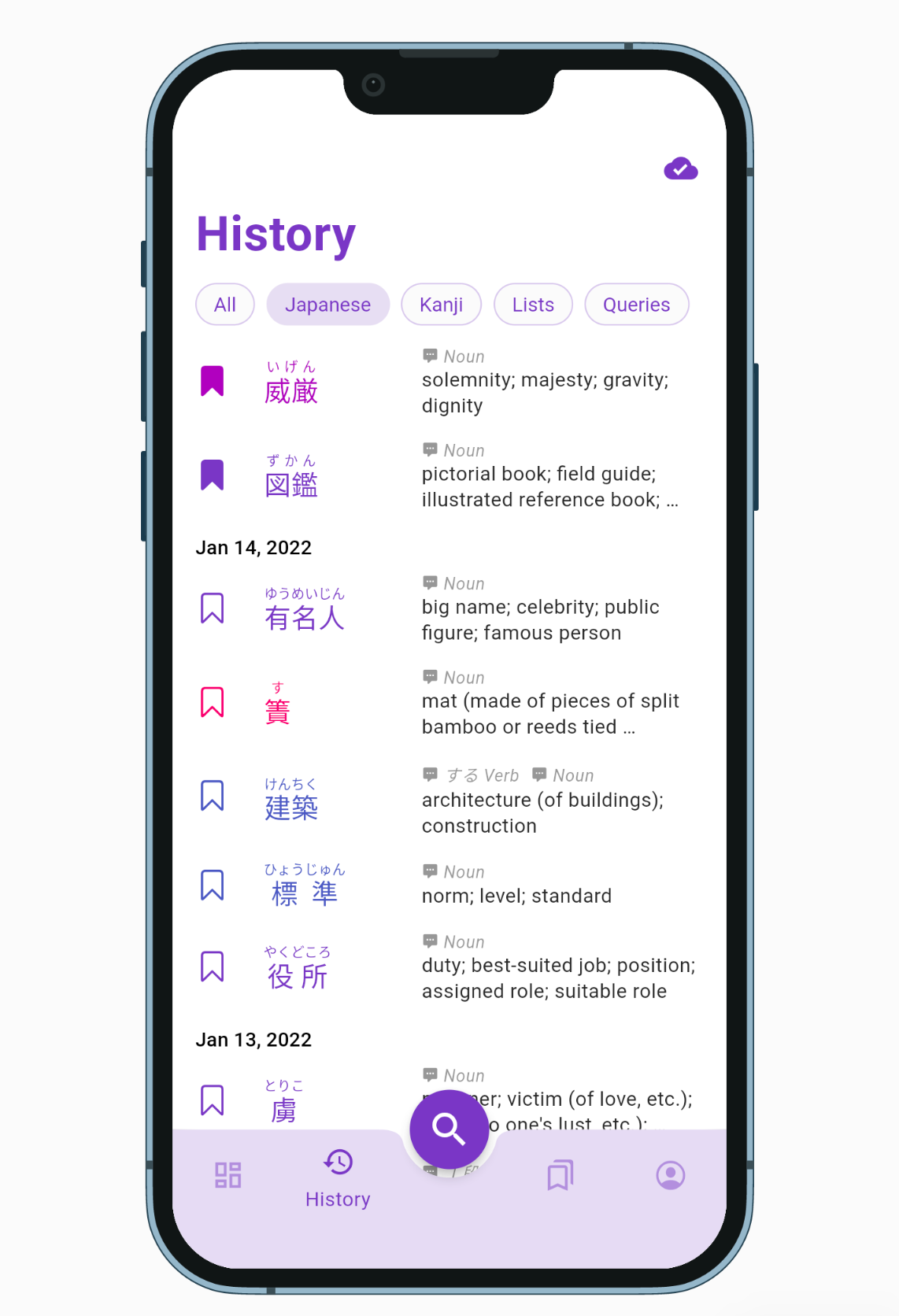
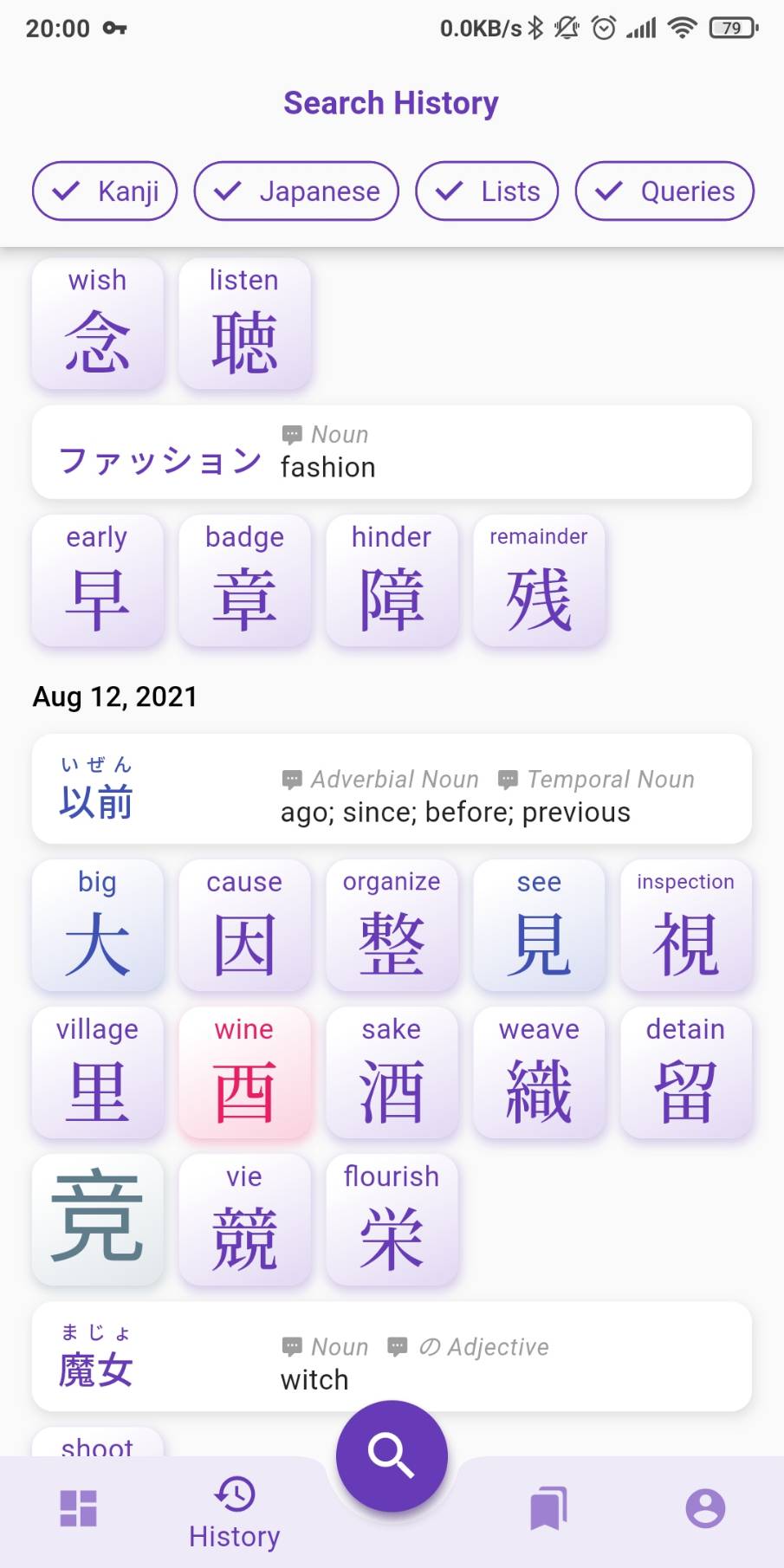
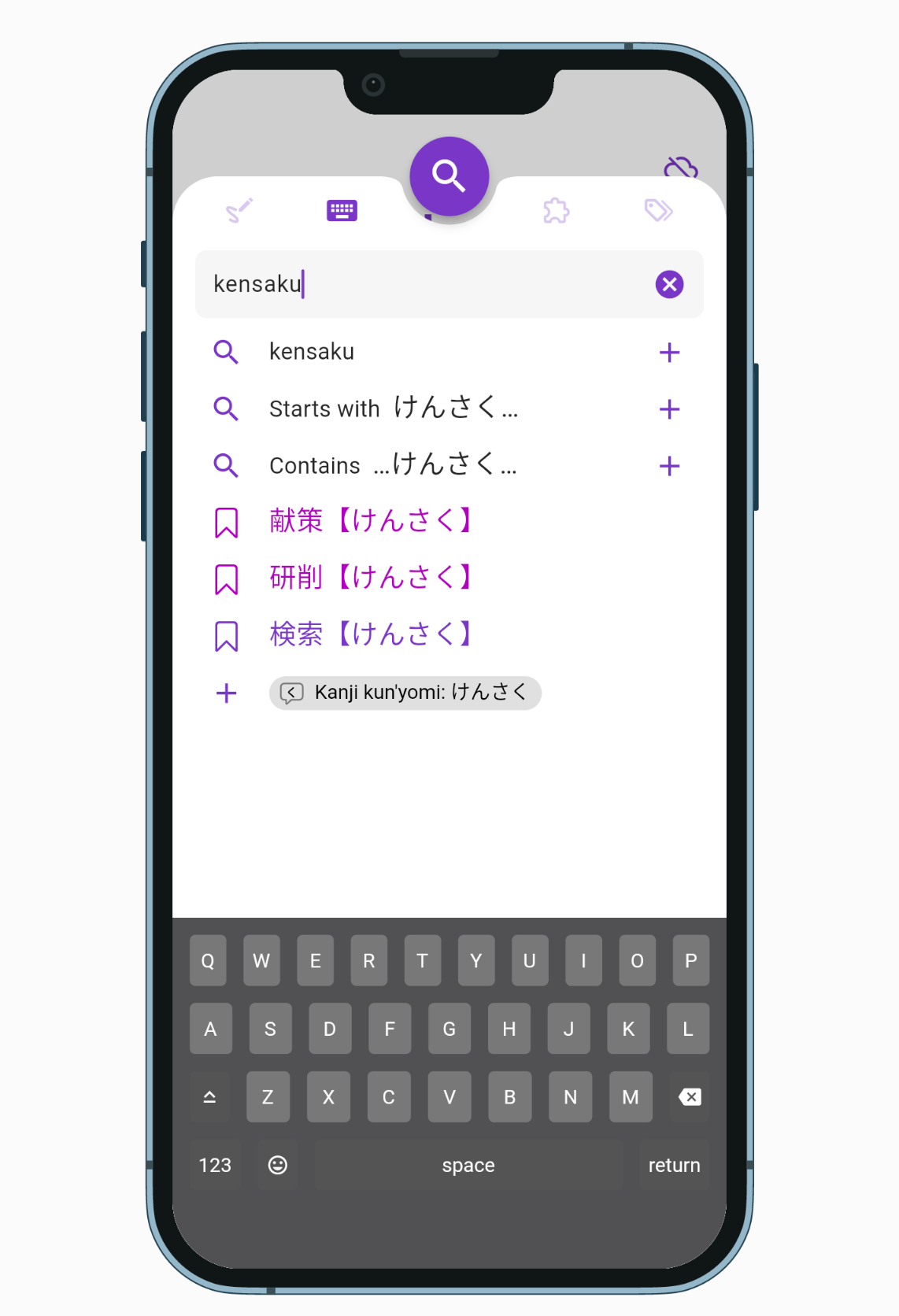
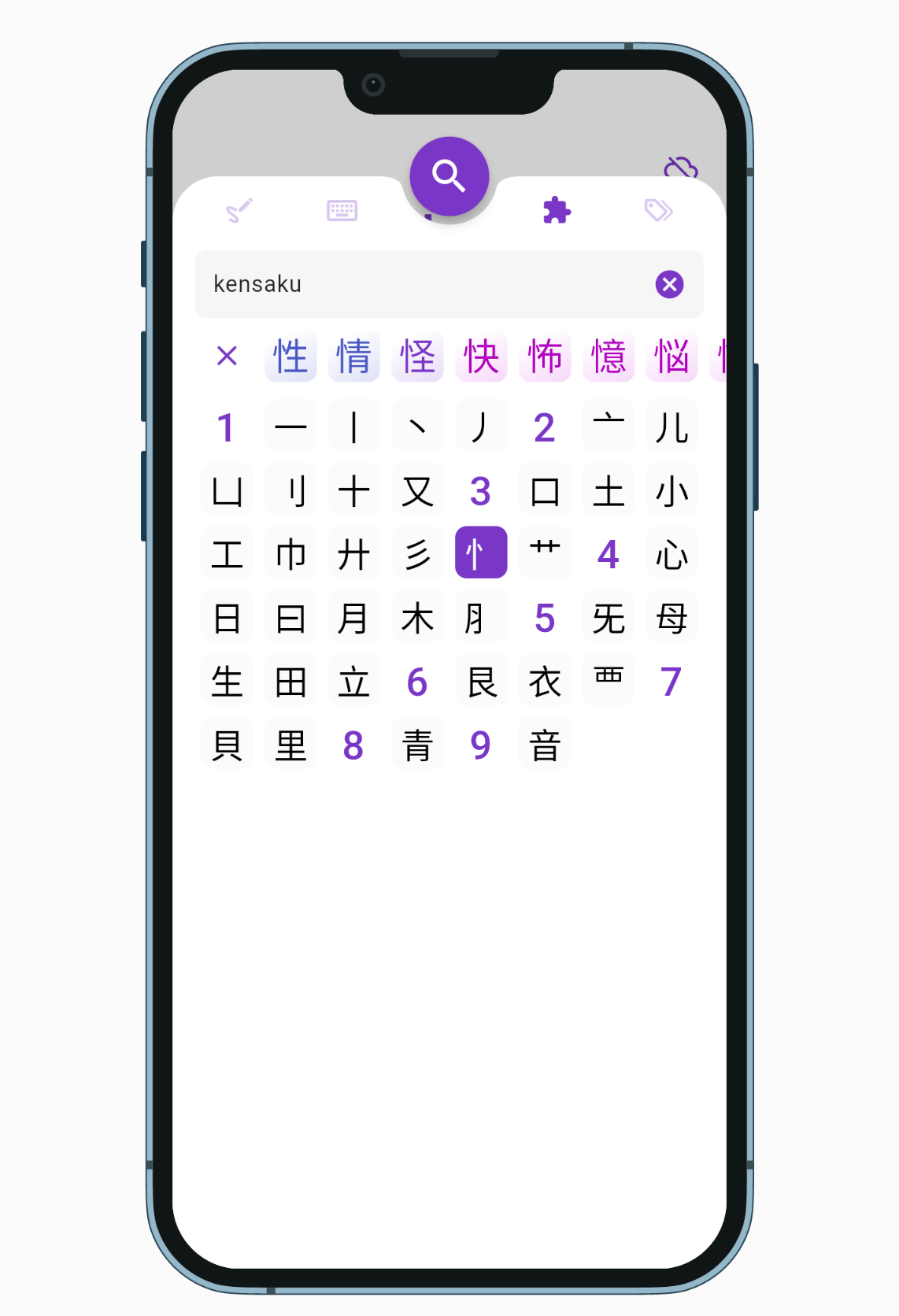
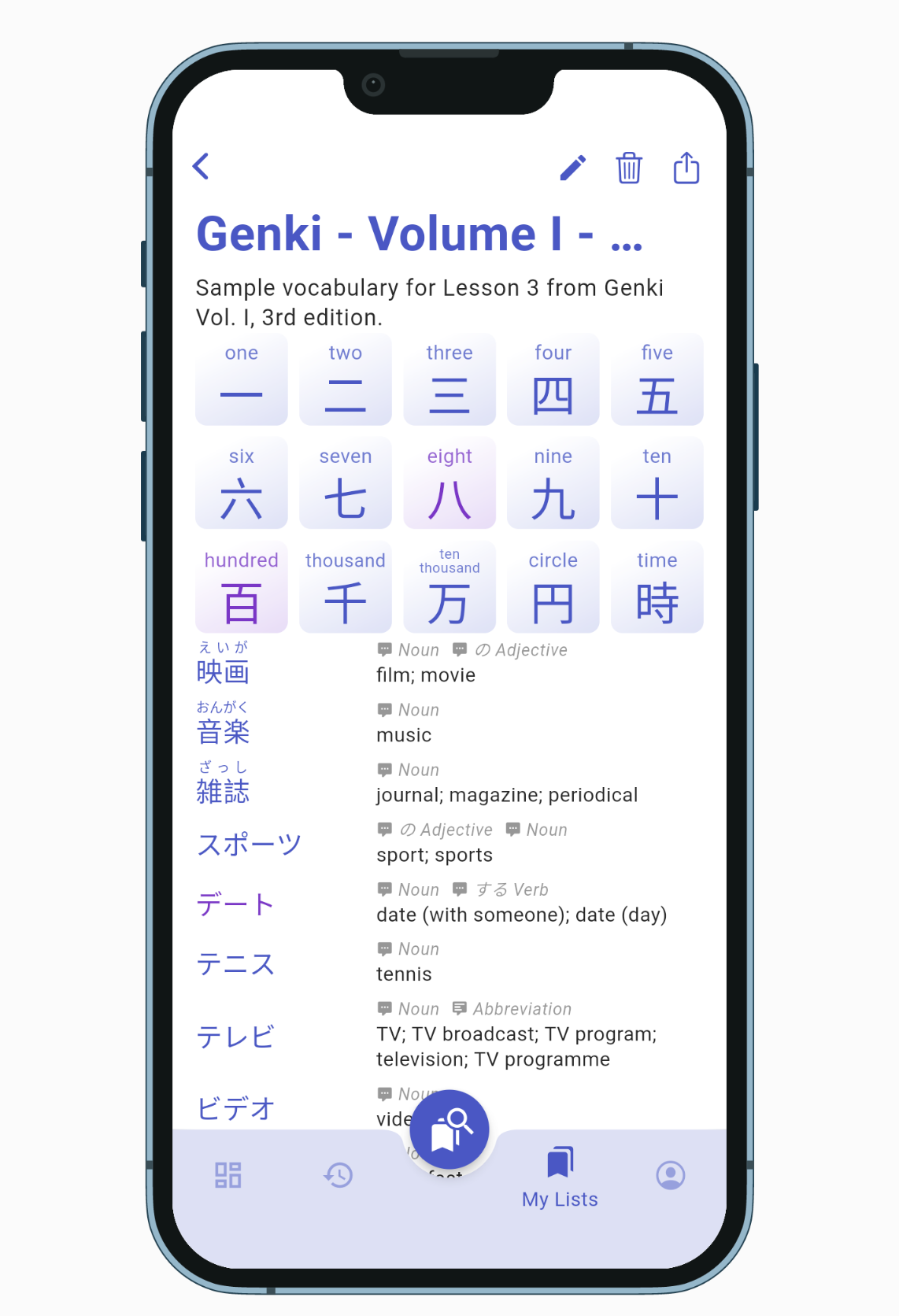
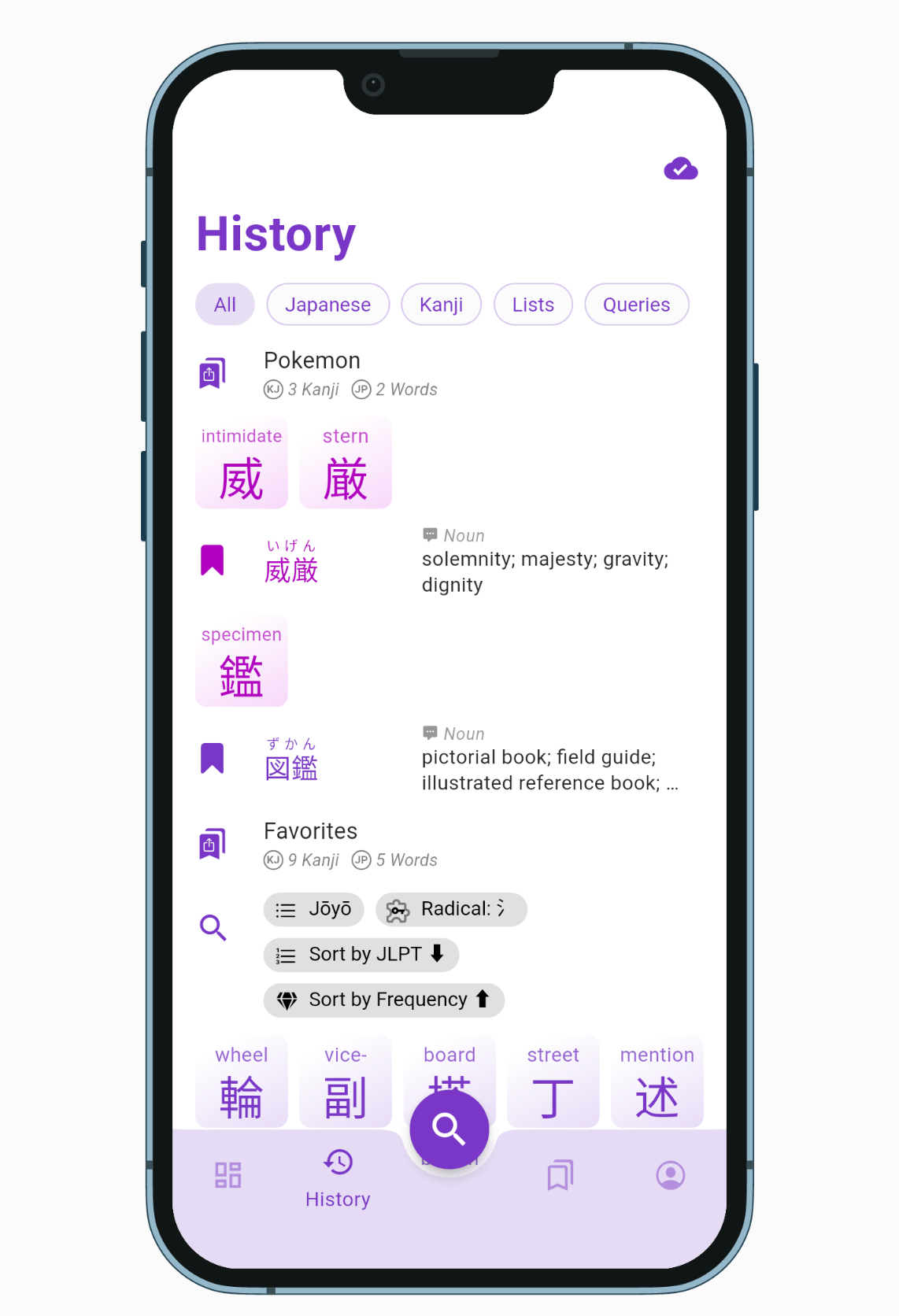
Onboarding screen has been replaced by a welcome card so you can use the app right away without selecting your Japanese level.Search sheet is taller and has a denser layout to show more auto complete suggestions.Search by Components displays only the selectable kanji parts to help narrow down a search.New denser layout for lists (no cards) and wider landscape mode that switches the bottom navigation bar with a left side rail navigation.History entries are displayed in a denser list with corresponding bookmark icon, filter can be selected one at a time.
All Changes and Fixes in v0.5.0​

  • [iOS] fixed vertical alignment of Japanese texts with furigana
    - [iOS] switches to landscape mode when rotation the device
    - [iOS] uses large title for top page of each tab
    - [iOS] replaced checkboxes with native looking switches
    - [iOS] removed edge shadow on page transition
    - [Android] fixes bottom sheet being dismissed when rotating the device
    - [Android] some design changes to match the new Material You guidelines: stretch overscroll, low caps button label, no elevation, etc.
    - optimized overall app performances and animation smoothness
    - replaced kanji/word card opening transition by a zooming effect instead of a sliding page from the right
    - replaced Sign In dialog by bottom sheet
    - fixed top empty space in Japanese text with no furigana
    - fixed kanji/word cards moving around when going back from a list page to a search results page
    - fixed History tab being fully redrawn everytime a new entry is added
    - fixed Kanji in List not being loaded from cache when available
    - fixed Word Compounds card not using offline cache when available
    - fixed word in format kanji:kana not being loaded from cache
    - fixed scrollbar to go all the way down to the bottom navigation bar
    - swiches navigation bar with rail navigation (vertical bar on the left) in landscape mode
    - extends rail navigation to menu navigation on larger screen
    - disables animation according to OS settings

    My Lists
    - replaced bookmark pop up menu by draggable bottom sheet
    - replaced cards by denser tiles
    - replaced + card by app bar button
    - replaced edit/create sheet by fullscreen bottom sheet with X and "Edit/Create" buttons
    - removed outline boxes around input fields

    History
    - filter buttons can only be selected one at a time, added a default "All" button
    - replaced cards by denser tiles
    - all entries have a leading icon such as magnifying glass for query entries
    - word and list entries have a bookmark icon that indicates if the item is already bookmarked
    - only shows word definitions if the dictionary was downloaded

    Search Sheet
    - new landscape mode layout shows tab icons on the left without "search" floating button
    - dismisses keyboard when scrolling the suggestion list
    - removed tab underline indicator, icons shown as outlined when unselected
    - removed "exact match" from kana suggestions
    - removed + button on word/kanji quick search suggestions
    - search bottom sheet is taller, going all the way to the status bar
    - suggestions tiles are more dense vertically
    - shows "Search in *** dictionaries" suggestion when inputing multiple tags (same effect as pressing the magnifying glass icon)
    - radical search tab hides radicals that cannot be selected (and grey them out when loading)

    Dashboard
    - replaced onboarding page by "Welcome" card inviting the user to select their level in a bottom sheet
    - replaced status chip by a single "cloud sync status" icon visible on all pages in the top right
    - grouped Kanji and Word of the day on the same row
    - moved "Beta Testing" card to its own row

    Settings
    - redesigned Account tab with a title similar to other tab
    - grouped profile name and sign in/out buttons to a Profile card
    - rename Preferences to Settings
    - card disable switches are drawn above the cards

Downloadable Japanese Dictionaries

· One min read
Kanjiverse
Kanjiverse

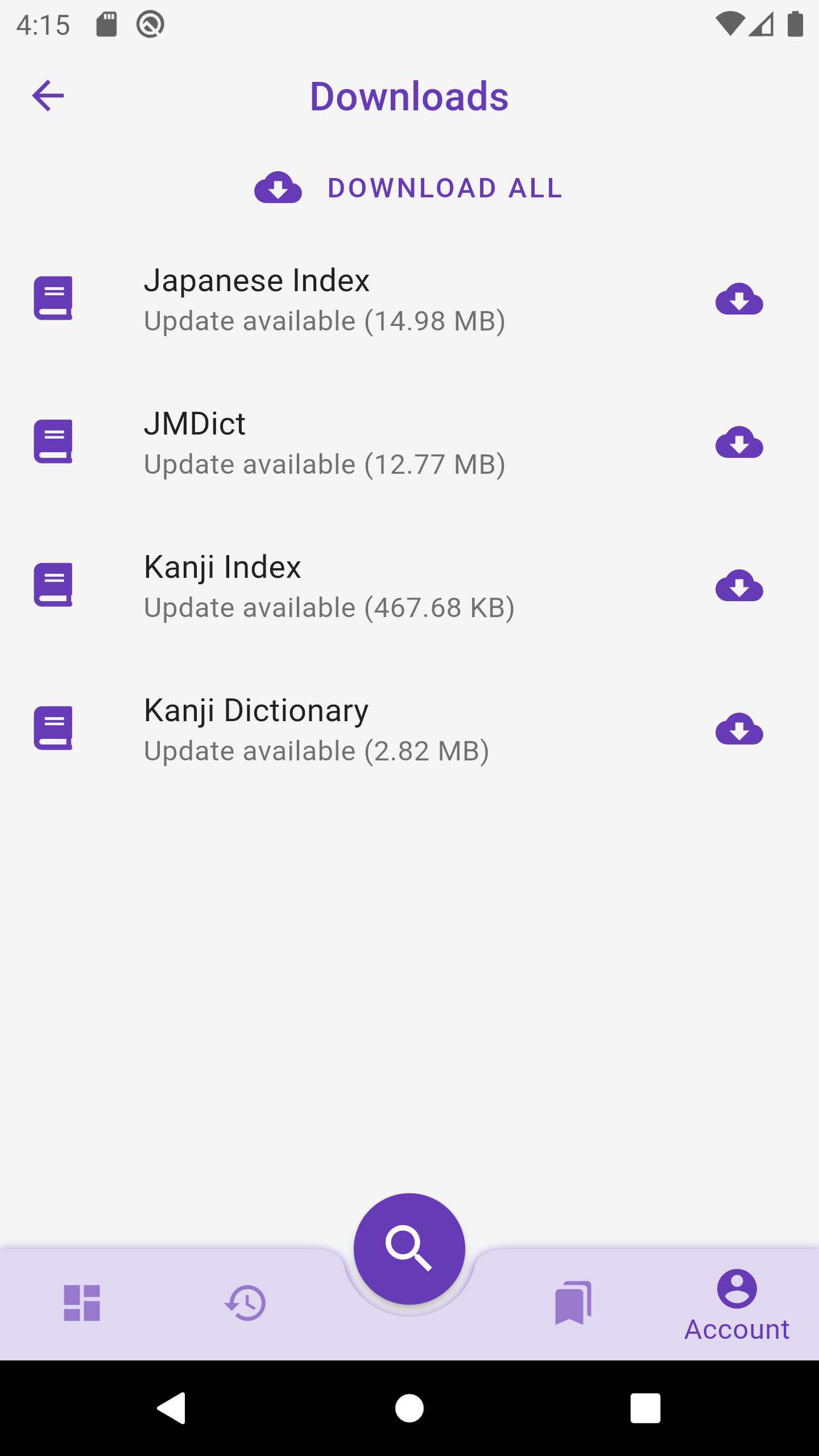
Version v0.4.1 brings us one step closer to a full offline app, you can now pre download dictionaries for Kanji and Japanese words!

Download kanji and words dictionaries from Account > Downloads. It is recommended to Download All dictionaries to enjoy the following:

  • Faster loading speed and reduced internet data usage.
  • Offline access to most content (sample sentences are not downloadable yet).
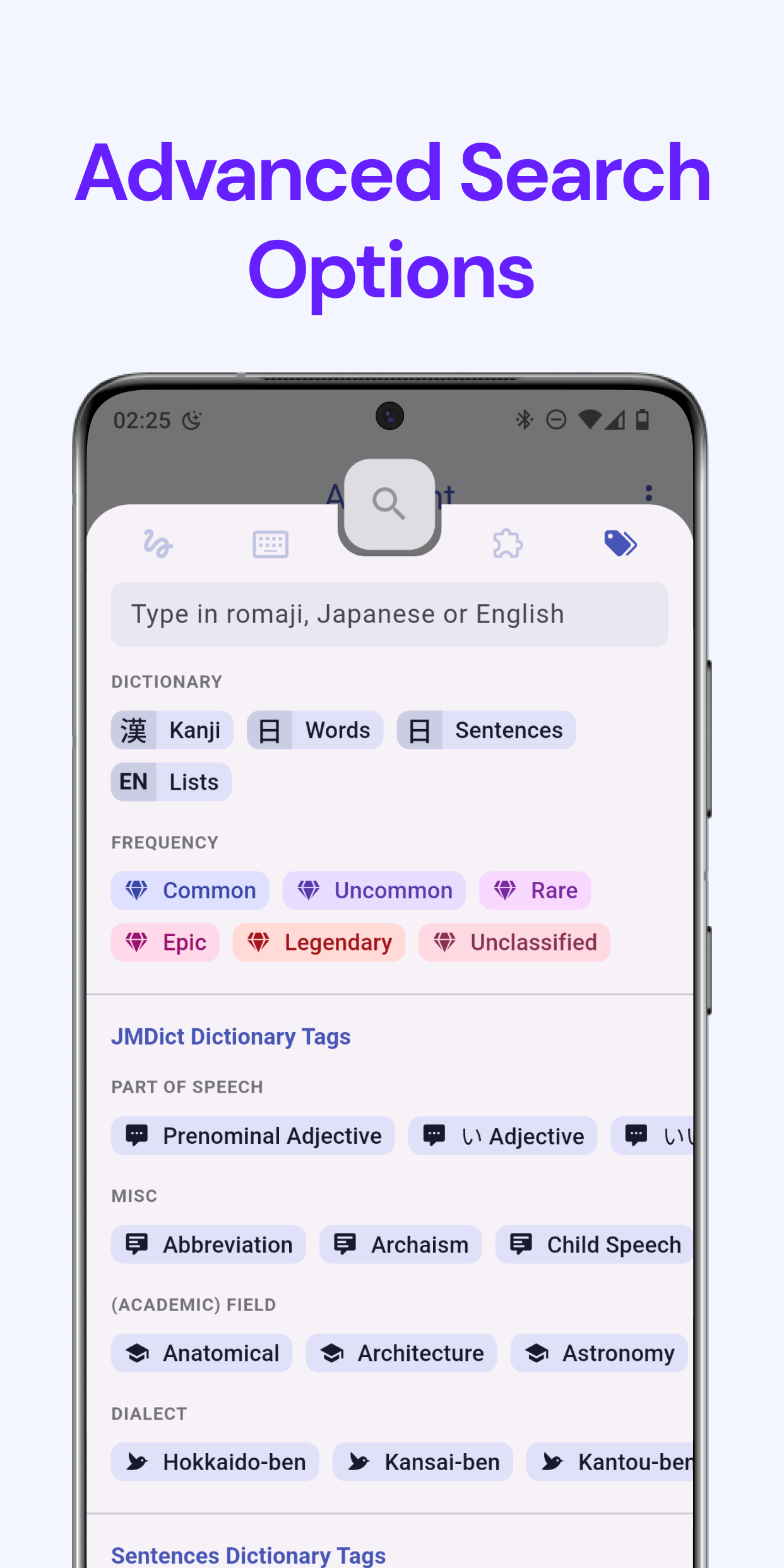
  • Instant autocomplete suggestions and offline search, when searching by Japanese word or Kanji parts (search by English word and more complex queries still require internet access).

Changes in version 0.4.1​

  • added Downloads page in Account to manage downloadable dictionaries: Kanji, Japanese Words, and JMDict
    - added Download suggestions in Search Sheet tabs
    - search autocompletion uses Japanese Index dictionary if downloaded
    - search by radical uses Kanji Index dictionary if downloaded
    - removed 500ms delay in search autocompletion
    - fixed Paste Clipboard suggestion not showing preview on iOS
    - added Discard button to "Latest News" card

Breaking Changes, Cache and Offline Mode

· 5 min read
Kanjiverse
Kanjiverse

Version 0.4.0 is a mandatory upgrade due to a breaking change in the format of the Japanese dictionary. Check the FAQ if you encounter any problem after the migration. This version also considerably improves loading time with cache, offline mode, better navigation, gesture support and other bug fixes.

Cache and Offline Mode​

All previously seen content (kanji, word, lists) is cached on your device to improve (re)load speed and reduce internet data usage. History, My Lists, and Home/Dashboard pages will keep working without internet and every page cached can then be accessed while offline.

  • Each tab maintain its own navigation history, pages will open in the current tab instead of being forced to show up in the Home tab.
  • Tapping the icon of the currently selected tab will bring you back to the first page of that tab (Dashboard, History, My Lists).
  • iOS back gesture (dragging a page from the left side of the screen) has been fixed on kanji and word pages so the page slide away under your finger as expected.
  • Android back button (or gesture) will trigger a popping animation of kanji graph first.
  • The app bar displays the curent page's kanji/word as its title instead of the frequency and collection chips.

FAQ regarding the migration and breaking changes​

Why break things?​

The current format of the Japanese dictionary was too different from JMDict to integrate new updates, and at the same time too bound to JMDict's format to integrate easily with other dictionaries. Therefore a breaking change was the best way to move forward and will allow the development of these coming features:

  • Downloadable dictionary content for a full offline experience.
  • Synchronize with the latest JMDict update.
  • Addition of other dictionaries.

Content won't load, complains about server error.​

It seems you are not using the latest version (0.4.0), please update your app in Testflight or Google Play.

Vocab Lists won't load or show a blank screen.​

Try the following steps:

  1. Go to Account > Preferences, scroll to the bottom and press Clear Caches.
  2. Go to My Lists tab and pull down the screen to sync migrated lists from the cloud.

Syncing fails, complains about token refresh error.​

Signing out then back in should fix the issue.

Some words I've bookmarked in My Lists have changed.​

All words in (My) Lists have been migrated to the new format but since there is not always a one for one match between new and old entries, there might be some cases of substitutions.

Recent changes I've made to my vocab lists have reverted.​

This will happen if you have made changes before upgrading to version 0.4.0, contact me by email or on Discord so I can check if the changes are on the old server.

Why 厚い page has multiple JMDict Variants/Senses cards?​

This is actually how JMDict is structured, one entry can have readings that cannot be used for all its senses, therefore Kanjiverse will group them in separate cards (until now it was in separate pages), the Variants card corresponding to the Senses card right below. https://link.kanjiverse.com/tzRraVEebz6Y3pMXA

Why かける and 掛ける have different pages but similar content?​

A page is not referred by its JMDict entry anymore but a word with a unique writing, and a corresponding unique reading if it has kanji. Therefore かける and 掛ける have their own page, with content unique to their writing, but both also show the same JMDict cards where they are variants of each other.

New dynamic links will point to the new format: https://app.kanjiverse.com/kotoba/厚い%3Aあつい but old links should automatically redirect to the new ones.

Other Bug Fixes and Changes​

  • downgraded minimum ios version from 13 to 10.
    - Lists' kanji/words that cannot be loaded are displayed as "shimmering" cards instead of being hidden.
    - disables + button, etc. when there is no internet connection.
    - cards content on word pages are loaded separately (kanji, jmdict, tatoeba).
    - UI default to flat style (no shadows), can be changed back in Preferences.
    - frequency tag chip is moved from the app bar to the top of the page for words and in the Tags & Meanings card for kanji.
    - opening a List will set the UI color according to the average of the frequency of its kanji and words.
    - fixed History page's app bar not matching iOS style.
    - fixed History list entries appearing multiple time when their name or content is changed.
    - fixed app bar title not updating when changing the name of a List.
    - fixed page content switching from shimmer to final content while in transition animation.
    - fixed Latest News and New Version cards not updating when opening the app.
    - fixed UI color not matching the current page's frequency after popping a page.
    - fixed glyph graph folding animation to look like (a faster) reverse animation of the unfolding animation.
    - fixed iOS back gesture being blocked on kanji/word page.
    - fixed opening the same page multiple times won't stack them up in the navigation.
    - fixed Sync Chip button press not syncing My Lists.
    - fixed bug that prevented Lists with hundreds of words from loading.
    - fixed bug that prevented very long query from running.
    - fixed some animation jank.

Cloud Sync and Custom Fonts

· 5 min read
Kanjiverse
Kanjiverse

New beta version 0.3.2 provides full support to save your Preferences, Lists and History to the cloud and sync between your devices. It also let you customize the Japanese fonts.

Cloud Sync and (Semi) Offline Cache​

If you are signed-in, all your Preferences are synced to the cloud, along with My Lists and History. Syncing is currently only performed when the app starts up, when you sign in, when internet connection is restored after being offline, or when you manually do a "pull-to-refresh". If you haven't signed in yet but made some changes, they will be preserved when you sign in the first time.

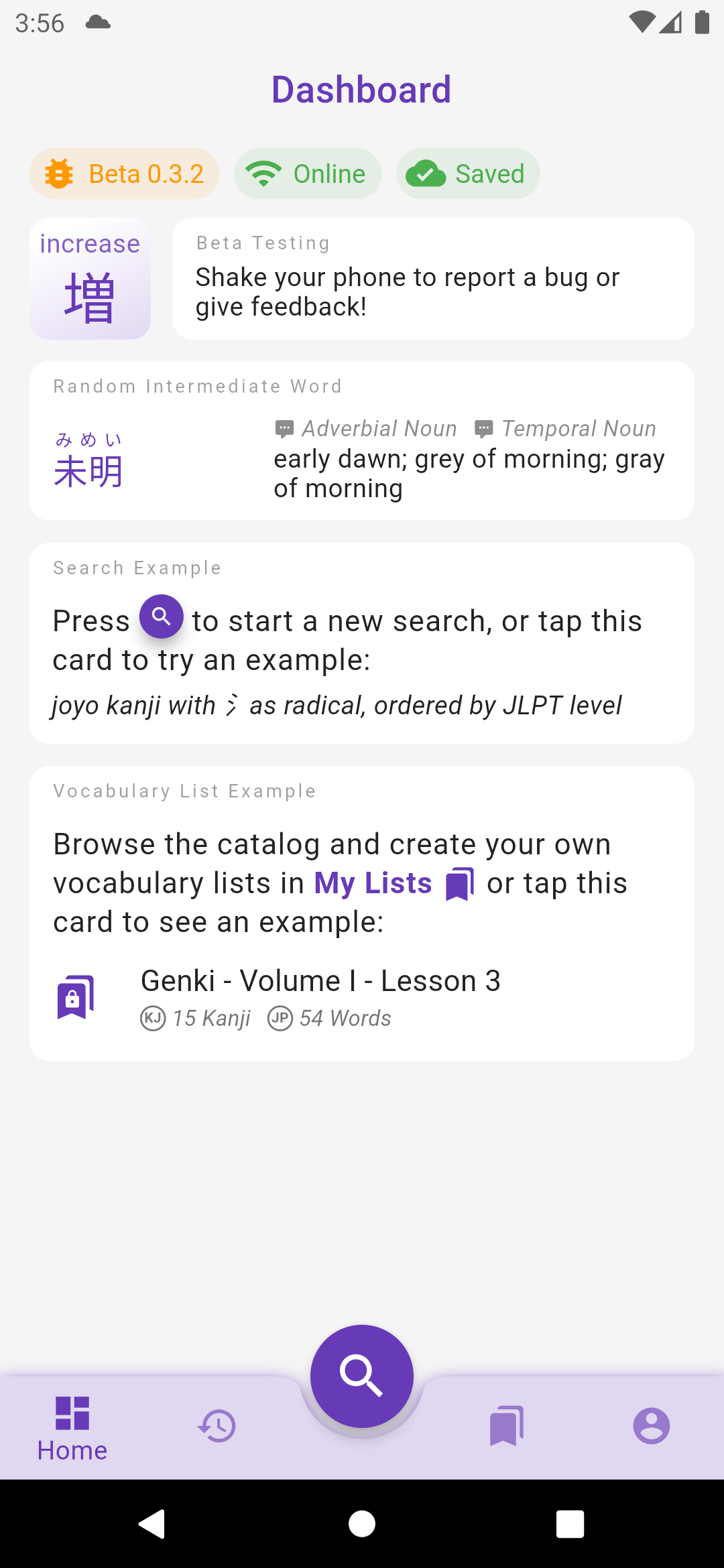
The sync status is displayed at the top of the Dashboard screen:

  • Signed out: you are not signed in, therefore your data are not saved to the cloud.
  • Syncing: your settings/lists are being synced to the cloud.
  • Saved: all your local changes to settings/lists have been saved to the cloud (it doesn't mean that the app is up to date if you have made changes on a different device since syncing is not periodically ran, do a pull-to-refresh manually).
  • Not saved: your local changes to settings/lists have not been saved to the cloud yet, probably because your device is offline.
  • Sync failed: an error occurred when saving local changes to the cloud, long press on the chip to display the reason and error message.

The app can also handle internet disconnections, and changes made to Preferences and Lists while offline are preserved locally (even if the app is restarted) and synced when the app goes back online. Note that the syncing strategy is "last update wins" so for instance if you edit the same List on an offline device A and online device B, the change from B will be saved to the cloud right away but when device A goes back online, it will send its change to the server and override the change from device B.

Custom Japanese Fonts​

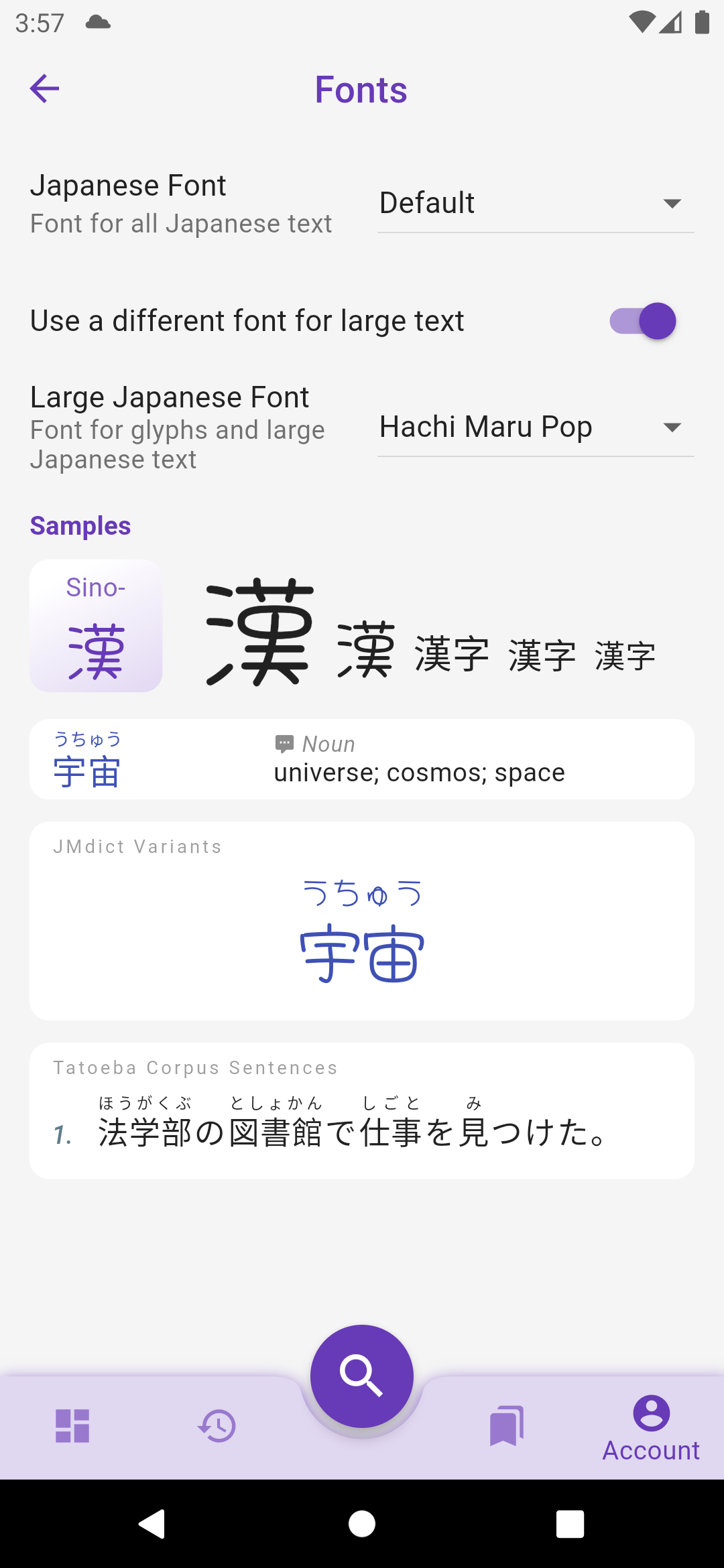
Fonts are not prepackaged within the app anymore (reduced the bundle size by 3!) and will instead be downloaded on demand. They can be changed in Account > Preferences > Fonts. It is possible to use a different font for large and small texts.

The default Serif font in previous versions has been removed from Preferences > Japanese > Serif Font for Large Characters, but the same effect can be obtain by checking Preferences > Fonts > Use a different font for large text and choosing Sawarabi Mincho in the dropdown list.

What's Next?​

The biggest changes in these releases were internal, some work I had to do now to facilitate the development of future features:

  • Grouped all design elements into a central Theme to prepare for the implementation of dark mode.
  • Developed an offline-first syncing cache system to enable full sync of user data between devices and with the coming web and desktop apps.
  • The offline-first cache also enables the app to work even without an internet connection. Currently only Preferences and Lists are cached but the next release should also cache all pages (kanji and words) so they can be consulted offline or without fetching them from the server. The next step will be the option to download the whole dictionaries in advance, and with the implementation of a local search feature, the app will be fully operational offline.

Happy testing :)

Other changes to version 0.3.0 to 0.3.2​

Fonts​

  • removed fonts from the app file to reduce its size from 54mb to 22mb
    - uses OS default font (Roboto on Android, San Francisco on iOS) instead of Noto fonts
    - fixed "wiggling" Japanese text on iOS where kanji without furigana were not aligned with kanji with furigana
    - sets font weight according to their size to be a bit thiner and more readable

Preferences​

  • Switch Level screen has a checkbox to let the user decide if preferences must be wiped out or if manually edited changes must be preserved
    - all settings are synced to the cloud if user is signed in
    - all settings and history are saved to the cloud the first time a user signs in
    - when the user signs out, all settings, lists, etc. are cleared from the local app

My Lists​

  • lists stays visible even with no internet connection
    - lists can be updated, kanji/word added to them, even with no internet connection
    - internet connection is still required to create a new list
    - preferences and list changes made without internet connection are preserved even if the app is restarted
    - preferences and list changes are synced to the cloud when the app goes back online

Dashboard​

  • replaced welcome header by "Dashboard"
    - displays status chips at the top: app version, online state, data sync status (signed-out/syncing/saved/not-saved/error)
    - kanji/word of the day are reloaded when the level is changed (if the dashboard is displayed)
    - kanji/word of the day are now selected from all entries in the user's level (instead of just the first 500 entries)
    - word of the day is now only selected among verbs, nouns, adjectives and adverbs (exclude particles, etc.)

UI​

  • bottom navigation bar has a shadow on Android
    - better fits the keyword on kanji small card, makes it smaller or splits it over two lines
    - missing kanji keyword displays ??? instead of being empty and making the kanji bigger
    - denser word card with reduced vertical padding and vertically centered content
    - History app bar's filter buttons resize to fit in the screen width
    - prettier loading animation that looks like a shimmer
    - removed 'feedback-on-shake' gesture on iOS, use the standard 'feedback-on-screenshot' instead
    - moved all switches in Preferences to the right

History Can Now Repeat Itself

· 3 min read
Kanjiverse
Kanjiverse

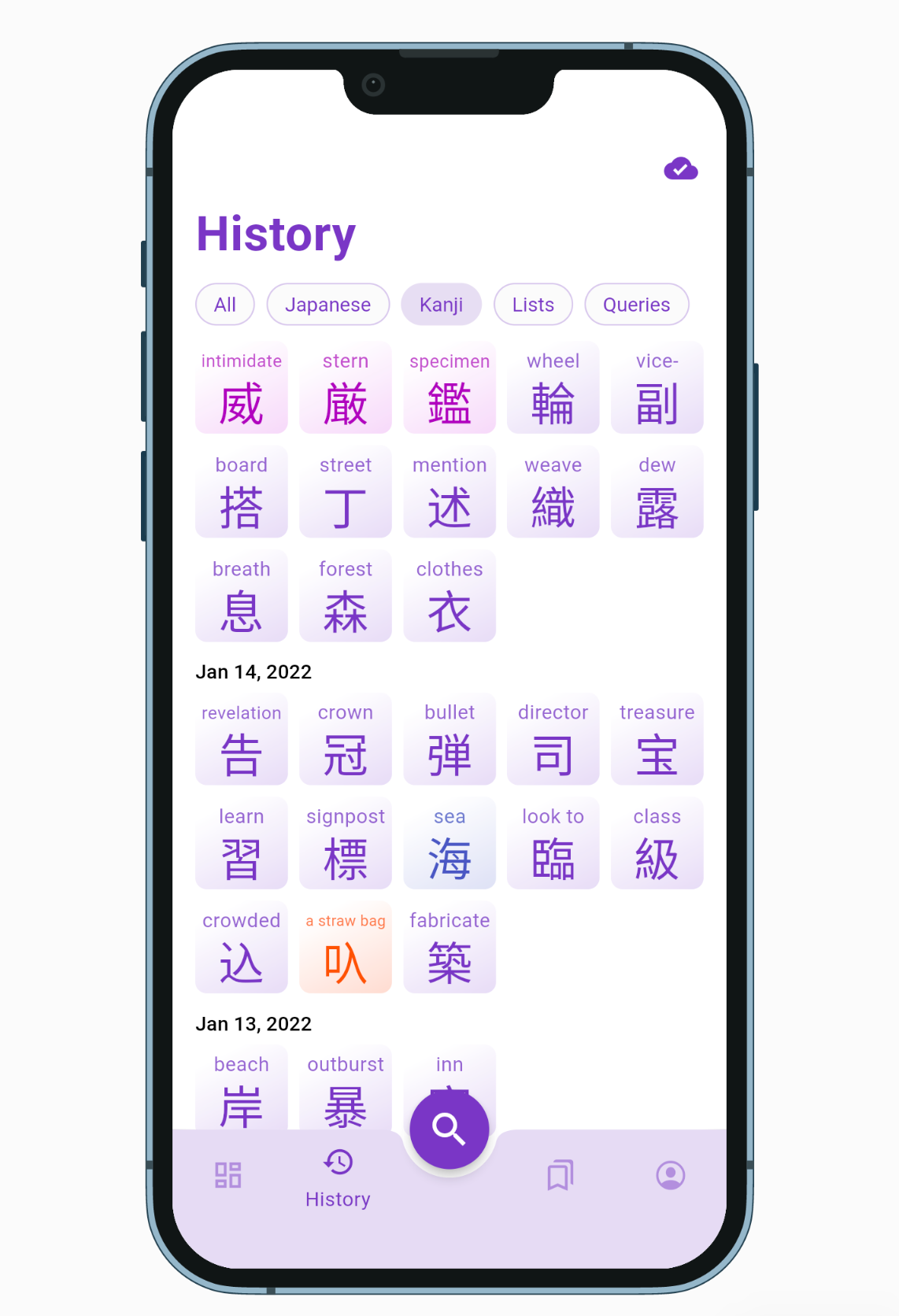
The History tab is finally functional and will keep track of everything you've browsed. On top of that it is sync'ed with your other devices if you are signed in.

Everything you search, every pages you browse, are now saved in the search History tab: kanji, words, vocabulary lists, tag queries, etc. If this is too much information, you can filter it by category with the options located in the app bar. Note that if there are multiple identical items, only the most recent one will be displayed, therefore tapping one item will bring it to the top of the list.

Cloud Sync​

The History is saved to your device but if you are signed in it will also be sync'ed to the cloud and your other devices when the app restarts, you sign in, or your phone is reconnected to the internet. If needed you can force a sync with a pull-to-refresh gesture. Everything searched before signing in is preserved and will be sent to the cloud once you sign in.

Clean Up​

History is cleared on the device when you sign out (and of course restored when you sign in). If you need to clear it manually, it can be done from Account > Preferences > Danger Zone > CLEAR SEARCH HISTORY. This will also clear it on the cloud. If you only need to clear the cache on the device, choose CLEAR CACHES.

Other fixes and changes in v0.2.1​

Bug Fixes
- fixes missing kanji reading examples when the reading has a dash like "おに-", the dash is replaced by a * wildcard
- fixes missing quick search action for Kanji suggestion
- fixes Kanji card's size issue when dense settings is on
- fixes Kanji card's overflowing title during animation
- fixes Word card's text height jumping during animation
- fixes Japanese Word card's font (english and japanese text have their own font)
- fixes Sign Out status not being persisted when app restarts
- fixes kanji level tags (JLPT, kanken, grade) not being retrieved due to case sensitivity issue
- fixes kanji reference tags (RTK, etc.) not being suggested
- fixes My Lists pop over menu (when pressing the bookmark icon) hiding elements with a scrollable view
Enhancements
- Dashboard has a pull-to-refresh gesture to get new random kanji-of-the-day, etc.
- Dashboard's Vocabulary List Example returns a random public list that has at list 2 kanji and 2 words
- Dashboard's cards such as Kanji-of-the-day are disabled with better error messages if they couldn't fetch their data
- Dashboard refreshes itself when the phone comes back online
- Word and Kanji card has a highlight/splash effect corresponding to their frequency color
- missing pages, broken links or pages that returns server error will automatically pop back to the previous page and displays the error via the toaster
- My List tab displays a special message if phone is offline
- displays a nicer message with space invader icon when Search Results or History screen is empty
- vocabulary list loading animation displays the list's name instead "Loading..." and skeletons for the exact number of kanji and words
Other
- adds http metrics to firebase performance (response time and payload size)