5 posts tagged with "release"

View All Tags

Filtering out AI & NSFW content

· 2 min read
Kanjiverse
Kanjiverse

We're taking back control over content! The latest version of Kanjiverse gives you the power to filter out AI-generated and NSFW sentences, ensuring a more authentic and distraction-free learning experience. Now, you decide what appears in your studies.

What’s New?​

A Simpler Dashboard​

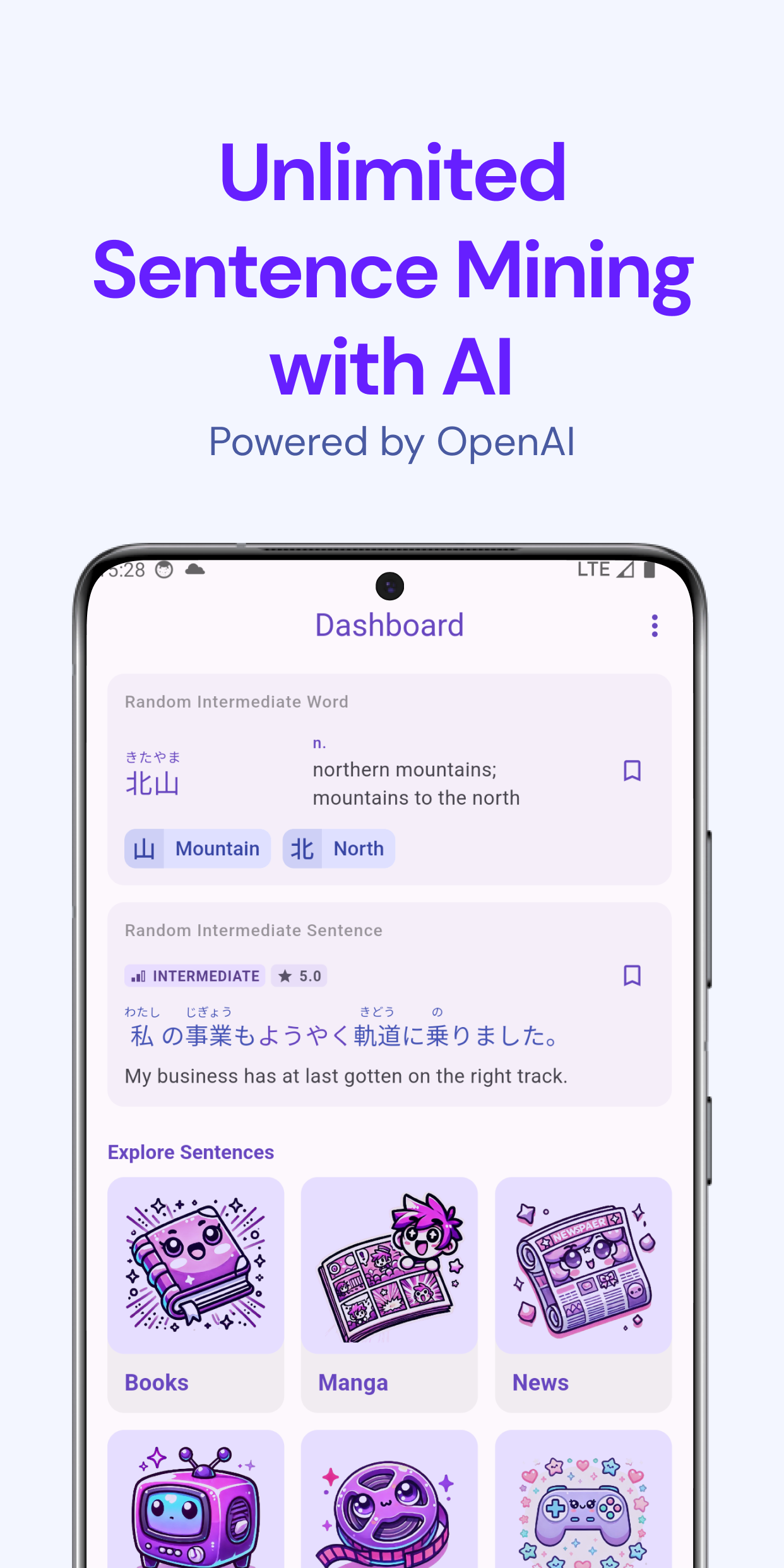
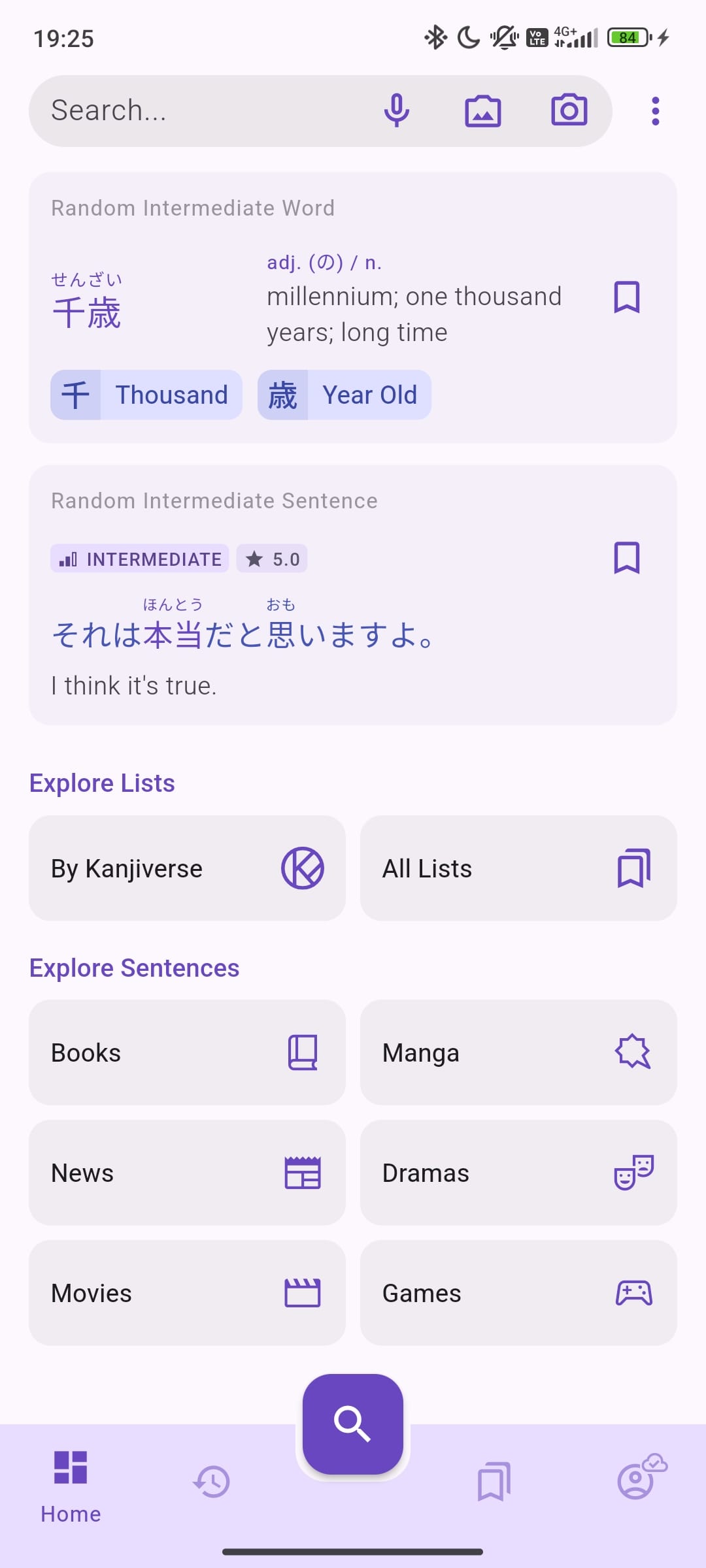
We've redesigned the home page to be more straightforward. Sentence categories now use simple icons instead of large images, making navigation quicker and keeping things uncluttered.

Filters for AI-Generated & NSFW Sentences​

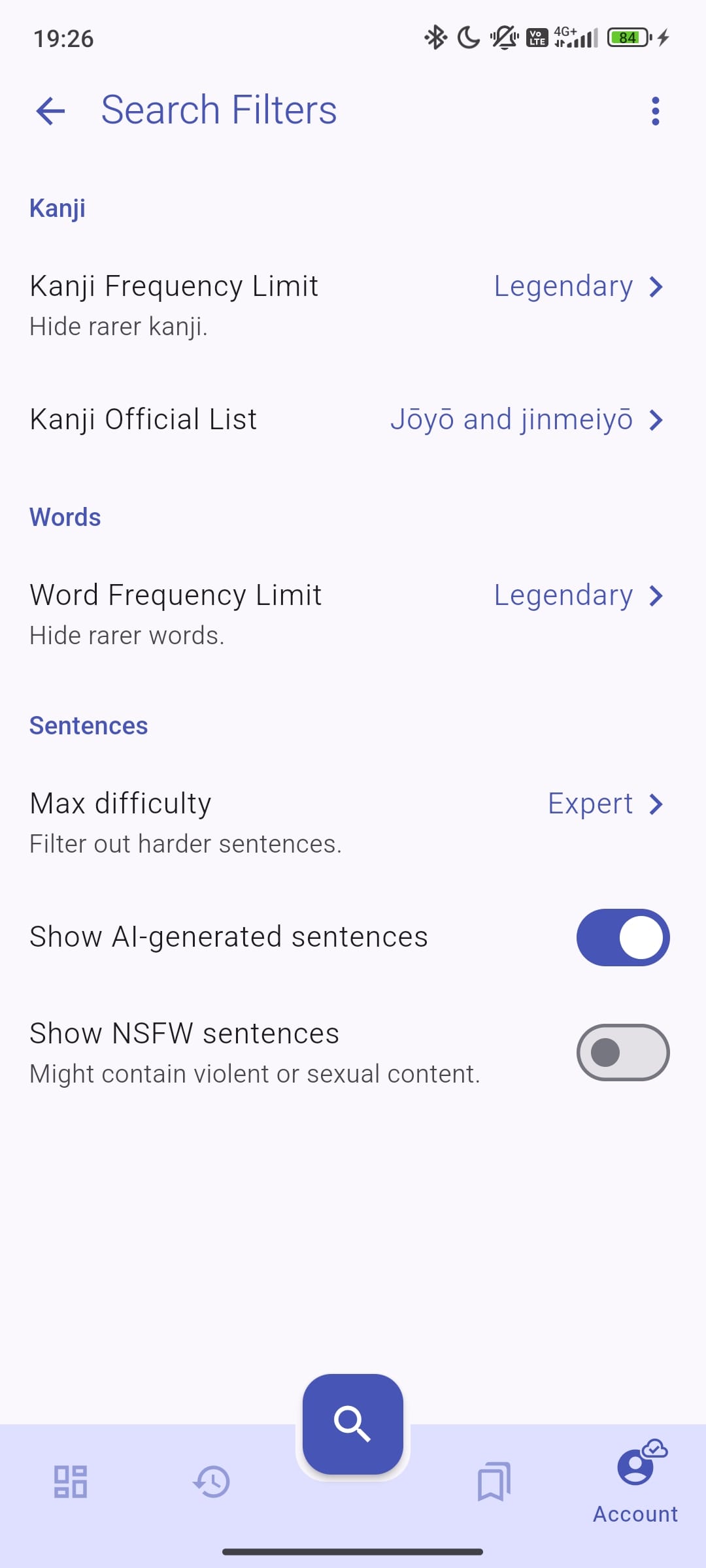
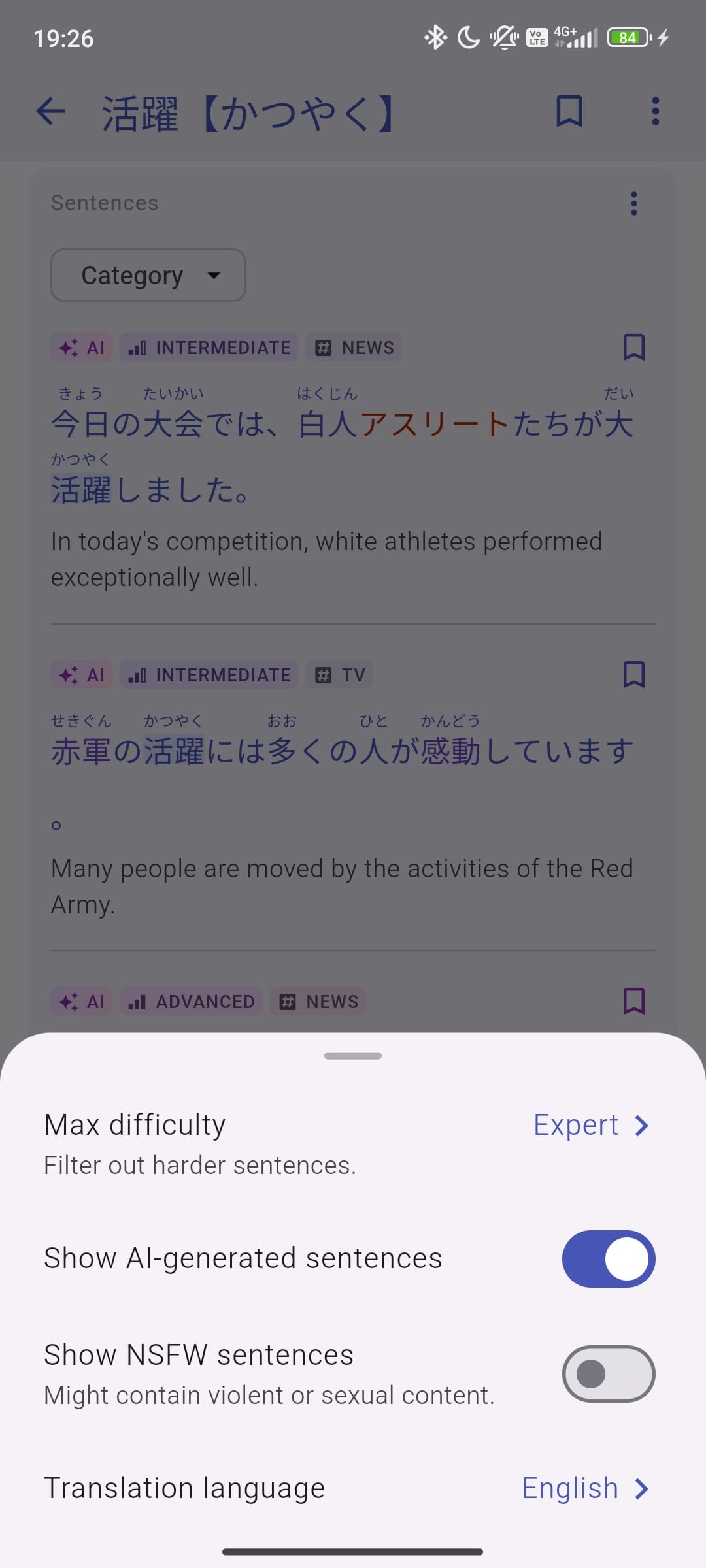
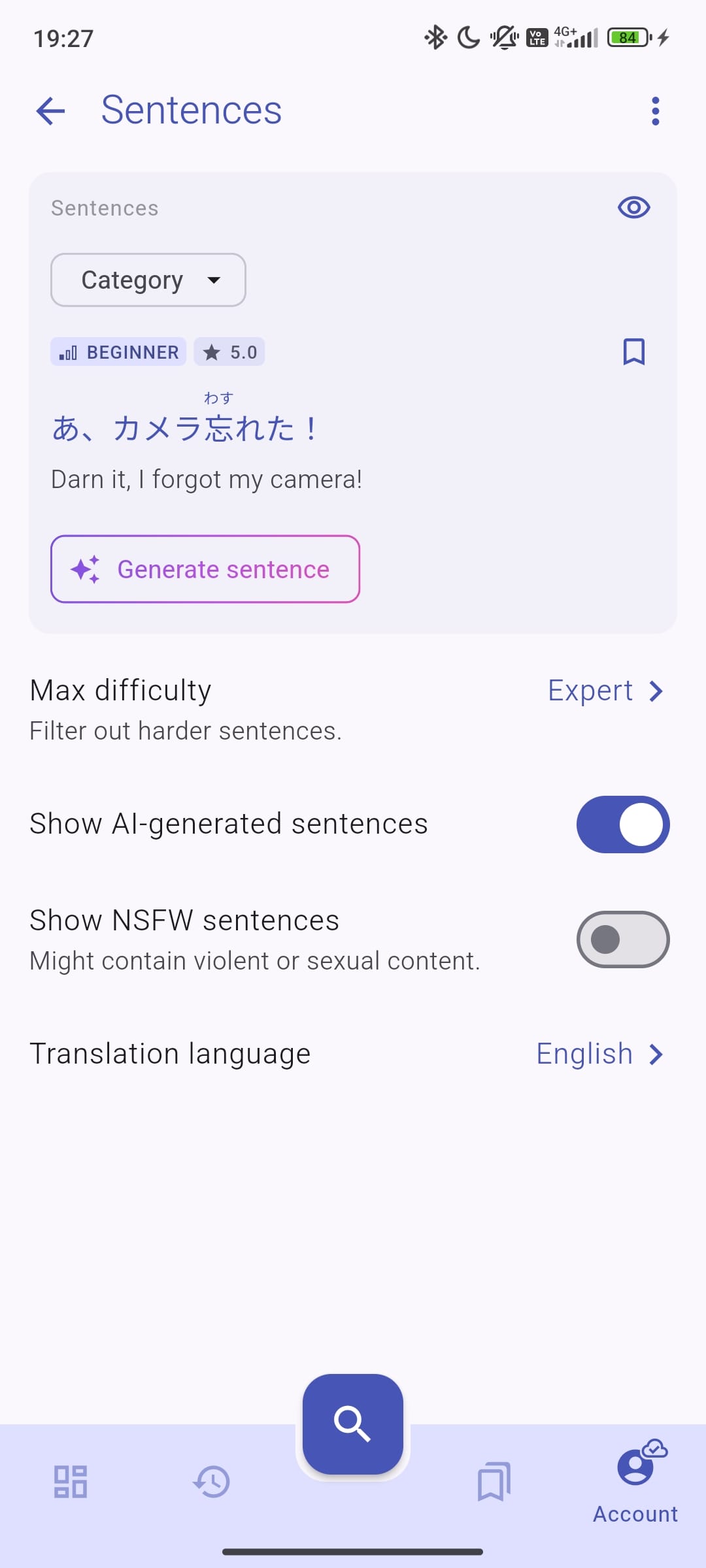
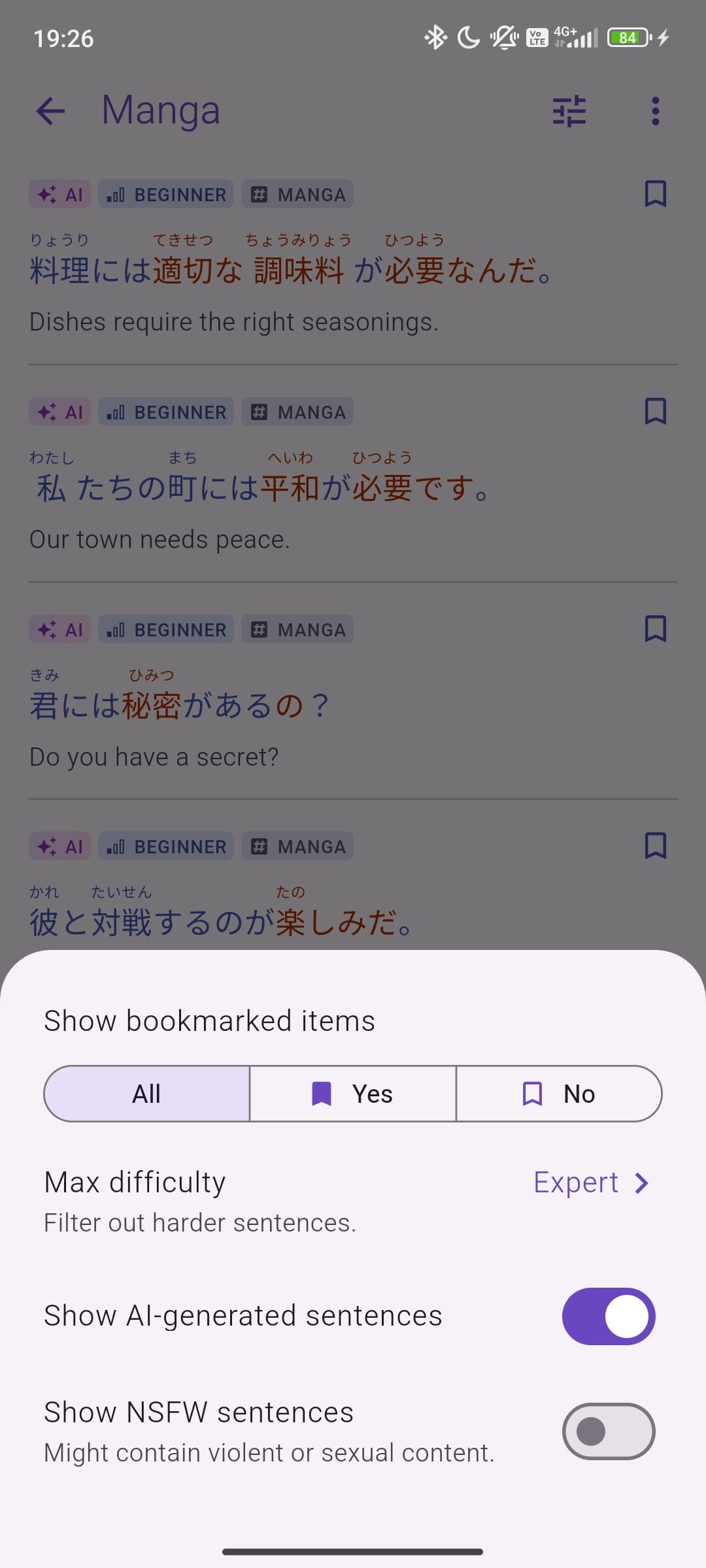
Now you can: ✅ Hide AI-generated sentences if you prefer to learn from human-created content. ✅ Block NSFW content for a more comfortable learning experience (blocked by default).

These filters can be turned on or off in the settings (or directly via the filter button), so you can adjust them however you like.

What’s Next?​

We’re working on adding more human-written sentences sourced from anime, books, and news articles. This will provide more natural and engaging examples to help with your learning. Stay tuned for these updates soon!

Why These Changes?​

We want the app to be as useful and distraction-free as possible. These updates help keep things simple and give you more control over your learning experience.

Update Now & Check It Out!​

Make sure to update your app to try out these new features. Let us know what you think—we’d love to hear your feedback!

Happy studying!

New Search Experience with Audio and Image Input

· 3 min read
Gloria Kristiani
Kanjiverse

At Kanjiverse, we’re constantly striving to improve the way you interact with our Japanese dictionary. That's why we're thrilled to introduce a major update to our search functionality, designed to make your learning journey easier and more efficient. Our new features are here to help you find what you need—exactly when you need it.

Here’s everything you need to know about our newly revamped search feature:

1. Search Bar on the Home Page​

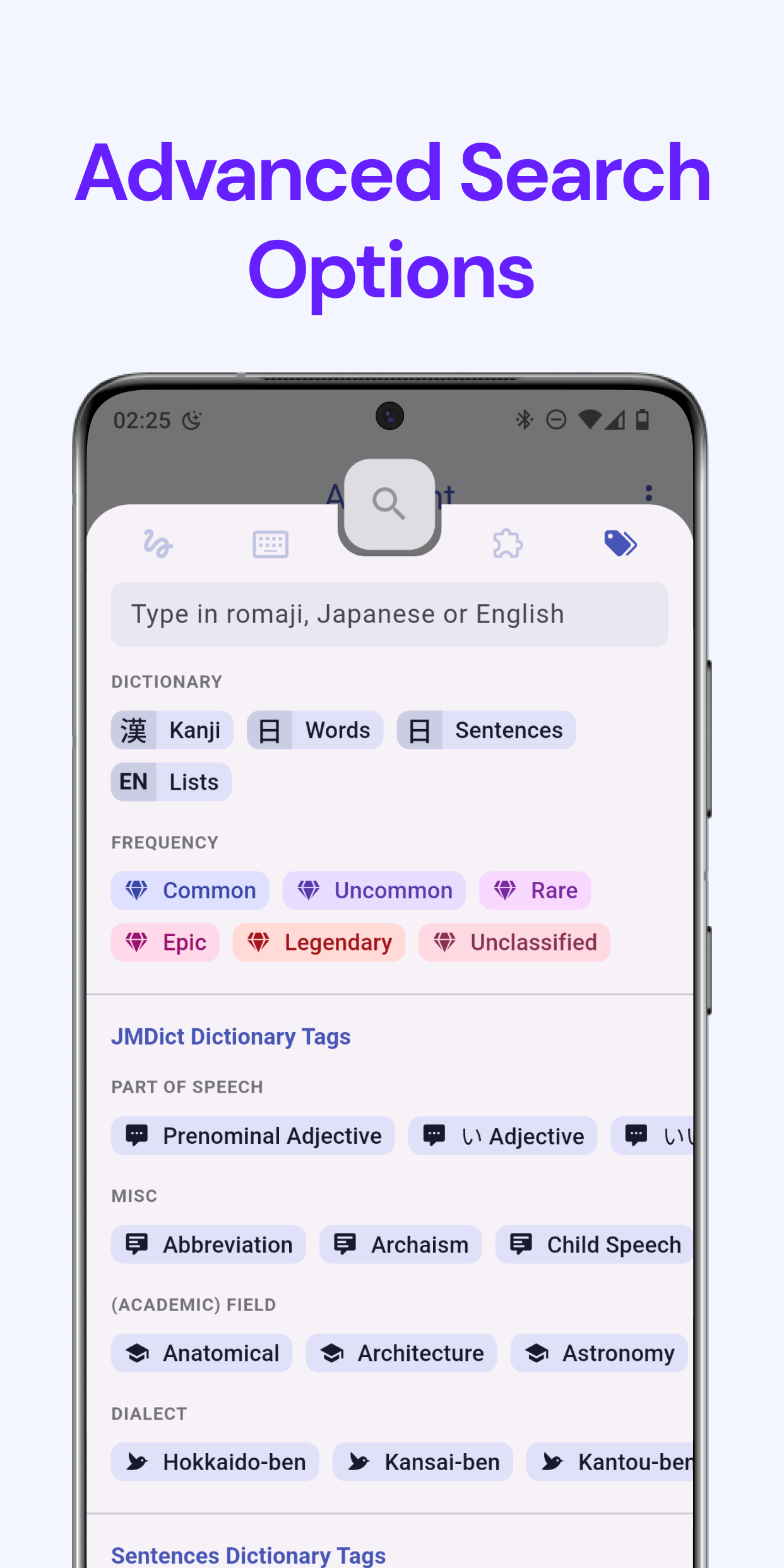
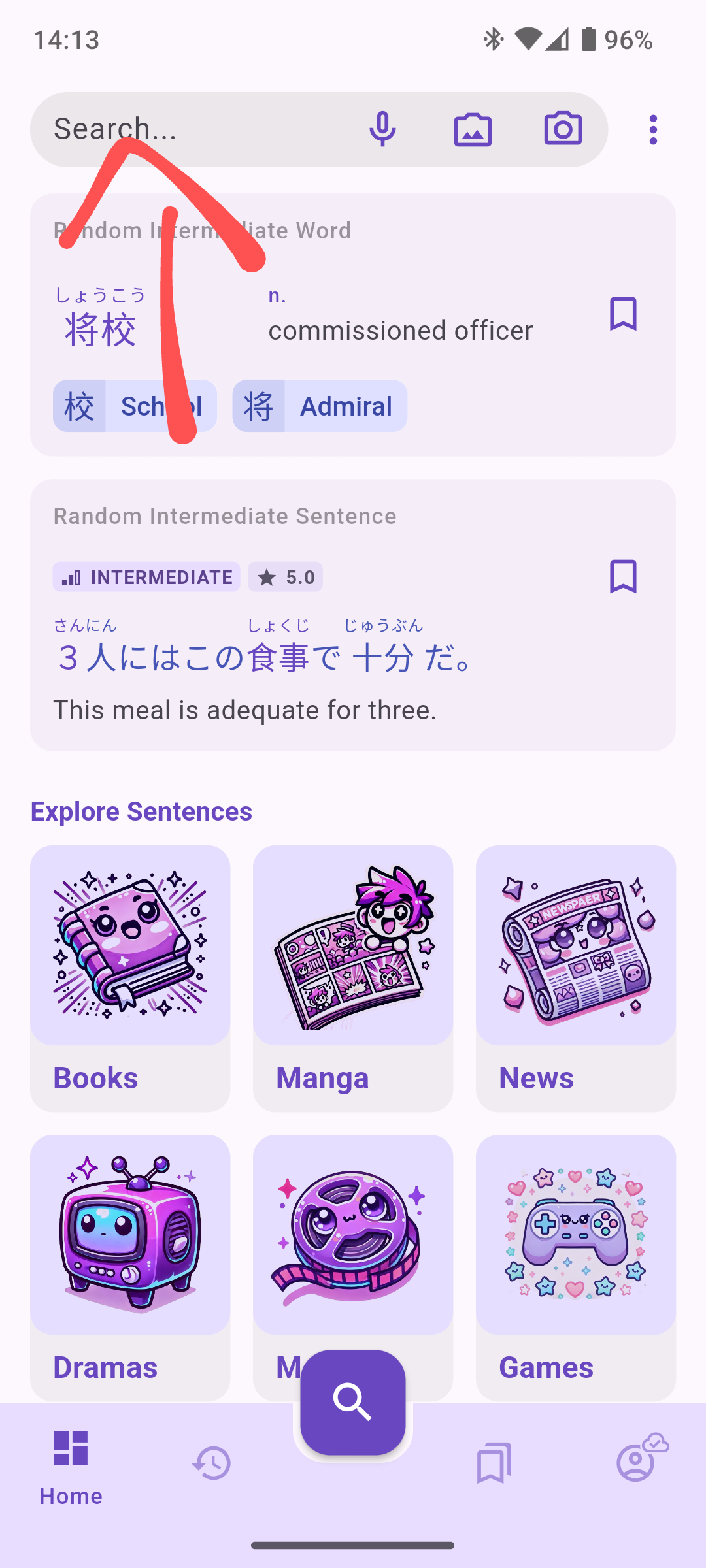
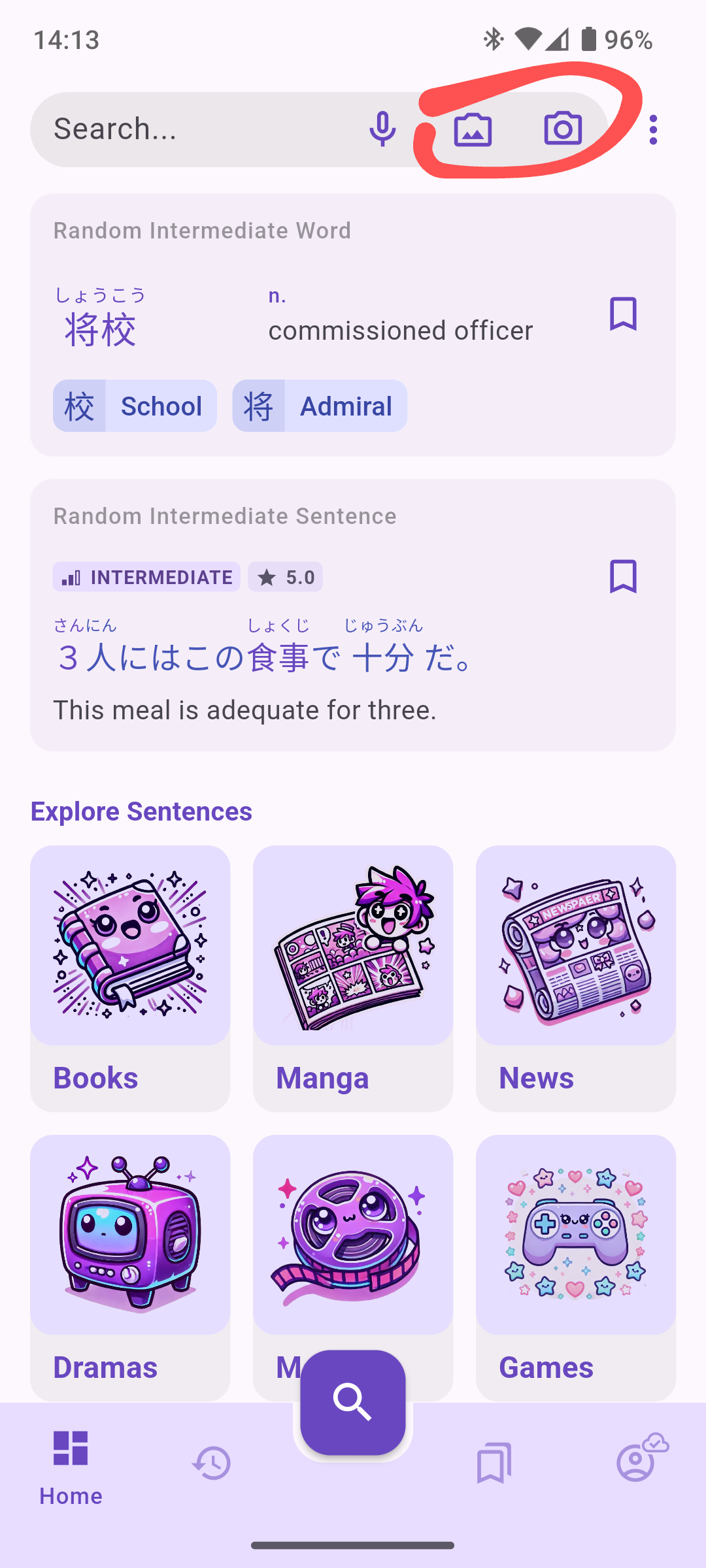
Our new search functionality is now front and center. You’ll find the search bar conveniently located at the top of the home page with direct shortcuts to the new search functionalities. No more digging around—just tap and start your search! This enhanced accessibility makes it easier for users to dive straight into the app and quickly locate the vocabulary they’re looking for or extract sentences.
2. New Search Screen Layout​

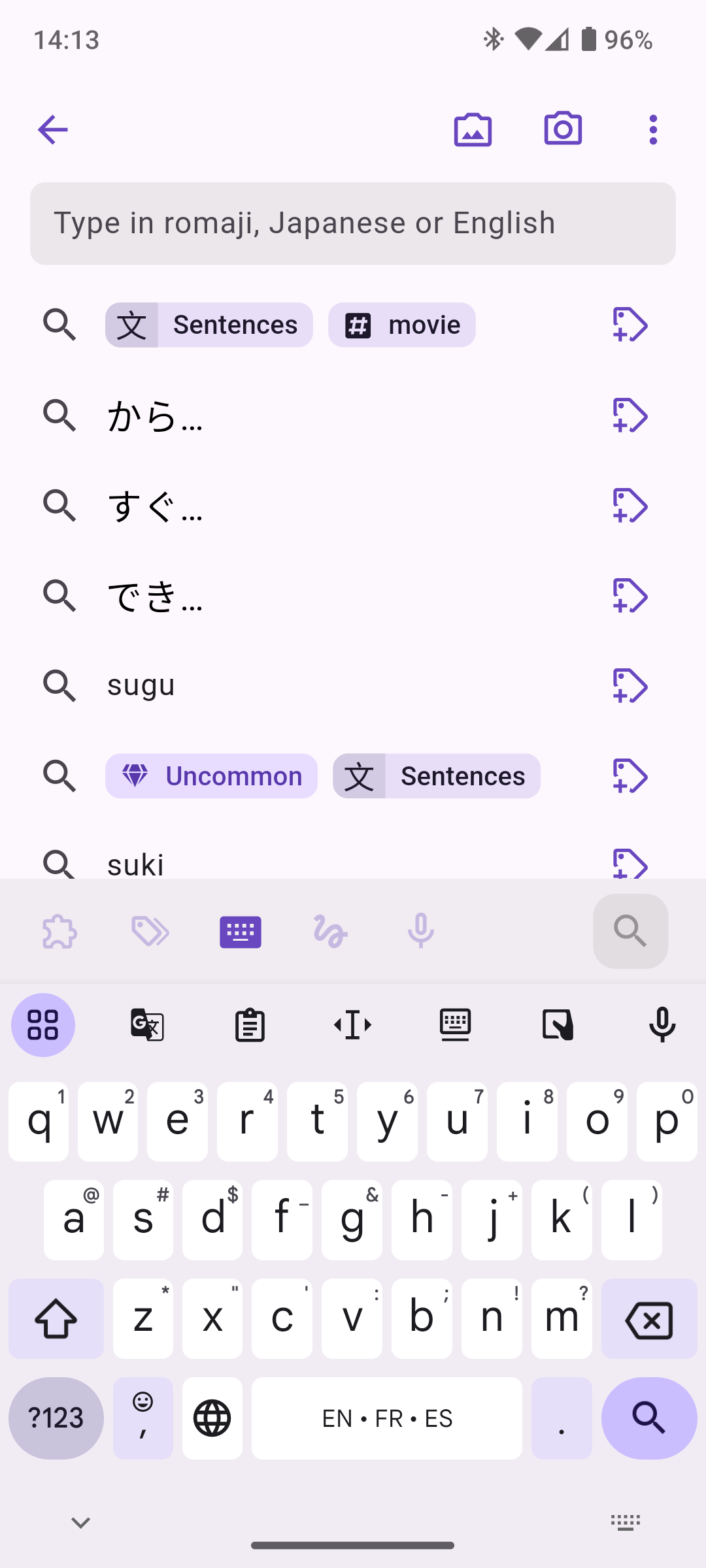
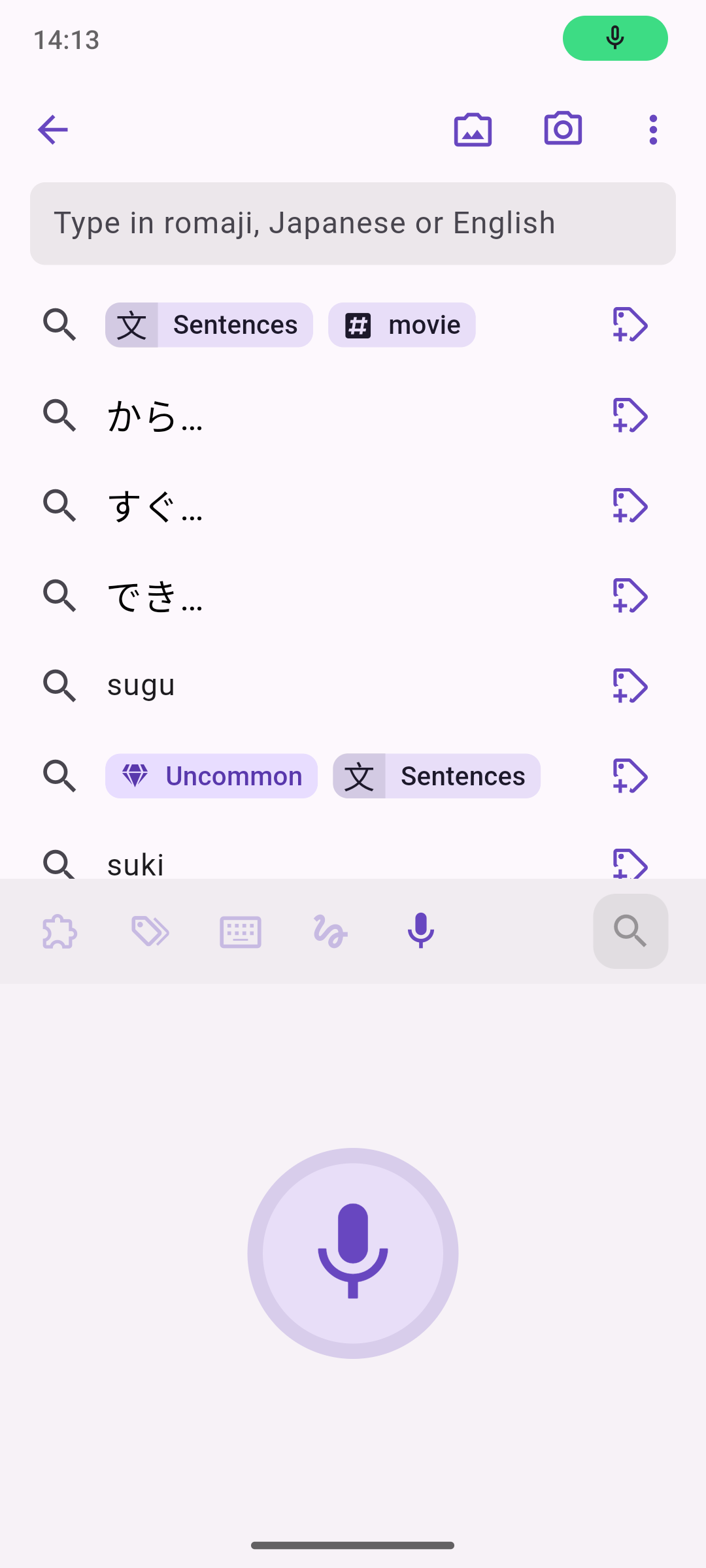
The new search screen has all input methods accessible at the bottom of the screen, right above the keyboard, a standard app bar with OCR actions, and will also show your recent search queries by default.
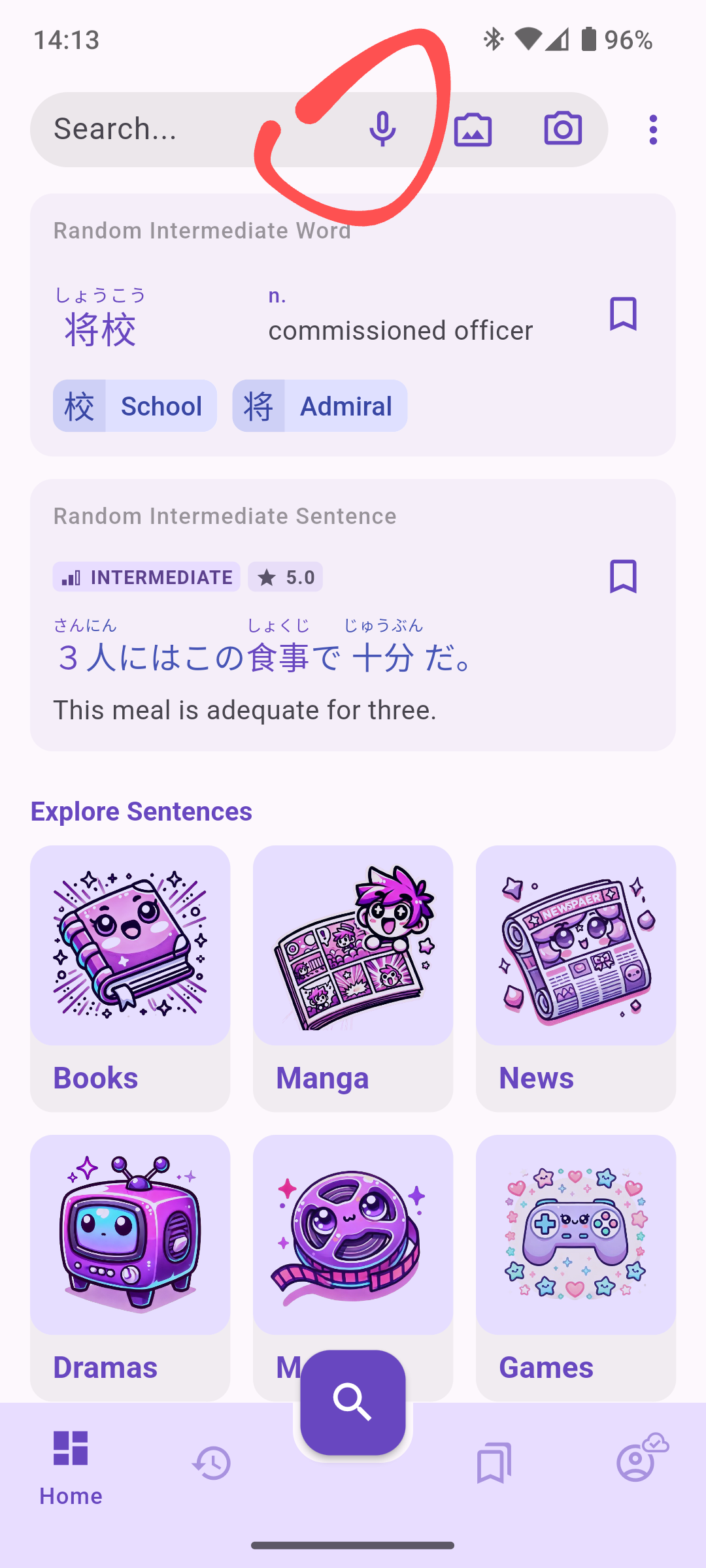
Ever wanted to search without lifting a finger? Now you can. With our new Voice Search feature, you can search for words or sentences by simply speaking into the app. Just tap the microphone icon and start speaking, Kanjiverse will find it instantly.
4. Enhanced OCR (Optical Character Recognition)​

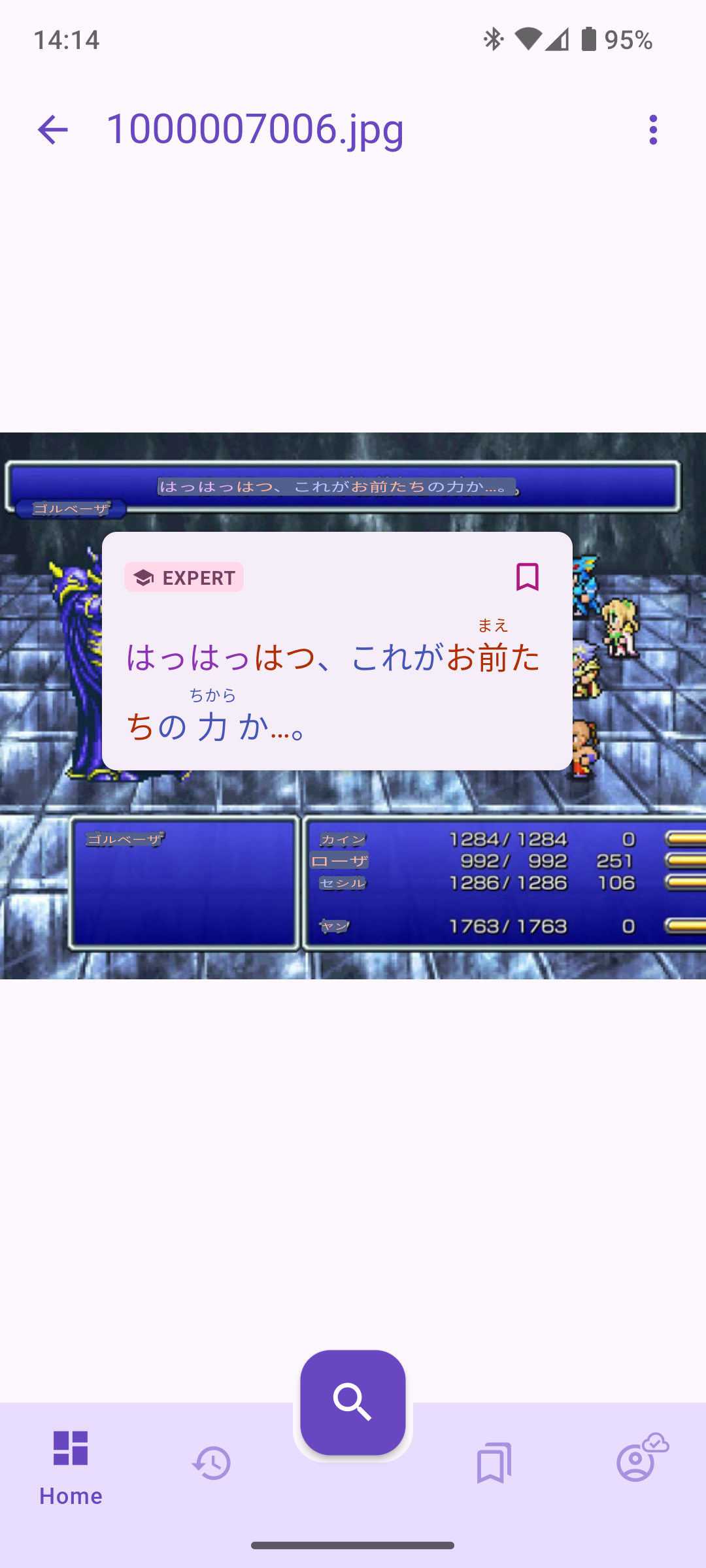
One of the most exciting updates to our search functionality is the introduction of OCR (Optical Character Recognition). You can now take a picture of Japanese in real-world contexts, such as books, menus, or signs, and Kanjiverse will recognize any Japanese text and make it interactive! You can also upload images and screenshots from your phone, and use OCR to break down the sentences found in the image.

Here’s how it works:

  • Take a Photo: See kanji or text in the wild? Snap a photo directly from the app, and our OCR tool will highlight all sentences with our signature color scale.
  • Or Upload an Image: Have a picture saved on your device? Upload it, and let Kanjiverse do the rest.
  • Interact: select the text, or tap and bookmark sentences to directly add them to your sentences bank!

Note: if sentences are not properly colorized, download the Japanese Index first.
5. Future Feature: Live OCR (Coming Soon!)​

But we’re not stopping at static images. We’re already working on bringing live OCR to Kanjiverse, which will allow you to scan text in real-time. This means you’ll be able to point your camera at any Japanese text—whether it’s a sign, book, or poster—and Kanjiverse will instantly recognize and translate it on the screen.

Why This Update is a Game-Changer for Learners​

At Kanjiverse, we’re committed to making Japanese learning more engaging, efficient, and tailored to individual needs. This search update brings together all the tools you need to find relevant content in one place. Whether you prefer typing, speaking, or taking pictures, we’ve made sure the app works for how you want to search.

So what are you waiting for? Jump into Kanjiverse, explore the new search features, and take your Japanese learning to the next level. Let us know what you think—we’re always eager to hear your feedback!
Kanjiverse is Going Global: Worldwide Release Announcement

· 2 min read
Gloria Kristiani
Kanjiverse

We are thrilled to announce that Kanjiverse, your go-to Japanese Learner's Dictionary, is now available worldwide! After months of hard work, refining our features, and listening to feedback from our amazing beta testers, we’re ready to take Kanjiverse to learners across the globe.

What’s New?​

With our worldwide release, we’re bringing the full power of Kanjiverse to every corner of the planet. Whether you’re in Asia, Europe, the Americas, or anywhere in between, you can now access our comprehensive Japanese dictionary, packed with unique features like kanji decomposition, AI-generated sentences, customizable learning tools, and more.

Why Kanjiverse?​

Kanjiverse isn’t just another dictionary—it’s a complete ecosystem designed to help you master the Japanese language, especially when it comes to reading. With our powerful search tools, color-coded kanji, and engaging learning aids, you can dive deep into the nuances of Japanese and discover the joy of learning at your own pace.

What's Next?​

We’re just getting started! As we expand our reach, we’re also expanding our features. Look forward to more updates, including new languages, advanced AI capabilities, and community-driven content. Plus, keep an eye out for our "Kanji of the Week" series on Instagram, where we’ll highlight different kanji each week, along with tips, tricks, and tutorials to help you on your learning journey.

Thank you to everyone who has supported us so far. We couldn’t have done it without you. Now, let’s embark on this exciting global journey together!

Welcome to Kanjiverse—where the world of Japanese learning is at your fingertips. 🌏 #Kanji #JapaneseLearning #LearnJapanese #Japanese Dictionary

Share Screenshot, Feedback, and Markdown Support

· 4 min read
Gloria Kristiani
Kanjiverse

Version 1.2 features new updates that give you more control over how you interact with and share content within our app, making your learning journey even more dynamic and personalized.

What's New?​

Screenshot and Share Your Card​

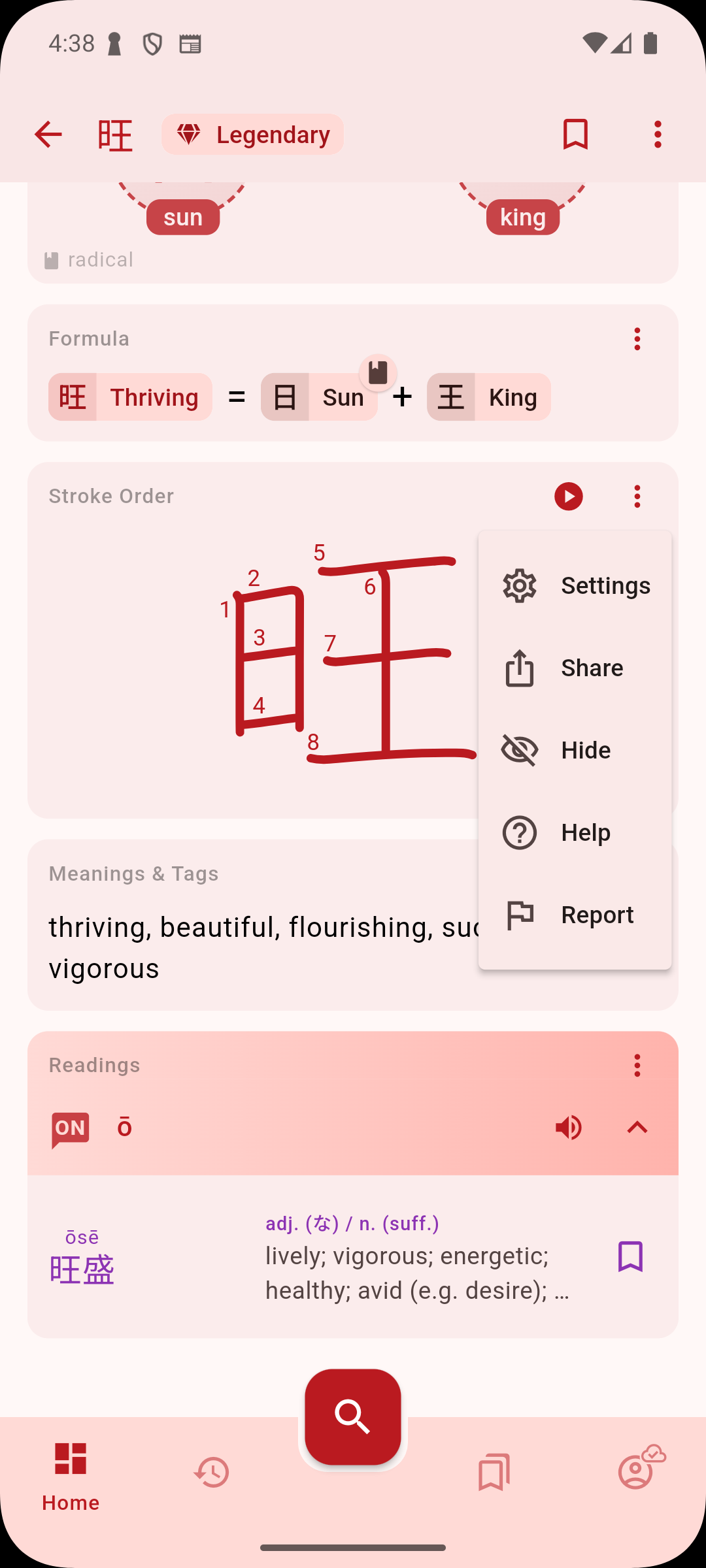
Imagine being able to share a perfectly crafted kanji breakdown or sentence example directly with your friends, study group, or on social media. With our new Screenshot and Share feature, you can do just that!

How It Works:​
  • Select the Card: Choose any cards in the kanji, word, or sentence dictionary you wish to share.
  • Click Share: Use the share button on the card menu.
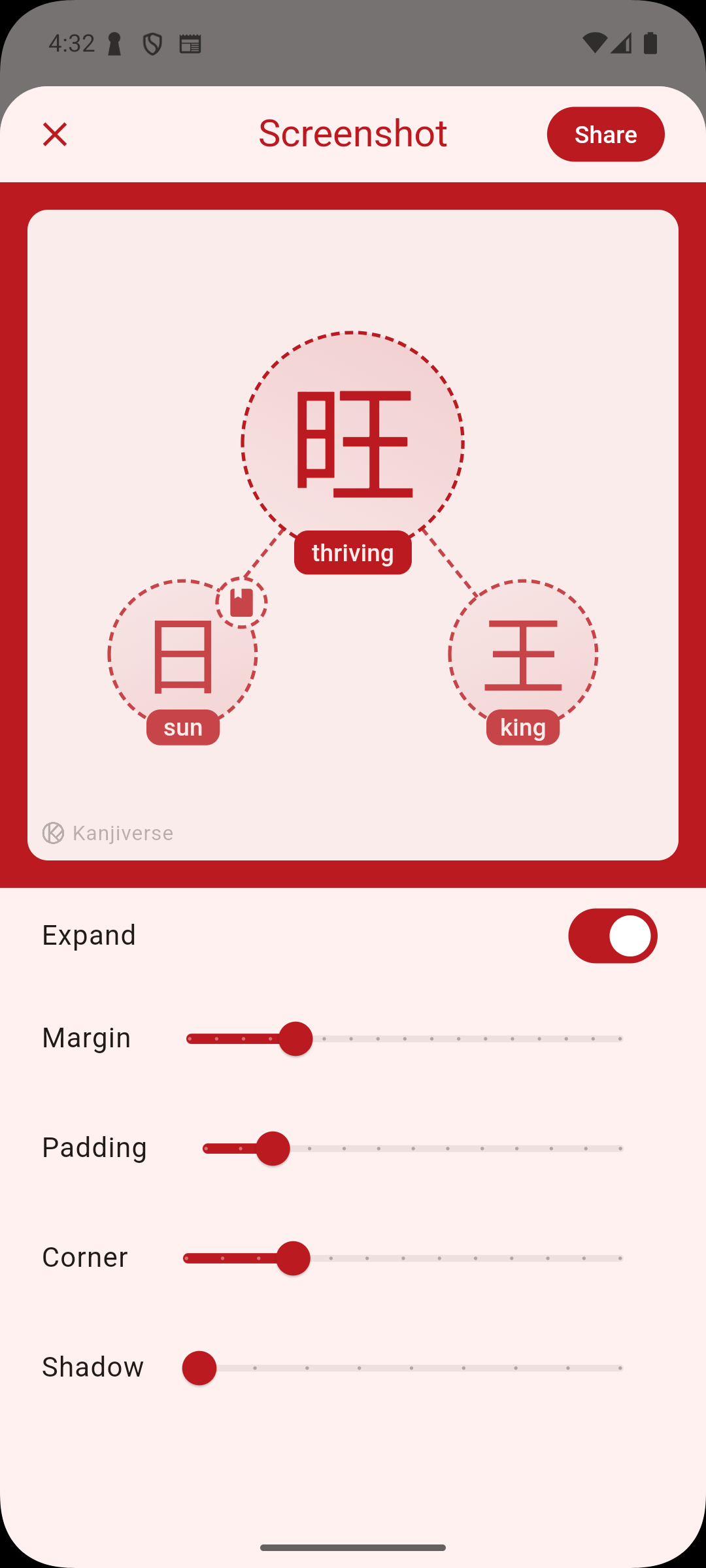
  • Edit Your Screenshot: Before sharing, you can customize the appearance of your screenshot. Adjust the margin, padding, corner style, and even add shadows to make your card stand out.
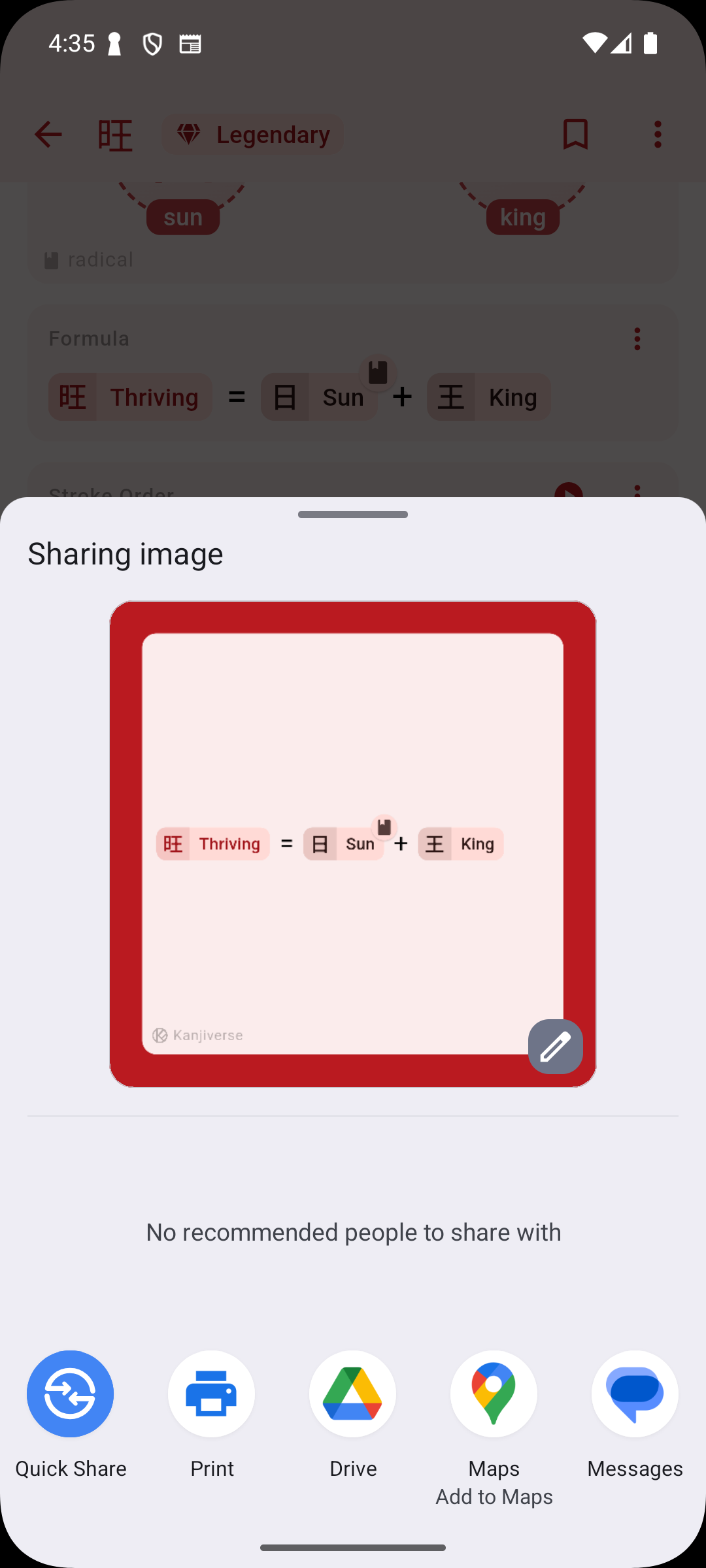
  • Share or Save: Once you’re satisfied with the look, share your card directly to any social media platform of your choice or save it to your device. This feature is designed to make sharing your progress and favorite content from Kanjiverse with your friends, study group, or social media followers easier than ever. Now, showing off your learning achievements or spreading the love for Japanese language learning is just a screenshot away!
Markdown Support in List Descriptions​

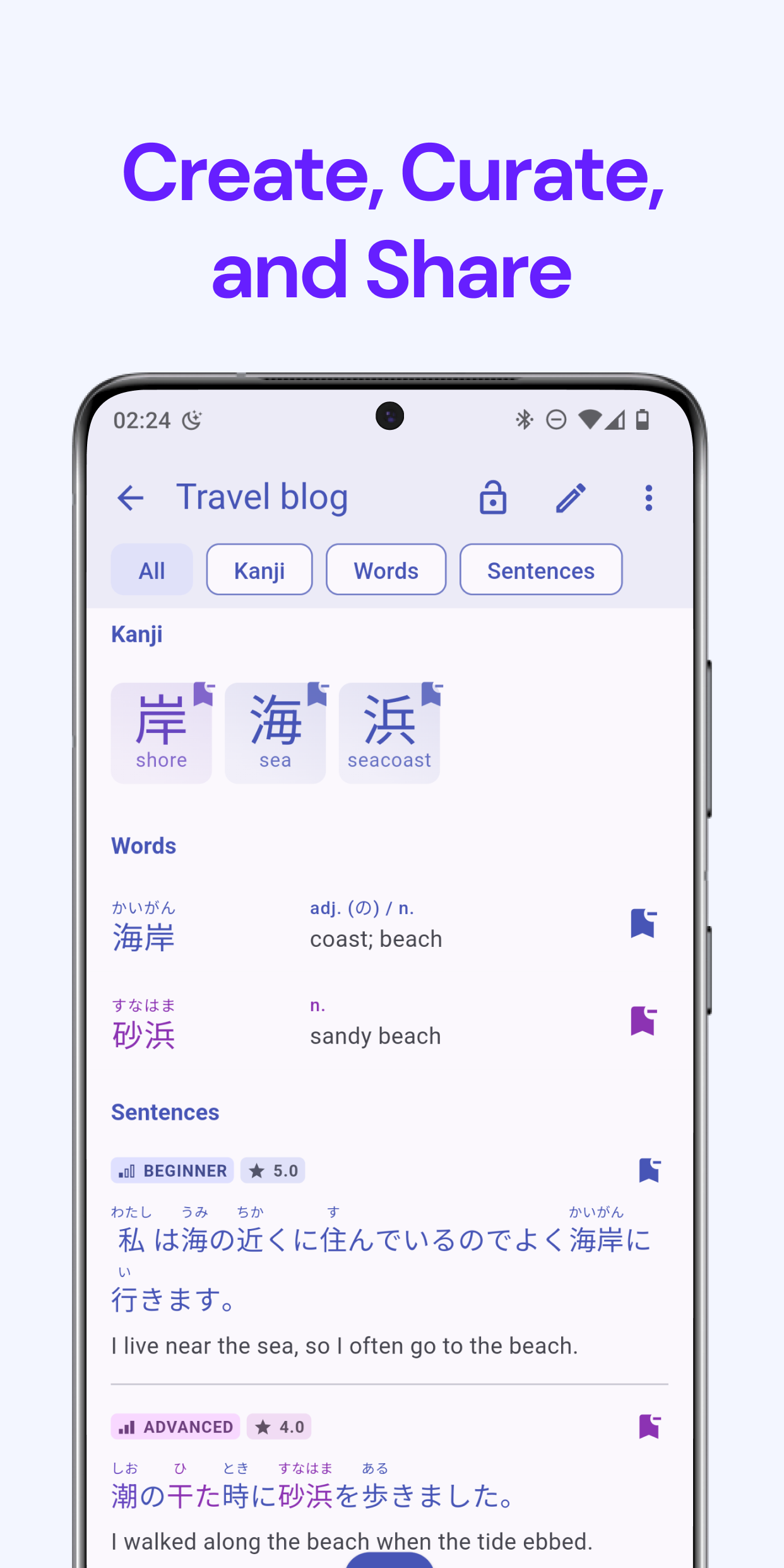
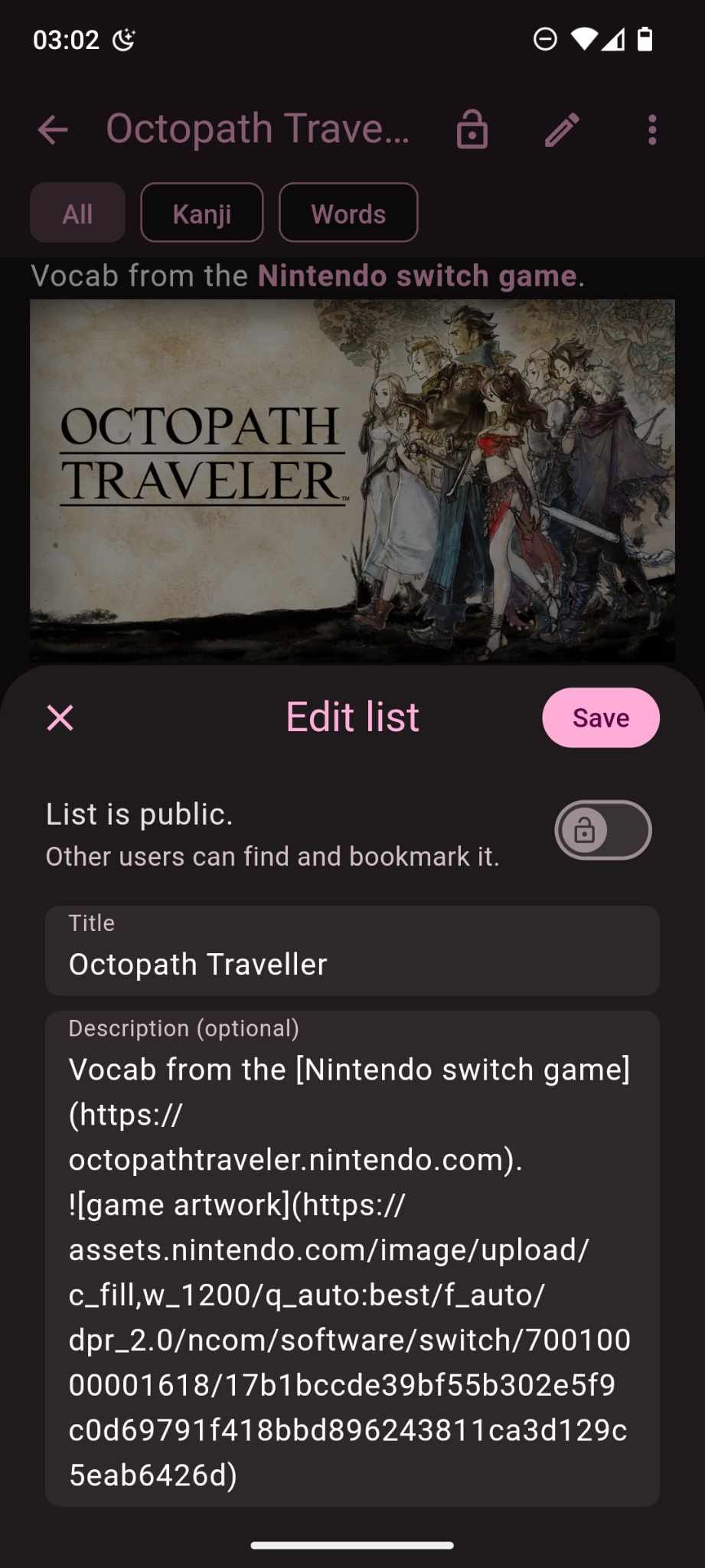
We know that sharing lists is a crucial part of how our users engage with Kanjiverse. To make your lists even more useful and visually rich, we’ve added Markdown support in list descriptions.

When you edit a list in Kanjiverse, the description field now supports Markdown formatting. This means you can:

  • Add links to external resources, websites, or any other relevant content.
  • Embed images to make your lists visually appealing and informative.
  • Format text with headers, bold, italics, and more for better organization and emphasis.
How It Works​

Simply enter your Markdown syntax in the description field while editing your list, and Kanjiverse will render it beautifully for you. Whether you’re creating a list of vocabulary from a game, sharing study tips, or curating learning resources, Markdown gives you the tools to make your content stand out.

Why It's Awesome​

Markdown support opens up a world of possibilities for how you share and present your lists. You can now create more engaging and informative lists that are not just text-based but rich in multimedia and external resources. It’s perfect for learners who want to share more than just words and make their lists truly interactive and useful for others.

Enhanced Feedback Feature​

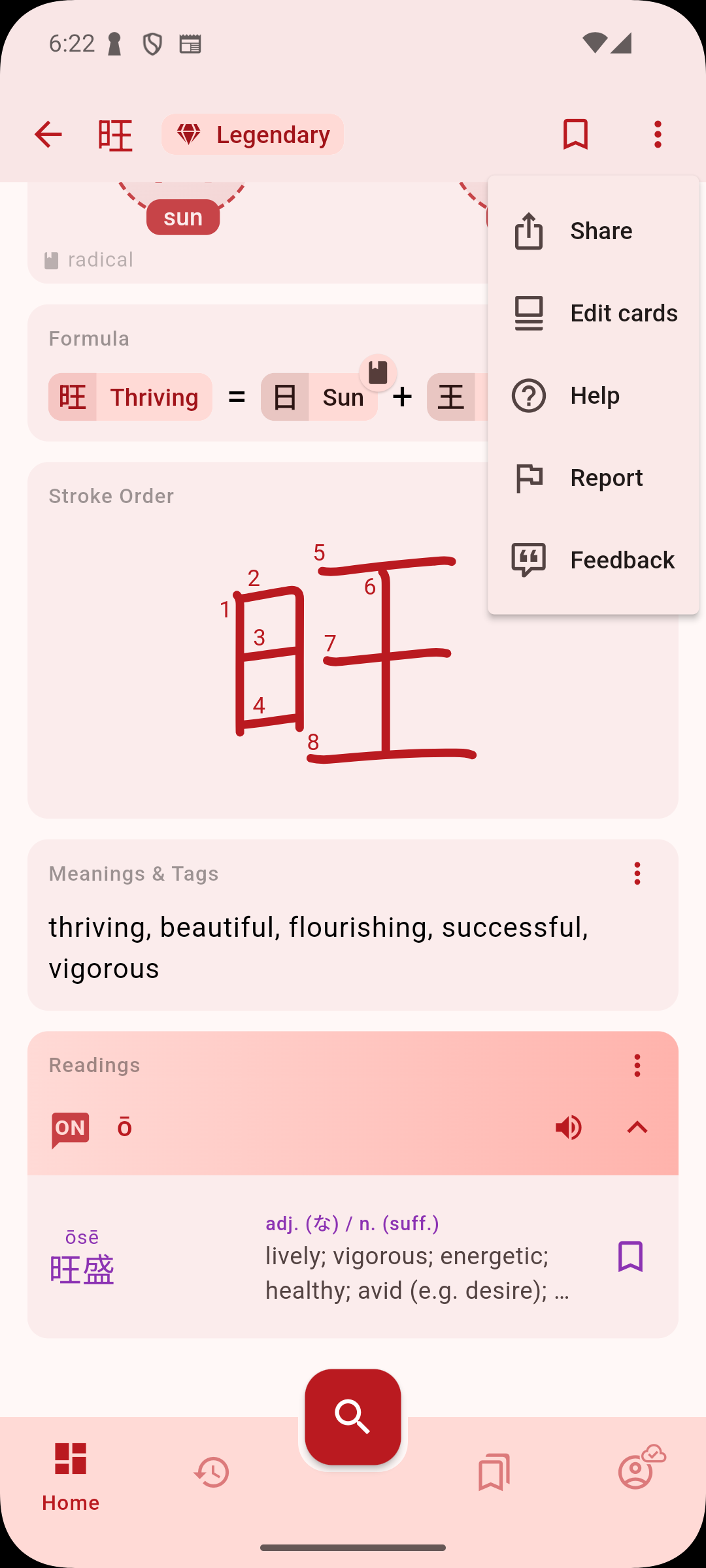
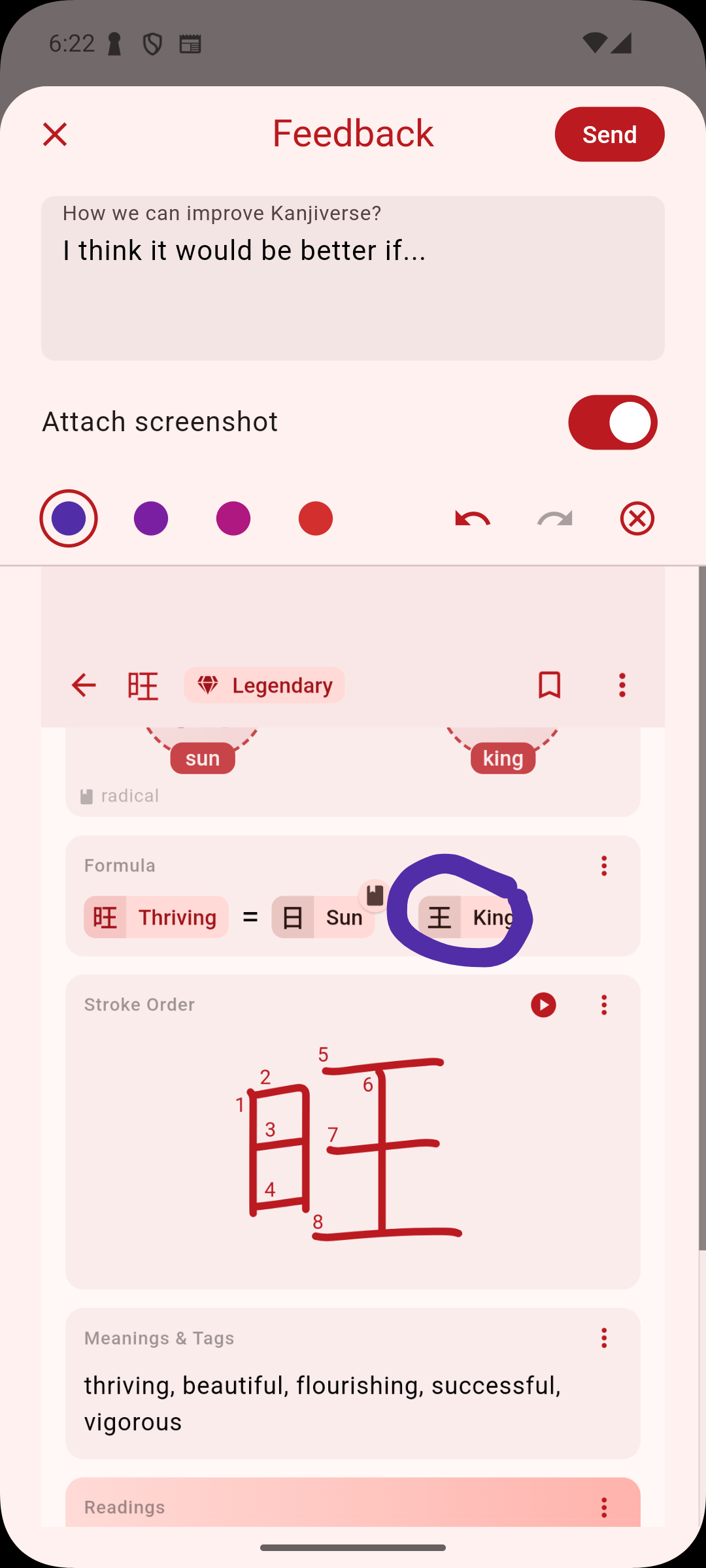
We’re also excited to introduce an enhanced feedback feature on iOS! If you have suggestions, ideas, or even a quick comment on how we can improve Kanjiverse, you can now send feedback directly from the app. You can even attach a screenshot of the exact kanji card or feature you’re referring to, making it easier than ever to communicate with our team. We value your input, and this new feature ensures that your voice is heard.

Why These Features Matter​

At Kanjiverse, we’re committed to providing tools that help you learn more effectively and share that knowledge effortlessly. The Screenshot and Share feature ensures that your learning moments can be easily shared and discussed, while Markdown support in list descriptions allows you to create richer, more engaging content. Together, these features make Kanjiverse not just a learning app but a vibrant community space where knowledge is shared, discussed, and celebrated.

Try out these new features today and see how they can enhance your study sessions and interactions within the Kanjiverse community. We’re excited to see the creative ways you’ll use these tools to share your love of Japanese learning!

Kanjiverse: Your Modern Japanese Learner's Dictionary!

· 3 min read
Gloria Kristiani
Kanjiverse

We are thrilled to announce the official release of Kanjiverse, a free app designed to modernize the way you learn Japanese. After rigorous beta testing and invaluable feedback from our early users, we’re finally ready to bring Kanjiverse to the world—starting with Japan and Asia Pacific, then gradually expanding to more countries across the globe.

Key Features of Kanjiverse:​
  • Japanese Learner's Dictionary: At the heart of Kanjiverse is our comprehensive learner's dictionary. It's designed to be more than just a reference tool—it’s an interactive learning experience. With features like kanji decomposition, example sentences, and customizable flashcards, this dictionary is built to help you master Japanese in context.
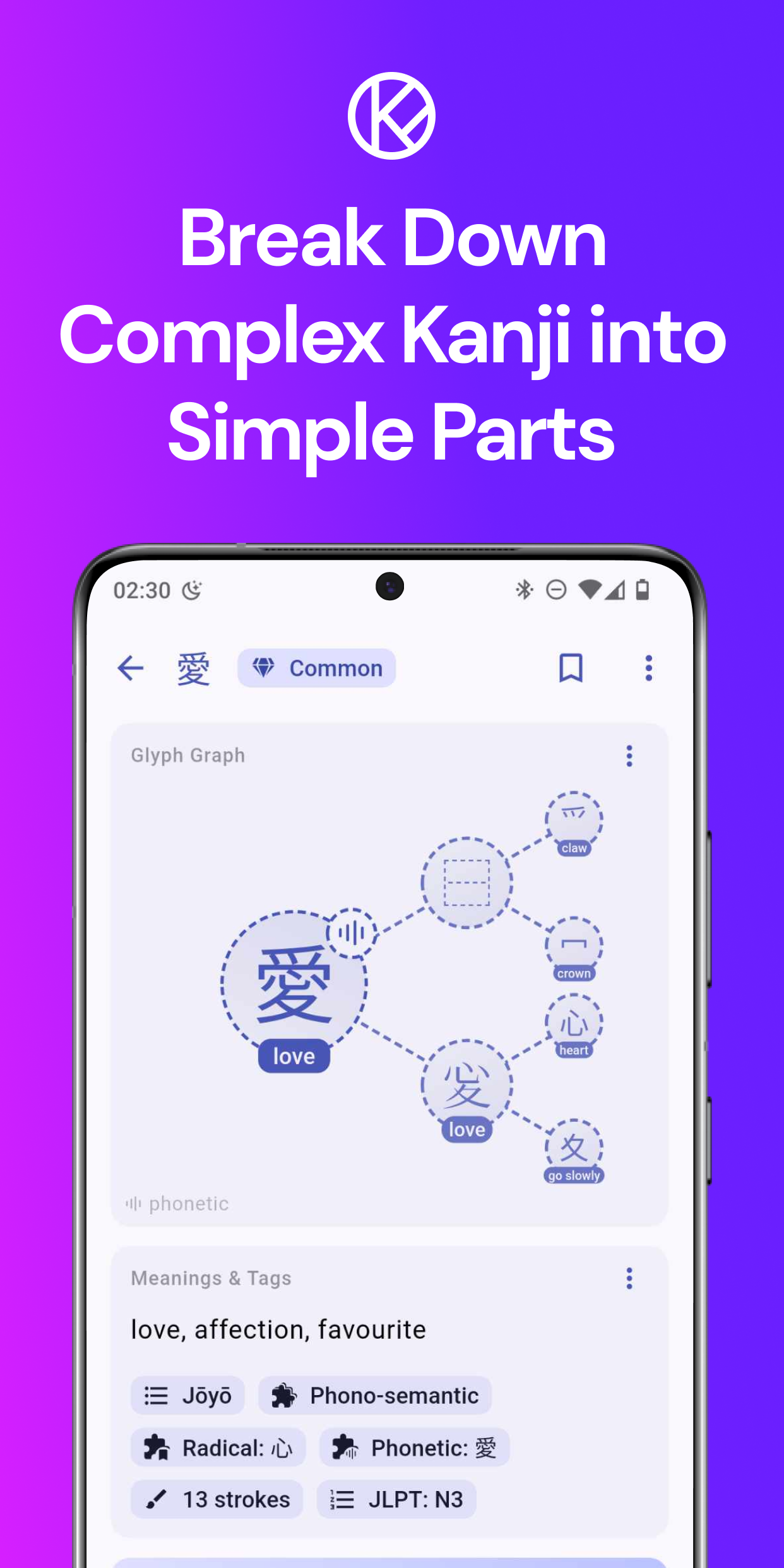
  • Kanji Decomposition: Break down complex kanji into their basic components and understand their meanings at a granular level. This feature is perfect for learners who want to dive deep into the intricacies of the Japanese writing system.
  • AI-Powered Sentence Generator: One of our most exciting features! Generate endless example sentences based on the context you choose—whether it's from anime, drama, or games. This feature ensures you’re not just learning isolated words, but seeing them in action.
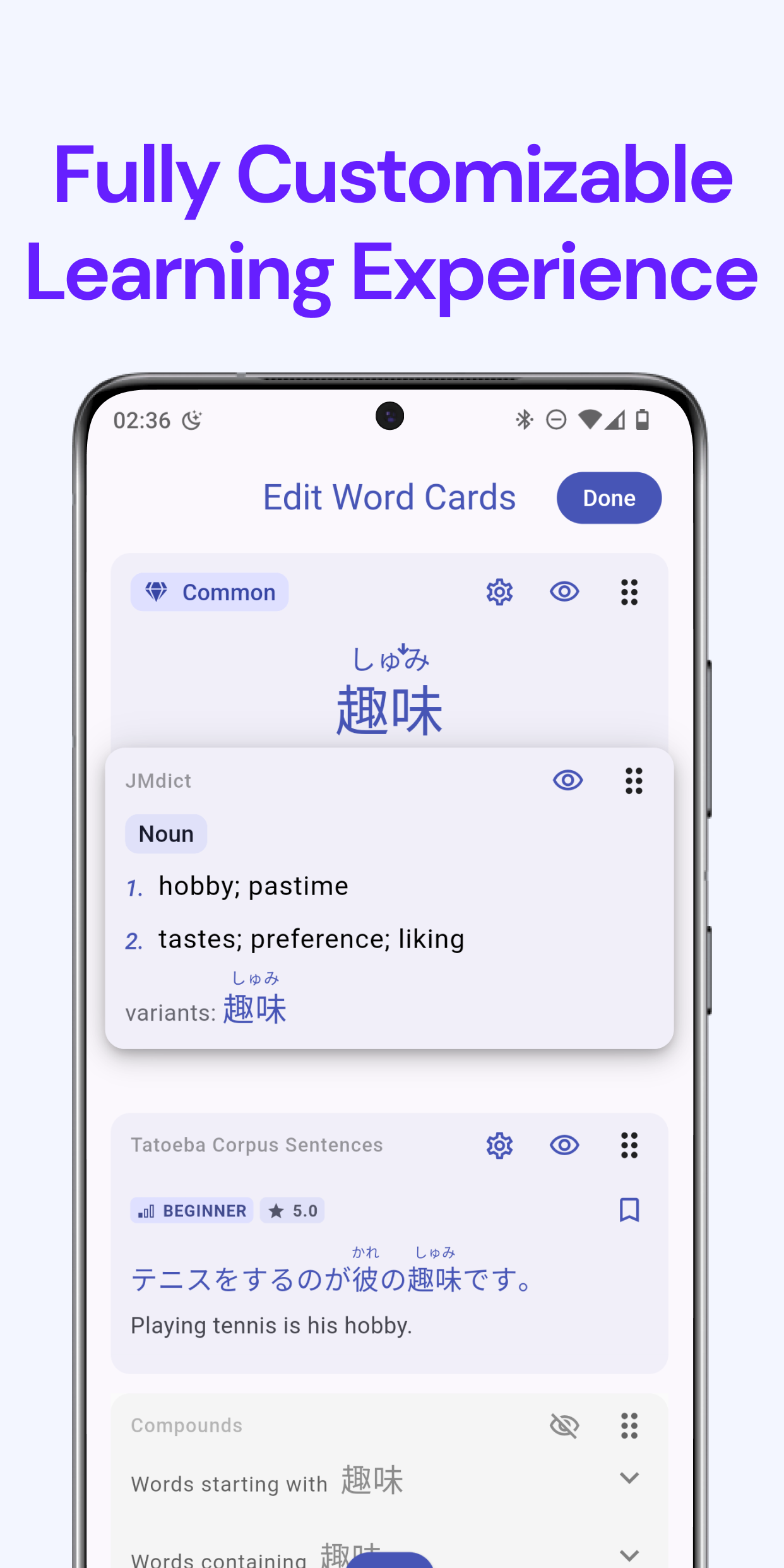
  • Customization Options: Tailor your learning experience with customizable cards. With Kanjiverse, you can focus on what matters most to you and progress at your own pace.
  • Offline Access: Learning doesn’t stop when you’re offline. Kanjiverse’s robust offline dictionary allows you to continue studying even without an internet connection.
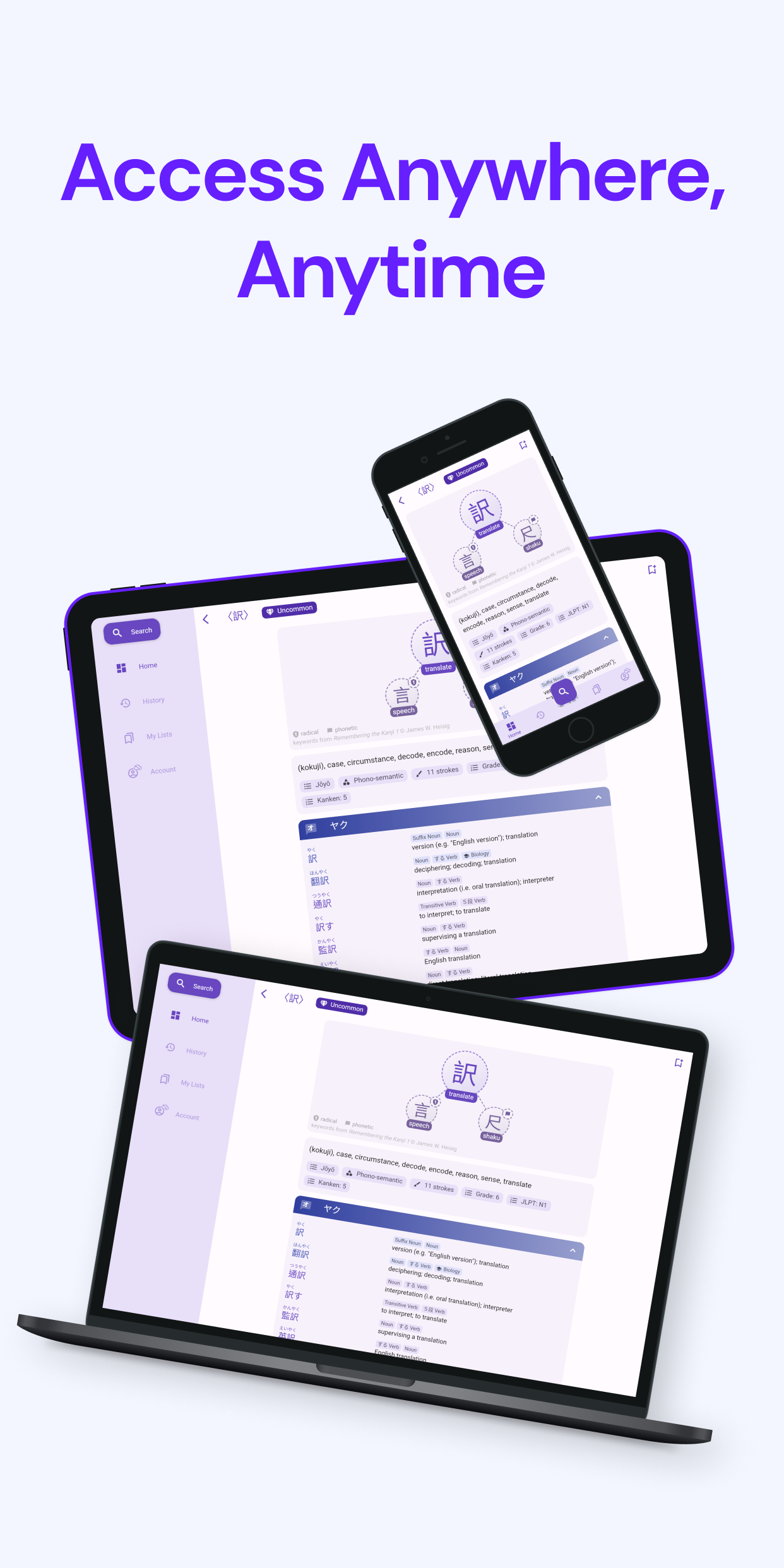
  • Seamless Sync Across Devices: Whether you’re using Kanjiverse on your phone, tablet, or web browser, your progress is always synced, ensuring a smooth learning experience across all your devices.
From Beta to Launch: Our Journey​

Our journey began with a vision to create a truly user-centric Japanese learning platform. During our beta phase, we invited learners from all walks of life to test Kanjiverse, and their feedback was instrumental in refining our features and improving the overall user experience. We’re deeply grateful to our beta users for their insights, and we’re proud to say that Kanjiverse is stronger and more effective because of them.

Rolling Out Globally​

As we launch in Asia Pacific, we’re excited to bring Kanjiverse to a broader audience. These regions have vibrant communities of Japanese learners, and we can’t wait to see how Kanjiverse will help them achieve their language goals.

What’s Next?​

This is just the beginning. We have big plans for Kanjiverse, including continuous updates, new features, and expansions to more regions. We’re committed to making Kanjiverse the ultimate tool for Japanese learners worldwide.