Registration
Creating an Account
In the navigation bar, go to Account and tap "Sign In". You will see the options to create your account: continue with Google, Apple, or email. All sign-in methods using the same email address are merged into the same account.
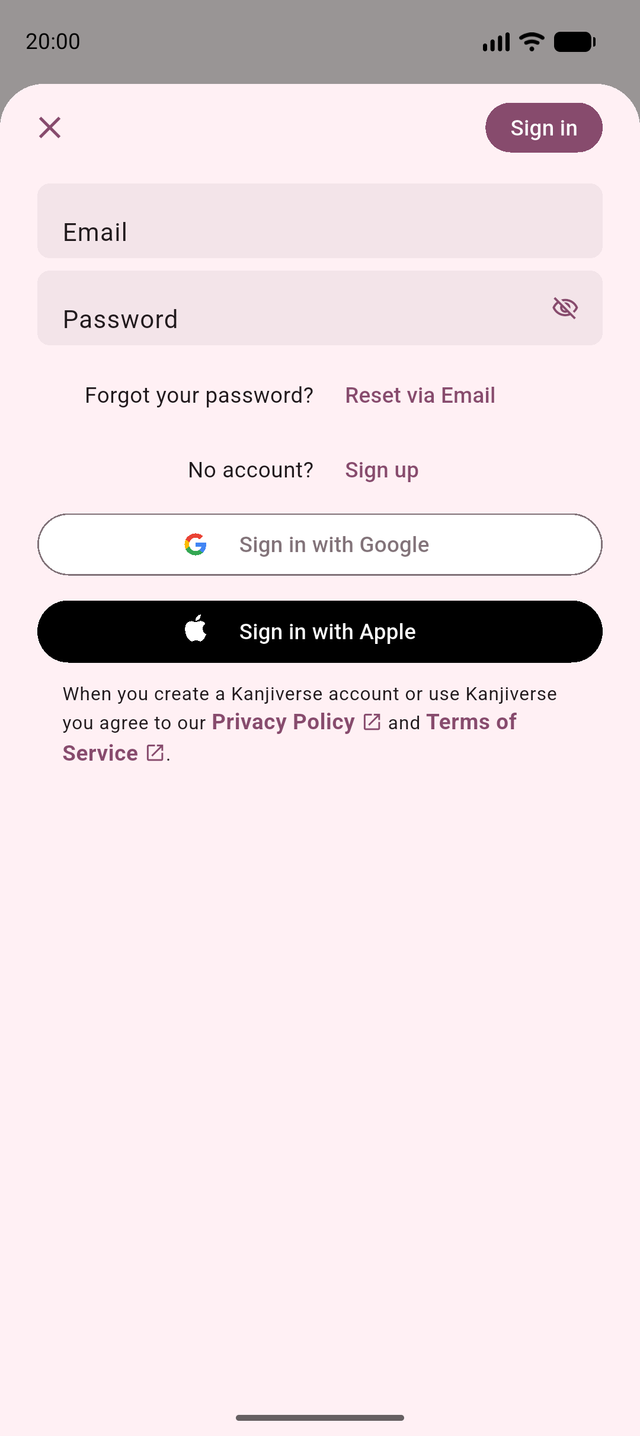
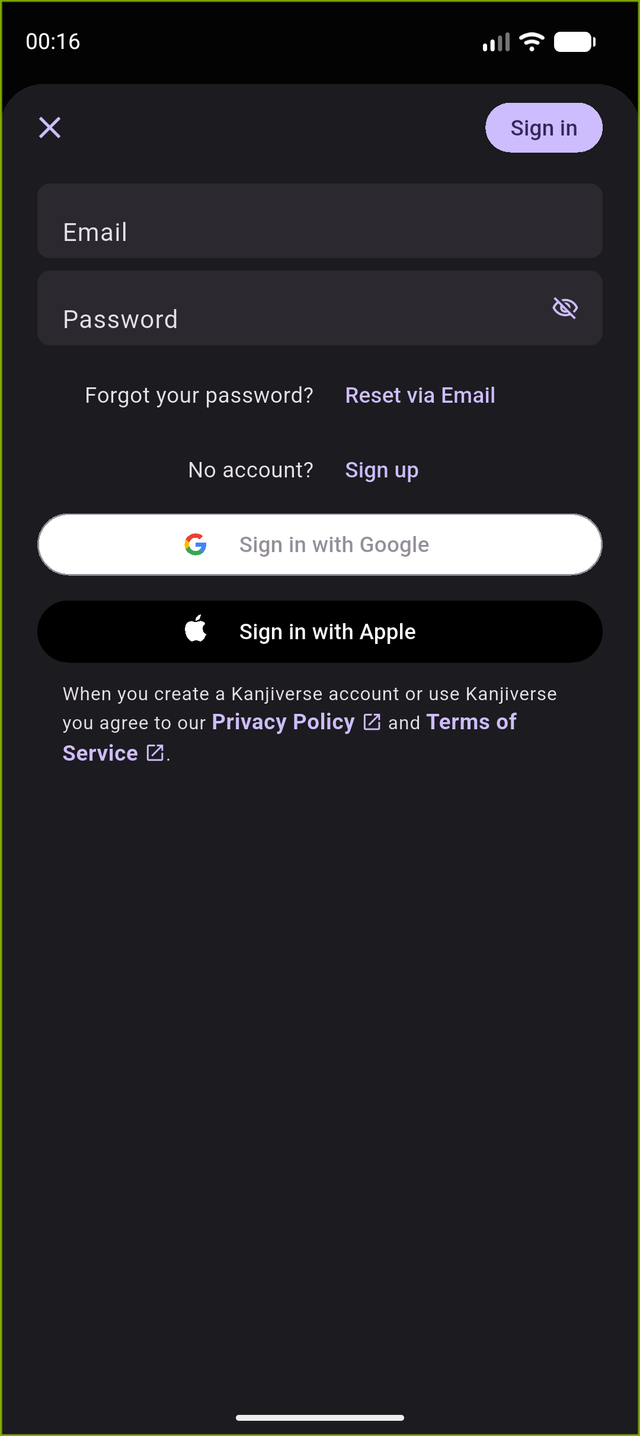
Signing in for the first time keeps the level and settings already configured on the device, and generates a random username and avatar for you.
Profile Overview
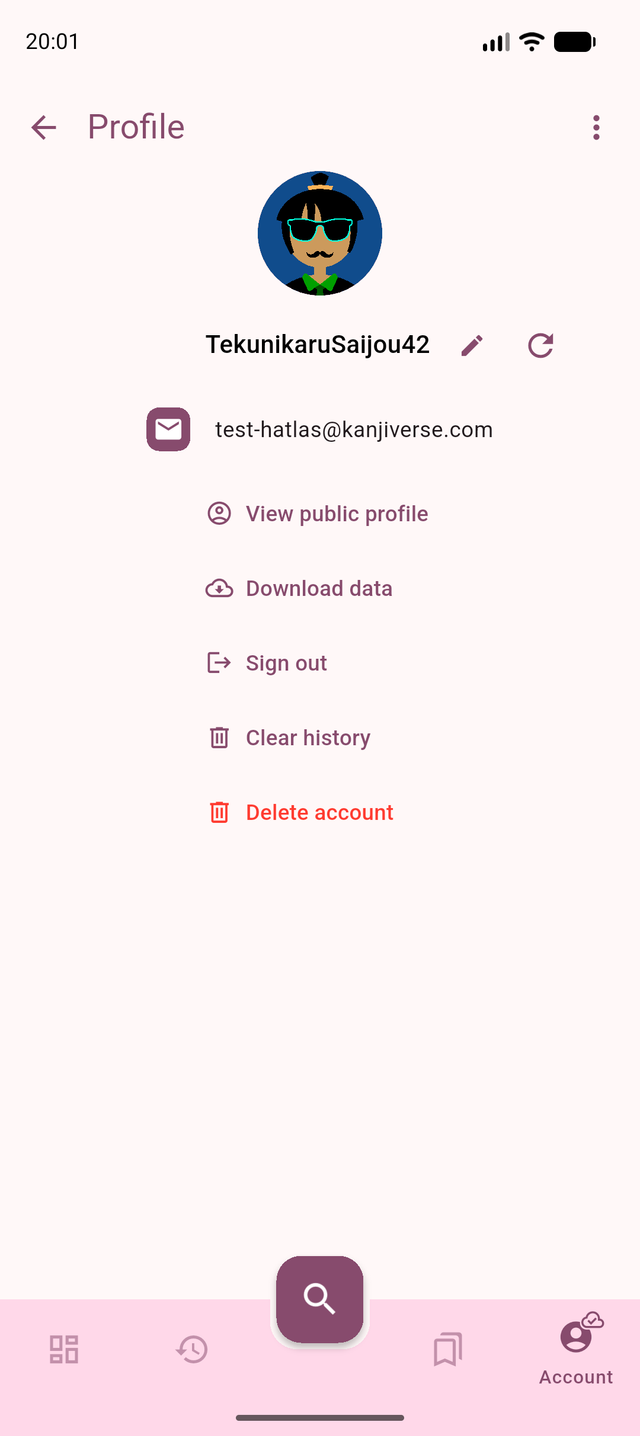
- The username is a randomly generated combination of a Japanese adjective + noun + number.
- The avatar is auto generated, based on the username.
- Changing the username will automatically update the avatar to a unique combination.
Editing Your Profile
- You can generate a random username by pressing the refresh icon next to the username, or you can input your own.
- It must be a combination of 4 to 32 letters (a-z, A-Z), numbers (0-9) and underscores (_).
- Your username should be unique, respect our Terms of Service (no offensive language), and not impersonate someone else or a company. We reserve the right to reset your username if it violates those terms.
Managing Your Account
From the profile screen you can also:
- View public profile: see your public page listing all the content you have shared.
- Download data: export all your user data as a JSON file.
- Clear history: delete your search history from our servers and your device.
- Sign out: sign out and remove your account data from this device.
- Delete account: permanently delete your account; we will make sure to scrap any piece of data from our servers.
Profile Privacy
- Your username and profile pic are a randomly generated username and avatar so you can share content and remain anonymous.
- Your sensitive data (API tokens and profile information) are encrypted on your device.